RSS verso 66 social network: Facebook, Instagram, X, LinkedIn, Telegram e altri Blog Affiliazione Contatti
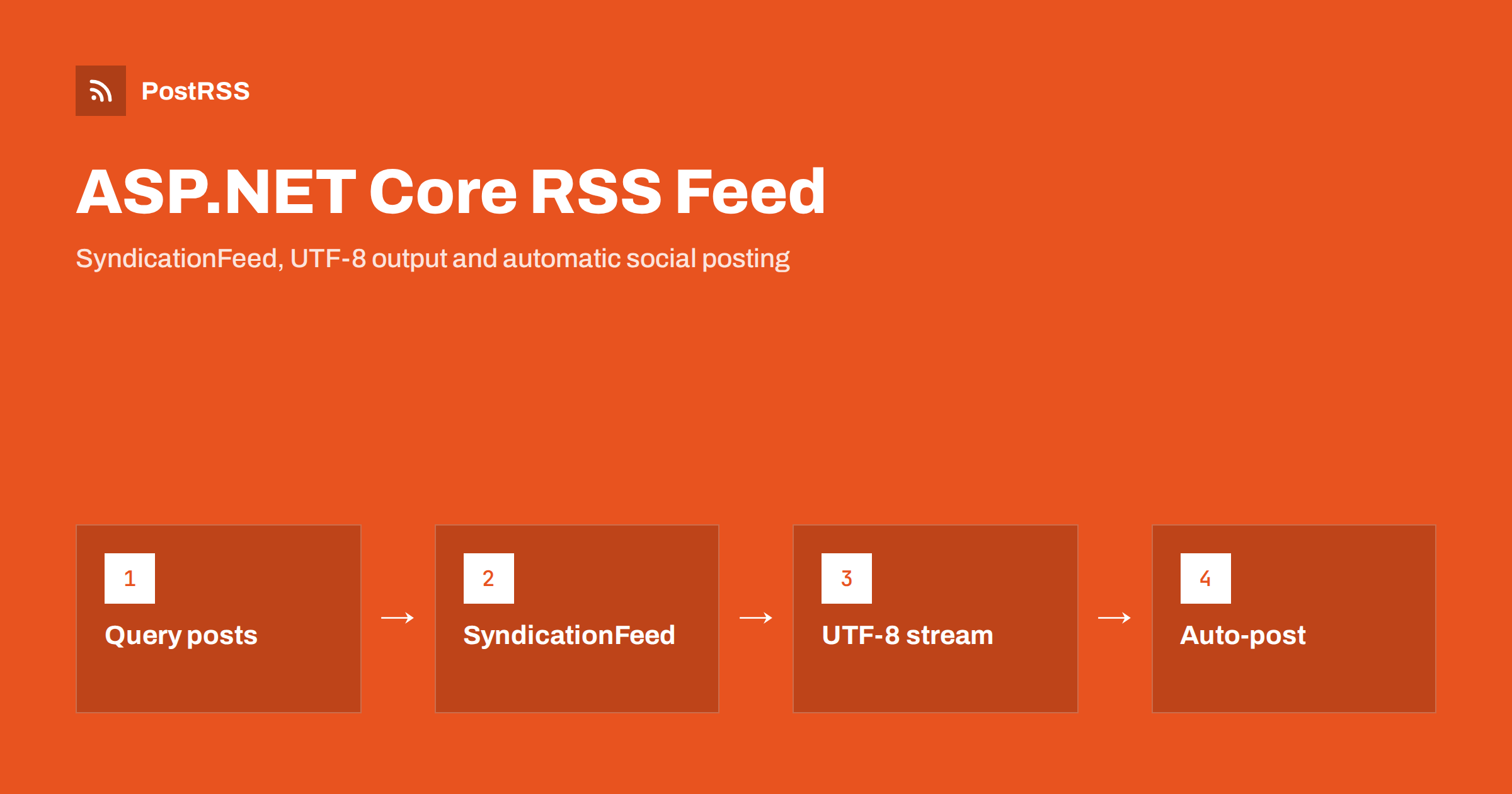
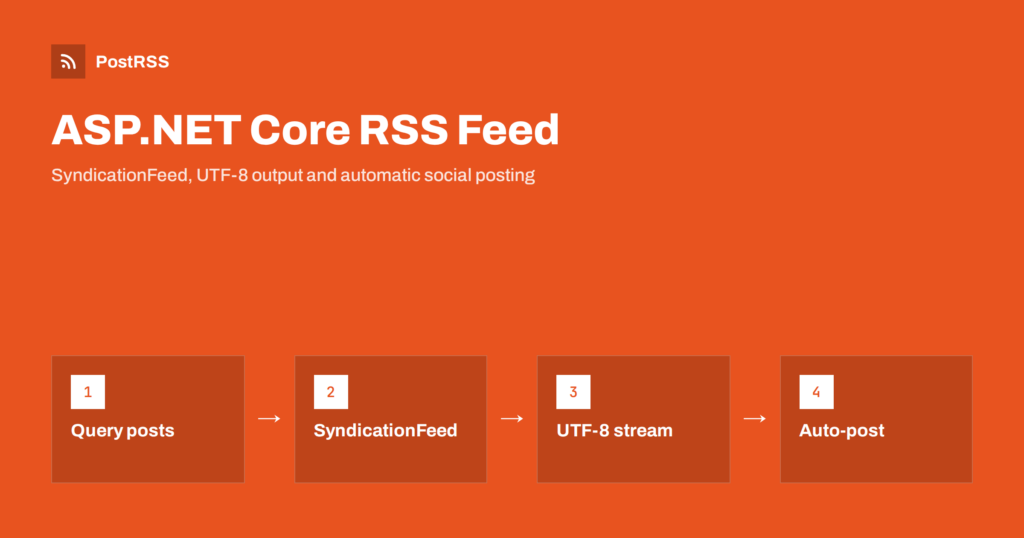
Short answer: An ASP.NET Core RSS feed is one endpoint. Add the System.ServiceModel.Syndication package, build a SyndicationFeed from your latest published posts with absolute URLs and UTC dates, write it with Rss20FeedFormatter through an XmlWriter set to UTF-8, and return it as application/rss+xml with output caching. Validate it once and any RSS auto-poster can share every new article automatically.
ASP.NET Core runs company websites, intranets, documentation portals, SaaS marketing sites and blogs built on custom .NET back ends. Unlike a packaged CMS, it does not give you a feed out of the box, so many .NET sites simply never publish one. That is a missed opportunity: a feed is what lets readers subscribe, newsletters pull your latest content and social automation tools share each article the moment it goes live. This guide shows a reliable way to build the feed with minimal APIs or MVC, the mistakes that most often break .NET feeds, and how to connect the result to social auto-posting.
Agree on the target before you write code. A dependable feed:
Images and categories are optional, but they matter a lot when the feed drives social posts, so we will add them once the basic version works.
.NET includes a mature feed model in the System.ServiceModel.Syndication namespace. In modern .NET it ships as a NuGet package:
dotnet add package System.ServiceModel.SyndicationThe package gives you SyndicationFeed e SyndicationItem classes plus formatters for RSS 2.0 and Atom 1.0. Because the formatter writes the XML, escaping of titles and summaries is handled for you, which removes the most common source of broken hand-made feeds. The SyndicationFeed API reference lists every property if you need more than the basics shown here.
The example assumes an Entity Framework Core context BlogDb with a Posts set whose entities have Title, Slug, Summary, PublishedAt (stored in UTC) and IsPublished. The public base address comes from configuration, which is the most predictable way to get correct absolute links.
using System.ServiceModel.Syndication;
using System.Text;
using System.Xml;
using Microsoft.EntityFrameworkCore;

app.MapGet("/rss.xml", async (BlogDb db, IConfiguration config) =>
{
    var baseUrl = config["Site:BaseUrl"]!.TrimEnd('/');
    var now = DateTime.UtcNow;

    var posts = await db.Posts
        .Where(p => p.IsPublished && p.PublishedAt <= now)
        .OrderByDescending(p => p.PublishedAt)
        .Take(30)
        .ToListAsync();

    var items = posts.Select(p =>
    {
        var url = $"{baseUrl}/blog/{p.Slug}";
        var item = new SyndicationItem(p.Title, p.Summary, new Uri(url), url,
            new DateTimeOffset(DateTime.SpecifyKind(p.PublishedAt, DateTimeKind.Utc)));
        item.PublishDate = item.LastUpdatedTime;
        return item;
    }).ToList();

    var feed = new SyndicationFeed("Example Blog", "New articles from Example",
        new Uri(baseUrl + "/"), items)
    {
        Language = "en"
    };

    var settings = new XmlWriterSettings
    {
        Encoding = new UTF8Encoding(false),
        Indent = true
    };
    using var stream = new MemoryStream();
    using (var writer = XmlWriter.Create(stream, settings))
    {
        new Rss20FeedFormatter(feed, false).WriteTo(writer);
    }

    return Results.File(stream.ToArray(), "application/rss+xml; charset=utf-8");
})
.CacheOutput(p => p.Expire(TimeSpan.FromMinutes(5)));
A few lines deserve attention. The query filters on both the published flag and the publication date, so drafts and scheduled posts stay out of the feed. The item ID is the permanent article URL, which becomes the item’s guid and should never change. The PublishDate is set explicitly, because RSS readers and auto-posting tools rely on pubDate. And the writer writes into a byte stream with UTF-8 encoding, which avoids the encoding trap described next.
The most famous .NET feed bug is a feed that declares encoding="utf-16". It happens when the formatter writes to a StringWriter: .NET strings are UTF-16 internally, so the writer announces UTF-16 in the XML declaration, while the HTTP response is actually sent as UTF-8. Some readers cope; many validators and auto-posting tools reject the feed or show broken characters.
MemoryStream or the response body with XmlWriterSettings.Encoding set to UTF-8, as in the example.new UTF8Encoding(false) writes UTF-8 without a BOM. A BOM before the XML declaration confuses some parsers.charset=utf-8.If characters such as quotes, accents or emoji still look wrong in social posts, our guide to encoding issues in RSS feeds walks through the usual causes.
If your project uses controllers instead of minimal APIs, the feed code moves into an action almost unchanged. Put the feed-building logic into a small service, for example IFeedBuilder, register it in dependency injection, and call it from a controller action decorated with [HttpGet("rss.xml")]. Return File(bytes, "application/rss+xml; charset=utf-8") from the action.
A shared service has another advantage: the main feed, category feeds and your tests all use one implementation. When you later add images or categories to items, every feed gets them at once, and nothing drifts apart.
The example takes the base address from configuration, which is the safest option. If you prefer to build URLs from the request, for instance with LinkGenerator.GetUriByName, remember that behind Nginx, IIS, a load balancer or a container platform the app may see an internal scheme and host.
app.UseForwardedHeaders() early in the pipeline with ForwardedHeaders.XForwardedFor | ForwardedHeaders.XForwardedProto, and add the proxy to KnownProxies oppure KnownNetworks when it is not on the same machine.http://, localhost and internal host names. None should appear.Richer items produce better social posts. After the basic feed validates, consider:
enclosure: item.Links.Add(SyndicationLink.CreateMediaEnclosureLink(new Uri(imageUrl), "image/jpeg", length)). Use an absolute URL to a reasonably sized image; many auto-posting tools use it as the post picture.item.Categories.Add(new SyndicationCategory("Tutorials")) writes a category element that tools can turn into hashtags or use for filtering.og:title, og:description e og:image, because tools often fall back to them._Layout.cshtml, add <link rel="alternate" type="application/rss+xml" title="Example Blog" href="https://example.com/rss.xml"> so browsers and tools can find the feed from any page.One site-wide feed is enough to begin. Later, per-category feeds help readers who want a single topic and make it simple to send different subjects to different social channels. In a minimal API, map a second route such as /category/{slug}/rss.xml, look up the category, return Results.NotFound() when it does not exist, and pass the filtered posts to the same feed builder with a category-specific title.
Keep the GUID of each article identical in every feed that contains it. Tools that follow both the main feed and a category feed will then recognise the article as one item and will not post it twice. If you ever do see duplicates, the guide on duplicate GUID fixes explains how auto-posters decide what is new.
Feeds are polled constantly. Readers, aggregators and auto-posting services request them on a schedule, often every few minutes. Without caching, every request runs a database query and builds XML.
builder.Services.AddOutputCache(), enable it with app.UseOutputCache() and attach a short policy to the endpoint, as in the example. Five minutes is a good default.Long cache lifetimes delay auto-posting, so keep them short. Our explanation of how feed caching makes auto-posts lag shows the effect in practice.
An integration test with WebApplicationFactory protects the feed from regressions. Request /rss.xml with the test client, assert status 200 and the RSS content type, load the body with XDocument.Parse and check that the first item has a title, an absolute link and a pubDate. Also assert that the declaration does not mention UTF-16.
| Problem | Typical cause in ASP.NET Core | Fix |
|---|---|---|
| Feed declares utf-16 | Formatter writes to a StringWriter | Write to a stream with UTF-8 XmlWriterSettings |
| Links use http or an internal host | Forwarded headers not processed | Use a configured base URL or UseForwardedHeaders |
| Dates shifted by hours | DateTime with Unspecified kind | Store UTC and use SpecifyKind before conversion |
| Scheduled posts visible early | Query ignores PublishedAt | Filter on PublishedAt <= DateTime.UtcNow |
| Same post shared twice | Item ID built from an editable title | Use the permanent URL or database ID |
| Feed downloads as a file | Generic content type | Return application/rss+xml; charset=utf-8 |
Before connecting automation, fetch the headers with curl -I, expect HTTP 200 without redirects, run the URL through the W3C Feed Validation Service and open a few item links in a private window to confirm they are public.
Once the feed is valid, sharing no longer depends on someone remembering to post. Add the feed URL to an auto-posting service, connect your social accounts and channels, decide how posts are built from the title, summary and link, and choose posting hours if you need them. The service checks the feed and publishes each new item once.
.NET teams often route content by audience: company news to a professional network, engineering posts to Mastodon or Bluesky, release notes to a Telegram channel, Discord server or team chat. Category feeds make each route a simple matter of choosing the right feed. More examples are collected under technical guides and the Feed RSS topic.
PostRSS reads any RSS or Atom feed, including one produced by Rss20FeedFormatter, and publishes each new item to the networks you connect. It checks feeds as often as every minute, uses the image from the feed item or the page’s Open Graph tags, and offers keyword filters, hashtags from item categories and UTM parameters. Developers can also use the PostRSS REST API v1 and outgoing webhooks, and the service has been running since 2014. See the features page for all 66 networks and the pricing page for what each plan includes.
An ASP.NET Core RSS feed needs one endpoint and a few careful choices: the syndication package for safe XML, a configured HTTPS base URL, UTC dates, permanent item IDs, UTF-8 output written to a stream, the right content type and a short output cache. Add images and categories, put a discovery link in the layout, cover the endpoint with an integration test and validate it once. After that the feed keeps working quietly, and every new article reaches subscribers and your social channels without anyone sharing it by hand.
Not in the core framework, but the System.ServiceModel.Syndication NuGet package provides feed classes and RSS 2.0 and Atom formatters that work in any ASP.NET Core project.
The formatter was written to a StringWriter, which declares UTF-16. Write to a stream with XmlWriterSettings set to UTF-8 so the declaration matches the response.
Either works. Minimal APIs keep a feed endpoint very short, while a controller fits projects that already use MVC. Put the feed logic in a shared service in both cases.
A few minutes is a good balance. It removes most of the load from frequent polling while new articles still reach readers and auto-posting tools quickly.
Yes. Once the feed is public and valid, an RSS auto-posting service can watch it and publish each new article to the social networks and channels you connect.
What changed in the networks, what broke, and how to fix it before it costs you reach.
Realizzati da Internet Solutions, il team dietro PostRSS. Ognuno ti fa risparmiare tempo in modo diverso.
 English
 Lietuviškai
 Deutsch
 Français
 Русский
 Español
 Polski
 Italiano
 Українська
 Čeština
 Português
 日本語
日本語 Latviešu valoda
 Eesti
Eesti Magyar
 Bahasa Indonesia
 Türkçe
 हिन्दी
 Ελληνικά
 العربية
 ไทย
ไทย Tiếng Việt
 Română
 Bahasa Melayu
 বাংলা
বাংলা