RSS tới 66 mạng xã hội: Facebook, Instagram, X, LinkedIn, Telegram và nhiều mạng khác Blog Tiếp thị liên kết Liên hệ
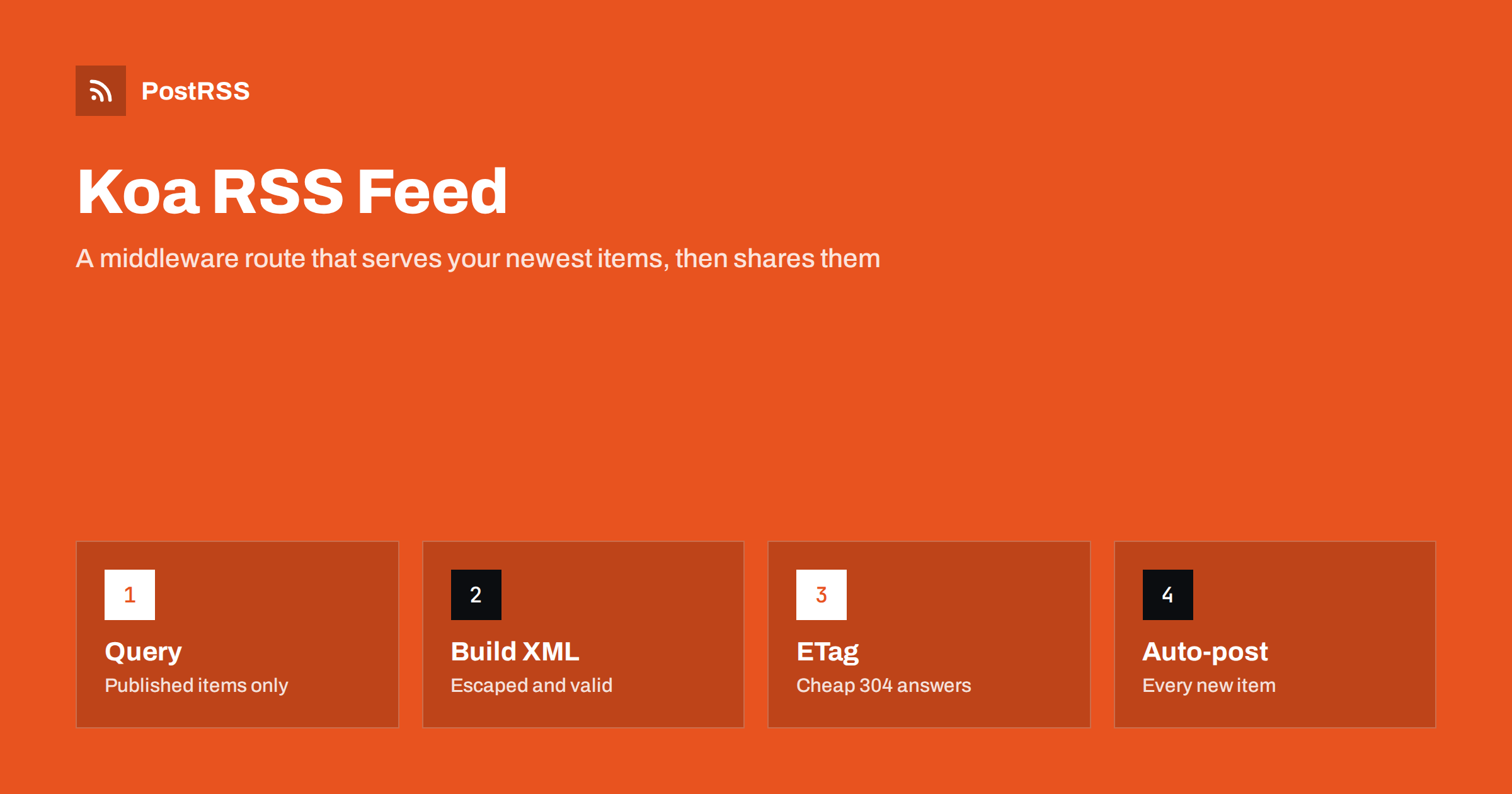
Short answer: To serve an RSS feed from a Koa app, add a router route for /feed.xml, read the newest published items from your database, build the RSS 2.0 XML with a small escape helper, format dates with toUTCString, and set the content type to application/rss+xml with a short cache header. Add koa-conditional-get and koa-etag so repeat requests receive a cheap 304 answer, test the feed with curl and a validator, and then give its public address to an auto-poster so every new item reaches your social channels.
Koa is a small Node.js framework from the team behind Express. It has no built-in router and no built-in feed support, which makes it pleasant for services where you want to choose each piece yourself. A common need appears sooner or later: the app publishes articles, product updates, listings or release notes, and people outside the app want to follow them. A feed is the standard answer. It lets readers, aggregators and auto-posters watch your content without an account or an API key. This guide builds a complete Koa RSS feed with caching and conditional requests, explains each decision and ends with the checks that keep it dependable.
A feed is worth adding whenever your service publishes things that people want to follow:
Without a feed, every announcement has to be copied to social networks by hand. If your content lives in a blog or a CMS instead, use the feed it already provides; see how to find your WordPress feed link. For the same job with a more common Node.js framework, see the Express guide.
Create a project and install the packages used here. Koa provides the application, @koa/router adds routes, the two small middleware packages handle conditional requests and better-sqlite3 reads the example database. Replace the last one with the driver for your own database.
mkdir koa-feed && cd koa-feed
npm init -y
npm pkg set type=module
npm install koa @koa/router koa-conditional-get koa-etag better-sqlite3
The type setting lets you use import statements. The example keeps everything in one file to make it easy to read. In a real project you would split the query, the feed builder and the route into separate modules.
import Koa from 'koa';
import Router from '@koa/router';
import conditional from 'koa-conditional-get';
import etag from 'koa-etag';
import Database from 'better-sqlite3';
const SITE_URL = process.env.SITE_URL ?? 'https://www.example.com';
const db = new Database(process.env.DB_PATH ?? 'data/site.db', { readonly: true });
const latest = db.prepare(
`SELECT id, title, slug, summary, published_at
FROM posts
WHERE status = 'published' AND published_at <= ?
ORDER BY published_at DESC
LIMIT 20`
);
const esc = (s) => String(s)
.replaceAll('&', '&')
.replaceAll('<', '<')
.replaceAll('>', '>')
.replaceAll('"', '"');
function buildFeed(posts) {
const newest = posts.length ? posts[0].published_at : 0;
const items = posts.map((p) => `
<item>
<title>${esc(p.title)}</title>
<link>${SITE_URL}/news/${encodeURIComponent(p.slug)}/</link>
<guid isPermaLink="false">post-${p.id}</guid>
<pubDate>${new Date(p.published_at * 1000).toUTCString()}</pubDate>
<description>${esc(p.summary)}</description>
</item>`).join('');
return `<?xml version="1.0" encoding="UTF-8"?>
<rss version="2.0" xmlns:atom="http://www.w3.org/2005/Atom">
<channel>
<title>Example News</title>
<link>${SITE_URL}/news/</link>
<description>Latest news from Example</description>
<language>en</language>
<lastBuildDate>${new Date(newest * 1000).toUTCString()}</lastBuildDate>
<atom:link href="${SITE_URL}/feed.xml" rel="self" type="application/rss+xml"/>${items}
</channel>
</rss>`;
}
const router = new Router();
router.get('/feed.xml', (ctx) => {
const posts = latest.all(Math.floor(Date.now() / 1000));
ctx.type = 'application/rss+xml; charset=utf-8';
ctx.set('Cache-Control', 'public, max-age=300');
ctx.body = buildFeed(posts);
});
const app = new Koa();
app.use(conditional());
app.use(etag());
app.use(router.routes()).use(router.allowedMethods());
app.listen(Number(process.env.PORT ?? 3000));Several details carry most of the correctness. The query filters on both the status and the date, so drafts and items dated in the future never appear. The escape helper turns an ampersand or an angle bracket in a title into a safe entity, so one careless character can no longer break the file. The date comes from toUTCString, which writes English UTC dates such as Mon, 19 Oct 2026 07:40:00 GMT regardless of the language of the server. The GUID is marked with isPermaLink set to false because it is an identifier and not an address.
| RSS element | Source in the app | Rule |
|---|---|---|
| title | post title | Escaped, under about 100 characters |
| link | site address plus slug | Always absolute and always the public address |
| guid | database identifier | Never changes, even if the slug changes |
| pubDate | publication date | UTC, RFC 822 style, never in the future |
| description | summary | Plain text; the first sentences matter most |
The GUID deserves special attention. Use the database identifier and not the slug, because slugs get edited. A new GUID makes an old item look new, and an auto-poster may share it again; see why your RSS feed auto-posts the same article twice. Date mistakes are another common cause of trouble; see RSS date format errors. If your summaries contain HTML, escape them as shown, or wrap them in CDATA as described in CDATA and HTML in RSS descriptions.
Auto-posters and readers request the same feed again and again, usually many times an hour. Most of those requests find nothing new, so sending the full file each time wastes bandwidth. The two middleware lines solve this. The koa-etag package computes a hash of the response body and sends it as an ETag header. The koa-conditional-get package compares it with the If-None-Match header of the next request and, when they match, answers with 304 Not Modified and no body. Order matters: the conditional middleware must be registered before the ETag middleware, as in the example. A client that understands this saves a download, and your server saves a little bandwidth. The mechanism is explained in more detail in RSS feed ETags and conditional GET.
The Cache-Control header in the route lets a proxy or a content delivery network serve the same copy for 300 seconds. That is a sensible protection, because each uncached request runs a query. Do not cache for hours: a long lifetime delays every share by the same amount, as explained in RSS feed caching explained. Keep an index on the status and published columns so the query stays fast as the table grows. A slow feed is a real problem, because auto-posters give up after a timeout and may skip a check; see RSS feed timeouts. Because better-sqlite3 is synchronous, a heavy query would block the whole process, so with a larger database use an asynchronous driver and a short cache.
In production a Koa app normally runs behind a reverse proxy such as Nginx or Caddy, which terminates the secure connection and forwards the path /feed.xml to the app. Let the proxy compress the response; see RSS feed compression. If there is no proxy, the koa-compress package does the same job inside the app. Build links from the fixed SITE_URL setting and not from the request, because behind a proxy the request host can be an internal name that would leak into every link. Make sure the proxy passes the correct content type through unchanged, since some defaults rewrite XML to plain text; see the RSS content type header.
Auto-posters build the preview card from the image of the item, so add one when you can. Store the full public address of the picture with the post and add an enclosure element with its address, size and real type inside each item. Always use absolute addresses, because a relative one breaks when the feed is read elsewhere; see relative URLs in RSS feeds. The way these tags are handled is explained in RSS enclosure tags explained. Also make sure each article page carries correct Open Graph tags, because many networks use them for the card.
curl -i https://www.example.com/feed.xml and check for a 200 status, the XML content type, the ETag and the cache header. The method is explained in debugging an RSS feed with curl.If anything looks wrong later, the checklist in RSS feed not updating helps you find the cause quickly.
The feed logic is identical in both frameworks. The differences are small. Koa passes one context object to each middleware, so you set the type with ctx.type and the body with ctx.body instead of calling response methods. Middleware runs in a cascade, which is why registration order matters for the conditional and ETag packages. Koa also has no router in the core, so you add one yourself. If your team already knows Express, nothing here will feel strange, and moving a feed from one to the other takes minutes because only the route handler changes.
PostRSS has been publishing RSS and Atom feeds to social networks since 2014. Paste the address of your feed.xml route, connect your accounts and choose how each post is built from the title, the description or the page title. PostRSS checks the feed as often as every minute and shares each new item, with its image and link, to the channels you choose among 66 supported networks, messengers, team chats and blogs, including LinkedIn, X, Bluesky, Mastodon and Telegram. Keyword filters, UTM parameters and posting windows let you tune each channel, and webhooks connect PostRSS to your own systems. See the PostRSS features page and the plan limits on the pricing page. More developer guides are under the Technical Guide tag.
Koa needs only a router, a query and a small template to serve a dependable RSS feed: select published items dated in the past, escape every value, use a stable GUID, format dates in English UTC, build links from a configured site address and return the XML with the right content type and a short cache. Add the conditional and ETag middleware in the right order, test with curl and a validator, keep the address unchanged and connect it to an auto-poster. After that, every item you publish can reach your social channels automatically.
No. Koa has no router and no feed support in its core. You build the XML yourself or use a small library, and the route simply sets the content type and returns the string.
They let clients that send an If-None-Match header receive a 304 answer without the body. Auto-posters check feeds very often, so this saves bandwidth and processing on both sides.
Yes. Packages such as feed generate RSS, Atom and JSON from the same data. The rules stay the same: only published items, newest first, a limit of about twenty and a stable GUID for each item.
Between ten and twenty of the newest published items is enough. An auto-poster only needs recent items, and a smaller file is faster to download and parse.
Give every item a stable identifier and use it as the GUID. Avoid editing the publication date of items that are already public, because some tools treat a changed date as a new item.
Yes. PostRSS reads any valid RSS or Atom address that is reachable without a login. Paste the address, connect your channels and new items are shared as soon as they appear.
What changed in the networks, what broke, and how to fix it before it costs you reach.
Do Internet Solutions, đội ngũ đứng sau PostRSS, phát triển. Mỗi sản phẩm giúp bạn tiết kiệm thời gian theo một cách riêng.
 English
 Lietuviškai
 Deutsch
 Français
 Русский
 Español
 Polski
 Italiano
 Українська
 Čeština
 Português
 日本語
日本語 Latviešu valoda
 Eesti
Eesti Magyar
 Bahasa Indonesia
 Türkçe
 हिन्दी
 Ελληνικά
 العربية
 ไทย
ไทย Tiếng Việt
 Română
 Bahasa Melayu
 বাংলা
বাংলা