RSS в 66 социальных сетей: Facebook, Instagram, X, LinkedIn, Telegram и другие Блог Партнерская программа Контакты
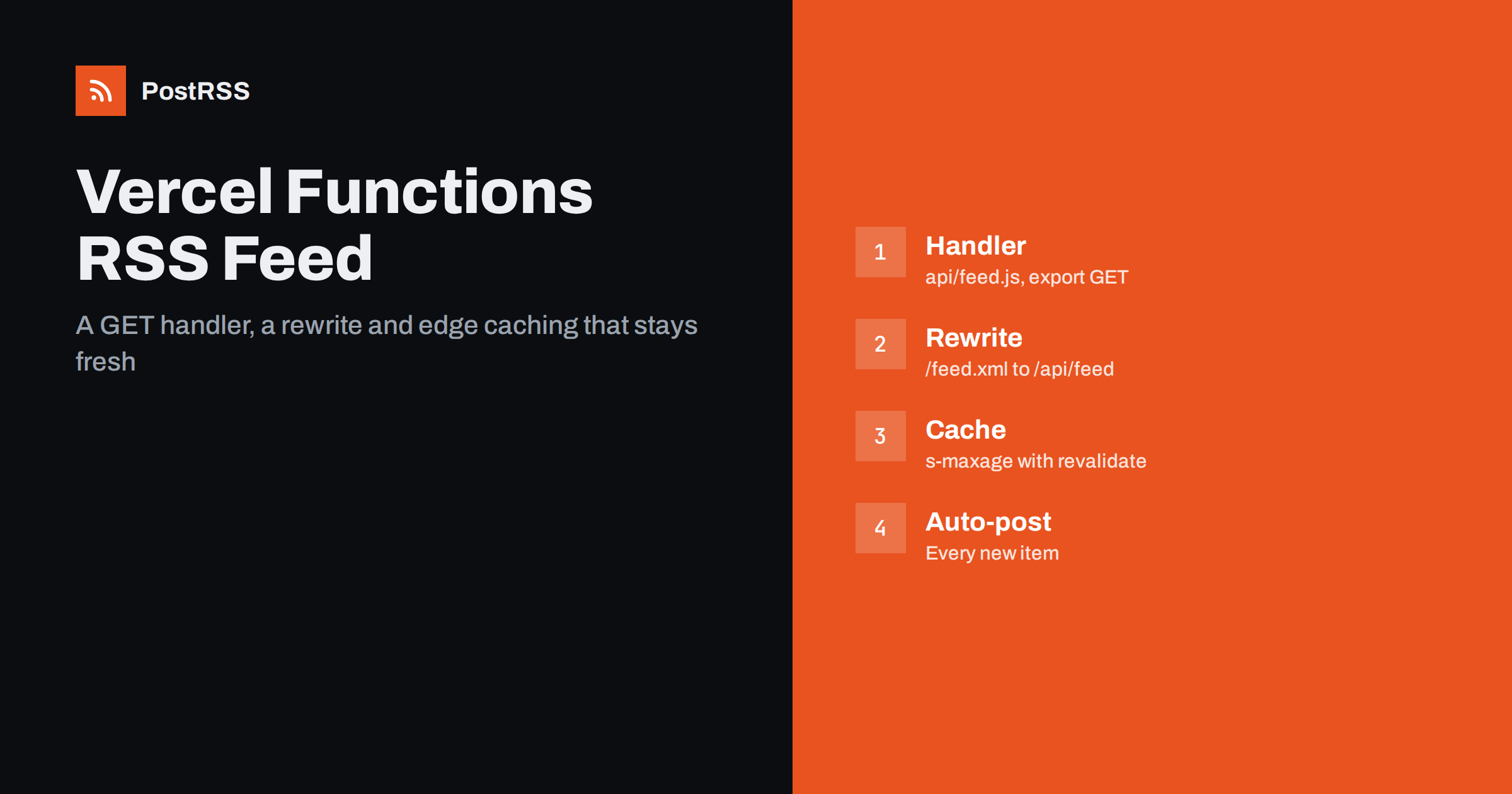
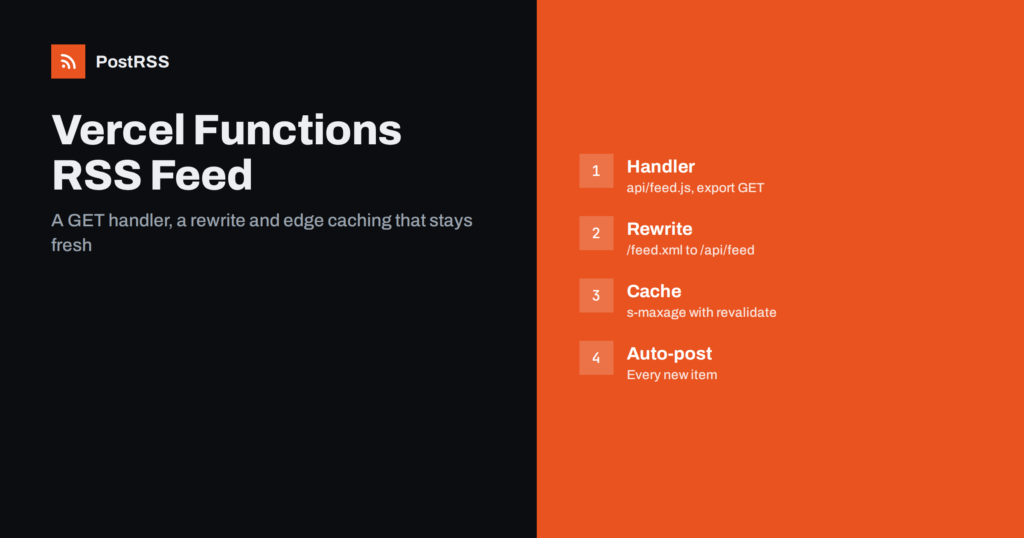
Short answer: To serve an RSS feed from Vercel, create a function in the api folder that exports a GET handler, load your published posts, build the XML with CDATA-wrapped text, stable GUIDs and UTC dates, and return a Response with the application/rss+xml content type. Add a rewrite in vercel.json so the function answers at /feed.xml, send a Cache-Control header with s-maxage so the Vercel CDN keeps the response for a few minutes, answer If-Modified-Since with a 304, link the feed from your layout, test the deployed address with curl and give it to an auto-poster so new posts are shared automatically.
Vercel hosts websites and runs functions on request, which makes it a natural home for a feed that must stay current without a rebuild. A blog that reads posts from a headless CMS, a database or an API can generate the feed every time it is asked, and the CDN in front of the function keeps the cost and the response time low. Nothing in the platform produces a feed for you, but a function that returns XML is only a few dozen lines. This guide builds a complete feed function with correct dates, safe escaping and sensible caching, shows the rewrite that gives the feed a clean address, and ends with the checks that keep the feed dependable once other systems rely on it.
If your content lives in a platform that already provides a feed, use that feed. Build your own when the posts come from your own database, from markdown in a repository, or from an API that has no ready-made feed. A function is also the right choice when the content changes between deployments, because a feed written at build time would stay out of date until the next release. If your site is fully static and rebuilt on every change, a build-time file is simpler; see a static RSS feed generated by a script for that approach. For other serverless platforms, the same pattern is described in the Netlify Functions guide, the Azure Functions guide и the AWS Lambda guide.
A Vercel Function uses a web standard handler. In a project that is not built with Next.js, you create a file in the api folder and export a function named after the HTTP method. It receives a standard Request object and returns a standard Response object, so you control the body, the status code and every header. The file name sets the address: a file called feed.js in the api folder is served at /api/feed. In a Next.js project that uses the App Router, the same function body goes into a route file, for example app/feed.xml/route.ts, and the address follows the folder name.
The function needs a way to load the newest published posts. The example below reads from a JSON API, but the shape is the same for a database client or a CMS library. The important part is the condition on the publication time: without it, a post scheduled for tomorrow would appear in the feed today, and an auto-poster would share it before it exists on the website.
// api/_posts.js
export async function getPublishedPosts(limit = 20) {
  const response = await fetch(process.env.POSTS_API_URL + "?limit=" + limit, {
    headers: { Authorization: "Bearer " + process.env.POSTS_API_TOKEN },
  });
  if (!response.ok) throw new Error("Posts API returned " + response.status);
  const rows = await response.json();
  const now = Date.now();
  return rows
    .map((row) => ({
      slug: row.slug,
      title: row.title,
      summary: row.summary,
      publishedAt: new Date(row.published_at),
    }))
    .filter((post) => post.publishedAt.getTime() <= now)
    .sort((a, b) => b.publishedAt - a.publishedAt)
    .slice(0, limit);
}
Store the token in an environment variable in the project settings, never in the repository. A file whose name starts with an underscore is a helper, not a route, so it is not exposed as an address in most setups; check the behaviour of your framework and move helpers outside the api folder if in doubt.
Create api/feed.js. The code below builds the document, wraps free text in CDATA, derives the last build date from the newest post, answers conditional requests and sets the caching headers. The site address comes from an environment variable and not from the incoming request, so a preview deployment can never write its own address into a feed that a CDN or an auto-poster later stores.
// api/feed.js
import { getPublishedPosts } from "./_posts.js";

const SITE = process.env.SITE_URL || "https://example.com";

function cdata(text) {
  const safe = String(text).split("]]>").join("]]]]><![CDATA[>");
  return "<![CDATA[" + safe + "]]>";
}

function buildFeed(posts) {
  const newest = posts.length ? posts[0].publishedAt : new Date(0);
  const items = posts.map((post) => {
    const url = SITE + "/blog/" + encodeURIComponent(post.slug) + "/";
    return [
      "<item>",
      "<title>" + cdata(post.title) + "</title>",
      "<link>" + url + "</link>",
      '<guid isPermaLink="true">' + url + "</guid>",
      "<pubDate>" + post.publishedAt.toUTCString() + "</pubDate>",
      "<description>" + cdata(post.summary) + "</description>",
      "</item>",
    ].join("");
  });
  return (
    '<?xml version="1.0" encoding="UTF-8"?>' +
    '<rss version="2.0" xmlns:atom="http://www.w3.org/2005/Atom"><channel>' +
    "<title>Example Journal</title>" +
    "<link>" + SITE + "/</link>" +
    "<description>News and guides from Example Journal.</description>" +
    "<language>en</language>" +
    "<lastBuildDate>" + newest.toUTCString() + "</lastBuildDate>" +
    '<atom:link href="' + SITE + '/feed.xml" rel="self" type="application/rss+xml"/>' +
    items.join("") +
    "</channel></rss>"
  );
}

export async function GET(request) {
  const posts = await getPublishedPosts(20);
  const newest = posts.length ? posts[0].publishedAt : new Date(0);
  const headers = {
    "Last-Modified": newest.toUTCString(),
    "Cache-Control": "public, s-maxage=300, stale-while-revalidate=600",
  };

  const since = request.headers.get("if-modified-since");
  if (since && new Date(since).getTime() >= newest.getTime()) {
    return new Response(null, { status: 304, headers });
  }

  return new Response(buildFeed(posts), {
    status: 200,
    headers: { ...headers, "Content-Type": "application/rss+xml; charset=utf-8" },
  });
}
Titles and summaries are wrapped in CDATA sections, so ampersands, quotation marks and angle brackets in your content cannot break the XML. The only sequence that is illegal inside CDATA is its own terminator, and the helper splits it safely. Links and GUIDs are built from a slug that has been through encodeURIComponent, so they contain no characters that need escaping.
The function lives at /api/feed, but readers expect a feed at a tidy address such as /feed.xml. A rewrite in vercel.json maps one to the other without a redirect, so the address in the browser and in stored subscriptions stays the same.
{
  "rewrites": [
    { "source": "/feed.xml", "destination": "/api/feed" }
  ]
}
Decide on the public address once and keep it. Subscribers and auto-posters store it, so changing it silently breaks every connection. If your framework already uses a rewrite file of its own, add the rule there instead of creating a second configuration.
The Cache-Control header in the example uses s-maxage, which tells the Vercel CDN how long it may serve the stored response, and stale-while-revalidate, which lets it serve the stored copy once while it fetches a fresh one in the background. Five minutes is a sensible lifetime for most blogs: it protects your data source from every poll, and a new post still reaches the feed quickly. A feed that lags behind the website by an hour defeats the purpose of automation, so keep the lifetime short. Because the header contains no max-age, browsers revalidate each time, which is what you want for a feed. If you ever publish urgently, you can purge the cache for the path from the project dashboard.
The Last-Modified header and the 304 answer save bandwidth for clients that ask whether anything has changed. The value comes from the newest post, not from the clock. If you wrote the current time into the response, every request would look new and no client would ever receive a 304. The background is explained in how auto-posting tools use ETags and conditional requests и why auto-posts are delayed and how to fix it.
| Feed element | Source | Rule |
|---|---|---|
| title | Post title | Plain text inside CDATA |
| link | Public address of the page | Absolute, https, returns 200 directly |
| guid | Same address, or a stored identifier | Never changes after publication |
| pubDate | Publication date | UTC, never the current time |
| description | Short summary | One or two sentences of plain text |
| lastBuildDate | Newest post date | Changes only when content changes |
The identifier is the most important decision. An auto-poster remembers which items it has already shared by their GUID. If the value changes when someone edits a slug or republishes an article, the same story is shared again. If you may rename slugs, store a separate permanent identifier and write it into the guid element with isPermaLink set to false.
Add a link element to the head of your layout so browsers, feed readers and tools can find the feed from any page. It needs a rel value of alternate, a type of application/rss+xml, a title and the address of the feed. With that in place, a visitor or an auto-poster that only knows your home page can locate the feed on its own. The details are in the guide to feed autodiscovery.
A few minutes of testing prevents days of confusion later. Test the deployed address, not only the local one, because a path that works in development can behave differently on the platform.
curl -i https://example.com/feed.xml and confirm a 200 status, the right content type and the Last-Modified and Cache-Control headers.There is a longer checklist in the feed validation guide and a short routine in the guide to debugging a feed with curl.
PostRSS has been publishing RSS and Atom feeds to social networks since 2014. Paste the address of your feed, connect your accounts and choose how each post is built from the title, the description or the page title. PostRSS checks the feed as often as every minute and shares each new item, with its image and link, to the channels you choose among 66 supported networks, messengers, team chats and blogs, including LinkedIn, X, Bluesky, Mastodon and Telegram. Keyword filters, UTM parameters and posting windows let you tune each channel, and webhooks connect PostRSS to your own systems. See the PostRSS features page and the plan limits on the pricing page. More developer guides are under the Technical Guide tag.
A Vercel Function needs only a handler, a small builder and a rewrite to serve a dependable RSS feed: select published posts dated in the past, wrap every piece of free text in CDATA, use a stable GUID, write every date in UTC, derive the last build date from the newest post and return a Response with the right content type. Add s-maxage caching with revalidation, answer If-Modified-Since with a 304, build links from a fixed site address, link the feed from your layout, test the deployed address with curl and a validator, keep the address unchanged and connect it to an auto-poster. After that, every post you publish can reach your social channels automatically.
No. Vercel hosts your project but does not know what your content is, so you generate the feed yourself with a function, a framework route or a build step.
Add a rewrite to vercel.json that maps /feed.xml to the function at /api/feed. The address in the browser stays the same and nothing is redirected.
Around five minutes is a good balance. Use s-maxage in the Cache-Control header so the Vercel CDN keeps the response, and stale-while-revalidate so readers rarely wait for a fresh copy.
The function builds links from the request host. Read the site address from an environment variable instead, so every deployment writes the same public address.
Yes. PostRSS reads any valid RSS or Atom address that is reachable without a login. Paste the address, connect your channels and new items are shared as soon as they appear.
What changed in the networks, what broke, and how to fix it before it costs you reach.
Создано Internet Solutions — командой PostRSS. Каждый продукт экономит ваше время по-своему.
 English
 Lietuviškai
 Deutsch
 Français
 Русский
 Español
 Polski
 Italiano
 Українська
 Čeština
 Português
 日本語
日本語 Latviešu valoda
 Eesti
Eesti Magyar
 Bahasa Indonesia
 Türkçe
 हिन्दी
 Ελληνικά
 العربية
 ไทย
ไทย Tiếng Việt
 Română
 Bahasa Melayu
 বাংলা
বাংলা