RSS в 66 социальных сетей: Facebook, Instagram, X, LinkedIn, Telegram и другие Блог Партнерская программа Контакты
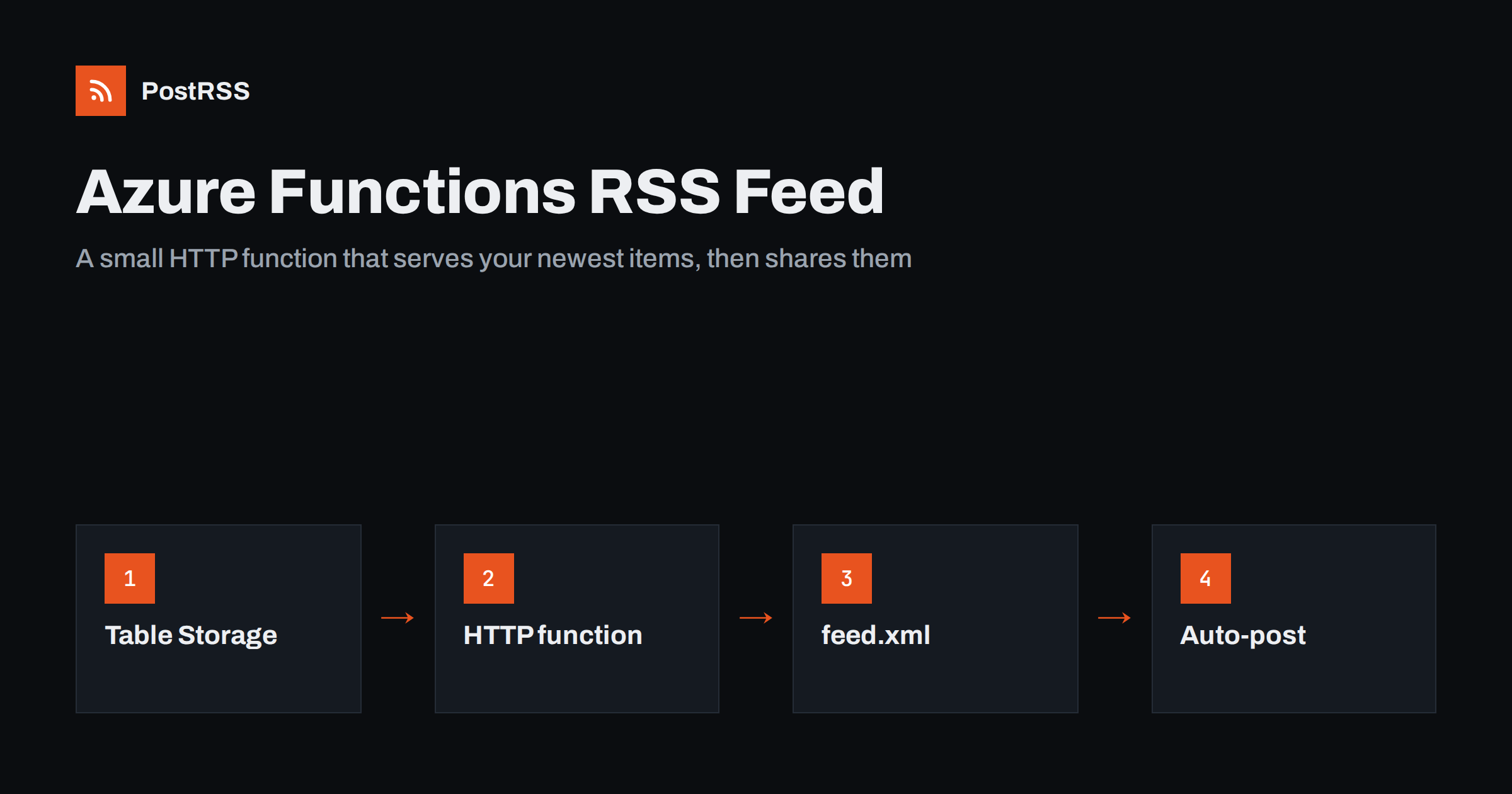
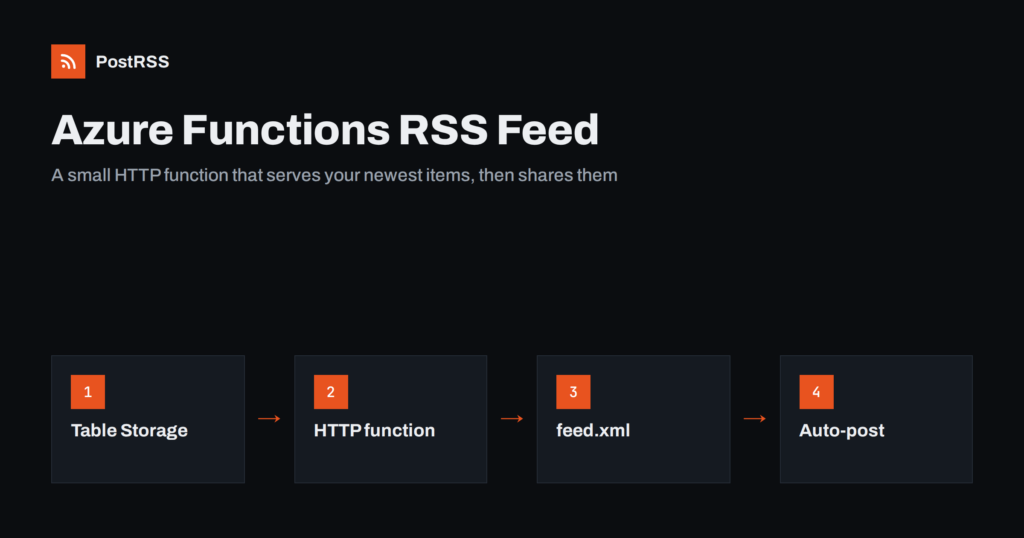
Short answer: To serve an RSS feed from Azure Functions, create an HTTP-triggered function with anonymous access, read the newest published items from a store such as Azure Table Storage, build RSS 2.0 XML with escaped text, absolute links and RFC 822 dates, and return it with the content type application/rss+xml and a short cache header. Remove the default api route prefix so the feed lives at a clean address, test it with curl and a validator, and then give that address to an auto-poster so every new item reaches your social channels.
Serverless hosting is a good fit for a feed. The file is small, requests are frequent but light, and you only need code that runs for a few milliseconds. Many teams that keep their data in Azure, such as product announcements, release notes or a small catalogue, discover that nothing publishes a feed for them. The portal has no switch for it and a storage account cannot generate XML by itself. This guide builds a complete Azure Functions RSS feed in Node.js with the version 4 programming model, explains why each line is there, and finishes with the checks that keep the feed reliable once an auto-poster depends on it.
A function is the right tool when your content lives in a service rather than in a content management system that already has a feed:
If your site already runs on WordPress or a static generator, use the feed that platform provides instead; see how to find your WordPress feed link. If your content has no feed and no CMS at all, the same function approach is often the shortest path. If you prefer a traditional server framework, the same ideas appear in the Express feed guide.
Install the Azure Functions Core Tools and create a Node.js project. The version 4 model keeps the function definition in code, so there is no separate configuration file for each function.
func init rss-feed --worker-runtime node --language javascript --model V4
cd rss-feed
npm install @azure/data-tables
func new --template "HTTP trigger" --name feed
The data tables package is the official client for Azure Table Storage and for the table API of Cosmos DB. If your data sits somewhere else, replace only the query function in the example. Everything else, from escaping to headers, stays the same.
Table Storage returns rows sorted by partition key and then by row key, always in ascending order. A feed needs the newest items first, so build the row key from a reverse timestamp. That way the natural order is already the order of the feed and the function never has to sort a large set.
// when saving a post
const publishedAt = new Date("2026-10-18T07:40:00Z");
const rowKey = String(9999999999999 - publishedAt.getTime()).padStart(13, "0");

await table.createEntity({
  partitionKey: "post",
  rowKey,
  postId: "a1b2c3",
  title: "Version 2.4 is out",
  slug: "version-2-4",
  summary: "What changed in the new release.",
  status: "published",
  publishedAt: publishedAt.toISOString(),
  imageUrl: "https://www.example.com/images/v24.png"
});
Keep the stable identifier in its own column. The row key encodes the date, so it changes if someone edits the date, and a changing identifier makes old items look new to every reader. The identifier column becomes the GUID of the item.
Open src/functions/feed.js and replace its content with the code below. It reads the newest rows, skips drafts and items dated in the future, builds the XML and answers conditional requests with a 304 status when nothing changed.
const { app } = require("@azure/functions");
const { TableClient, odata } = require("@azure/data-tables");
const crypto = require("crypto");
const SITE_URL = process.env.SITE_URL; // for example https://www.example.com
const table = TableClient.fromConnectionString(process.env.STORAGE_CONNECTION, "posts");
const esc = (value) => String(value ?? "")
.replace(/&/g, "&")
.replace(/</g, "<")
.replace(/>/g, ">")
.replace(/"/g, """);
async function latestPosts(limit = 20) {
const now = new Date();
const items = [];
const rows = table.listEntities({
queryOptions: { filter: odata`PartitionKey eq ${"post"} and status eq ${"published"}` }
});
for await (const row of rows) {
if (new Date(row.publishedAt) > now) continue; // scheduled, not public yet
items.push(row);
if (items.length >= limit) break;
}
return items;
}
function buildFeed(posts) {
const items = posts.map((p) => `
<item>
<title>${esc(p.title)}</title>
<link>${SITE_URL}/news/${esc(p.slug)}/</link>
<guid isPermaLink="false">${esc(p.postId)}</guid>
<pubDate>${new Date(p.publishedAt).toUTCString()}</pubDate>
<description>${esc(p.summary)}</description>
</item>`).join("");
const built = posts.length ? new Date(posts[0].publishedAt).toUTCString() : new Date(0).toUTCString();
return `<?xml version="1.0" encoding="UTF-8"?>
<rss version="2.0" xmlns:atom="http://www.w3.org/2005/Atom">
<channel>
<title>Example Product News</title>
<link>${SITE_URL}/news/</link>
<description>Release notes and announcements</description>
<language>en</language>
<lastBuildDate>${built}</lastBuildDate>
<atom:link href="${SITE_URL}/feed.xml" rel="self" type="application/rss+xml"/>${items}
</channel>
</rss>`;
}
app.http("feed", {
methods: ["GET"],
authLevel: "anonymous",
route: "feed.xml",
handler: async (request, context) => {
const xml = buildFeed(await latestPosts());
const etag = '"' + crypto.createHash("sha1").update(xml).digest("hex") + '"';
const headers = {
"Content-Type": "application/rss+xml; charset=utf-8",
"Cache-Control": "public, max-age=300",
"ETag": etag
};
if (request.headers.get("if-none-match") === etag) {
return { status: 304, headers };
}
return { status: 200, headers, body: xml };
}
});Three details deserve attention. The escape helper replaces the ampersand first, otherwise the entities it creates would be escaped a second time. The date uses toUTCString(), which produces a valid RFC 822 style value such as Sun, 18 Oct 2026 07:40:00 GMT with the month names fixed in English whatever the server language. The GUID is marked with isPermaLink="false" because it is an identifier and not an address.
By default every HTTP function is served under /api, so the feed would live at /api/feed.xml. A shorter address is easier to remember and to move later. Set an empty prefix in host.json:
{
  "version": "2.0",
  "extensions": {
    "http": {
      "routePrefix": ""
    }
  }
}
If the function app is published under its own domain, the feed is now at /feed.xml. If your website lives elsewhere, point a path on the main domain to the function app through a reverse proxy or a front door service, so the public address never exposes the hosting name. A stable address matters because auto-posters remember it; changing it later means reconnecting every channel.
| Setting | Where to put it | Why |
|---|---|---|
| SITE_URL | Application settings | Every link in the feed is built from this fixed public address |
| STORAGE_CONNECTION | Application settings or a key vault reference | Never commit the connection string to the repository |
| authLevel | Function code | Anonymous, because an auto-poster cannot send a function key |
| Table permissions | Storage account | The function needs read access only |
Anonymous access sounds alarming, but a feed is public by definition. What matters is that the function only reads the published rows and never exposes drafts, internal notes or contact details. Keep private fields out of the entity or filter them out in buildFeed. Where possible, use a managed identity for the storage connection instead of a connection string, so that no secret exists at all.
On hosting plans that scale to zero, the first request after a quiet period starts a new instance and can take several seconds. An auto-poster that waits only a short time may record a timeout and try again later; the effects are explained in RSS feed timeouts. There are three practical remedies:
Do not cache for hours. A long lifetime delays every share by the same amount, which is the effect described in RSS feed caching explained. The ETag handling in the example also lets the auto-poster ask whether anything changed instead of downloading the file again; the mechanism is explained in ETags and conditional GET.
If your data changes rarely, you can avoid running code on every request. Use a timer trigger that rebuilds the XML every few minutes and writes it to a blob in a public container, or to the static website feature of the storage account. The same buildFeed function does the work, and the blob is served by storage with no cold start at all. The price is a small delay between a change and the new file, which is usually acceptable. Set the content type of the blob explicitly to application/rss+xml, because storage defaults to a generic type and some readers react badly to it; see the Content-Type guide.
func start locally and request http://localhost:7071/feed.xml with curl. Check for the 200 status, the XML content type, the cache header and the ETag. The method is explained in debugging an RSS feed with curl.If-None-Match header and confirm that the answer is 304.func azure functionapp publish followed by the name of your app, and request the public address.If something looks wrong later, the checklist in RSS feed not updating helps you find the cause quickly. Relative links and missing images are the other common problems; see relative URLs in RSS feeds.
PostRSS has been publishing RSS and Atom feeds to social networks since 2014. Paste the address of your feed.xml function, connect your accounts and choose how each post is built from the title, the description or the page title. PostRSS checks the feed as often as every minute and shares each new item, with its image and link, to the channels you choose among 66 supported networks, messengers, team chats and blogs, including LinkedIn, X, Bluesky, Mastodon and Telegram. Keyword filters, UTM parameters and posting windows let you tune each channel, and webhooks connect PostRSS to your own systems. See the PostRSS features page and the plan limits on the pricing page. More developer guides are under the Technical Guide tag.
Azure Functions turns data in a table into a dependable RSS feed with about sixty lines of code. Store a stable identifier, use a reverse timestamp key so the newest rows come first, escape every value, format dates in English UTC, build links from a fixed site address, remove the api prefix and send a short cache header with an ETag. Test the result with curl and a validator, keep the address unchanged and connect it to an auto-poster. After that, every published item can reach your social channels without anyone copying a link.
The hosting plan and its price depend on your account and on how much traffic you expect. A feed is small and light, so even the lowest usage is usually enough, but check the current plan details in your own Azure portal before you rely on it.
Functions are served under the api prefix by default. Either request the address with that prefix or set an empty route prefix in host.json, then restart the app.
Yes. Replace the query function with a call to Cosmos DB, SQL or any other store. Keep the same rules: only published items, newest first, a limit of about twenty and a stable identifier for each item.
Both formats work with auto-posters. RSS 2.0 is simpler to write and almost universally supported, which is why this guide uses it.
Give every item a stable GUID that never changes and avoid editing the publication date of items that are already public. Some tools treat a changed date as a new item.
Yes. PostRSS reads any valid RSS or Atom address that is reachable without a login. Paste the address of the function, connect your channels and new items are shared as soon as they appear.
What changed in the networks, what broke, and how to fix it before it costs you reach.
Создано Internet Solutions — командой PostRSS. Каждый продукт экономит ваше время по-своему.
 English
 Lietuviškai
 Deutsch
 Français
 Русский
 Español
 Polski
 Italiano
 Українська
 Čeština
 Português
 日本語
日本語 Latviešu valoda
 Eesti
Eesti Magyar
 Bahasa Indonesia
 Türkçe
 हिन्दी
 Ελληνικά
 العربية
 ไทย
ไทย Tiếng Việt
 Română
 Bahasa Melayu
 বাংলা
বাংলা