RSS в 66 социальных сетей: Facebook, Instagram, X, LinkedIn, Telegram и другие Блог Партнерская программа Контакты
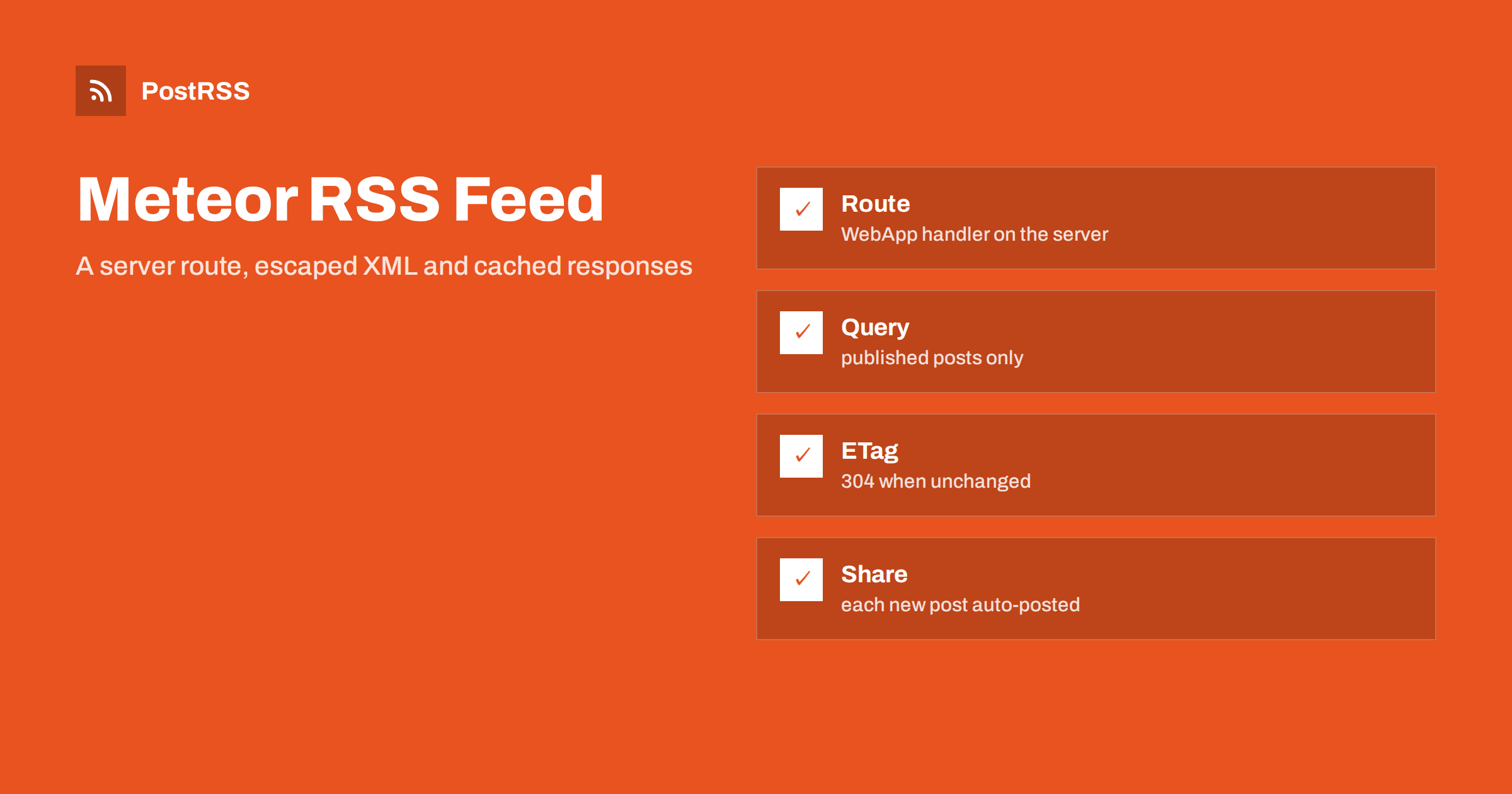
Short answer: In a Meteor application, an RSS feed is a server-side route that answers with XML. Register a handler on the WebApp package, read the newest posts from your collection, build the document with escaped text and absolute links, send the RSS content type, add a validator header so unchanged feeds return a 304 status, and test the live address with curl and a validator. When the address, the links and the dates stay stable, an auto-poster can read the feed and share every new post on your social networks.
Meteor is a full-stack JavaScript platform, and most of its code is about live data: publications, subscriptions and methods that keep browsers in sync. A feed is the opposite of that. It is a plain HTTP resource that any tool can fetch without running your client code or opening a socket. Because Meteor renders a single-page application, there is no ready-made route for it, and a visitor who requests an unknown path simply receives the application shell. That is why a feed needs its own handler on the server, placed in front of the default behaviour. This guide builds that handler, explains each choice and ends with a test routine.
Meteor exposes the underlying web server through the WebApp package. A handler registered there runs before the application shell is served, so the feed address is answered by your code. Put the file in the server folder, or import it from the server entry point of the project.
// server/feed.js
import { WebApp } from "meteor/webapp";

const SITE = "https://example.com";

WebApp.handlers.get("/feed.xml", async (req, res) => {
  // the code from the next sections goes here
});
Older versions of the platform use a connect-style handler list with a slightly different signature, and the newer ones also offer an express-style list. Check the documentation of the version that you run, and keep the handler small, because every request to the feed passes through it. The same idea in other Node.js frameworks is covered in the Express feed guide и the Koa feed guide.
A feed item needs a title, a permanent address, a publication date and a summary. If your posts are stored in a Mongo collection, query only the fields that the feed uses and limit the result to the newest items. Never put drafts or future posts into the list.
import { Posts } from "/imports/api/posts";

async function loadPosts() {
  return Posts.find(
    { published: true, publishedAt: { $lte: new Date() } },
    { sort: { publishedAt: -1 }, limit: 20,
      fields: { slug: 1, title: 1, summary: 1, publishedAt: 1 } }
  ).fetchAsync();
}
The asynchronous cursor method belongs to the newer platform versions; older ones return the array from a synchronous call. Either way, the query has three jobs: leave out anything that is not published, put the newest first and keep the document short. Twenty items are enough for a reader or an auto-poster, and a short file is fetched quickly.
Text from a database can contain ampersands, angle brackets and quotation marks, and any of them can break an XML document. Escape every value before it goes into the template. The function below covers the five characters that matter, using a small lookup table.
const ENT = {
  "&": "&" + "amp;",
  "<": "&" + "lt;",
  ">": "&" + "gt;",
  '"': "&" + "quot;",
  "'": "&" + "apos;",
};
const esc = (s) => String(s ?? "").replace(/[&<>"']/g, (c) => ENT[c]);

function render(posts) {
  const newest = posts[0] ? posts[0].publishedAt : new Date(0);
  const items = posts.map((p) => {
    const url = `${SITE}/blog/${p.slug}`;
    return `<item>
      <title>${esc(p.title)}</title>
      <link>${esc(url)}</link>
      <guid isPermaLink="true">${esc(url)}</guid>
      <pubDate>${p.publishedAt.toUTCString()}</pubDate>
      <description>${esc(p.summary)}</description>
    </item>`;
  }).join("\n");
  return `<?xml version="1.0" encoding="UTF-8"?>
<rss version="2.0"><channel>
  <title>Example Journal</title>
  <link>${SITE}</link>
  <description>News and guides from Example Journal.</description>
  <lastBuildDate>${newest.toUTCString()}</lastBuildDate>
  ${items}
</channel></rss>`;
}
Several details are deliberate. The date method of the language writes the format that the RSS specification expects, so you do not format dates by hand. The channel date comes from the newest post and not from the clock, so that the file does not change when nothing was published. The identifier of each item is its permanent address, which does not change when the title does. And the address is built from a fixed constant, so every link is absolute. A hand-written template is acceptable for a short, regular structure like this, but a library is a good alternative if you need enclosures or extra namespaces.
The handler sets the content type, a cache lifetime and a validator, and it answers with a 304 status when the client already holds the current version.
import crypto from "crypto";

WebApp.handlers.get("/feed.xml", async (req, res) => {
  const posts = await loadPosts();
  const body = render(posts);
  const etag = '"' + crypto.createHash("sha1").update(body).digest("hex") + '"';

  res.setHeader("ETag", etag);
  res.setHeader("Cache-Control", "public, max-age=300");
  if (req.headers["if-none-match"] === etag) {
    res.writeHead(304);
    return res.end();
  }
  res.writeHead(200, { "Content-Type": "application/rss+xml; charset=utf-8" });
  res.end(body);
});
The validator is a hash of the finished document, so it changes exactly when the content changes. A 304 answer saves bandwidth for you and for every tool that polls the feed; the meaning of the status codes is described in the guide to feed status codes, and the mechanism in the guide to ETags and conditional requests. If your feed contains an element that changes on every request, such as the current time, the hash changes every time and caching stops working, which is one more reason to use the date of the newest post.
| Feed element | Source in the code | Rule |
|---|---|---|
| Title | title field | Plain text, escaped |
| Link and identifier | SITE and slug | Absolute, https, never changes |
| Publication date | publishedAt | In the past, never the current time |
| Description | summary field | One or two complete sentences |
| Channel date | Newest publishedAt | Changes only when a post is added |
| Validator | Hash of the document | Changes only when content changes |
The identifier deserves the most attention. If the slug follows the title and someone corrects a typo, the address changes, and an auto-poster that stores identifiers will treat the old and the new address as two different posts. Store the slug once, when the post is created, and do not regenerate it. The causes and cures are covered in why a feed auto-posts the same article twice.
The query above already keeps drafts and future posts out, and that matters more than it seems. A draft that leaks into the feed is posted on social networks before it exists on your website, and an item dated tomorrow may be hidden by one reader and shared at the wrong time by another. If you import old posts into the collection, give them their original dates, because a feed full of items with today’s date makes an auto-poster share your whole archive in one afternoon. For the effect of old dates see the guide to feed order and backdated posts.
Auto-posters build the best social posts from a feed that gives them a short summary and a picture. Write a real summary for every post instead of cutting the text automatically, because an automatic cut can end in the middle of a sentence and that is exactly what the auto-poster will copy. If a post has an image, add it as an enclosure with an absolute address, a type and a length. JavaScript strings are Unicode, and the response declares UTF-8, so the two agree, but control characters that XML forbids can still arrive from pasted text, so strip them at the edge. See why special characters and emoji break feeds.
A practical habit is to keep the feed code in one small file with its own test. Feed this function a post whose title contains an ampersand, a quotation mark and an emoji, and confirm that the output parses as XML. That single test catches the most common production failure, and it takes only a few minutes to write.
Add a link element to the head of the application, with the relation set to alternate, the type set to the RSS media type and the absolute address of the feed. In Meteor you can add it to the main HTML file or inject it on the server. A person or a tool that only knows your home page can then find the feed on its own. The full explanation is in the guide to feed autodiscovery.
Start the application and request the route locally, then test the deployed address from outside, because a local test says nothing about the proxy and the certificate in front of your application.
meteor run
curl -i http://localhost:3000/feed.xml
curl -i https://example.com/feed.xml
curl -i -H 'If-None-Match: "paste-the-etag-here"' https://example.com/feed.xmlA longer routine is in the feed validation guide, and a shorter one in debugging a feed with curl.
PostRSS has been publishing RSS and Atom feeds to social networks since 2014. Paste the address of your feed, connect your accounts and choose how each post is built from the title, the description or the page title. PostRSS checks the feed as often as every minute and shares each new entry, with its image and link, to the channels you choose among 66 supported networks, messengers, team chats and blogs, including LinkedIn, X, Bluesky, Mastodon and Telegram. Keyword filters, UTM parameters and posting windows let you tune each channel. See the PostRSS features page and the plan limits on the pricing page. More developer guides are under the Technical Guide tag.
A Meteor feed is one server route, but it has to get the details right: a query that returns only published posts with stable slugs, escaped text, absolute links, a channel date taken from the newest post, the correct content type and a validator that lets clients skip unchanged files. Test the live address with curl and a validator, then connect it to an auto-poster. After that, every post you publish reaches your readers and your social channels without extra work.
Register a handler on the WebApp package for the feed path, set the content type to the RSS media type and write the XML string as the body of the response.
The default handler of the platform serves the application shell for unknown paths. Make sure your handler is registered on the server and that its path matches the address exactly.
No. A short template with an escape function is enough for a regular structure. A library helps when you need enclosures, categories or several namespaces.
The handler sends a hash of the document as the ETag header. When the client sends the same value back, the handler answers with a 304 status and no body.
Yes. PostRSS reads any valid RSS or Atom address that is reachable without a login. Paste the address, connect your channels and new posts are shared as soon as they appear.
What changed in the networks, what broke, and how to fix it before it costs you reach.
Создано Internet Solutions — командой PostRSS. Каждый продукт экономит ваше время по-своему.
 English
 Lietuviškai
 Deutsch
 Français
 Русский
 Español
 Polski
 Italiano
 Українська
 Čeština
 Português
 日本語
日本語 Latviešu valoda
 Eesti
Eesti Magyar
 Bahasa Indonesia
 Türkçe
 हिन्दी
 Ελληνικά
 العربية
 ไทย
ไทย Tiếng Việt
 Română
 Bahasa Melayu
 বাংলা
বাংলা