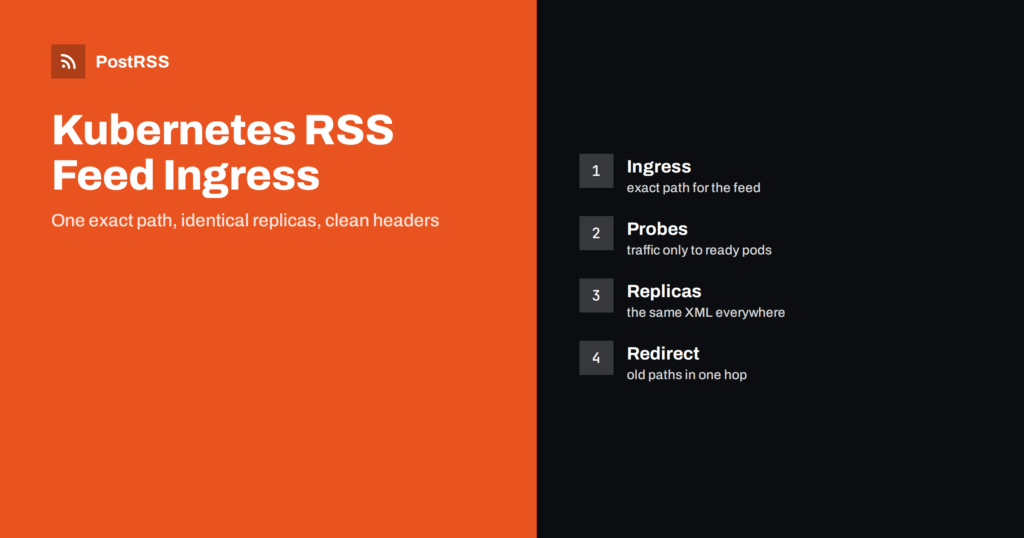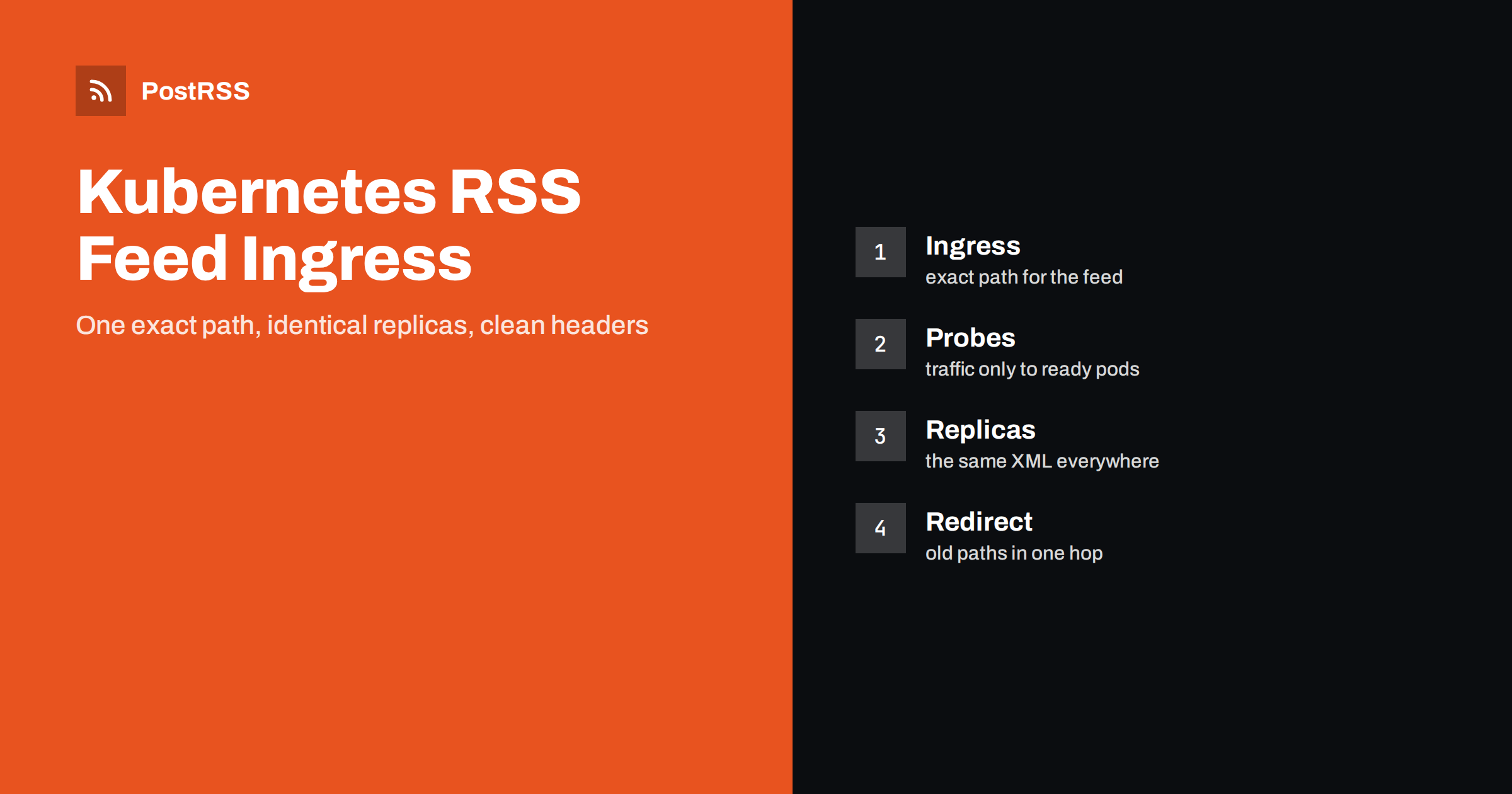
Short answer: To serve an RSS feed reliably from Kubernetes, give the feed its own path in an Ingress, point it at a Service with a readiness probe, let the application send the RSS content type, a validator and a short cache lifetime, turn on compression for feed types at the controller, redirect old addresses with one permanent redirect and keep rate limits and bot rules from blocking polling tools. Use several replicas that produce identical output, so that the validator does not change from one pod to another. Then test the public address with curl and connect it to an auto-poster so that every new article reaches your social channels.
Moving a blog or a news site into a cluster changes many things at once: the address that visitors use now ends at a load balancer, the application runs in several copies, the web server in front is a controller that reads annotations and a rolling update replaces pods every time you deploy. A feed is a small thing in that picture, but it is requested by machines on a schedule, and machines notice every mistake. A feed that works from a laptop can fail in a cluster because a probe marks the only pod as unavailable, because two replicas build slightly different XML or because a rate limit written for browsers blocks an auto-poster. This guide shows a working set of manifests, explains the settings that matter in plain language and lists the traps. The examples use the widely deployed NGINX-based ingress controller and standard Kubernetes objects, and the ideas carry over to other controllers.
Annotations and configuration keys belong to a specific controller, and they are not portable. Find out which one your cluster uses and which version, because the project behind the community NGINX controller has announced its retirement, and some clusters are moving to other controllers or to the Gateway API. Read the current documentation of your controller before you copy a setting. The Kubernetes objects below, the Deployment, the Service and the basic Ingress rule, are standard and work everywhere, while the annotations are examples of the kind of control that exists.
kubectl get ingressclass
kubectl -n ingress-nginx get deploy
kubectl get ingress -A
The first command lists the classes that are installed, the second shows the controller and its version in the namespace where it runs and the third lists every Ingress rule in the cluster, which helps you to find an old rule that already catches your feed path.
The feed comes from an application, which may be a CMS, a small service or a static file server. Run it in at least two replicas and give it a readiness probe, so that the Service sends traffic only to pods that are ready to answer.
apiVersion: apps/v1
kind: Deployment
metadata:
  name: blog
spec:
  replicas: 2
  strategy:
    rollingUpdate:
      maxUnavailable: 0
      maxSurge: 1
  selector:
    matchLabels:
      app: blog
  template:
    metadata:
      labels:
        app: blog
    spec:
      containers:
        - name: blog
          image: registry.example.com/blog:1.4.2
          ports:
            - containerPort: 3000
          readinessProbe:
            httpGet:
              path: /health
              port: 3000
            periodSeconds: 5
---
apiVersion: v1
kind: Service
metadata:
  name: blog
spec:
  selector:
    app: blog
  ports:
    - port: 80
      targetPort: 3000
The setting for the rolling update keeps every old pod until a new one is ready, so a deployment never leaves the feed without a backend. A probe that tests a lightweight health path is better than one that builds the whole feed, but make sure the health path really reflects the ability to serve it, for example by checking the database connection.
The Ingress object maps a host and a path to the Service. Using an exact path type for the feed address makes it clear which rule handles it, and a certificate in a secret provides HTTPS.
apiVersion: networking.k8s.io/v1
kind: Ingress
metadata:
  name: blog-feed
  annotations:
    nginx.ingress.kubernetes.io/proxy-read-timeout: "30"
spec:
  ingressClassName: nginx
  tls:
    - hosts: ["example.com"]
      secretName: example-com-tls
  rules:
    - host: example.com
      http:
        paths:
          - path: /feed.xml
            pathType: Exact
            backend:
              service:
                name: blog
                port:
                  number: 80
The read timeout limits how long the controller waits for the application. A slow backend that keeps a connection open for minutes only makes tools give up and retry, so choose a limit that is generous for a normal answer and short enough to fail clearly. The effect of slow answers is described in the guide to feed timeouts.
| Layer | Responsibility | Typical setting |
|---|---|---|
| Application | Content type, validator, cache header | RSS type, ETag, lifetime of a few minutes |
| Service and probes | Send traffic to ready pods only | Readiness probe on a health path |
| Ingress rule | Host, path and certificate | Exact path for the feed |
| Controller configuration | Compression and timeouts | Gzip for feed types |
| Redirect rules | Old addresses to the final one | One permanent redirect |
The simplest and most portable rule is that the application sends the right headers and the controller passes them through. The RSS content type with a UTF-8 charset, an ETag and a cache lifetime of a few minutes belong to the feed itself, not to the cluster. That way the same behaviour appears in development, in a test cluster and in production. The meaning of each header is explained in the guide to the content type header. Some controllers allow you to add headers through annotations or snippets, but many clusters disable snippets for security reasons, so do not depend on them.
When a tool sends a validator back, the answer depends on the pod that receives the request. If each pod builds slightly different XML, for example because of a timestamp that records the time of the build or because of a different order of items, the validator changes from one request to the next and the tool downloads the whole feed every time. Make the output deterministic: take the last build date from the newest item, not from the clock, sort items in a stable order and compute the validator from the content, not from a file inode or a pod name. The mechanism is described in the guide to ETags and conditional requests. If you cache the finished feed, keep the cache outside the pods, in a shared service, so that every replica returns the same copy.
An XML feed shrinks to a fraction of its size when compressed, and the controller is a good place to do it for every application in the cluster. For the NGINX-based controller, the setting lives in its configuration map and names the types to compress.
apiVersion: v1
kind: ConfigMap
metadata:
  name: ingress-nginx-controller
  namespace: ingress-nginx
data:
  use-gzip: "true"
  gzip-types: "application/rss+xml application/atom+xml application/xml text/css application/json"
This change affects the whole controller, so apply it in a test environment first. After the controller reloads, request the feed with a header that accepts compressed answers and look for a content encoding line, as shown in the test section. Background on size and speed is covered in the feed compression guide.
Migrations leave old paths behind: a feed that used to live under a different name, a trailing slash variant or an address from an earlier platform. Give each old path a permanent redirect straight to the canonical address, so that tools meet only one hop. A separate Ingress object for each redirect keeps the main rule clean.
apiVersion: networking.k8s.io/v1
kind: Ingress
metadata:
  name: blog-feed-redirect
  annotations:
    nginx.ingress.kubernetes.io/permanent-redirect: "https://example.com/feed.xml"
spec:
  ingressClassName: nginx
  rules:
    - host: example.com
      http:
        paths:
          - path: /rss
            pathType: Exact
            backend:
              service:
                name: blog
                port:
                  number: 80
A chain of two or three redirects is a common reason for a feed that works in a browser and fails elsewhere, so check that the final address answers directly. The meaning of each status is explained in the guide to feed status codes.
Clusters often get protective features early: limits on requests per second, web application firewall rules, allow lists and rules for suspicious user agents. A limit tuned for browsers can answer a polling tool with a 429 or 503 status when several tools share an address, and a rule that blocks unknown clients also blocks auto-posters and feed readers. Give the feed path an exception in every layer: the ingress annotations, the firewall in front of the cluster and any content delivery network. If a tool reports that the feed is forbidden or unreachable, check these settings first. A related case, with its own fixes, is described in the guide to blocked feeds.
A feed fetched over HTTPS fails completely when the certificate expires or does not match the host name. If you use an automatic certificate manager, watch the renewal events and alerts, and test the public address from outside the cluster after every change to host names. Keep one canonical host name for the feed. If the site is reachable under several names, redirect the others to the main one, so that tools do not treat each name as a separate feed and post the same article twice.
kubectl describe ingress blog-feed
kubectl logs -n ingress-nginx deploy/ingress-nginx-controller --tail=20
curl -sI https://example.com/feed.xml
curl -sI -H 'Accept-Encoding: gzip' https://example.com/feed.xml
curl -sI -H 'If-None-Match: paste-the-etag-here' https://example.com/feed.xmlRepeat the third request several times. If it returns 304 only some of the time, the replicas are producing different validators. A longer routine is in the feed validation guide, and a shorter one in debugging a feed with curl.
PostRSS has been publishing RSS and Atom feeds to social networks since 2014. Paste the address of your feed, connect your accounts and choose how each post is built from the title, the description or the page title. PostRSS checks the feed as often as every minute and shares each new entry, with its image and link, to the channels you choose among 66 supported networks, messengers, team chats and blogs, including LinkedIn, X, Bluesky, Mastodon and Telegram. Keyword filters, UTM parameters and posting windows let you tune each channel. See the PostRSS features page and the plan limits on the pricing page. More developer guides are under the Technical Guide tag.
A feed in Kubernetes needs the same care as anywhere else, plus attention to replicas, probes and controllers. Give the feed an exact path, run at least two replicas that produce identical XML, let the application set the content type, the validator and the cache lifetime, compress feed types at the controller, redirect old paths in one hop, keep the path outside every rate limit and bot rule and watch your certificates. Test the public address from outside the cluster, then connect it to an auto-poster, so that every article you publish reaches your social channels without surprises.
Use the exact type for a single feed address, so that only that path is sent to the feed backend. Use a prefix type only when a whole folder of feeds shares one service.
Replicas probably build slightly different output, for example with a build timestamp or an unstable order of items. Make the output deterministic and compute the validator from the content.
Either works. Setting it at the controller covers every service in the cluster, while setting it in the application keeps the behaviour the same everywhere. Check the answer headers after the change.
Create a separate Ingress rule for the old path with a permanent redirect to the canonical address, or use the redirect feature of your controller, and make sure there is only one hop.
Yes. PostRSS reads any valid RSS or Atom address that is reachable without a login. Paste the address, connect your channels and new articles are shared as soon as they appear.
What changed in the networks, what broke, and how to fix it before it costs you reach.
Create de Internet Solutions, echipa din spatele PostRSS. Fiecare produs vă economisește timp în felul său.
 English
 Lietuviškai
 Deutsch
 Français
 Русский
 Español
 Polski
 Italiano
 Українська
 Čeština
 Português
 日本語
 Latviešu valoda
 Eesti
 Magyar
 Bahasa Indonesia
 Türkçe
 हिन्दी
 Ελληνικά
 العربية
 ไทย
 Tiếng Việt
 Română
 Bahasa Melayu
 বাংলা