RSS para 66 redes sociais: Facebook, Instagram, X, LinkedIn, Telegram e mais Blog Afiliado Contatos
Entrar Começar grátis
Updated: 2026-09-30
What to Do After You Hit Publish: A Distribution Checklist

Short answer: After publishing, check that the page works and previews correctly, let automation share it to your social channels and team chats, then spend your own time on personal outreach: replying to comments, telling the people who will genuinely care, and linking the new post from older related content. Over the following weeks, reshare it in new formats and update it when it needs updating. Publishing is the start of distribution, not the end.

Why most posts stall after publishing

Writing a good article takes hours. Then it is published, shared once, and forgotten. For many small businesses and bloggers, that single share is the whole distribution plan, and the article reaches only the fraction of followers who happened to see it in the first few hours.

The problem is rarely a lack of channels. It is that distribution is a series of small, boring tasks spread over days and weeks, and small, boring tasks are easy to skip. A checklist solves that. It turns “promote the post” into specific actions with a time attached, and it makes obvious which of them a tool can do for you.

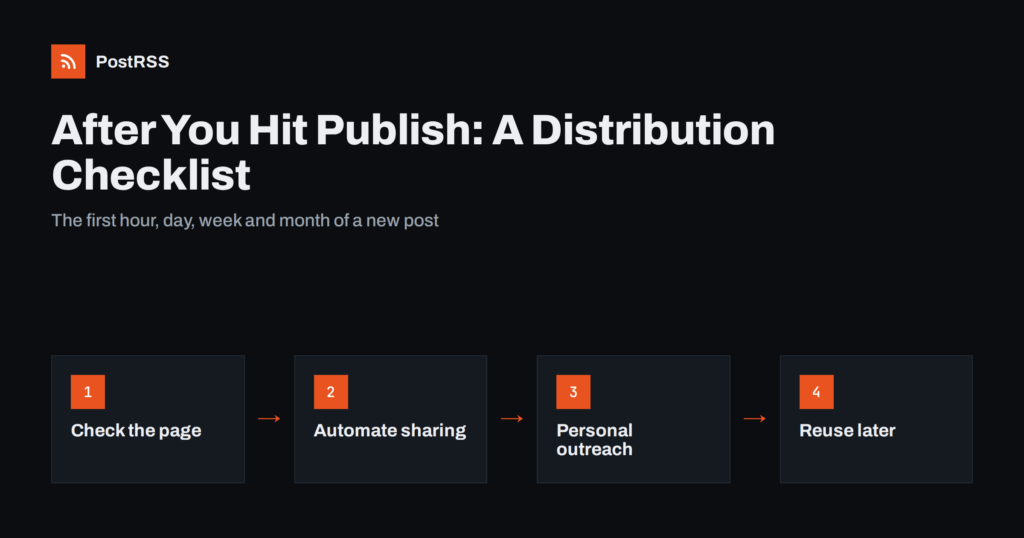
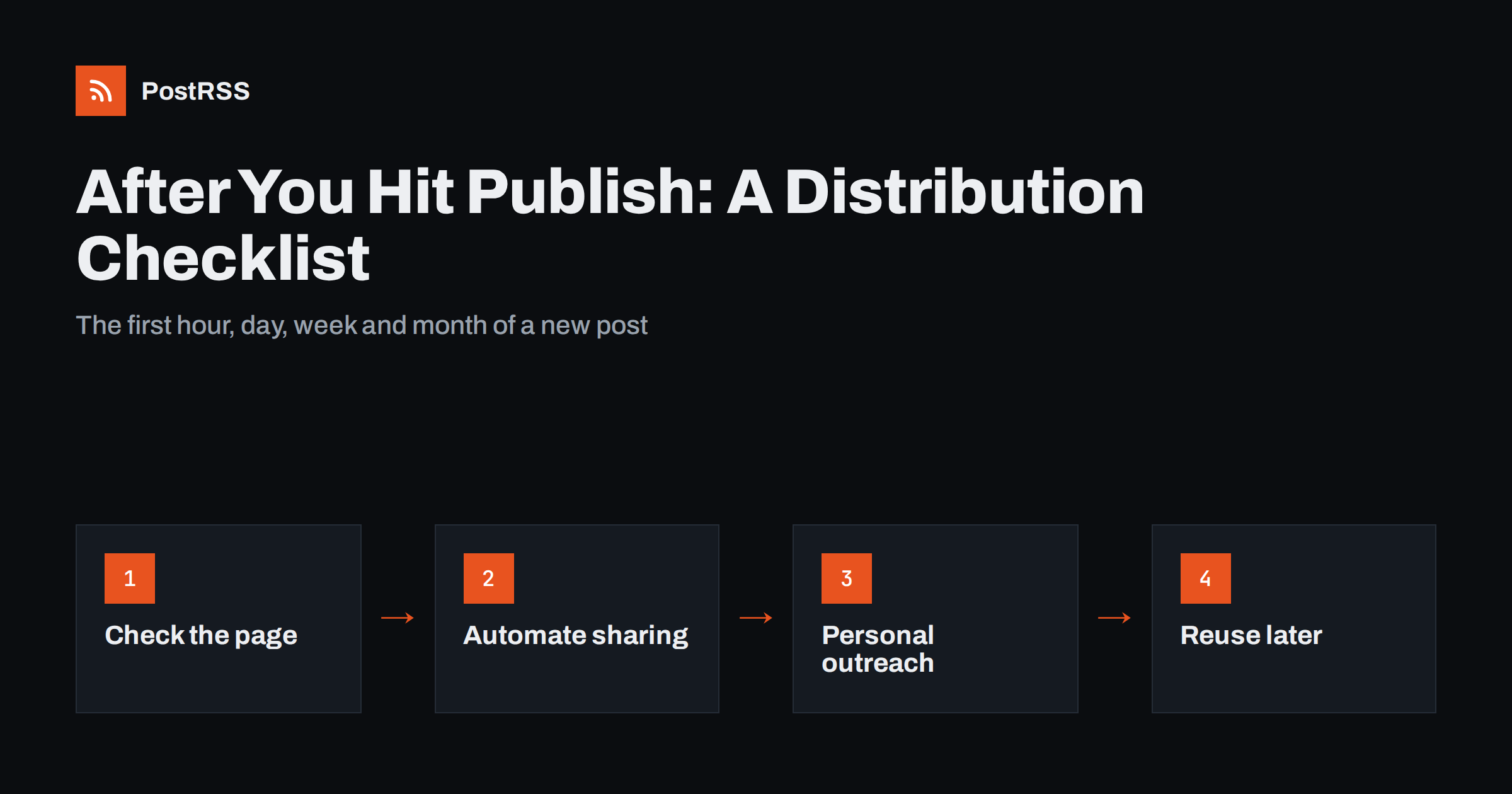
The checklist below is split into four time windows: the first hour, the first day, the first week and the first month. Items marked (automate) are ones you can hand to software once and forget; everything else benefits from a human touch.

The first hour: check before anyone sees it

Before distribution begins, make sure what you are distributing actually works. A broken link or a missing image in the first share gets multiplied across every channel.

  • Open the live page on a phone. Most visitors from social media arrive on mobile. Check headings, images, tables and embedded media.
  • Click every link. Internal links to older posts, external sources, product pages and calls to action.
  • Check the featured image and Open Graph tags. The link preview on social networks usually uses the page’s og:image, title and description. If the preview is wrong, every automated post will be wrong too. See our guide to Open Graph tags and wrong preview images.
  • Read the title as a social post. In most automated setups the article title becomes the post text. Does it make sense without the article around it?
  • Check the excerpt or meta description. It often appears under the title in previews and search results.
  • Confirm the post is in your RSS feed. Open your feed URL and look for the new item. If it is missing, automation will not pick it up. Caching plugins and CDNs sometimes delay this.

The first hour: distribution you should automate

These tasks are identical every time you publish, which makes them perfect for automation. Set them up once and they happen within minutes of every new post:

  • Post to your social accounts (automate). An RSS auto-posting tool can publish the new item to your Facebook Page, X, LinkedIn, Bluesky, Mastodon, Threads, Pinterest and others as soon as it appears in the feed.
  • Notify messaging channels (automate). Telegram channels, Viber channels and Discord servers suit readers who want updates on their phone.
  • Notify your team (automate). A post in Slack, Microsoft Teams or Google Chat tells colleagues to share it with their own networks and answer questions from customers.
  • Tag links for analytics (automate). UTM parameters on every automated link let you see which channel brought readers.
  • Cross-post to publishing platforms (automate, with care). Some writers republish to platforms like DEV or Medium. Use canonical links where supported so search engines know the original.

Automation here is not about saving a few minutes once. It is about consistency: the post goes out every time, to every channel, even when you publish at the end of a long day and forget.

The first day: personal outreach

Automation reaches your followers. Personal outreach reaches the specific people who will care most, and this is where your own time has the highest return.

  1. Reply to comments quickly. Early replies keep conversations going and show readers there is a person behind the account.
  2. Tell the people you mentioned. If you quoted, linked to or featured someone, send them a short, polite note. Do not ask them to share; if the mention is useful, many will.
  3. Answer the question that inspired the post. If a customer asked something and the article answers it, send them the link. If the question came from a forum or community, share the answer there only where the community rules allow it.
  4. Share in relevant communities with context. Instead of dropping a link, write a sentence or two explaining what the reader will learn and why you wrote it. Our article on community rules for sharing links explains why this should never be automated.
  5. Add a personal post where it matters. On LinkedIn, a short personal note about why you wrote the piece often reads very differently from the automated company page post.

The first week: connect it to your existing content

New posts are islands until other pages link to them. This step helps readers and search engines alike:

  • Link from older related posts. Find two to five existing articles on the same topic and add a link to the new one where it genuinely helps the reader.
  • Update hub or pillar pages. If you have a guide or resource page that lists articles on a topic, add the new one.
  • Include it in your newsletter. Many blogs send a weekly or monthly digest. An RSS-to-email setup can build this automatically, as described in RSS to email digests.
  • Check that search engines found it. If you use Google Search Console, the URL Inspection tool shows whether the page is indexed. Your XML sitemap should already include the new URL.
  • Look at early numbers. Which channels sent visitors? Which posts got comments? This is not about judging the article after three days, but about noticing which channels work for this type of content.

The first month: reuse and reshare

Most of your followers did not see the first share. Resharing is not spam when it is spaced out and presented differently:

  • Reshare with a different angle. Pull out a surprising point, a practical tip or a question the article answers, and share the link again with that framing.
  • Make one or two derived posts. A short list of key points, a single chart, a before-and-after example, or a short video summary for networks that prefer native content.
  • Add it to an evergreen rotation (automate). If the topic stays relevant, some tools can republish evergreen articles on a schedule so the archive keeps working.
  • Answer new questions in the article. If readers asked something in the comments, add the answer to the post and mention the update when you reshare.

The complete checklist in one table

WhenTaskAutomate?
First hourCheck page on mobile, links, preview image, title, excerptNo
First hourConfirm the item appears in the RSS feedNo
First hourPost to social networks and messaging channelsYes
First hourNotify team chat; add UTM tagsYes
First dayReply to comments; tell people you mentionedNo
First dayShare in communities with contextNo
First weekLink from older posts and hub pagesNo
First weekInclude in newsletter digestOften
First monthReshare with a new angle; derived postsPartly
First monthEvergreen republishingYes

Adapting the checklist to other content types

The same four time windows work for almost anything you publish, but the details shift with the format:

  • Podcast episodes. Check that the episode page has show notes, a player and an image before sharing. Most podcast hosts provide an RSS feed that automation can watch, so the announcement can go out the moment the episode is live. Personal outreach goes to guests, who usually have their own audience and are glad to share an episode they appear in.
  • Videos. A YouTube channel has its own feed, so new uploads can be announced automatically on other networks. Add a short written summary on your website as well; it gives search engines text to index and gives you a page you control.
  • Product launches and new stock. Check the product page, price and availability first, because an automated post pointing to an out-of-stock item wastes attention. Route launch news to the channels where buyers follow you rather than everywhere.
  • Events and webinars. Announce early, then reshare as a reminder a few days before and on the day itself. After the event, publish a recap or recording and treat it as a new post.
  • Company news and press releases. Publish on your own newsroom page first so journalists and partners have a stable link, then distribute. Team chat notifications matter more here, because colleagues are often asked about the news.

Whatever the format, the pattern is the same: verify, automate the routine announcement, add personal outreach where it counts, and bring the content back later with a fresh angle.

Common distribution mistakes

  • Sharing identical text everywhere by hand. It takes time and still looks copied. Let automation handle the standard post and write personal notes only where they add value.
  • Automating community posting. Forums, subreddits and groups usually forbid automated self-promotion. Keep those personal and occasional.
  • Never linking internally. Articles that nothing links to are harder for both readers and search engines to find.
  • Judging too early. Some articles bring steady search traffic for years while getting little attention on day one.
  • Forgetting the feed. If your RSS feed is broken or excluded by a plugin, every automated step silently fails. Check it after theme or plugin updates.

How PostRSS handles the automated part

PostRSS covers the “first hour” automation in this checklist. It checks your RSS or Atom feed every 5 minutes (every minute on Enterprise plans) and publishes each new item, with its image and link, to the networks you connect, 66 in total, including Facebook Pages, X, LinkedIn, Telegram, Mastodon, Bluesky, Pinterest and team chats such as Google Chat and Mattermost, plus webhooks for Slack, Microsoft Teams, Zapier and n8n. It can add UTM parameters to every link, restrict posting to chosen hours on paid plans, and republish evergreen articles on a schedule you choose. See the features page for details and the pricing page for plans.

Related reading

The bottom line

Publishing is the beginning of an article’s life. Check the page, automate the routine shares so they happen every time, spend your own time on personal outreach and internal links, and reshare the post with fresh angles over the following weeks. A simple checklist turns distribution from an afterthought into a habit.

FAQ

How soon after publishing should I share a new post?

Share it as soon as you have checked that the page, links and preview image work. Automated sharing from your RSS feed typically happens within minutes, while personal outreach can follow over the first day.

Which parts of content distribution can be automated safely?

Posting to your own social accounts, messaging channels and team chats, adding UTM tags, newsletter digests and evergreen republishing can all be automated. Posting in communities and personal outreach should stay manual.

Is it spam to share the same article more than once?

Not if the reshares are spaced out and add a new angle. Most followers miss any single post, so a second share weeks later with a different hook reaches people who did not see the first one.

Why does my shared link show the wrong image?

Social networks build link previews from the page’s Open Graph tags. If the og:image tag is missing or points to a default logo, previews will show that image. Set a featured image and check the tag before sharing.

How do I know which channel works best?

Add UTM parameters to every shared link and compare visits, time on page and conversions by source in your analytics tool. Review this monthly rather than after each post, because single posts vary a lot.

New guides, once a month

What changed in the networks, what broke, and how to fix it before it costs you reach.

We send a confirmation e-mail first. Unsubscribe any time.

Mais ferramentas da nossa equipe

Criadas pela Internet Solutions, a equipe por trás do PostRSS. Cada uma economiza seu tempo de um jeito diferente.

PostRSS - Automação de feeds RSS e postagem automática
Visão Geral de Privacidade

Este site utiliza cookies para que possamos proporcionar a melhor experiência de usuário possível. As informações de cookies são armazenadas no seu navegador e desempenham funções como reconhecê-lo ao retornar ao nosso site e ajudar nossa equipe a entender quais seções do site você considera mais interessantes e úteis.