RSS do 66 sieci społecznościowych: Facebook, Instagram, X, LinkedIn, Telegram i innych Blog Program partnerski Kontakt

Table of Contents Planning Your Blog Setting Up Your Blog Designing Your Blog Creating Content That Ranks Grow...
Czytaj więcej »
Table of Contents Introduction Why RSS Feed Optimization Matters Technical Setup: Best Practices Content Formatti...
Czytaj więcej »
Table of Contents Introduction What Is Content Curation? Why RSS Feeds Are Still Powerful in 2026 Step-by-Step: B...
Czytaj więcej »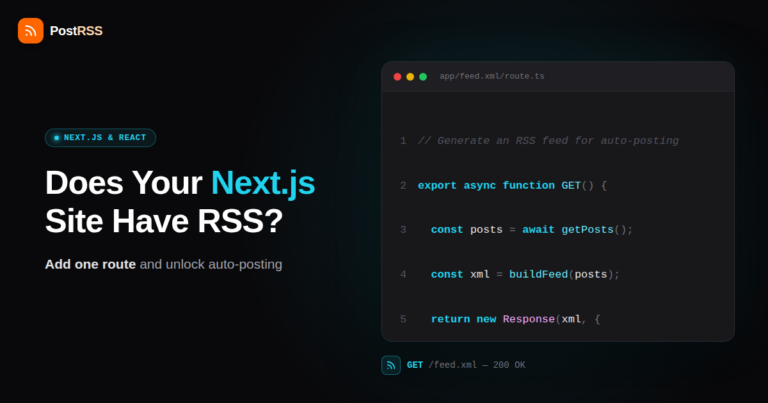
WordPress spits out an RSS feed the moment you install it. Ghost has one built in. Even a barebones Jekyll or Hugo site generat...
Czytaj więcej »
An RSS feed doesn't know what day it is. A blog publishes a post at 2 a.m. on a Saturday, a press release goes out over a holid...
Czytaj więcej »
If you already auto-post your blog's RSS feed to your Facebook Page, it's a reasonable next question: can the same feed also po...
Czytaj więcej »
Short answer: not automatically, not well, and not from a plain RSS feed. If you're picturing a tool that reads a 1,500-word bl...
Czytaj więcej »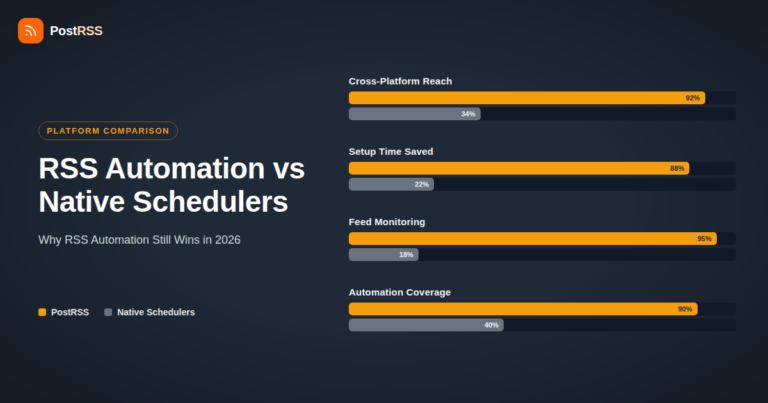
Every major social platform now ships its own scheduler. Meta Business Suite lets you queue Facebook and Instagram posts. X has...
Czytaj więcej »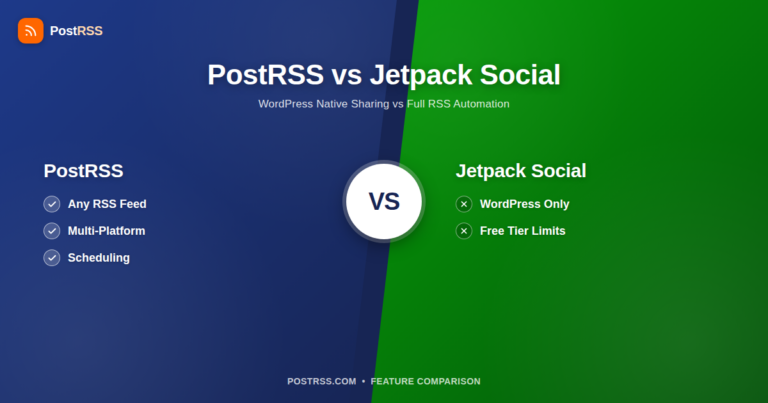
If you run a WordPress site, you've probably seen Jetpack Social sitting right there in your dashboard, offering to auto-share ...
Czytaj więcej »
If you run a blog, newsroom, or e-commerce site outside China and you're looking at your RSS feed wondering whether it can push...
Czytaj więcej »
Hugo, Jekyll, and Eleventy don't work like WordPress or Ghost. There's no dashboard toggle for RSS, no plugin marketplace you c...
Czytaj więcej »
Threads spent its first two years chasing scale. In 2026, Meta shifted its attention to retention and time-on-app, and that shi...
Czytaj więcej »Tworzy je Internet Solutions, zespół stojący za PostRSS. Każdy produkt oszczędza czas na swój sposób.
 English
 Lietuviškai
 Deutsch
 Français
 Русский
 Español
 Polski
 Italiano
 Українська
 Čeština
 Português
 日本語
日本語 Latviešu valoda
 Eesti
Eesti Magyar
 Bahasa Indonesia
 Türkçe
 हिन्दी
 Ελληνικά
 العربية
 ไทย
ไทย Tiếng Việt
 Română
 Bahasa Melayu
 বাংলা
বাংলা