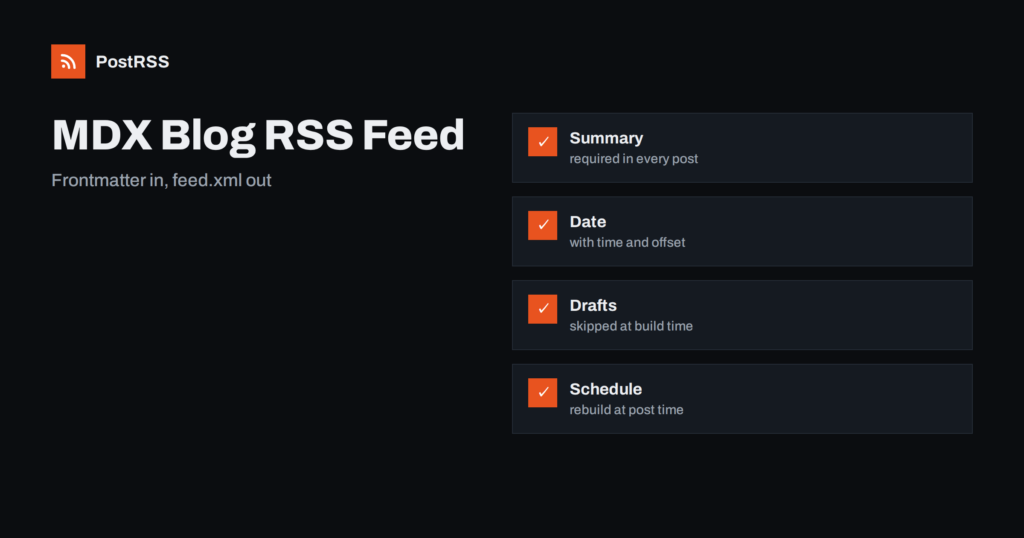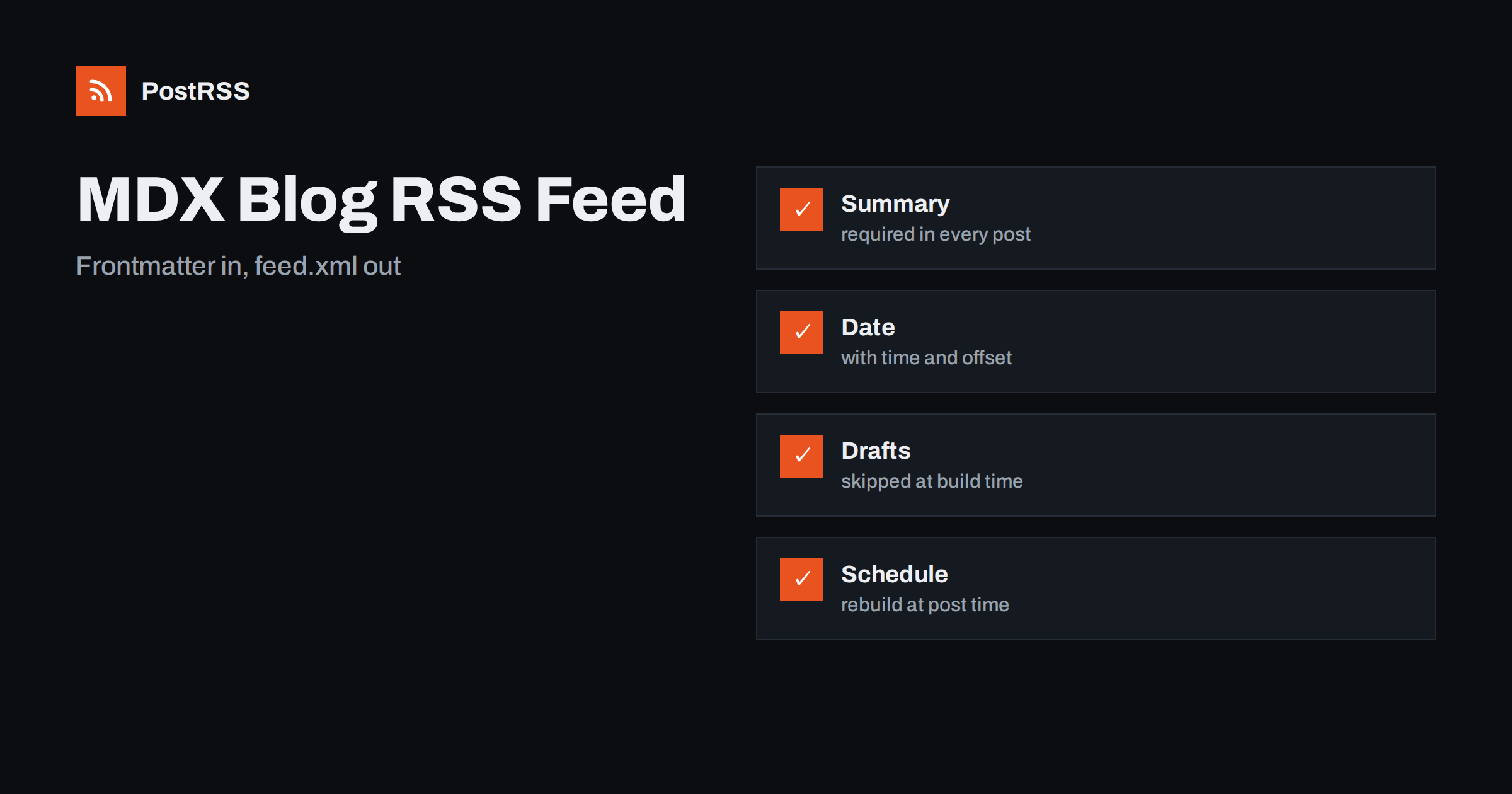
Short answer: An MDX blog needs a feed that is built from the frontmatter of each file, not from the rendered page. Give every post a title, a summary, a publication date with time and offset and a draft flag, write a small build script that reads the files, skips drafts and future dates, escapes the text and writes feed.xml into the public folder, and run it before every build. Rebuild on a schedule so that planned posts go live on time, test the deployed address from outside and connect it to an auto-poster.
MDX combines Markdown with components, and it is a popular choice for developer blogs, documentation sites and company journals built with Next.js, Astro, Gatsby or similar tools. Posts are files in a folder, the metadata sits at the top as frontmatter and the content can include interactive parts. A feed has to ignore the interactive parts and use the metadata, which is why it should not be generated from the rendered HTML. This guide shows the frontmatter you need, a build script that works with any framework, an optional route for the Next.js App Router, and the checks that stop drafts, bad dates and unescaped text from reaching your readers. Library versions change, so confirm the package names in your project before you copy.
Every post file begins with a block of metadata. Four fields matter for the feed: the title, the summary, the date and the draft flag. The slug can come from the file name.
---
title: "Why we moved our docs to MDX"
summary: "What changed when we replaced a wiki with files in the repository, and what we would do differently."
date: 2026-11-04T09:00:00+02:00
draft: false
---
Write the date with a time and an offset. A date without a time is read as midnight in UTC, which can place a post on the previous day for readers in some countries and can order two posts from the same day arbitrarily. The summary is what an auto-poster shows under the title, so write it as one or two complete sentences and not as the first lines of the article, which may contain imports and components. Make the summary a required field, and fail the build if one is missing.
| Feed element | Source in the file | Rule |
|---|---|---|
| Title | title in frontmatter | Plain text, no markup |
| Link and identifier | the file name and your site address | Absolute, https, never changes |
| Publication date | date in frontmatter | With time and offset, set once |
| Description | summary in frontmatter | One or two complete sentences |
The script reads every MDX file, parses the frontmatter with the gray-matter package, filters and sorts the posts and writes the XML. It uses only Node 18 or later and that one package, and it does not depend on the framework.
// scripts/feed.mjs
import { readdir, readFile, writeFile } from "node:fs/promises";
import path from "node:path";
import matter from "gray-matter";

const SITE = "https://example.com";
const DIR = "content/posts";

const ENT = { "&": "&" + "amp;", "<": "&" + "lt;", ">": "&" + "gt;", '"': "&" + "quot;", "'": "&" + "apos;" };
const esc = (s) => String(s ?? "").replace(/[&<>"']/g, (c) => ENT[c]);

const files = (await readdir(DIR)).filter((f) => f.endsWith(".mdx"));
const now = Date.now();
const posts = [];

for (const file of files) {
  const { data } = matter(await readFile(path.join(DIR, file), "utf8"));
  const slug = file.replace(/[.]mdx$/, "");
  if (!data.title || !data.summary || !data.date) throw new Error("Missing field in " + file);
  const date = new Date(data.date);
  if (Number.isNaN(date.getTime())) throw new Error("Bad date in " + file);
  if (data.draft || date.getTime() > now) continue;
  posts.push({ slug, title: data.title, summary: data.summary, date });
}

posts.sort((a, b) => b.date - a.date);
const latest = posts.slice(0, 20);
const newest = latest.length ? latest[0].date : new Date(0);

const items = latest.map((p) => {
  const url = SITE + "/blog/" + p.slug + "/";
  return `<item>
    <title>${esc(p.title)}</title>
    <link>${esc(url)}</link>
    <guid isPermaLink="true">${esc(url)}</guid>
    <pubDate>${p.date.toUTCString()}</pubDate>
    <description>${esc(p.summary)}</description>
  </item>`;
}).join("\n");

const xml = `<?xml version="1.0" encoding="UTF-8"?>
<rss version="2.0"><channel>
  <title>Example Journal</title>
  <link>${SITE}</link>
  <description>News and guides from Example Journal.</description>
  <lastBuildDate>${newest.toUTCString()}</lastBuildDate>
  ${items}
</channel></rss>`;

await writeFile("public/feed.xml", xml);
console.log("feed.xml written with " + latest.length + " items");
The script throws an error when a field is missing or a date is invalid, so a broken post stops the build instead of producing a quiet gap in the feed. It uses the date of the post and not the time of the build for the channel date, so the file is identical when nothing was published. Add the script to the build commands of your project, for example as a step that runs before the framework build, so that every deployment writes a fresh file.
Drafts are skipped by the flag, and future dates are skipped by the comparison with the current time. That makes planned posts easy: write the post with a date in the future, and it appears in the feed on the first build after that moment. The catch is that a static site only changes when it is built. If you plan a post for nine in the morning and nobody triggers a build, it will not appear until the next deployment. Set up a scheduled build on your hosting platform, for example every fifteen minutes during the day, or at the exact times of your planned posts. Check that the site and the feed are built from the same run, so that a feed item never points to a page that does not exist yet.
The slug comes from the file name, and the path from your routing. Keep both fixed after publication. Renaming a file changes the address, and the feed then shows an item with a new identifier, so an auto-poster shares the post again. If a rename is unavoidable, add a redirect from the old address and keep the date. The causes of repeated posts are explained in why a feed auto-posts the same article twice. Use the same helper that builds links in your pages, if you have one, so that the feed and the site cannot disagree.
If you prefer to generate the feed inside the framework, a route handler can return the same XML. The handler below reuses a function that returns the posts and is rendered at build time.
// app/feed.xml/route.js
import { getPosts, renderFeed } from "@/lib/feed";

export const dynamic = "force-static";

export async function GET() {
  const xml = renderFeed(await getPosts());
  return new Response(xml, {
    headers: {
      "Content-Type": "application/rss+xml; charset=utf-8",
      "Cache-Control": "public, max-age=300",
    },
  });
}
The functions in the library file are the same ones as in the script, split into loading and rendering. Whether you use a script or a route, the output is a static document, which is fast and cheap to serve. Hosting platforms usually add a validator on their own for static files. See the guide to Next.js feeds for the framework details and the guide to the content type header for the header.
MDX files may contain imports, custom components and expressions. None of them make sense in a feed. Never render the body to HTML and paste it into the description, because the result is fragile and often large. If you want full text in the feed, convert the body with a processor that you control and test the result in a validator, but a good summary is the better choice for social posts. Social networks show a title, a few lines and a picture, and the picture normally comes from the social preview tags of the post page. See how to control which image gets auto-posted.
If your frontmatter has a list of tags or a category, the same script can write more than one file. Group the posts by tag, write one feed for each of the main topics, such as feed-guides.xml and feed-releases.xml, and keep a main feed with everything. Each address can go to a different social channel, so that release notes reach a technical audience and company stories reach a wider one. Keep the number of feeds small and write the list in the documentation of the project, because a feed that nobody remembers is a feed that quietly breaks. Routing by topic is explained in category filtering for auto-posting.
Add an image field to the frontmatter if your posts have cover pictures, and write it into the feed as an enclosure with an absolute address, a type and a length, or leave the picture to the social preview tags of the post page. Check once a month that the latest feed still builds without warnings, that no post lacks a summary and that the scheduled build still runs. Dependencies change, hosting settings are edited and builds fail silently more often than people think. A short check in your calendar is cheaper than a week of silence on your social channels.
Run the script locally and read the output, then test the deployed address from outside.
node scripts/feed.mjs
curl -i https://example.com/feed.xml
curl -s https://example.com/feed.xml | head -n 30A longer routine is in the feed validation guide, and a shorter one in debugging a feed with curl.
PostRSS has been publishing RSS and Atom feeds to social networks since 2014. Paste the address of your feed, connect your accounts and choose how each post is built from the title, the description or the page title. PostRSS checks the feed as often as every minute and shares each new entry, with its image and link, to the channels you choose among 66 supported networks, messengers, team chats and blogs, including LinkedIn, X, Bluesky, Mastodon and Telegram. Keyword filters, UTM parameters and posting windows let you tune each channel. See the PostRSS features page and the plan limits on the pricing page. More developer guides are under the Technical Guide tag.
An MDX blog gets a reliable feed from its frontmatter. Require a title, a summary and a date with time and offset in every post, skip drafts and future dates, escape the text, keep slugs and dates fixed, write the file before every build and rebuild on a schedule so that planned posts appear on time. Test the deployed address from outside and then connect it to an auto-poster, so that every post you publish reaches your readers and your social channels without extra work.
Read the frontmatter of each file in a build script, skip drafts and future dates, escape the text and write feed.xml into your public folder before every build.
The date in the frontmatter, written with a time and an offset and set once when the post goes live. Do not use the file modification time or the time of the build.
Give the post a future date and trigger a build at or after that moment, for example with a scheduled build on your hosting platform.
A good summary is enough for auto-posting. Full text from MDX needs careful conversion because of components, and it is rarely needed.
Yes. PostRSS reads any valid RSS or Atom address that is reachable without a login. Paste the address, connect your channels and new posts are shared as soon as they appear.
What changed in the networks, what broke, and how to fix it before it costs you reach.
PostRSSを手がけるInternet Solutionsが開発。どの製品も、それぞれの形で時間を節約します。
 English
 Lietuviškai
 Deutsch
 Français
 Русский
 Español
 Polski
 Italiano
 Українська
 Čeština
 Português
 日本語
 Latviešu valoda
 Eesti
 Magyar
 Bahasa Indonesia
 Türkçe
 हिन्दी
 Ελληνικά
 العربية
 ไทย
 Tiếng Việt
 Română
 Bahasa Melayu
 বাংলা