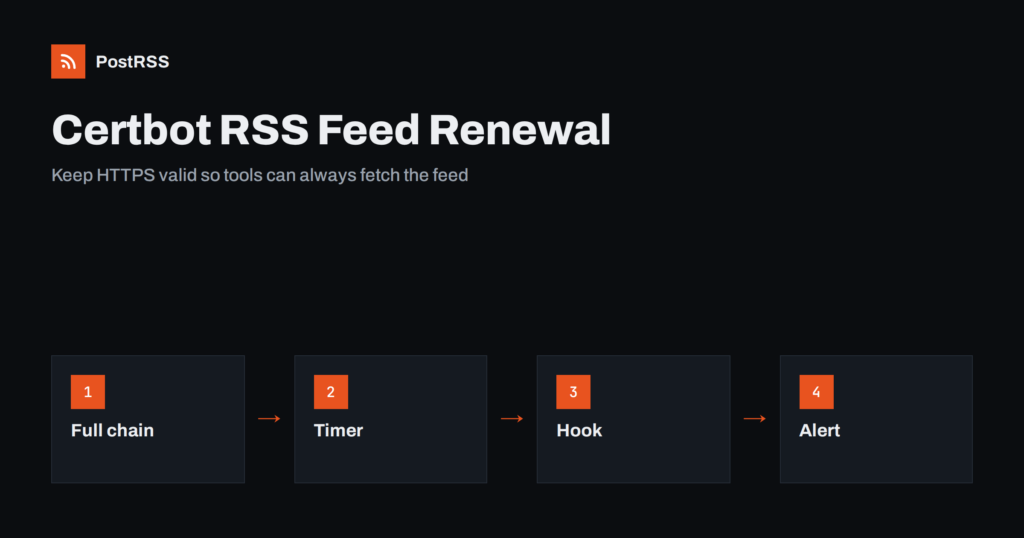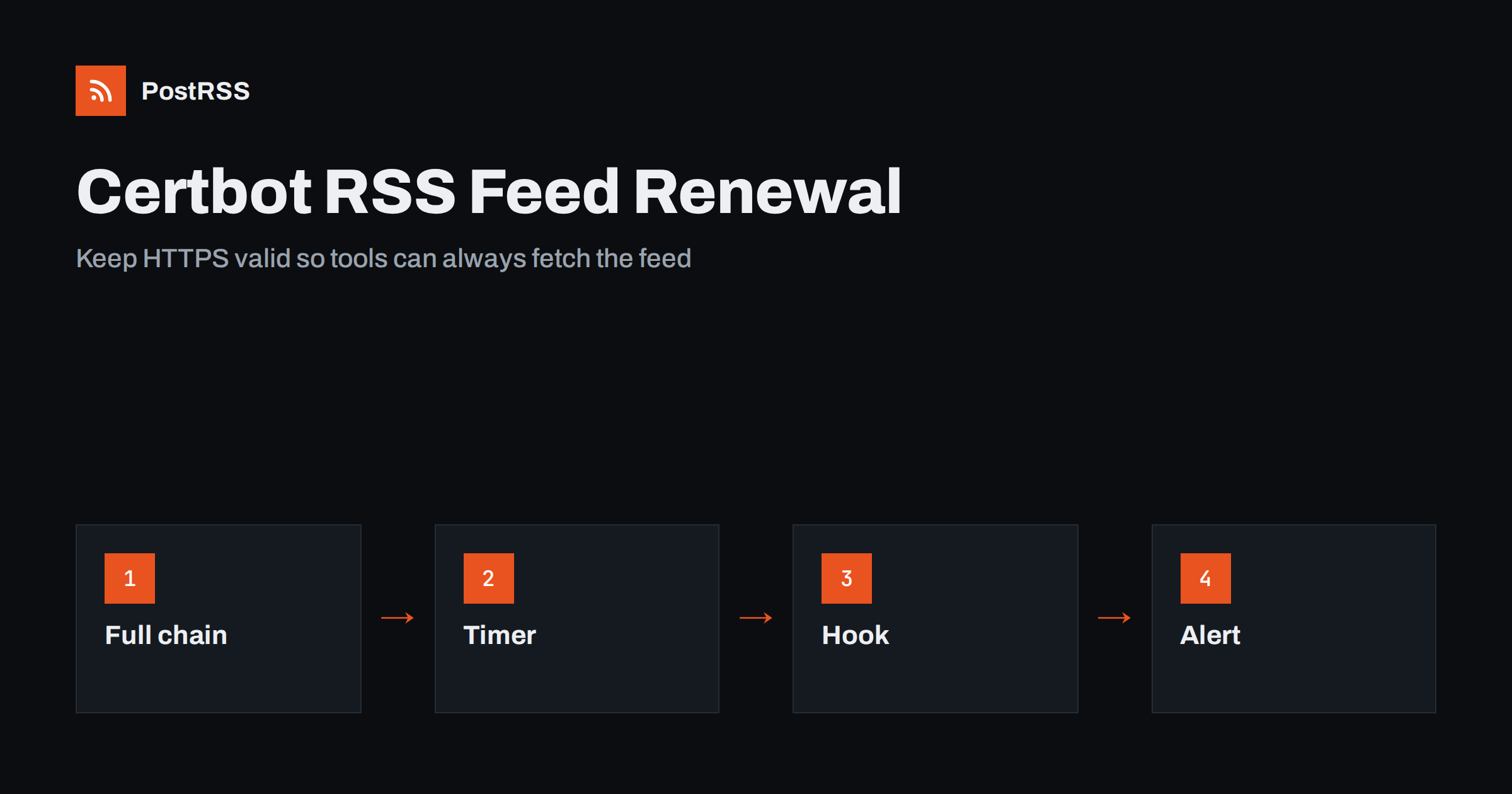
Short answer: A feed served over HTTPS stops working for every tool the moment its certificate expires or its chain is incomplete, even if browsers still show the site. Use Let’s Encrypt with Certbot, confirm that the renewal timer runs twice a day, test it with a dry run, make the web server reload after each renewal with a deploy hook, serve the full chain file, keep the challenge path open on port 80, watch the expiry date with a small script and alert yourself well before the end. Then check the feed address from outside and connect it to an auto-poster so that every new article reaches your social channels.
A broken certificate is one of the quietest ways for a feed to die. Visitors who have the site open may notice nothing, a browser may ask for a click to continue, and meanwhile every auto-poster, feed reader and search crawler that fetches the feed refuses the connection, because tools are stricter than people. They do not click through warnings. They log an error and stop, and the articles you publish are not shared until someone notices. Let’s Encrypt made certificates free and automatic, and Certbot is the most common tool to obtain them, but automatic does not mean unattended forever. Timers get disabled, ports get closed, configurations change and renewals fail without a sound. This guide explains how to set up renewal so that it keeps working, how to test it, what usually goes wrong and how to find out before your readers do.
A browser is forgiving in several ways. It can fetch a missing intermediate certificate on its own, it can offer a warning page with a button to continue and it caches successful connections. An auto-poster is a program that uses a standard library for secure connections, and the library follows the rules: the server must send the whole chain except the root, the name must match, the dates must be valid and the certificate must be signed by a trusted authority. A site that works in your browser can still fail in a tool for any of these reasons. The most frequent one is an incomplete chain, which happens when the web server is configured with only the certificate file and not the full chain file. The general background is explained in why SSL certificates and HTTPS matter for social media automation.
| Problem | What a browser does | What a feed tool does |
|---|---|---|
| Expired certificate | Shows a warning page | Refuses the connection |
| Missing intermediate | Often fetches it and continues | Reports a verification error |
| Wrong host name | Shows a warning page | Refuses the connection |
| Port 443 closed | Shows an error | Reports a timeout |
| Old protocol only | Depends on the version | May fail to negotiate |
The most common way is to let Certbot edit the configuration of your web server. If you prefer to control the configuration yourself, use the mode that only obtains the certificate and write the paths by hand.
sudo certbot certonly --webroot -w /var/www/example.com/public -d example.com -d www.example.comThe webroot mode places a small file in a folder under the site, the authority fetches it over port 80 and the certificate is issued. The files appear under a live folder with the name of the first domain. In the web server configuration, use the full chain file for the certificate and the private key file for the key. Do not use the single certificate file, because it lacks the intermediate certificate that tools need. After editing the configuration, test it and reload the server.
ssl_certificate     /etc/letsencrypt/live/example.com/fullchain.pem;
ssl_certificate_key /etc/letsencrypt/live/example.com/privkey.pem;
The two lines above are written for one common web server; other servers use different names for the same two files. Include every host name that serves the feed, including the version with and without the www prefix, because a certificate for one name does not cover the other.
Certificates from Let’s Encrypt are valid for a short time, so renewal must happen regularly and automatically. The packages for most systems install either a systemd timer or a cron entry that runs Certbot twice a day. Certbot renews a certificate only when it is close to expiry, so frequent runs are cheap. Do not assume that the schedule exists. Look for it.
systemctl list-timers | grep -i certbot
sudo certbot certificates
The first command shows the timer and its next run. If you see nothing, check for a cron file with the name of the tool in the system cron folder. The second command lists every certificate that Certbot manages, with the host names, the expiry date and the paths of the files. If a certificate you rely on is missing from the list, it was obtained by another tool, and you need to find out which one renews it.
A dry run goes through the whole renewal process against a test environment, without replacing your certificate. It tells you whether the authority can reach your challenge path and whether your hooks work.
sudo certbot renew --dry-runRun it after you set up a server, after you change the web server configuration and after you change a firewall or a content delivery network. A dry run that fails today is a failed renewal in a few weeks. Read the message carefully: the most common failures are a challenge path that is redirected, blocked or served by a different application, and a name that no longer points to this server.
A renewed certificate is only a new file on the disk. A running web server keeps the old certificate in memory until it is told to reload. Many sites suffer an outage because the file was renewed but the server was never reloaded, and the old certificate expired in memory. Add a deploy hook that reloads the server after a successful renewal.
sudo certbot renew --deploy-hook "systemctl reload nginx" --dry-run
sudo sh -c 'echo "deploy-hook = systemctl reload nginx" >> /etc/letsencrypt/renewal/example.com.conf'
The first line tests the hook, and the second stores it in the renewal settings of the certificate so that it runs automatically. A reload keeps existing connections alive, so it is safe during normal traffic. If you run several servers behind a balancer, make sure every one of them gets the new files, or terminate the secure connection in one place.
The most common method needs port 80 and a path under a folder with a dot in its name. Many sites redirect all plain HTTP traffic to HTTPS, which is correct for visitors, but the redirect must not break the challenge, or the rule must send the challenge to the right place. Check that the path is served from the folder you gave to Certbot and that no firewall rule, bot filter or content delivery network setting blocks requests from the authority. A site that closes port 80 entirely cannot use this method and must use a different one, such as a challenge in DNS, which also allows wildcard names but needs access to the DNS provider. Choose the method on purpose, and write down which one each certificate uses.
Automatic renewal is a promise, not a guarantee. Let’s Encrypt no longer sends expiry reminder emails, so you need your own check. A short script can read the date from the live address and warn you when fewer than two weeks remain.
#!/bin/sh
HOST=example.com
END=$(echo | openssl s_client -servername $HOST -connect $HOST:443 2>/dev/null | openssl x509 -noout -enddate | cut -d= -f2)
LEFT=$(( ( $(date -d "$END" +%s) - $(date +%s) ) / 86400 ))
[ "$LEFT" -lt 14 ] && echo "Certificate for $HOST expires in $LEFT days"
Run it daily from a timer and send the message to a place that someone reads. Checking the live address instead of the file on the disk catches the case where the file is fresh but the server never reloaded it. Many monitoring services offer the same check, and some auto-posting tools report fetch errors that reveal a certificate problem. The wider picture of reliability is described in the guide to automation uptime and reliability.
openssl s_client -connect example.com:443 -servername example.com -showcerts
curl -sI https://example.com/feed.xml
curl -sI https://www.example.com/feed.xmlA longer routine is in the feed validation guide, and a shorter one in debugging a feed with curl.
Several issues produce the same error in a tool. An address record for IPv6 that points to a machine without a certificate makes some clients fail while others succeed, because they choose different protocols. A content delivery network in front of the site may serve its own certificate, which must cover your host name. A redirect from the secure address to an insecure one downgrades the connection and may be refused. A very old server may offer only outdated protocol versions that modern libraries reject. And an expired certificate for the www name can break a feed that was shared with that name years ago. Test every name and both protocol families, and keep one canonical address for the feed. The effect of redirects is explained in the guide to feed status codes.
PostRSS has been publishing RSS and Atom feeds to social networks since 2014. Paste the address of your feed, connect your accounts and choose how each post is built from the title, the description or the page title. PostRSS checks the feed as often as every minute and shares each new entry, with its image and link, to the channels you choose among 66 supported networks, messengers, team chats and blogs, including LinkedIn, X, Bluesky, Mastodon and Telegram. Keyword filters, UTM parameters and posting windows let you tune each channel. See the PostRSS features page and the plan limits on the pricing page. More developer guides are under the Technical Guide tag.
An expired or incomplete certificate silently stops every tool that reads your feed. Obtain the certificate for every host name, serve the full chain, confirm that the renewal timer exists, test renewal with a dry run, reload the web server after each renewal, keep the challenge path open and watch the expiry date of the live address with a daily check that alerts you early. Test the feed address with curl and openssl, then connect it to an auto-poster, so that every article you publish reaches your social channels without a surprise outage.
The scheduled job runs twice a day, but Certbot renews a certificate only when it is close to expiry. A dry run tests the process without replacing anything.
Often the server sends only the certificate and not the full chain. A browser can fetch the missing intermediate, but a tool cannot. Use the full chain file in the web server configuration.
Yes. A running server keeps the old certificate in memory. Add a deploy hook that reloads it after each successful renewal.
Do not count on it, because expiry reminder emails are no longer sent. Check the live expiry date with a small script and send the alert to a place that someone reads.
Yes. PostRSS reads any valid RSS or Atom address that is reachable without a login, as long as the certificate chain is valid. Paste the address, connect your channels and new articles are shared as soon as they appear.
What changed in the networks, what broke, and how to fix it before it costs you reach.
PostRSSを手がけるInternet Solutionsが開発。どの製品も、それぞれの形で時間を節約します。
 English
 Lietuviškai
 Deutsch
 Français
 Русский
 Español
 Polski
 Italiano
 Українська
 Čeština
 Português
 日本語
 Latviešu valoda
 Eesti
 Magyar
 Bahasa Indonesia
 Türkçe
 हिन्दी
 Ελληνικά
 العربية
 ไทย
 Tiếng Việt
 Română
 Bahasa Melayu
 বাংলা