Short answer: To cache an RSS feed at Fastly, let the origin send the RSS content type, a validator and a cache header with a lifetime of a few minutes, add a small VCL snippet that removes query strings from the cache key of the feed path and sets a short time to live, tag the feed with a surrogate key so that you can purge it the moment you publish, allow a stale copy to be served while a fresh one is fetched or when the origin fails, turn on compression for feed types and keep the path outside any bot or rate rule that blocks polling tools. Check the cache headers with curl, and then connect the address to an auto-poster so that new articles reach your social channels.
An edge network turns a feed from a recurring cost into a nearly free page. Instead of every reader, search crawler and auto-poster reaching your origin, they reach a nearby point of presence that already holds the XML. Fastly is popular with publishers because its caching rules are written in a configurable language and because purges take effect within seconds. That power has a price: the defaults are generic, and a feed needs a few decisions of its own. The default lifetime is long compared with the pace of a news feed, the cache key includes the full address with its query string, and a purge that is too broad throws away pages that should stay cached. This guide explains the settings that matter for a feed, shows short examples that you can adapt and lists the traps that appear in real set-ups. Details of the configuration language change over time, so check the current documentation before you copy anything into production.
Fastly looks at several headers from the origin and uses the first one that it finds, in a fixed order. A header meant for shared caches comes first, then the shared-cache lifetime in the ordinary cache header, then the ordinary lifetime and then an expiry date. If none is present, a default of one hour applies, which is far too long for a feed. The simplest rule is to be explicit: send a cache header from the origin with the lifetime you want, and add a rule at the edge only as a safety net. A lifetime of five minutes is a good start for a feed, because it removes nearly all repeated work and still lets new articles reach auto-posters quickly. The effect of caches on delays is explained in why auto-posted content sometimes lags.
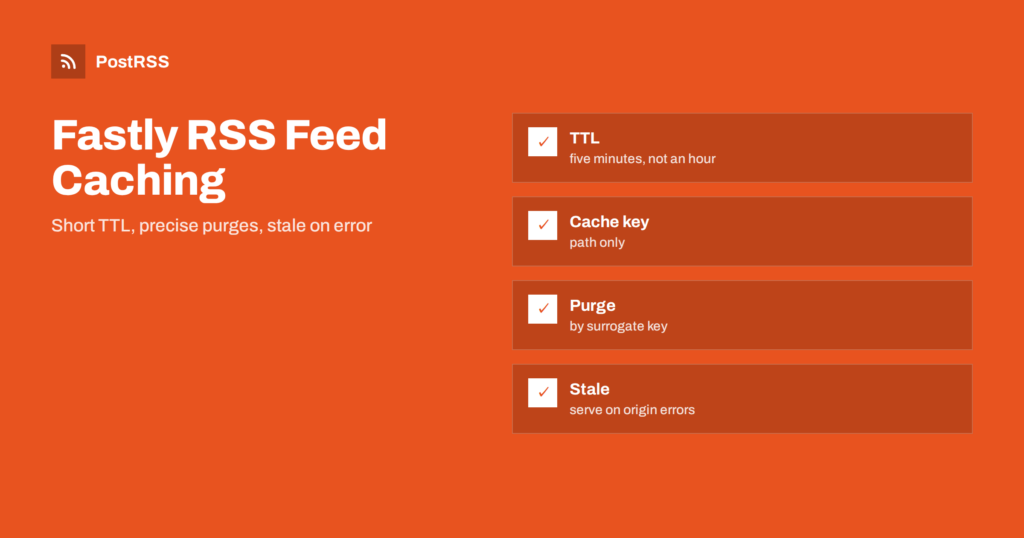
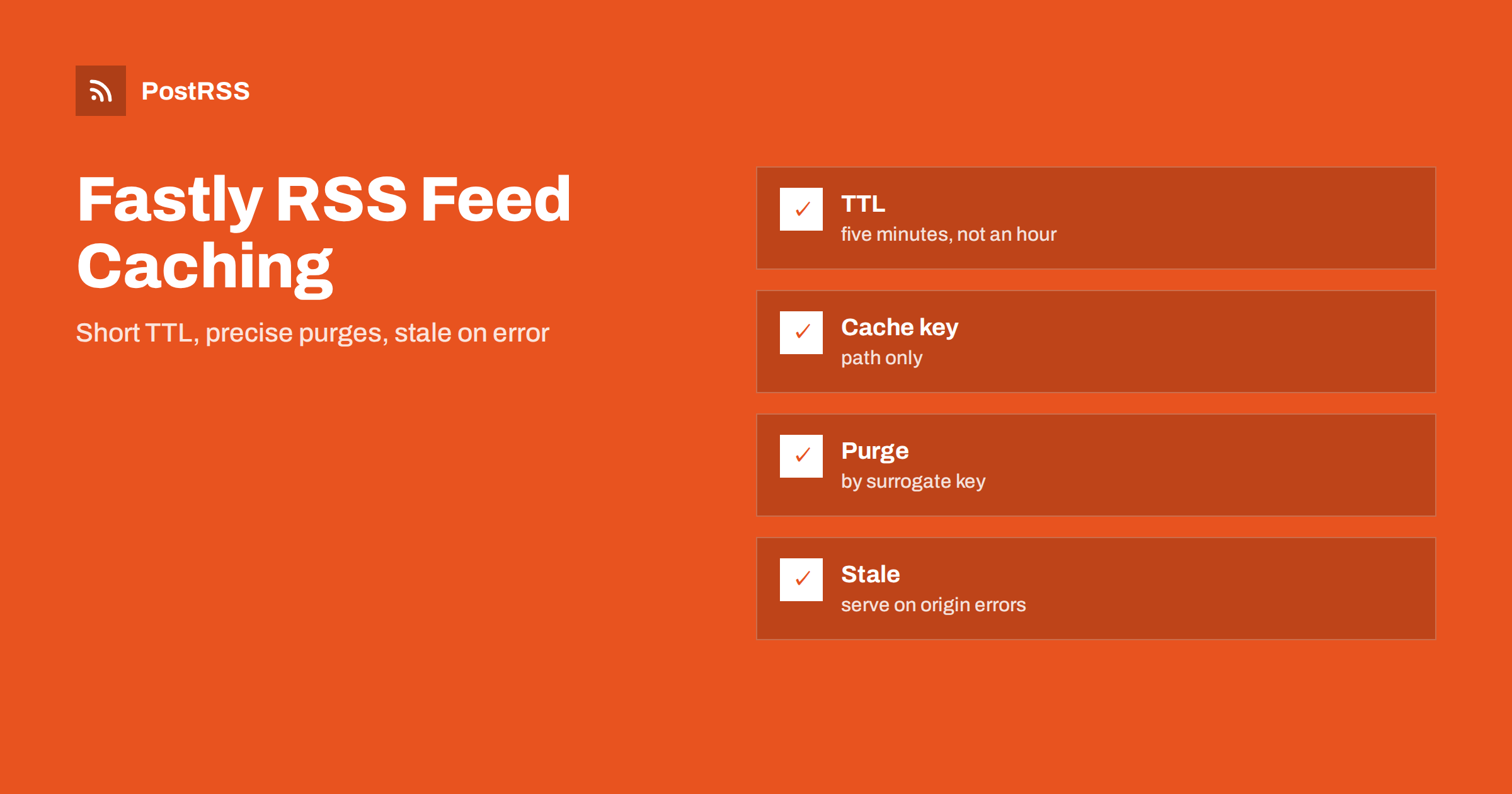
| Decision | Recommended for a feed | Reason |
|---|---|---|
| Time to live | Five minutes | Fresh enough for auto-posting |
| Cache key | Path only, no query string | Tracking parameters do not split the cache |
| Purge method | Surrogate key | Clears the feed without touching other pages |
| Stale handling | Serve stale on error and while revalidating | Keeps the feed available during outages |
| Compression | On for RSS and Atom types | Smaller answers for every client |
The edge caches what the origin sends, so the origin must send the right content type and a validator. The RSS type with a UTF-8 charset tells tools what they received, as explained in the guide to the content type header. A validator lets tools ask whether the feed changed, and the answer can be a short 304 status. If your origin is a CMS plugin or an application, set these headers in the code or in the web server in front of it. If you cannot change the origin, the edge can add or overwrite headers, but fixing the source is better, because the origin is also reached directly during tests and by tools that bypass the network. The mechanism of validators is described in the guide to ETags and conditional requests.
By default, the cache key contains the whole address. A request for the feed with a tracking parameter creates a separate cache entry from a request without it, and a feed that is shared in campaigns can end up with dozens of copies, each one fetched from the origin. The fix is a short snippet that removes the query string for the feed path before the lookup.
# snippet type: recv
if (req.url.path == "/feed.xml") {
  set req.url = querystring.remove(req.url);
}
The condition limits the change to the feed, so pages that rely on query strings, such as search results, are not affected. If you serve several feeds, for example one for each category, match a folder or a list of paths instead. Test the rule with and without a parameter and compare the cache status, as shown in the test section.
A second snippet runs when the edge receives the origin response. It can set the time to live, mark the feed with a key for purging and allow stale content in two situations: while a new copy is being fetched, and when the origin cannot be reached.
# snippet type: fetch
if (req.url.path == "/feed.xml") {
  set beresp.ttl = 300s;
  set beresp.stale_while_revalidate = 60s;
  set beresp.stale_if_error = 86400s;
  set beresp.http.Surrogate-Key = "feed";
  set beresp.gzip = true;
}
The first line fixes the lifetime at five minutes, whatever the origin says, which is useful if the origin is misconfigured. The stale settings keep serving the last good copy while the edge fetches a new one, and for a long time if the origin returns errors, so a short outage or a deployment does not turn into a broken feed for tools. The surrogate key gives the feed a name that you can use for purging. The last line asks the edge to compress the response. Names of variables and the way compression is enabled differ between versions and between the web interface and snippets, so confirm them in the current documentation. A related problem, a slow origin that keeps a connection open, is described in the guide to feed timeouts.
A lifetime of five minutes is enough for most sites. When you publish something urgent, a purge clears the cached copy at once. Purging by surrogate key removes everything tagged with the key and nothing else, which is why the tag matters. A soft purge marks the copy as stale instead of deleting it, so that the next request is served quickly while the edge fetches a fresh version in the background.
curl -X POST -H "Fastly-Key: YOUR_API_TOKEN" -H "Fastly-Soft-Purge: 1" https://api.fastly.com/service/YOUR_SERVICE_ID/purge/feedCall it from the publishing step of your site, for the main feed and for the feed of the category that changed. Keep the token in a protected place and give it only the rights it needs, because a token that can purge everything can also be used to cause a large load on your origin. If your platform has a plugin for purging, use it, but confirm that it purges the feed and not only the pages.
An XML feed is repetitive text and shrinks to a fraction of its size when compressed, which matters when many tools fetch the same address every few minutes. Make sure that the feed types are on the list of types that the service compresses, and that the origin does not compress them twice. Request the feed with a header that accepts compressed answers and look for a content encoding line in the response. Background on size and speed is covered in the feed compression guide. A feed with hundreds of items with full text can also be reduced at the source: readers and auto-posters usually need only the latest items.
Fastly can designate one point of presence as a shield, so that all other locations ask the shield instead of the origin. For a feed, this reduces the number of requests that reach the origin from dozens to one per lifetime. It adds one hop for a miss, which is not a problem for a feed that is cached for minutes. Make sure the origin allows requests from the network, and if it is protected by a firewall, allow the addresses that the service uses instead of blocking unknown ones. Check that the host name sent to the origin matches the virtual host that serves the feed, because a wrong host header produces a different site or an error.
Security features are often attached to the edge: rules against suspicious user agents, limits per address, challenges for requests from data centres. They protect against real abuse, but they also block auto-posters and feed readers, which do not run scripts and cannot solve a challenge. Give the feed path an exception in every rule, and watch the logs for blocked requests to your feed address. When a tool reports that the feed is forbidden or unreachable, check these settings first. A related case, with its own fixes, is described in the guide to blocked feeds.
Keep one address for the feed and use it everywhere: in the link tags of your pages, in your notes and in the auto-poster. If older addresses must keep working, redirect each one directly to the canonical address, either at the origin or with a synthetic response at the edge, and make sure the redirect is cached for a short time. A chain of two or three redirects is a common reason for a feed that works in a browser and fails elsewhere. The meaning of each status is explained in the guide to feed status codes.
curl -sI https://example.com/feed.xml
curl -sI 'https://example.com/feed.xml?utm_source=test'
curl -sI -H 'Accept-Encoding: gzip' https://example.com/feed.xml
curl -sI -H 'If-None-Match: paste-the-etag-here' https://example.com/feed.xmlA longer routine is in the feed validation guide, and a shorter one in debugging a feed with curl.
PostRSS has been publishing RSS and Atom feeds to social networks since 2014. Paste the address of your feed, connect your accounts and choose how each post is built from the title, the description or the page title. PostRSS checks the feed as often as every minute and shares each new entry, with its image and link, to the channels you choose among 66 supported networks, messengers, team chats and blogs, including LinkedIn, X, Bluesky, Mastodon and Telegram. Keyword filters, UTM parameters and posting windows let you tune each channel. See the PostRSS features page and the plan limits on the pricing page. More developer guides are under the Technical Guide tag.
Fastly can make a feed fast, resilient and nearly free to serve, if you tell it what a feed is. Send the RSS type and a validator from the origin, remove query strings from the cache key, set a lifetime of a few minutes, allow stale copies for outages and revalidation, tag the feed with a surrogate key and purge it when you publish, compress the feed types and keep the path outside every bot rule. Test the headers from outside, then connect the address to an auto-poster, so that every article you publish reaches your social channels without delay.
Five minutes suits most sites. The default of one hour is too long for a feed, so set the lifetime in the origin header or in a snippet, and purge the feed when you need an item to appear at once.
Usually the query string is part of the cache key, or the origin sends a header that forbids caching. Remove the query string for the feed path and check the headers from the origin.
It is a label that the origin or a snippet attaches to a response. You can purge every response with that label in one call, which lets you clear the feed without touching other pages.
Yes. With stale-if-error and stale-while-revalidate settings, the edge serves the last good copy while the origin recovers or while a fresh copy is fetched.
Yes. PostRSS reads any valid RSS or Atom address that is reachable without a login. Paste the address, connect your channels and new articles are shared as soon as they appear.
What changed in the networks, what broke, and how to fix it before it costs you reach.
PostRSSを手がけるInternet Solutionsが開発。どの製品も、それぞれの形で時間を節約します。
 English
 Lietuviškai
 Deutsch
 Français
 Русский
 Español
 Polski
 Italiano
 Українська
 Čeština
 Português
 日本語
 Latviešu valoda
 Eesti
 Magyar
 Bahasa Indonesia
 Türkçe
 हिन्दी
 Ελληνικά
 العربية
 ไทย
 Tiếng Việt
 Română
 Bahasa Melayu
 বাংলা