RSS verso 66 social network: Facebook, Instagram, X, LinkedIn, Telegram e altri Blog Affiliazione Contatti
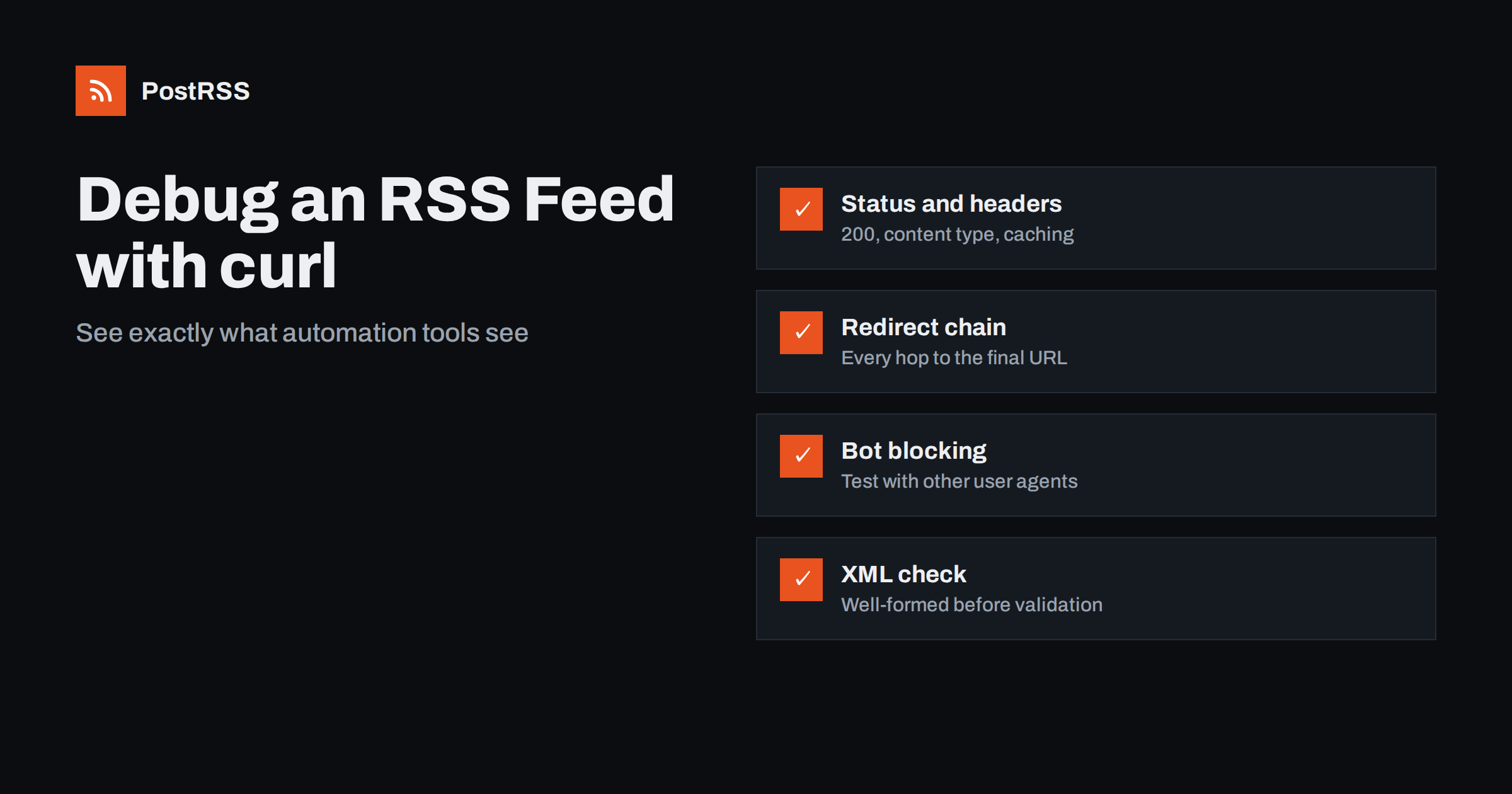
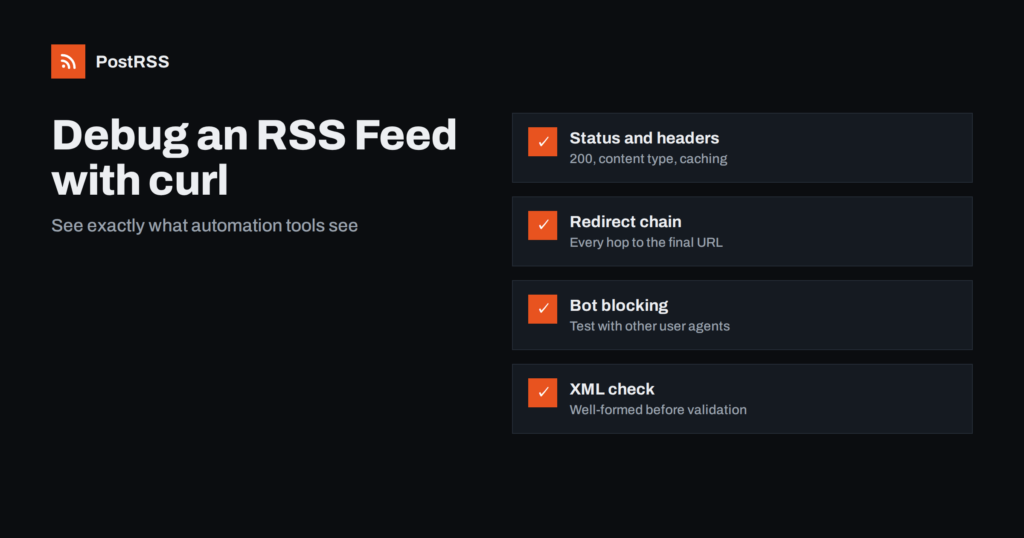
Short answer: When an RSS feed works in your browser but fails in a reader or an auto-posting tool, use curl to see what a server-side client actually receives. Check the status code and headers with curl -sI, follow redirects with -L, compare responses with different user agents to spot bot blocking, test conditional requests and compression, and pipe the body into an XML checker such as xmllint. Most feed failures show up in one of these five checks.
A browser is a forgiving client. It follows redirects silently, runs JavaScript challenges from bot protection services, sends cookies from earlier visits, accepts almost any content type and often displays a feed even if the XML is slightly broken. Feed readers and auto-posting services are different. They fetch the feed from a server, without cookies, without running JavaScript, often with their own user agent, and they parse the XML strictly. A feed that “works in Chrome” can still return an error page, a challenge page or malformed XML to a tool.
curl, the command-line HTTP client available on Linux, macOS and Windows, lets you make the same kind of plain request a server-side tool makes and see every detail of the response. You do not need to be a developer to use the handful of commands below. Replace https://example.com/feed/ with your own feed URL in each example.
Where you run the commands matters too. Running curl on your own laptop tells you what a visitor on your network sees. Running it on a server, for example a small cloud machine or your hosting account’s SSH shell, is closer to what a feed service sees, because it comes from a data centre address. When a problem only affects automation tools, testing from a server often reproduces it immediately.
Start with a HEAD-style request that shows only the response headers:
curl -sI https://example.com/feed/The first line shows the HTTP status. What to look for:
200: the feed was served. Good.301 oppure 302: a redirect. See check 2.403: access forbidden, often a firewall, bot protection or security plugin.404: the URL is wrong or the feed was disabled.429: too many requests; the server is rate limiting.500, 502, 503: server errors or maintenance.Some servers answer HEAD requests differently from normal GET requests. If the result looks odd, repeat the check with a real GET that discards the body and prints only the summary:
curl -s -o /dev/null -w "%{http_code} %{content_type} %{size_download} bytesn" https://example.com/feed/Our explainer on feed HTTP status codes goes deeper into each one.
Redirects are common and usually harmless, but chains of several hops, loops and redirects to login or error pages cause trouble. Show every hop:
curl -sIL https://example.com/feedEach block of headers is one response. Look at the location header in each redirect and the status of the final response. Typical findings:
http to https, then example.com to www.example.com, then /feed to /feed/: three hops that could be one. Use the final URL in your tools.To print only the final address, use curl -sL -o /dev/null -w "%{url_effective}n" https://example.com/feed.
A feed should be served with an XML content type, usually application/rss+xml, application/atom+xml, application/xml oppure text/xml, ideally with charset=utf-8. A text/html content type is a warning sign: the server may be returning a web page instead of the feed.
Look at the beginning of the body:
curl -s https://example.com/feed/ | head -c 600You should see an XML declaration or an <rss oppure <feed element within the first characters. Common problems visible here:
To check for an invisible byte order mark at the very start, run curl -s https://example.com/feed/ | head -c 3 | xxd. The bytes ef bb bf indicate a BOM, which some parsers dislike.
Security plugins, web application firewalls and CDN bot protection sometimes treat feed fetchers as bots, which technically they are. Compare responses with different user agents:
curl -s -o /dev/null -w "%{http_code}n" https://example.com/feed/
curl -s -o /dev/null -w "%{http_code}n" -A "Mozilla/5.0" https://example.com/feed/
curl -s -o /dev/null -w "%{http_code}n" -A "FeedFetcher-Test/1.0" https://example.com/feed/
If the plain request or the custom user agent gets 403 oppure 503 while the browser-like one gets 200, something is filtering by user agent. If all three fail from your server but work from your laptop, the block may be based on IP address or data centre ranges. In both cases the fix is on the site side: allow the feed path in your firewall or bot protection rules. Our article on Cloudflare and bot protection errors describes common settings.
Rate limiting is a related issue. If many tools and readers fetch your feed, or a tool retries aggressively after errors, a firewall may start answering with 429 for a while. Repeat the request a few times in a row and watch whether the status changes. A feed path that is cached at the edge and served quickly rarely triggers these limits.
Also check robots.txt with curl -s https://example.com/robots.txt. Well-behaved tools may respect it, and a broad Disallow rule can exclude the feed path.
If the server returns a 200 response with XML, test whether the document is well-formed. On most Linux and macOS systems, xmllint from libxml2 is available:
curl -s https://example.com/feed/ | xmllint --noout -No output means the XML is well-formed. Otherwise it prints the line and column of the first error. Typical errors and causes:
EntityRef: expecting ';': an unescaped ampersand, often in a title or URL.Entity 'nbsp' not defined: an HTML entity used outside CDATA.XML declaration allowed only at the start: whitespace or output before the declaration.PCDATA invalid Char value: a control character pasted from another application.Opening and ending tag mismatch: broken template output or truncated content.Well-formed is not the same as valid. After fixing well-formedness, run the feed through the W3C Feed Validation Service to catch RSS-specific issues such as invalid dates or missing required elements.
Efficient feed fetchers use conditional requests to avoid downloading an unchanged feed. Look for caching headers in the response:
curl -sI https://example.com/feed/ | grep -iE "etag|last-modified|cache-control|age|expires"If there is an ETag, test that the server answers a conditional request correctly:
curl -sI -H 'If-None-Match: "the-etag-value"' https://example.com/feed/A 304 Not Modified response is correct when nothing changed. After you publish a new post, the same request should return 200 with a new ETag. If it keeps returning 304, or if a CDN serves the same cached copy for a long time (visible in a large age header), new posts will reach tools late. Our guide to ETags and conditional GET explains the mechanism.
To check compression, request a compressed response and compare sizes: curl -s --compressed -o /dev/null -w "%{size_download}n" https://example.com/feed/. Compression is good; a broken compression setup that returns garbled bytes is not, and it shows up as an XML error in check 5.
A feed that takes a long time to generate can hit tool timeouts. Measure where the time goes:
curl -s -o /dev/null -w "dns %{time_namelookup} connect %{time_connect} first byte %{time_starttransfer} total %{time_total}n" https://example.com/feed/A long “first byte” time means the server is slow to build the feed, often because of heavy plugins, uncached database queries or a feed with too many items. A large download size points to full-text feeds with many items or embedded content. Reducing the number of items or switching to excerpts usually helps. Finally, count the items to confirm the new post is really there: curl -s https://example.com/feed/ | grep -c "<item".
When someone reports “the feed is not working”, run the checks in this order and stop at the first failure:
-w "%{http_code}". Not 200? Fix access or the URL.-sIL. Many hops or a loop? Use or fix the final URL.xmllint. Errors? Fix the template or content.Write down the command and the result for each step. If you need help from a hosting provider or plugin developer, that record saves a lot of back and forth.
After fixing something, run the whole sequence once more. Fixes sometimes move the problem rather than remove it: removing a redirect can expose a firewall rule, and clearing a cache can reveal a PHP warning that was hidden in the cached copy. A clean run from start to finish is the real confirmation.
PostRSS fetches your RSS or Atom feed from its servers every 5 minutes on all plans, or every minute on Enterprise plans, and publishes new items to the networks you connect, 66 in total. Its log shows every post, error and retry, so when a feed stops producing posts you can see whether the problem is fetching the feed or publishing to a network, and then use the curl checks above to find the cause on the site side. See the features page for details and the pricing page for plans.
curl shows you what automation tools actually receive from your server. Check the status code, follow the redirects, confirm the content type and the first bytes, compare user agents, test the XML with xmllint, and look at caching and timing. Almost every feed problem appears in one of these checks, and once you can see it, the fix is usually straightforward.
Keep the commands in a text file next to your site documentation. The next time a feed stops working, you will have a diagnosis in minutes instead of guessing at settings in every tool that reads it.
Browsers follow redirects, run bot challenges, send cookies and tolerate broken XML. Tools fetch the feed from a server without those advantages. Use curl to make a similar plain request and see the real response.
The server refused the request, usually because a firewall, security plugin or bot protection service blocked it. Compare responses with different user agents and allow the feed path in your protection rules.
Pipe the feed into xmllint with the noout option to check that it is well-formed. Then use an online feed validator to check RSS-specific rules such as date formats and required elements.
Often a cache or CDN serves an older copy. Check the cache-control, age and ETag headers, and make sure the feed path is cached only briefly or purged when you publish.
curl is preinstalled on most Linux and macOS systems and on recent versions of Windows. xmllint comes with libxml2, which is usually available on Linux and macOS or can be installed from the system package manager.
What changed in the networks, what broke, and how to fix it before it costs you reach.
Realizzati da Internet Solutions, il team dietro PostRSS. Ognuno ti fa risparmiare tempo in modo diverso.
 English
 Lietuviškai
 Deutsch
 Français
 Русский
 Español
 Polski
 Italiano
 Українська
 Čeština
 Português
 日本語
日本語 Latviešu valoda
 Eesti
Eesti Magyar
 Bahasa Indonesia
 Türkçe
 हिन्दी
 Ελληνικά
 العربية
 ไทย
ไทย Tiếng Việt
 Română
 Bahasa Melayu
 বাংলা
বাংলা