RSS vers 66 réseaux sociaux : Facebook, Instagram, X, LinkedIn, Telegram et plus Blog Affiliation Contacts
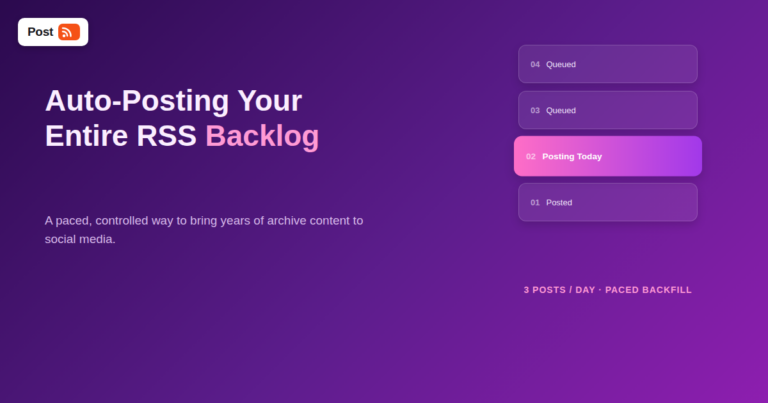
Most guides to RSS auto-posting assume you're setting it up for new content going forward — but a common, rarely-addressed situ...
En savoir plus »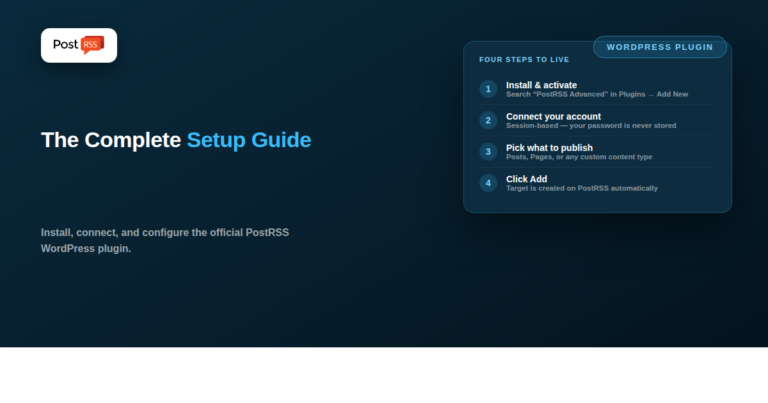
PostRSS Advanced Dashboard Integration is the official PostRSS plugin for WordPress — it connects your PostRSS account directly...
En savoir plus »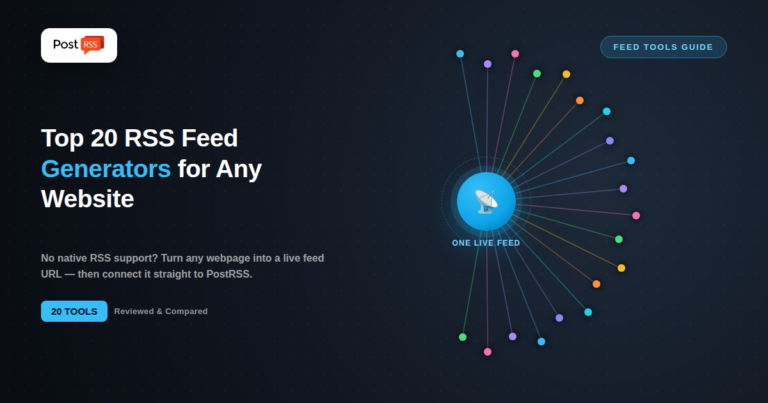
Updated: 2026-09-27 Short answer: if the site is yours, generate the feed at source — WordPress, Shopify, Squarespace...
En savoir plus »
Updated: 2026-08-20 In the fast-paced digital publishing and content marketing world, sharing breaking news, fresh articles...
En savoir plus »
Updated: 2026-08-20 Building a high-quality blog or e-commerce platform is only the first step toward online success. T...
En savoir plus »
Updated: 2026-08-20 In the modern digital landscape, content distribution is a decisive factor in the success of any we...
En savoir plus »
Updated: 2026-08-20 At its core, digital marketing is about building relationships and staying visible. To grow your br...
En savoir plus »
Updated: 2026-08-20 When scrolling through social media, people rarely stop for cold, dry statistics or generic product spe...
En savoir plus »
Updated: 2026-08-20 Manually sharing every new website update across multiple social profiles is an ineffective use of ...
En savoir plus »
Updated: 2026-08-20 Expanding your brand's digital footprint into international markets requires understanding regi...
En savoir plus »
Updated: 2026-08-20 In the modern, fast-paced business environment, consistency is the driving force behind any success...
En savoir plus »
Updated: 2026-08-20 In the modern digital landscape, maintaining a competitive social media presence across multiple pl...
En savoir plus »Conçus par Internet Solutions, l'équipe derrière PostRSS. Chaque produit vous fait gagner du temps à sa façon.
 English
 Lietuviškai
 Deutsch
 Français
 Русский
 Español
 Polski
 Italiano
 Українська
 Čeština
 Português
 日本語
日本語 Latviešu valoda
 Eesti
Eesti Magyar
 Bahasa Indonesia
 Türkçe
 हिन्दी
 Ελληνικά
 العربية
 ไทย
ไทย Tiếng Việt
 Română
 Bahasa Melayu
 বাংলা
বাংলা