RSS vers 66 réseaux sociaux : Facebook, Instagram, X, LinkedIn, Telegram et plus Blog Affiliation Contacts
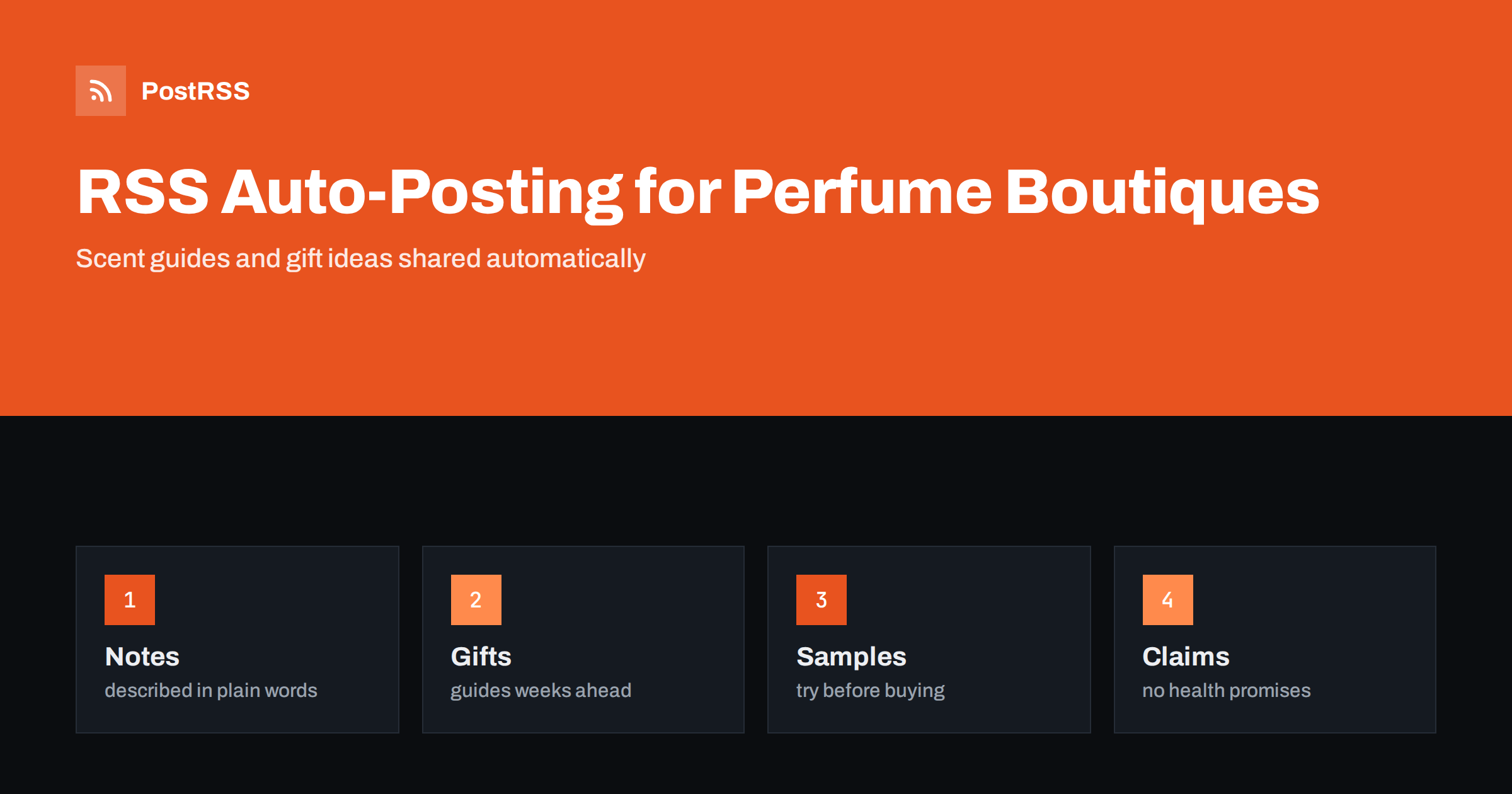
Short answer: RSS auto-posting lets perfume and fragrance boutiques share new arrivals, scent guides, gift ideas, sample programmes and event dates on social media automatically. Publish each item as a page on your shop website, let an auto-poster read the feed, and every new page appears on your Facebook Page, Pinterest boards, Bluesky account, Tumblr blog and other networks with its photograph and link. Customers learn what is new and how to choose a scent, while prices, stock and brand claims stay on pages you keep accurate.
Fragrance is a strange product to sell online, because nobody can smell a photograph. People choose a scent by reading about it, by trusting the person who recommends it and by asking for a sample. A good boutique therefore sells words as much as bottles: it explains what a perfume smells like on the skin, how it changes over the hours, which season it suits and who might enjoy it. Customers who read such guides come back, order samples and buy full bottles as gifts. The work of writing them is a natural fit for a blog, and a feed can turn each page into a social post as soon as it is published. This guide explains what to publish, how to connect it and where to be careful, because a scent is personal, brand rules matter and some claims about fragrance are better left unsaid.
The advice fits many kinds of businesses that sell scent:
Each has a catalogue, a few seasonal peaks and a customer who wants advice. The website is the natural source for every other channel.
The advice you give at the counter can become short pages:
Each page stays on your site, where a shopper who searches for a gift or a scent type can find it. The feed then announces it elsewhere without more typing.
Most shops already use a system that creates feeds:
/feed/ and one for every category, such as /category/new-arrivals/feed/. If you are unsure of the address, see how to find your WordPress feed link.Shop platforms differ: some can publish a feed of new products, others only of blog pages, so check what yours offers. A blog feed always works, and it is the best place for guides and stories. Use categories to separate topics: new arrivals, guides, gifts, samples and events. Each category has its own feed, and each feed can go where it works best. Routing by category is explained in category filtering for auto-posting.
| Content | Automate? | Notes |
|---|---|---|
| New arrivals and scent guides | Yes | Notes, families, who it may suit |
| Gift and seasonal pages | Yes | Published well before the season |
| Sample and discovery set information | Yes | How to order, what is included |
| Event announcements | Yes | Date, place, how to register |
| Prices, stock and discounts | No | Link to a page you keep current |
| Customer names and messages | No | Handle in private |
A simple rule: if it helps many shoppers understand a scent, automate it. If it concerns one customer, one price or one stock level, it needs a person and a private channel.
The best fragrance pages avoid empty phrases such as intoxicating and divine. Instead they describe what a person will notice: the first minutes, the heart of the scent after an hour and the base that remains on a scarf the next day. Name the main notes and compare them to everyday things, such as cut grass, warm bread, polished wood or a lemon peel. Say who might enjoy it and where it works best: office, evening, summer, winter. Be honest about strength and lasting power, because skin, weather and clothes change how a scent behaves. Add a line that every person smells a fragrance differently and invite readers to try a sample. Customers trust a shop that explains and does not oversell, and a plain page is also easy to read on a phone.
Fragrance is a regulated product in many places, and the rules cover labelling, listed allergens and what a seller may claim. Do not promise that a perfume attracts people, cures stress or improves health, and do not describe a fragrance as hypoallergenic unless you can prove it and the rules allow the word. Pass on the ingredient information and allergen notices that the brand provides, and link to the full list on the product page. For people with sensitive skin or asthma, state that fragrance can cause reactions and suggest a patch test or a sample. Do not recommend products for children or pregnant customers without advice from the maker. A modest and accurate page protects customers and the shop.
Many boutiques sell brands that own the copyright to their campaign pictures and the trademark of their names and bottle shapes. Before you publish a brand image, check the terms of your supply agreement or ask the brand for its press kit, and credit the source. Use your own photographs of bottles in your shop wherever you can, with clean light and a plain background, because they are unique and cannot be reused by competitors. Avoid any wording that suggests an official partnership if there is none. If you make your own fragrances, write the full story of each blend, from the inspiration to the first sample, and keep records of your formulas private. A feed carries the image that your page marks as the main one, so decide which picture represents each page before you publish.
Samples are the bridge between a page and a purchase. Describe your programme in plain words: how many samples a customer may order, what they cost or whether the price is credited to a later purchase, how long delivery takes and how to choose. If you sell discovery sets, publish a page for each set with the list of scents and a short note for each. Explain the return policy for opened fragrance clearly, because many shops cannot accept returns on bottles that have been opened, and a customer who knows this before buying is less likely to be disappointed. Keep policy pages short and put the key sentence at the top.
Fragrance sales peak around a few dates: the winter holidays, Valentine’s Day, Mother’s Day, Father’s Day and the start of the wedding season. Customers search weeks before each date, so publish gift guides early. Create a calendar a quarter ahead, write the guides when the shop is quiet and schedule them on your website. The feed announces each page on the day it appears, and the pages stay on the site for next year, when you can update them and publish them again with a fresh opening. Make sure that the last order date for delivery before the holiday is on the page and that it is changed when circumstances change.
Most boutiques do best with Pinterest and a Facebook Page, plus the website and an email address that is read every day.
/feed/, and check that it lists recent pages.PostRSS has been automating RSS posting since 2014. It checks your website feeds as often as every minute and publishes each new page, with its real image and link, to the channels you connect, from Facebook Pages and Pinterest boards to Bluesky, Mastodon, Tumblr and many more among its 66 supported networks. You can choose how each post is built, filter items by keywords, add UTM parameters and post only within chosen hours or at exact times in your time zone. See the PostRSS features page for everything it does and the pricing page for plan limits. More ideas for shops are under the Local Business tag.
A fragrance boutique sells something that cannot be shown in a photograph, so its words matter. RSS auto-posting shares every new arrival, scent guide, gift idea and event notice automatically, as soon as it is published on your website. Describe scents in concrete terms, avoid claims about health and attraction, use brand images only with permission, link to a page you keep current for prices and stock, publish gift guides early and let the staff spend their time with customers and samples, not with copy and paste.
Yes. If your shop has a website with a blog or news section, its RSS feed can be connected to an auto-poster that shares each new page on Pinterest, Facebook and other channels.
New arrivals, scent guides, gift ideas, sample programmes and event dates. Keep customer data and live stock information out of automated posts.
Only with permission or under the terms of your supply agreement. Your own photographs are safer, and you should credit any brand material that you are allowed to use.
No. Describe the notes and the occasion, and avoid claims about mood, health or attraction, because rules differ and the effect cannot be promised.
Yes. PostRSS reads any valid RSS or Atom address that is reachable without a login. Paste the address, connect your channels and new pages are shared as soon as they appear.
What changed in the networks, what broke, and how to fix it before it costs you reach.
Conçus par Internet Solutions, l'équipe derrière PostRSS. Chaque produit vous fait gagner du temps à sa façon.
 English
 Lietuviškai
 Deutsch
 Français
 Русский
 Español
 Polski
 Italiano
 Українська
 Čeština
 Português
 日本語
 Latviešu valoda
 Eesti
 Magyar
 Bahasa Indonesia
 Türkçe
 हिन्दी
 Ελληνικά
 العربية
 ไทย
 Tiếng Việt
 Română
 Bahasa Melayu
 বাংলা