WordPress Tips
This tag covers general WordPress tips related to feeds, publishing settings, and site configuration that affect how well automation tools like PostRSS can read and use a site's content. WordPress generates a default RSS feed automatically at /feed/ for every site, and PostRSS connects to that native feed directly, so no additional on-server plugin is needed and the site's own performance is unaffected. Because PostRSS runs its feed checks in the cloud rather than on the WordPress server itself, it avoids the resource drain that some self-hosted auto-posting plugins introduce during high-traffic periods. PostRSS can be pointed at a category-specific or tag-specific WordPress feed URL rather than the site-wide feed, which allows automating posting for only certain types of content. Articles here are broader than pure automation topics, covering WordPress configuration choices that indirectly improve how cleanly a feed translates into social posts. This tag is a useful supplement to the more automation-specific WordPress tags on this blog.
Updated: 2026-10-01
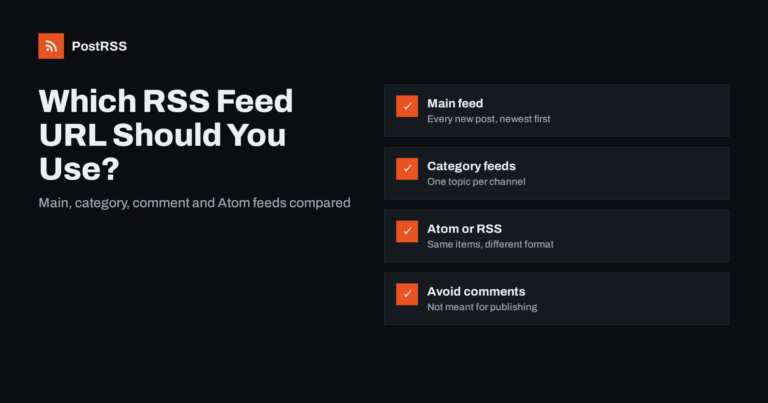
Short answer: For most sites, use the main posts feed: /feed/ on WordPress, /rss/ on Ghost, /feeds/posts/default on Blogger, or...
Leer más » 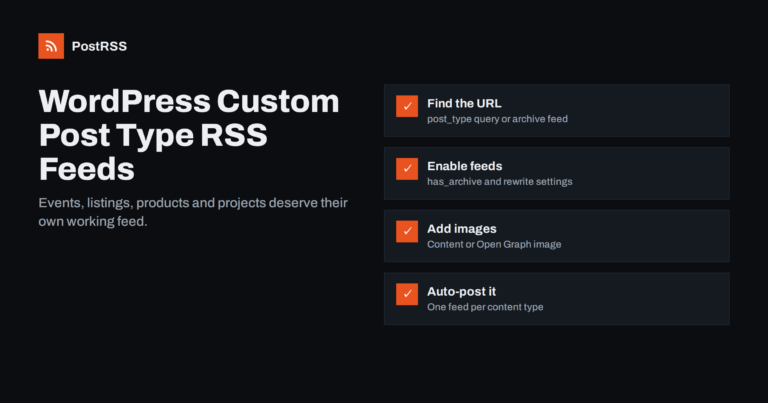
Updated: 2026-09-30
Short answer: WordPress custom post types, such as events, listings, projects or recipes, can have their own RSS feeds. The add...
Leer más » 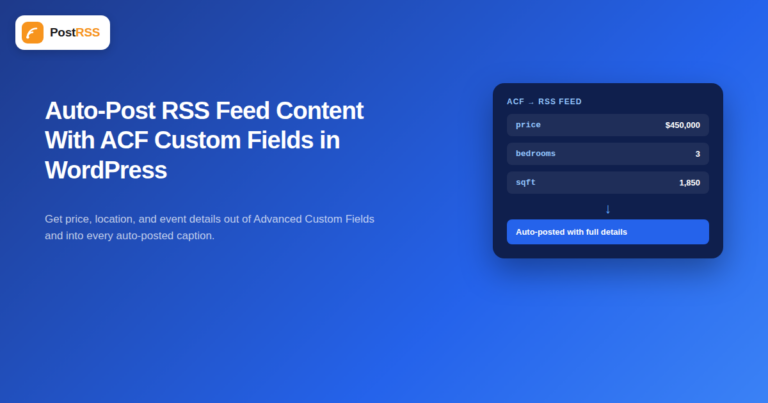
Updated: 2026-09-29
Advanced Custom Fields (ACF) is one of the most widely installed WordPress plugins for a reason: it lets a site store structure...
Leer más » 
Updated: 2026-09-28
Updated: August 23, 2026 "Won't my automated posts just look like a robot is running my social media?" It...
Leer más » 
Updated: 2026-09-29
Demystifying Really Simple Syndication, locating your feed URLs, and transforming static content streams into automated marketi...
Leer más »  English
 Lietuviškai
 Deutsch
 Français
 Русский
 Español
 Polski
 Italiano
 Українська
 Čeština
 Português
 日本語
日本語 Latviešu valoda
 Eesti
Eesti Magyar
 Bahasa Indonesia
 Türkçe
 हिन्दी
 Ελληνικά
 العربية
 ไทย
ไทย Tiếng Việt
 Română
 Bahasa Melayu
 বাংলা
বাংলা