RSS ke 66 rangkaian sosial: Facebook, Instagram, X, LinkedIn, Telegram dan banyak lagi Blog Afiliasi Hubungi Kami
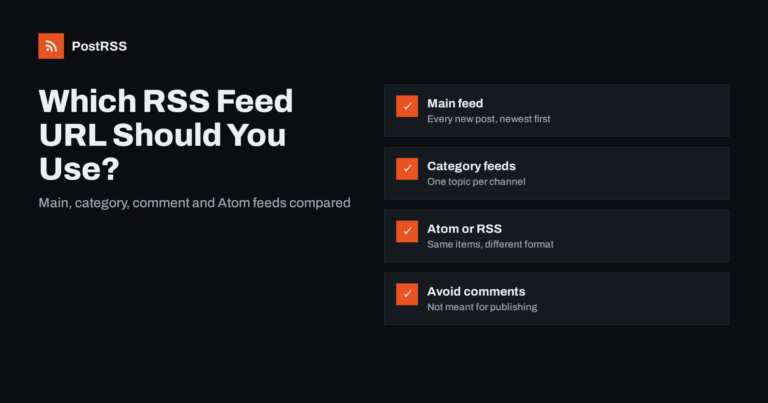
Short answer: For most sites, use the main posts feed: /feed/ on WordPress, /rss/ on Ghost, /feeds/posts/default on Blogger, or...
Baca lanjut »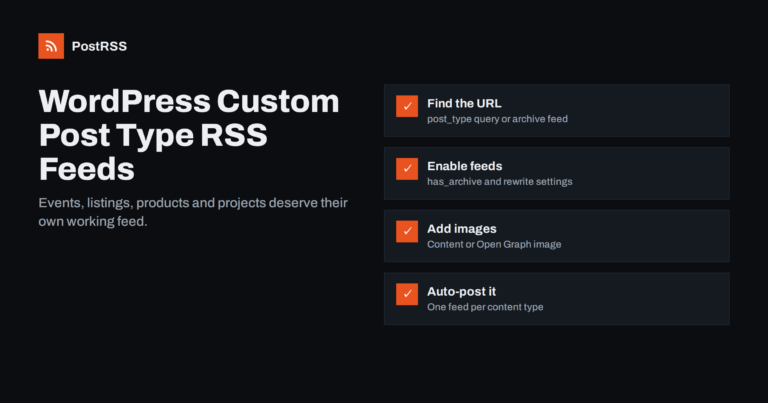
Short answer: WordPress custom post types, such as events, listings, projects or recipes, can have their own RSS feeds. The add...
Baca lanjut »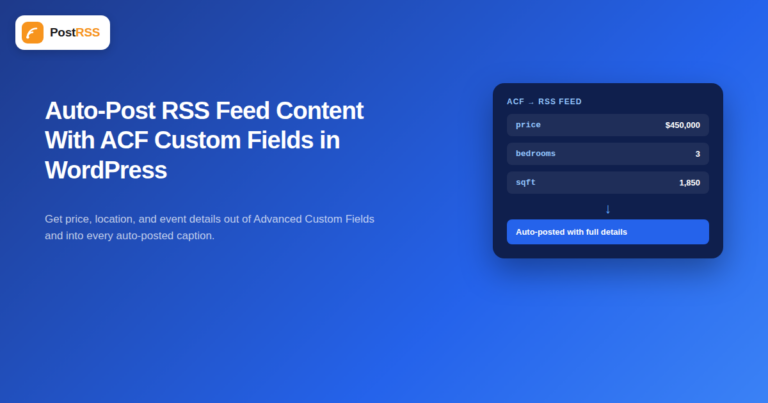
Advanced Custom Fields (ACF) is one of the most widely installed WordPress plugins for a reason: it lets a site store structure...
Baca lanjut »
Updated: August 23, 2026 "Won't my automated posts just look like a robot is running my social media?" It...
Baca lanjut »
Demystifying Really Simple Syndication, locating your feed URLs, and transforming static content streams into automated marketi...
Baca lanjut »Dibina oleh Internet Solutions, pasukan di sebalik PostRSS. Setiap produk menjimatkan masa anda dengan cara tersendiri.
 English
 Lietuviškai
 Deutsch
 Français
 Русский
 Español
 Polski
 Italiano
 Українська
 Čeština
 Português
 日本語
日本語 Latviešu valoda
 Eesti
Eesti Magyar
 Bahasa Indonesia
 Türkçe
 हिन्दी
 Ελληνικά
 العربية
 ไทย
ไทย Tiếng Việt
 Română
 Bahasa Melayu
 বাংলা
বাংলা