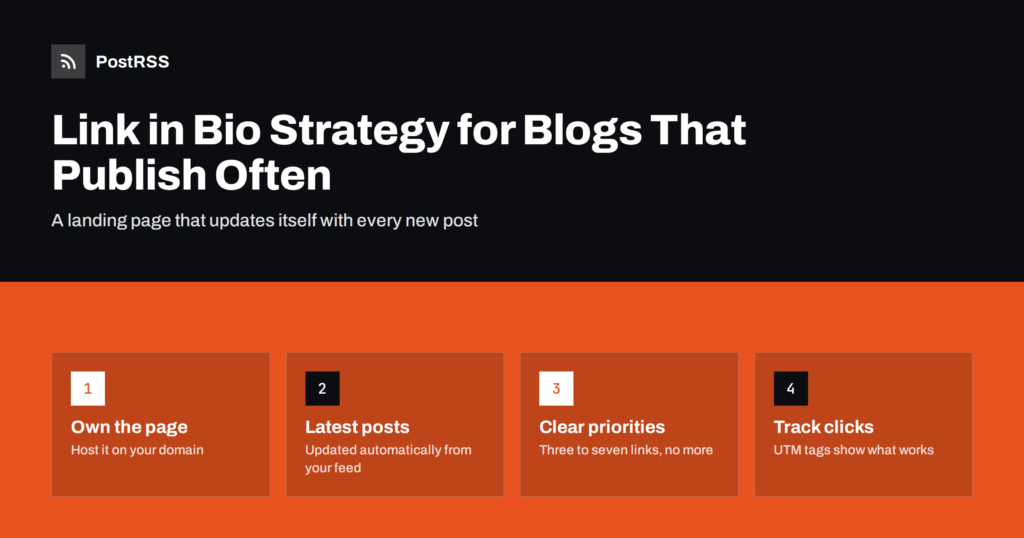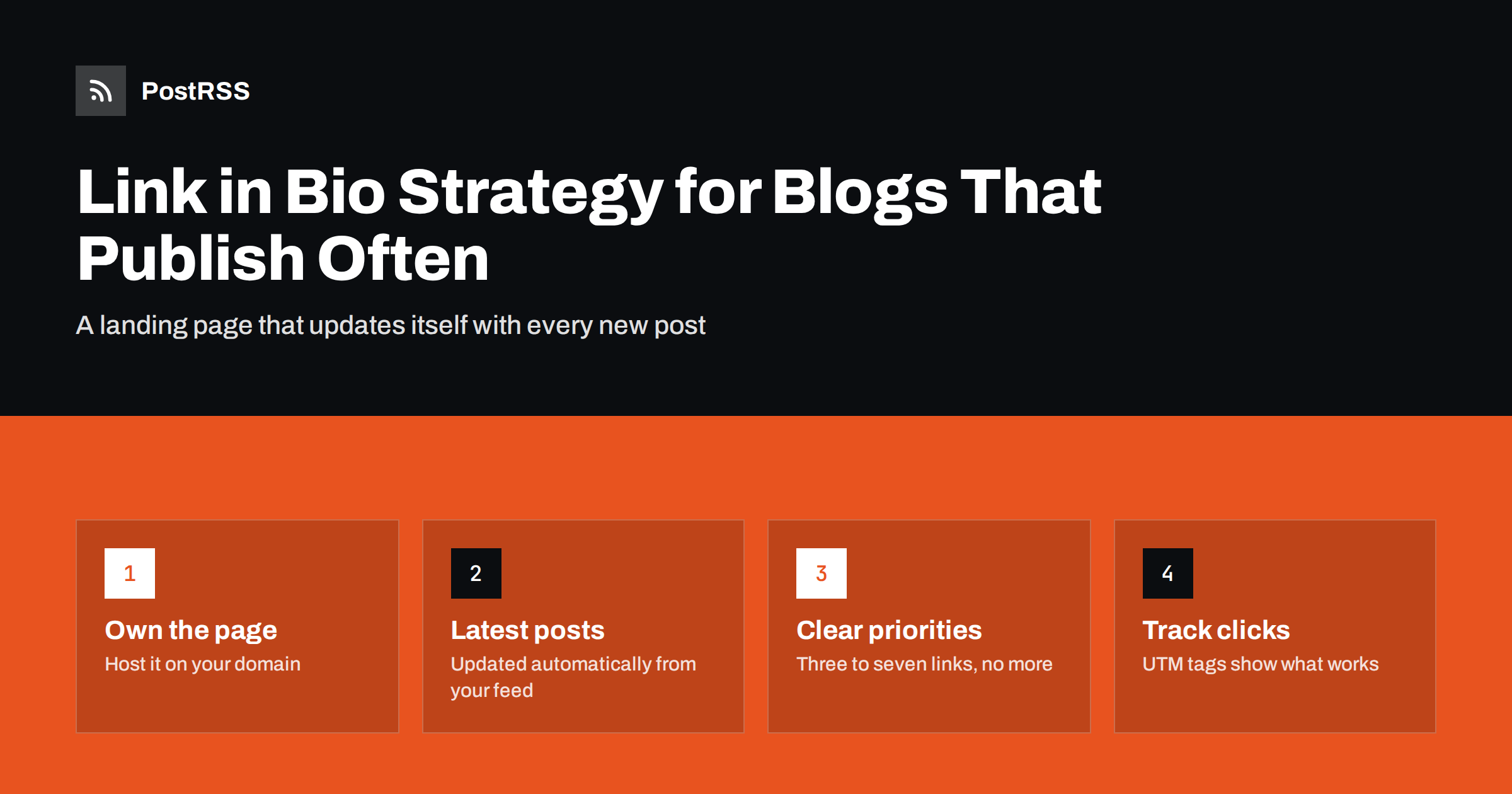
Short answer: If you publish often, point your profile link to a page on your own website that lists your newest posts automatically, plus a few permanent links such as your newsletter, shop or contact page. Because the page updates from your content, you never have to edit the bio link after each post. Mention “link in bio” only on networks where post links are not clickable, and add UTM parameters so you can see which profile sends readers.
Most social networks allow a website link in your profile description. On some of them, especially visual and video-first platforms, that profile link is the main clickable route from your content to your website, because links typed into individual post captions are not clickable. That is why creators end so many posts with “link in bio”: they are asking viewers to visit their profile, tap the link and find the content they just saw.
For a blog or a publisher that posts one article a month, a single profile link to the homepage is enough. For a blog that publishes several times a week, it becomes a problem. Each new post needs to be findable from the profile, yet nobody wants to edit their bio link every day, and a homepage link sends visitors to a page where the post they came for may already be pushed down by newer content or hidden behind menus.
A good link in bio strategy solves this with one stable URL that always shows what the visitor is most likely looking for: the newest content.
There are two common approaches. Third-party link-in-bio services host a simple page with a list of buttons at an address on their domain. Your own link page is a page on your website, for example /links/ o /start/, built with your normal content management system.
| Aspect | Third-party link page | Page on your own site |
|---|---|---|
| Setup | Very quick, no website needed | Needs a page and a template |
| Updating with new posts | Usually manual, or a paid feature | Can list latest posts automatically |
| Domain and brand | Their domain | Your domain |
| Analytics | Their dashboard | Your analytics, same as the rest of the site |
| Dependence | Service changes, pricing or closure affect you | Under your control |
| Extra click | Visitor lands on their page, then yours | Visitor is already on your site |
For a blog, the own-page approach usually wins. Visitors land on your domain, your analytics see the whole journey, and the page can update itself from the same content that powers your blog and your RSS feed.
A link page works best when it is short, fast and obvious. A structure that fits most blogs:
Keep the total number of links modest. Three to seven clear options work better than twenty buttons, because a long list forces the visitor to think, and many leave instead.
The key to a low-maintenance link page is that the “latest posts” section is generated automatically. On most platforms this is easy:
Design the page for phones first. Nearly everyone who taps a profile link does so in a mobile app’s built-in browser. Large tap targets, readable titles and a fast-loading page matter more than elaborate design. Remove the usual sidebar, pop-ups and heavy scripts from this page if your theme allows it.
When a post on a visual network says “link in bio”, the visitor arrives at your link page looking for something specific. Make it easy for them:
“Link in bio” is a workaround for networks where post links are not clickable. On many other networks, links in posts work perfectly well, and a direct link is always better than a detour through your profile:
Mixing these up is a common mistake: a caption written for a visual network, with “link in bio”, copied to LinkedIn where a direct link would have been clickable.
Because the page is on your own site, you can measure it with the same analytics as everything else. A few habits make the numbers useful:
?utm_source=instagram&utm_medium=social&utm_campaign=bio, with a different source for each network. You will see which profile sends visitors.Keep expectations realistic. A profile link is one extra step away from the content, so it usually converts fewer viewers into visitors than a direct link in a post would. That is not a reason to avoid it, but it is a reason to post direct links wherever networks allow them and to treat the link page as the fallback for the rest.
Our guide to tracking traffic from auto-posted links in GA4 explains how to read these reports.
The basic structure stays the same, but the emphasis changes with what you publish:
Whatever the type, test the page yourself from each profile on a phone every few months. Tap the profile link, look at what loads and ask whether a first-time visitor would know where to tap next.
PostRSS takes care of the networks where links are clickable. It checks your RSS or Atom feed every 5 minutes and publishes each new post, with its image and link, to the networks you connect, including Facebook Pages, X, LinkedIn, Threads, Bluesky, Mastodon, Pinterest and Telegram, 66 networks in total. It can add UTM parameters to every link, so direct post traffic and link page traffic are easy to compare in your analytics. Your link page and your automated posts then draw on the same source: your blog. See the features page and the pricing page.
For blogs that publish often, the best link in bio is a fast, simple page on your own domain that lists your newest posts automatically, plus a few permanent links. Use it on networks where post links are not clickable, post direct links everywhere else, and tag every profile link so you can measure the results.
Set it up once, check it from a phone every few months, and it will quietly do its job while you focus on writing the next post.
It is a landing page that your social profile links to, listing your latest content and important pages. It helps visitors find specific posts on networks where links in individual posts are not clickable.
A page on your own website is usually better for blogs. It keeps visitors on your domain, uses your own analytics and can list new posts automatically. Third-party services are quicker to set up but add dependence and an extra click.
Generate the latest posts section automatically, for example with a latest posts block in WordPress or a template that reads your feed. Then only the pinned highlights need occasional manual changes.
No. Use it only where links in posts are not clickable. On networks such as Facebook, LinkedIn, X, Threads, Bluesky and Mastodon, include the link directly in the post instead.
Three to seven clear options work well for most blogs: the newest posts, one or two highlights and a few permanent actions such as newsletter sign-up or shop. More links make the page harder to use.
What changed in the networks, what broke, and how to fix it before it costs you reach.
Creadas por Internet Solutions, el equipo detrás de PostRSS. Cada una te ahorra tiempo a su manera.
 English
 Lietuviškai
 Deutsch
 Français
 Русский
 Español
 Polski
 Italiano
 Українська
 Čeština
 Português
 日本語
日本語 Latviešu valoda
 Eesti
Eesti Magyar
 Bahasa Indonesia
 Türkçe
 हिन्दी
 Ελληνικά
 العربية
 ไทย
ไทย Tiếng Việt
 Română
 Bahasa Melayu
 বাংলা
বাংলা