
RSS

This tag explains how RSS works as a syndication format, and how tools like PostRSS use it as the trigger for automated social media posting. An RSS feed is a structured XML document listing a site's recent items, each with a title, link, publish date, and usually a summary and image; PostRSS reads this document on a schedule, every 5 minutes on standard plans, to detect new content. Understanding the format helps explain why some feed items publish cleanly to social media and others don't: missing titles, broken image links, or malformed feed structure all affect the resulting automated post. This tag is a good starting point for readers new to RSS as a concept, before moving to more specific feed-setup or platform guides. RSS itself predates most modern social platforms by over a decade, and remains the most reliable, machine-readable way for a website to announce its own updates, which is why automation tools continue to rely on it.
Why SSL & HTTPS Matter for Secure Social Automation
Aktualisiert: 2026-08-30

Updated: 2026-08-20 In the modern digital landscape, web security is no longer an optional luxury — it is an absolute necess...

Mehr lesen »

How to Automate Your Social Media Traffic and Grow Your Website Audience
Aktualisiert: 2026-08-30

Updated: 2026-08-20 Every website owner, blogger, and e-commerce business shares a common ultimate goal: driving consis...

Mehr lesen »

How to Increase Your Sales Automatically Using E-Commerce RSS Syndication
Aktualisiert: 2026-08-30

Updated: 2026-08-20 For e-commerce store owners, digital marketers, and product creators, driving consistent revenue is...

Mehr lesen »
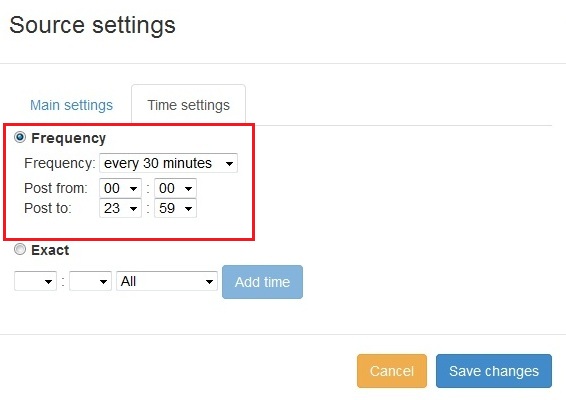
Neue Funktion in PostRSS: Erweiterte Auswahl der Posting-Zeit
Aktualisiert: 11.11.2015

  New feature added to PostRSS Advanced posting time selection. No source from Advanced time settings Possible to add i...

Mehr lesen »

Wie synchronisiere ich mein Social-Media-Konto mit den PostRSS-Apps?
Aktualisiert: 03.11.2015

We receiving many questions: How to synchronize social my accounts? I am don't see my Facebook page in listings? How po...

Mehr lesen »
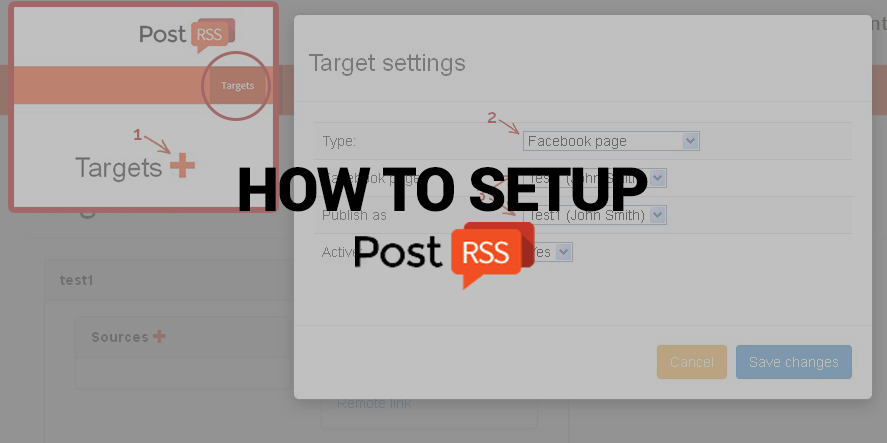
PostRSS einrichten
Aktualisiert: 25.08.2026

Nowadays, there are no secret that social network takes a huge part of our lives. Everyone is using it, from small to huge orga...

Mehr lesen »

PostRSS Plans for Every Size: From Solo Start to Enterprise 5000
Aktualisiert: 2026-08-30

Updated: 2026-08-20 This post originally announced two additions to PostRSS's pricing lineup back in June 2015: a S...

Mehr lesen »

Automate Your Pinterest Marketing: How to Turn Visual Content into Continuous Web Traffic
Aktualisiert: 2026-08-30

Updated: 2026-08-20 Pinterest is not just another social network; it is a powerful visual search engine. For e-commerce...

Mehr lesen »
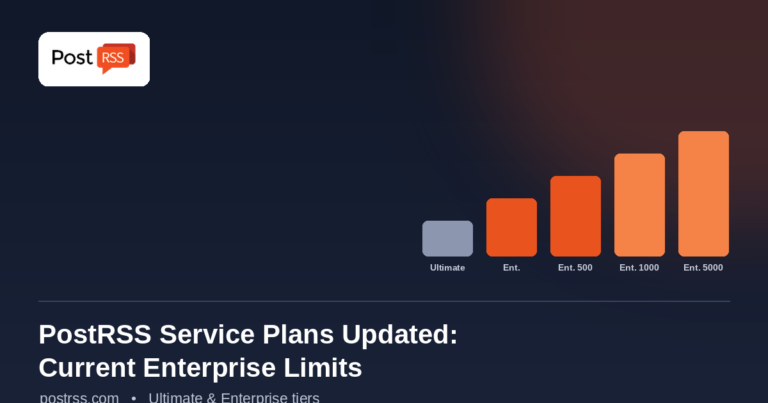
PostRSS Enterprise & Ultimate Plans (2026 Update)
Aktualisiert: 2026-08-30

Updated: 2026-08-20 This post originally announced a May 2015 increase to Ultimate and Enterprise plan task limits. Those nu...

Mehr lesen »

Auto Post RSS Feeds to Facebook, X, LinkedIn & VKontakte with PostRSS
Aktualisiert: 2026-08-30

Updated: 2026-08-20 If you publish content on a website — a blog, a news site, an e-commerce store, or a company ...

Mehr lesen »
How to Automate Your Social Media Content Calendar for Consistent Year-Round Growth
Aktualisiert: 2026-08-30

Updated: 2026-08-20 Maintaining a consistent and engaging social media presence throughout the year is one of the most effec...

Mehr lesen »
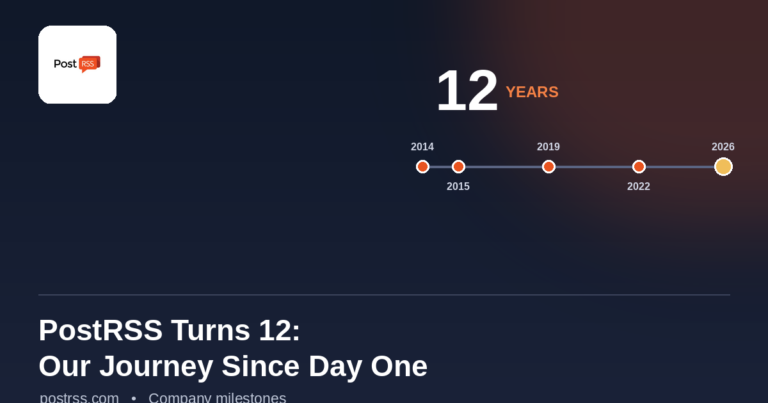
PostRSS Turns 12: From Our First Birthday to Over a Decade of Automation
Aktualisiert: 2026-08-30

Updated: 2026-08-20 On January 10, 2015, PostRSS celebrated its very first birthday — one year of helping website owners and...

Mehr lesen »

Weitere Artikel werden geladen…
Menü
x
PostRSS - RSS-Feed-Automatisierungsplattform & Auto-Posting-Tool
Datenschutz-Übersicht

Diese Website verwendet Cookies, um Ihnen die bestmögliche Benutzererfahrung zu bieten. Cookie-Informationen werden in Ihrem Browser gespeichert und erfüllen Funktionen wie das Wiedererkennen bei Ihrer Rückkehr auf unsere Website sowie die Unterstützung unseres Teams dabei, zu verstehen, welche Bereiche der Website Sie am interessantesten und nützlichsten finden.