
RSS

This tag explains how RSS works as a syndication format, and how tools like PostRSS use it as the trigger for automated social media posting. An RSS feed is a structured XML document listing a site's recent items, each with a title, link, publish date, and usually a summary and image; PostRSS reads this document on a schedule, every 5 minutes on standard plans, to detect new content. Understanding the format helps explain why some feed items publish cleanly to social media and others don't: missing titles, broken image links, or malformed feed structure all affect the resulting automated post. This tag is a good starting point for readers new to RSS as a concept, before moving to more specific feed-setup or platform guides. RSS itself predates most modern social platforms by over a decade, and remains the most reliable, machine-readable way for a website to announce its own updates, which is why automation tools continue to rely on it.
Why SSL & HTTPS Matter for Secure Social Automation
Güncellenme tarihi: 2026-08-30

Updated: 2026-08-20 In the modern digital landscape, web security is no longer an optional luxury — it is an absolute necess...

Devamını oku »
How to Automate Your Social Media Traffic and Grow Your Website Audience
Güncellenme tarihi: 2026-08-30

Updated: 2026-08-20 Every website owner, blogger, and e-commerce business shares a common ultimate goal: driving consis...

Devamını oku »

How to Increase Your Sales Automatically Using E-Commerce RSS Syndication
Güncellenme tarihi: 2026-08-30

Updated: 2026-08-20 For e-commerce store owners, digital marketers, and product creators, driving consistent revenue is...

Devamını oku »
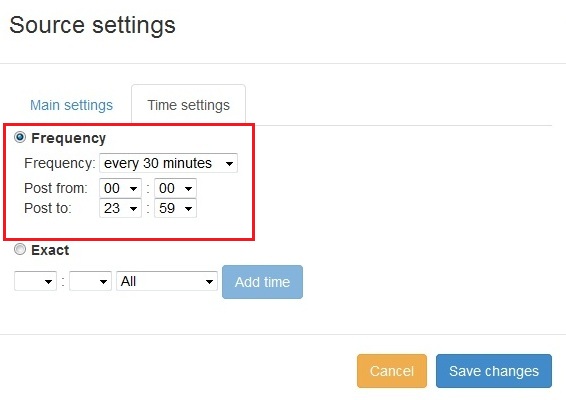
PostRSS'e yeni özellik eklendi: Gelişmiş paylaşım zamanı seçimi
Güncellendi: 2015-11-11

  New feature added to PostRSS Advanced posting time selection. No source from Advanced time settings Possible to add i...

Devamını oku »

Sosyal medya hesabınızı PostRSS uygulamalarıyla nasıl senkronize edersiniz?
Güncellendi: 2015-11-03

We receiving many questions: How to synchronize social my accounts? I am don't see my Facebook page in listings? How po...

Devamını oku »
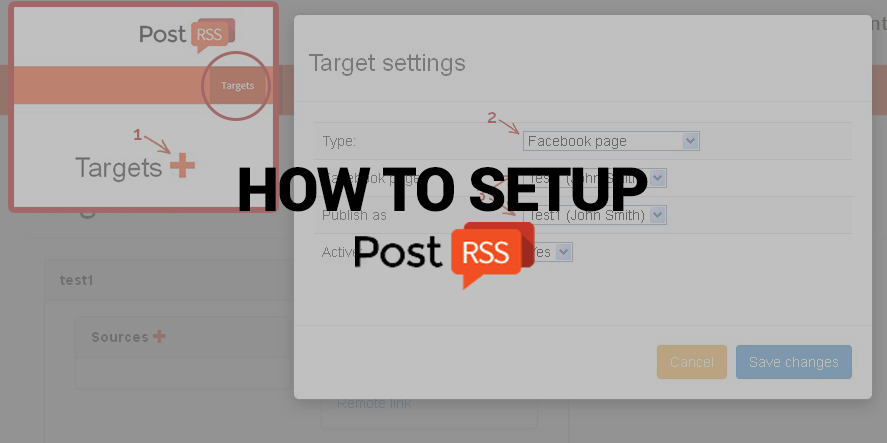
PostRSS Nasıl Kurulur
Güncellendi: 2026-08-25

Nowadays, there are no secret that social network takes a huge part of our lives. Everyone is using it, from small to huge orga...

Devamını oku »
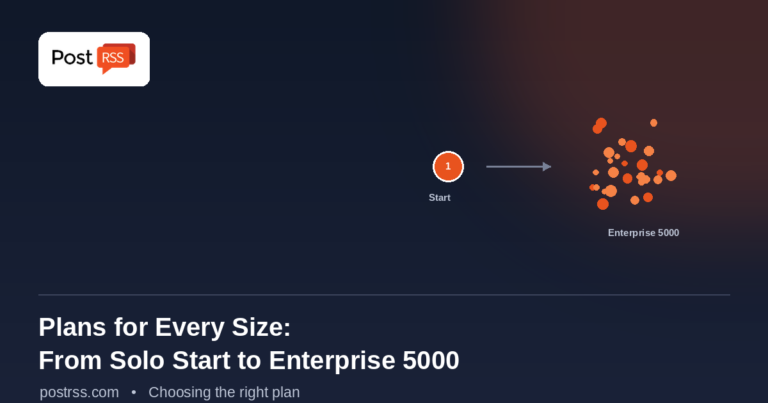
PostRSS Plans for Every Size: From Solo Start to Enterprise 5000
Güncellenme tarihi: 2026-08-30

Updated: 2026-08-20 This post originally announced two additions to PostRSS's pricing lineup back in June 2015: a S...

Devamını oku »
Automate Your Pinterest Marketing: How to Turn Visual Content into Continuous Web Traffic
Güncellenme tarihi: 2026-08-30

Updated: 2026-08-20 Pinterest is not just another social network; it is a powerful visual search engine. For e-commerce...

Devamını oku »
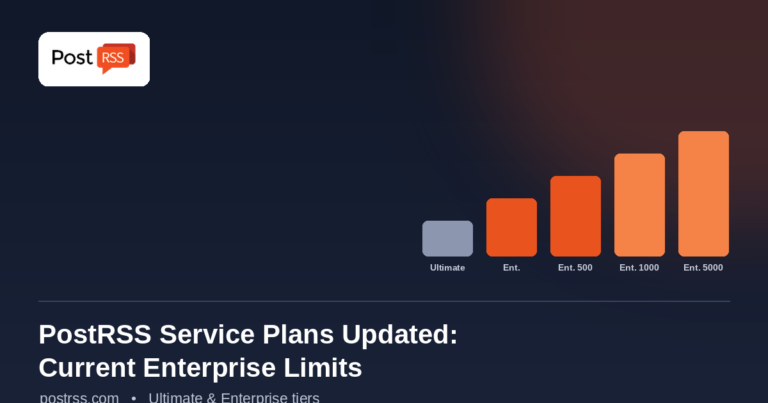
PostRSS Enterprise & Ultimate Plans (2026 Update)
Güncellenme tarihi: 2026-08-30

Updated: 2026-08-20 This post originally announced a May 2015 increase to Ultimate and Enterprise plan task limits. Those nu...

Devamını oku »

Auto Post RSS Feeds to Facebook, X, LinkedIn & VKontakte with PostRSS
Güncellenme tarihi: 2026-08-30

Updated: 2026-08-20 If you publish content on a website — a blog, a news site, an e-commerce store, or a company ...

Devamını oku »
How to Automate Your Social Media Content Calendar for Consistent Year-Round Growth
Güncellenme tarihi: 2026-08-30

Updated: 2026-08-20 Maintaining a consistent and engaging social media presence throughout the year is one of the most effec...

Devamını oku »
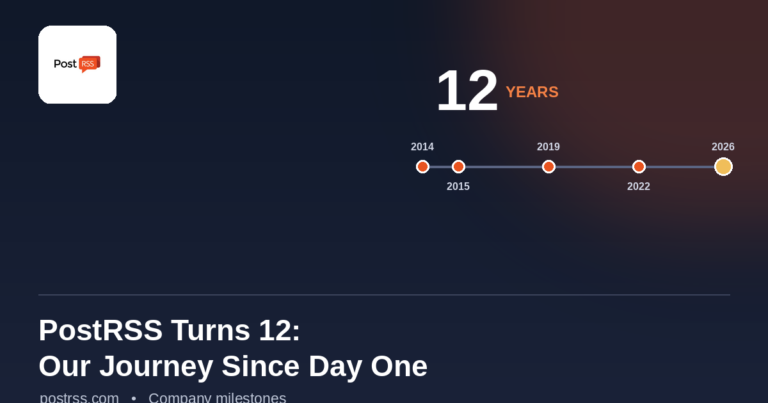
PostRSS Turns 12: From Our First Birthday to Over a Decade of Automation
Güncellenme tarihi: 2026-08-30

Updated: 2026-08-20 On January 10, 2015, PostRSS celebrated its very first birthday — one year of helping website owners and...

Devamını oku »

Daha fazla makale yükleniyor…
Menü
x
PostRSS - RSS Besleme Otomasyon Platformu ve Otomatik Paylaşım Aracı
Gizlilik Genel Bakış

Bu web sitesi, size mümkün olan en iyi kullanıcı deneyimini sunabilmek için çerezler kullanmaktadır. Çerez bilgileri tarayıcınızda saklanır; web sitemize geri döndüğünüzde sizi tanımak ve ekibimizin web sitesinin hangi bölümlerini daha ilgi çekici ve yararlı bulduğunuzu anlamasına yardımcı olmak gibi işlevler görür.