66টি সোশ্যাল নেটওয়ার্কে RSS: Facebook, Instagram, X, LinkedIn, Telegram এবং আরও অনেক কিছু ব্লগ অ্যাফিলিয়েট যোগাযোগ
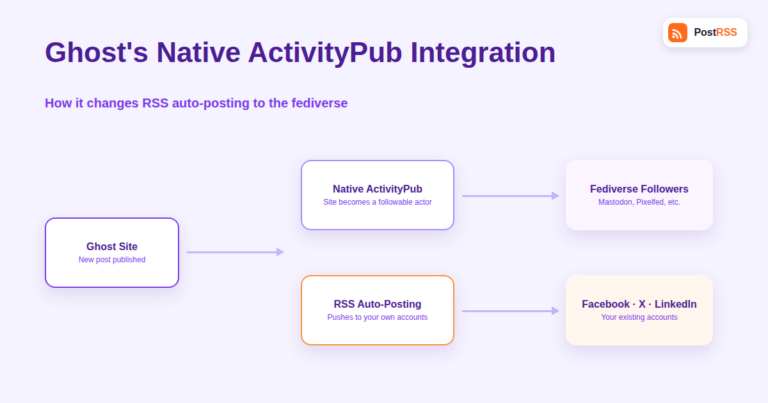
Ghost has quietly become one of the first mainstream publishing platforms to build native ActivityPub support directly into its...
আরও পড়ুন »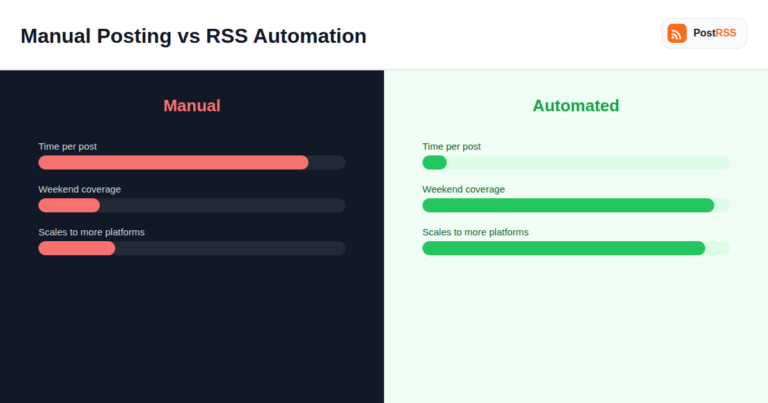
Every small business owner runs the same mental math at some point: is it actually worth paying for RSS auto-posting, or is man...
আরও পড়ুন »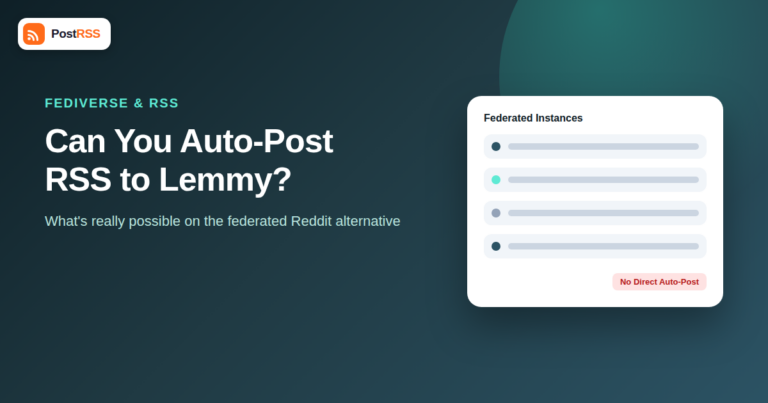
Lemmy has grown from a niche experiment into the most talked-about Reddit alternative in the fediverse, especially since the 20...
আরও পড়ুন »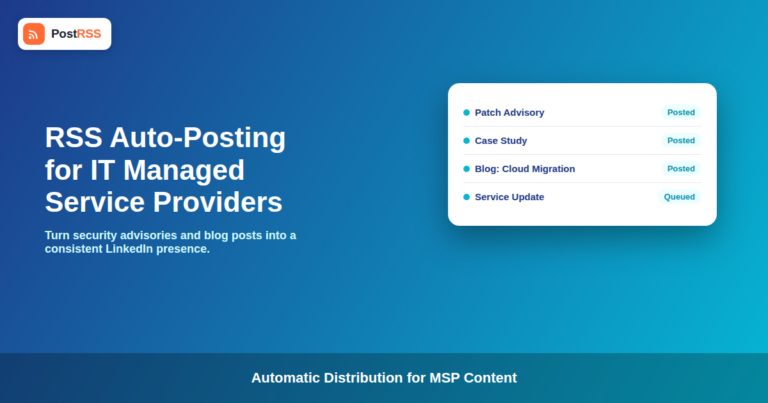
Updated: September 23, 2026 Managed service providers live on trust and visibility. Prospective clients want to see that an MSP...
আরও পড়ুন »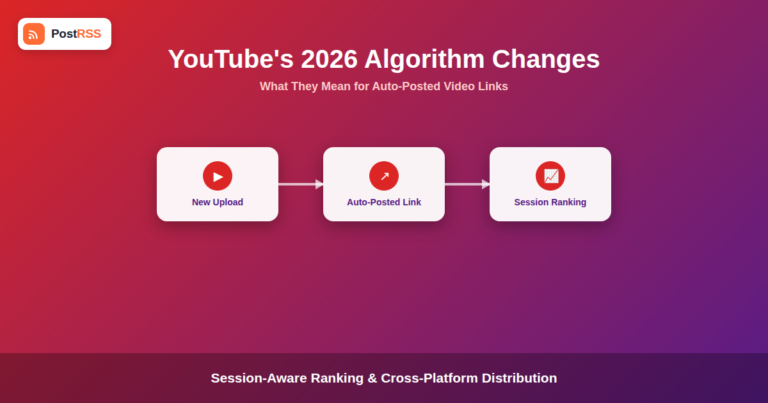
Updated: September 23, 2026 YouTube has rolled out a series of recommendation and ranking changes through 2026 that shift how v...
আরও পড়ুন »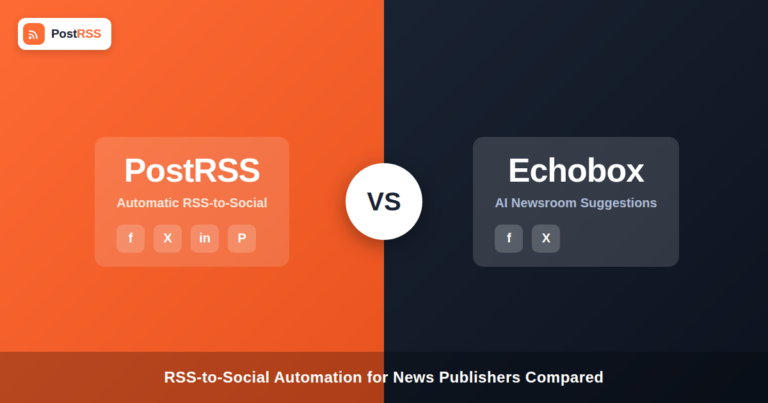
Updated: September 23, 2026 If you run a newsroom or a high-volume content site and you've been researching automated social di...
আরও পড়ুন »
RSS auto-posting works well for a single person maintaining a blog and a handful of social accounts — publish, and everyt...
আরও পড়ুন »
Moving companies write more useful content than most local service businesses realize — packing guides, neighborhood spot...
আরও পড়ুন »
Posting to X programmatically — whether through a custom script or a third-party auto-posting tool — requires going...
আরও পড়ুন »
Every social media platform's API enforces some form of rate limiting — a cap on how many requests an application can mak...
আরও পড়ুন »
A blog post with an animated GIF — a quick product demo, a UI walkthrough, a reaction meme in a lighter piece — loo...
আরও পড়ুন »
Senior living communities market to an audience that rarely searches for them directly. The decision to move a parent into inde...
আরও পড়ুন »PostRSS-এর পেছনের টিম Internet Solutions-এর তৈরি। প্রতিটি পণ্য নিজের মতো করে আপনার সময় বাঁচায়।
 English
 Lietuviškai
 Deutsch
 Français
 Русский
 Español
 Polski
 Italiano
 Українська
 Čeština
 Português
 日本語
日本語 Latviešu valoda
 Eesti
Eesti Magyar
 Bahasa Indonesia
 Türkçe
 हिन्दी
 Ελληνικά
 العربية
 ไทย
ไทย Tiếng Việt
 Română
 Bahasa Melayu
 বাংলা
বাংলা