66টি সোশ্যাল নেটওয়ার্কে RSS: Facebook, Instagram, X, LinkedIn, Telegram এবং আরও অনেক কিছু ব্লগ অ্যাফিলিয়েট যোগাযোগ
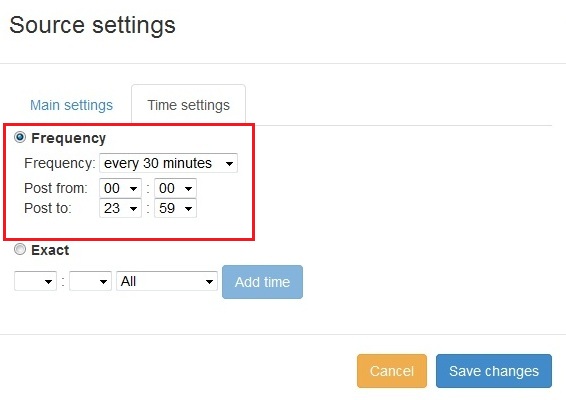
New feature added to PostRSS Advanced posting time selection. No source from Advanced time settings Possible to add i...
আরও পড়ুন »
We receiving many questions: How to synchronize social my accounts? I am don't see my Facebook page in listings? How possib...
আরও পড়ুন »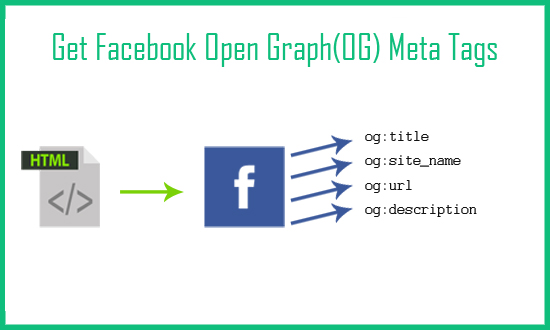
Today I will show you how to fetch facebook Open Graph (OG) meta tags with php script. Open Graph meta tags are used in html pa...
আরও পড়ুন »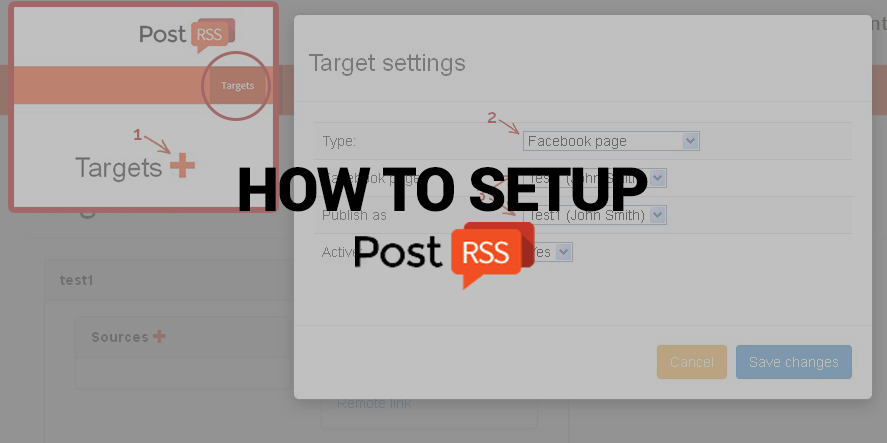
Nowadays, there are no secret that social network takes a huge part of our lives. Everyone is using it, from small to huge orga...
আরও পড়ুন »
Updated: 2026-08-20 This post originally announced two additions to PostRSS's pricing lineup back in June 2015: a S...
আরও পড়ুন »
Updated: 2026-08-20 Pinterest is not just another social network; it is a powerful visual search engine. For e-commerce...
আরও পড়ুন »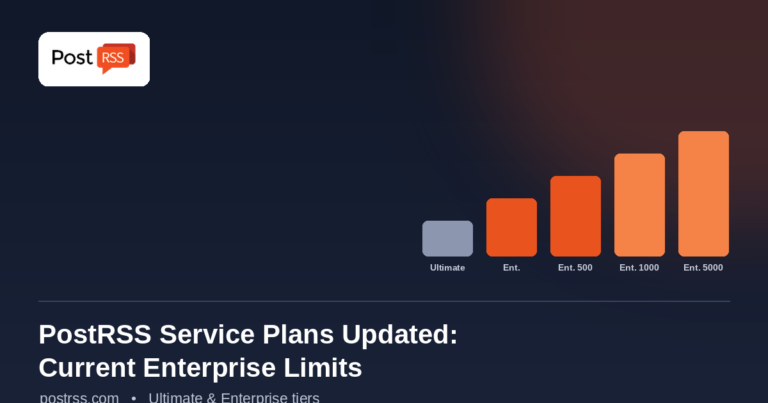
Updated: 2026-08-20 This post originally announced a May 2015 increase to Ultimate and Enterprise plan task limits. Those nu...
আরও পড়ুন »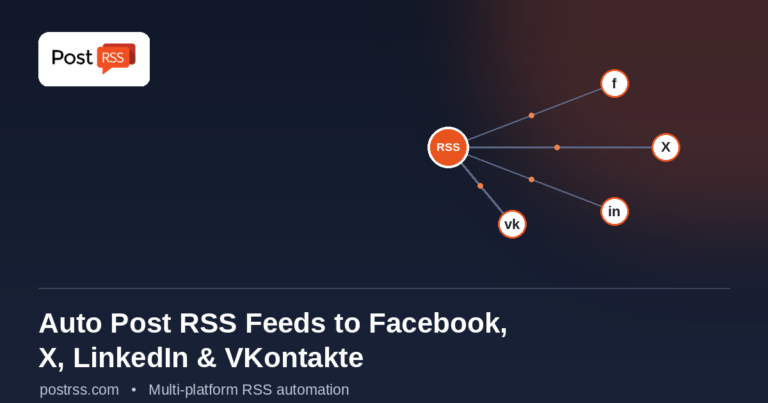
Updated: 2026-08-20 If you publish content on a website — a blog, a news site, an e-commerce store, or a company page...
আরও পড়ুন »
Updated: 2026-08-20 Maintaining a consistent and engaging social media presence throughout the year is one of the most effec...
আরও পড়ুন »
Updated: 2026-08-20 In today's competitive online space, establishing a reliable presence across multiple social ne...
আরও পড়ুন »
Updated data: (2026-08-20). This post originally announced Google+ integration back in 2014. Google+ never became the platfo...
আরও পড়ুন »PostRSS-এর পেছনের টিম Internet Solutions-এর তৈরি। প্রতিটি পণ্য নিজের মতো করে আপনার সময় বাঁচায়।
 English
 Lietuviškai
 Deutsch
 Français
 Русский
 Español
 Polski
 Italiano
 Українська
 Čeština
 Português
 日本語
日本語 Latviešu valoda
 Eesti
Eesti Magyar
 Bahasa Indonesia
 Türkçe
 हिन्दी
 Ελληνικά
 العربية
 ไทย
ไทย Tiếng Việt
 Română
 Bahasa Melayu
 বাংলা
বাংলা