Easy Facebook Automation

This tag holds beginner-friendly guides for automating Facebook Page and Group posting from an RSS feed, aimed at readers setting up their first PostRSS automation without prior technical experience. PostRSS checks your source feed every 5 minutes on every plan, including Free, so a new Facebook post typically appears within minutes of the original content going live. Posting to a Facebook Group specifically requires that the PostRSS app be added to the Group with admin-level posting rights, which Meta enforces separately from Page permissions. When PostRSS publishes to Facebook, it pulls the featured image and page title from your feed item to generate the large link-preview card that Facebook displays automatically. Articles here walk through each step in plain language, from locating a feed URL to confirming the first automated post appeared correctly on Facebook. Because Facebook is included on PostRSS's Free plan, this tag doubles as a general "getting started" path for new users.
Which PostRSS Plan Supports Which Platform? A Clear 2026 Breakdown
अपडेट किया गया: 2026-08-30

Updated: 2026-08-20 This post originally announced, back in December 2016, that PostRSS's Start and Professional pl...

और पढ़ें »
Plan Your Free Time: Social Media Automation for Owners
अपडेट किया गया: 2026-08-30

Updated: 2026-08-20 As an entrepreneur, blogger, or digital marketer, your most valuable asset isn't capital — it's time. Be...

और पढ़ें »
Why SSL & HTTPS Matter for Secure Social Automation
अपडेट किया गया: 2026-08-30

Updated: 2026-08-20 In the modern digital landscape, web security is no longer an optional luxury — it is an absolute necess...

और पढ़ें »
How to Increase Your Sales Automatically Using E-Commerce RSS Syndication
अपडेट किया गया: 2026-08-30

Updated: 2026-08-20 For e-commerce store owners, digital marketers, and product creators, driving consistent revenue is...

और पढ़ें »
PostRSS में नई सुविधा जोड़ी गई: उन्नत पोस्टिंग समय चयन
अपडेट किया गया: 2015-11-11

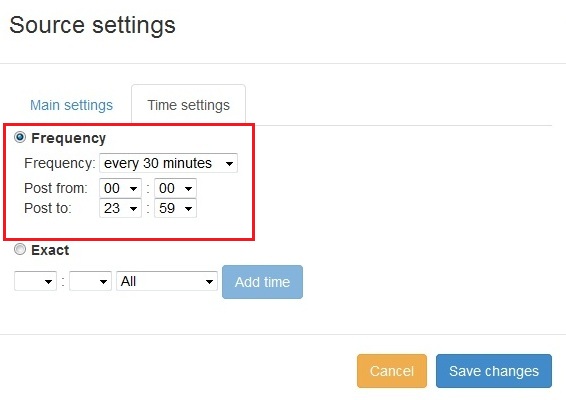
  New feature added to PostRSS Advanced posting time selection. No source from Advanced time settings Possible to add i...

और पढ़ें »

अपने सोशल अकाउंट को PostRSS ऐप्स के साथ कैसे सिंक्रोनाइज़ करें?
अपडेट किया गया: 2015-11-03

We receiving many questions: How to synchronize social my accounts? I am don't see my Facebook page in listings? How po...

और पढ़ें »
Facebook पर बड़े इमेज थंबनेल के साथ लिंक कैसे पोस्ट करें
अपडेट किया गया: 2026-08-26

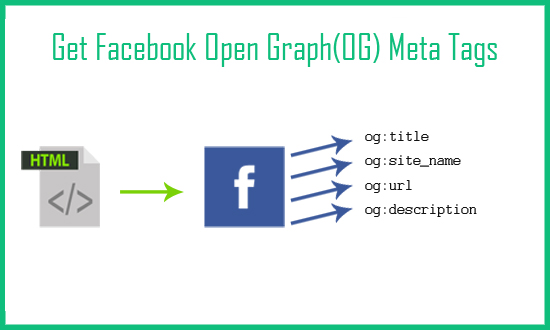
Today I will show you how to fetch facebook Open Graph (OG) meta tags with php script. Open Graph meta tags are used in html pa...

और पढ़ें »
PostRSS कैसे सेटअप करें
अपडेट किया गया: 2026-08-25

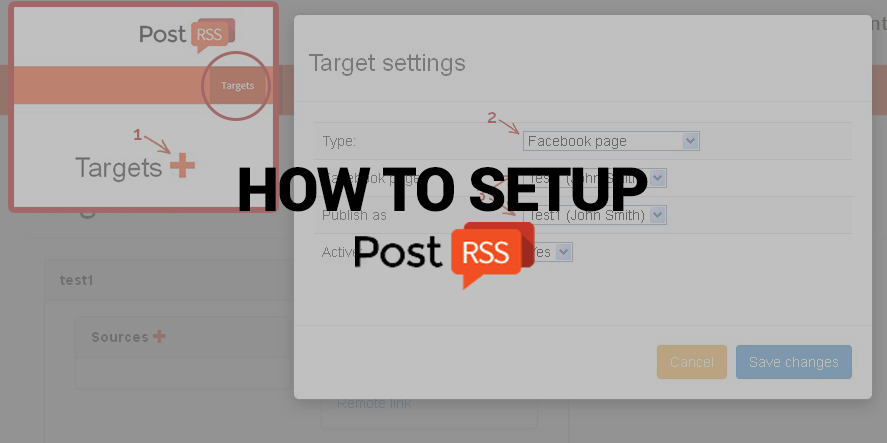
Nowadays, there are no secret that social network takes a huge part of our lives. Everyone is using it, from small to huge orga...

और पढ़ें »
PostRSS Plans for Every Size: From Solo Start to Enterprise 5000
अपडेट किया गया: 2026-08-30

Updated: 2026-08-20 This post originally announced two additions to PostRSS's pricing lineup back in June 2015: a S...

और पढ़ें »
Automate Your Pinterest Marketing: How to Turn Visual Content into Continuous Web Traffic
अपडेट किया गया: 2026-08-30

Updated: 2026-08-20 Pinterest is not just another social network; it is a powerful visual search engine. For e-commerce...

और पढ़ें »
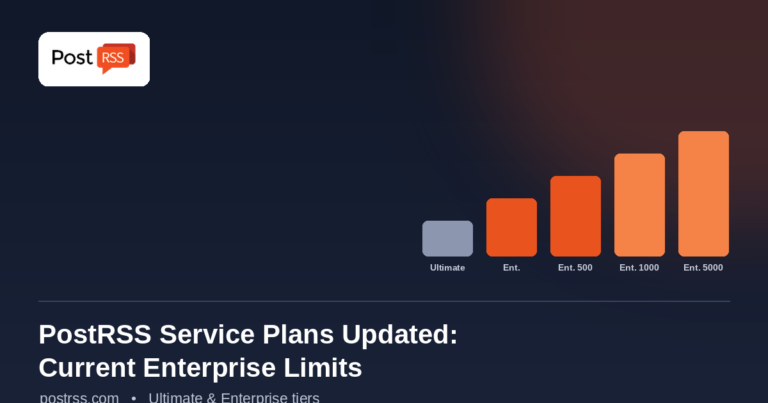
PostRSS Enterprise & Ultimate Plans (2026 Update)
अपडेट किया गया: 2026-08-30

Updated: 2026-08-20 This post originally announced a May 2015 increase to Ultimate and Enterprise plan task limits. Those nu...

और पढ़ें »

Auto Post RSS Feeds to Facebook, X, LinkedIn & VKontakte with PostRSS
अपडेट किया गया: 2026-08-30

Updated: 2026-08-20 If you publish content on a website — a blog, a news site, an e-commerce store, or a company ...

और पढ़ें »
और लेख लोड हो रहे हैं…
मेनू
x
PostRSS - RSS फीड ऑटोमेशन प्लेटफॉर्म और ऑटो-पोस्टिंग टूल
गोपनीयता अवलोकन

यह वेबसाइट कुकीज़ का उपयोग करती है ताकि हम आपको सर्वोत्तम संभव उपयोगकर्ता अनुभव प्रदान कर सकें। कुकी जानकारी आपके ब्राउज़र में संग्रहीत की जाती है और ऐसे कार्य करती है जैसे कि जब आप हमारी वेबसाइट पर वापस आते हैं तो आपको पहचानना और हमारी टीम को यह समझने में मदद करना कि आप वेबसाइट के किन हिस्सों को सबसे दिलचस्प और उपयोगी पाते हैं।