من RSS إلى 66 شبكة تواصل اجتماعي: Facebook، وInstagram، وX، وLinkedIn، وTelegram، والمزيد المدونة برنامج التسويق بالعمولة اتصل بنا
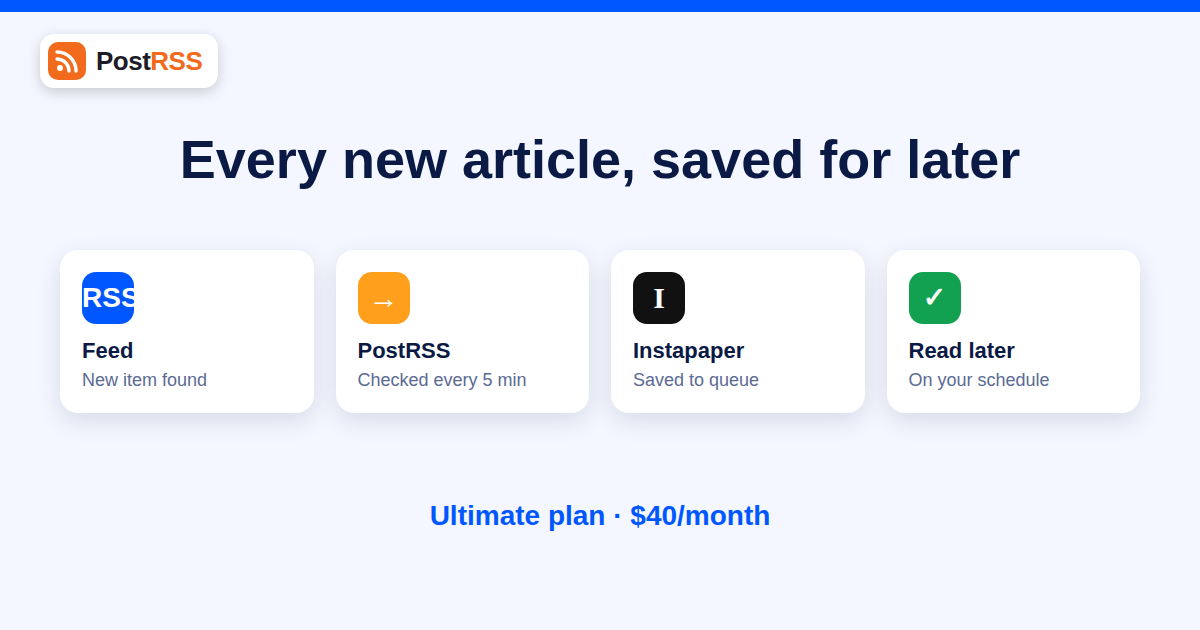
Reading is a different job from discovering. Discovery happens in bursts, when a feed refreshes and a headline catches your eye. Reading needs quiet time and a clean page. That gap is why read-later services exist, and it is why sending RSS feed items to Instapaper automatically is one of the most useful, least glamorous automations you can set up. Every new article from the sources you care about lands in one queue, ready for the commute, the weekend or the Friday afternoon slot you keep for research.
PostRSS supports Instapaper as one of its 16 networks. This guide explains what that means, who benefits, how to design a queue you will actually read, and how to avoid the classic failure mode: a saved list of nine hundred unread articles. For the wider picture of feed automation, see the PostRSS homepage and the auto-posting archive.
Instapaper saves a web page to your account and shows it later in a stripped-down reader view, without menus, ads or pop-ups. You organise saved articles in folders, highlight passages and read on phone, tablet or browser. Depending on your Instapaper plan, extra features such as full-text search, notes or sending to an e-reader may be available; check the current details on Instapaper’s own site, since they are decided by that service and not by PostRSS.
An RSS feed is a list of new articles from one source. Instapaper is a place to keep articles. Connecting the two means that “new article published” becomes “article saved”. You skip the step of opening a feed reader, deciding, clicking and saving. The decision moves to later, when you look at the queue and choose what deserves your attention.
Unlike Facebook or LinkedIn, Instapaper is not an audience. Nobody else sees what lands in your account. That changes how you think about the automation. You do not worry about tone, timing or engagement; you worry about volume and relevance. Anything that would embarrass you in public is harmless here, which makes Instapaper a safe first experiment for anyone nervous about automation.
Instapaper is part of the Ultimate lineup. Ultimate costs $40 per month and includes 125,000 posts per month, 50 targets, 5,000 posts per target and phone support. Along with Instapaper it adds X, Telegram channels, Threads, Bluesky, Mastodon, Matrix rooms and Webhook, plus Reddit, which is temporarily unavailable. Enterprise, from $100 per month, has the same networks and checks feeds every minute instead of every five.
The lower plans do not include it: Free and Start are limited to a Facebook Page, Professional ($10 per month) adds VKontakte, Pinterest, Discord and Tumblr, and Professional Plus ($20 per month) adds LinkedIn. Annual billing is 20% cheaper on every paid plan. If Instapaper is your only reason to upgrade, weigh the cost against alternatives such as the Readwise Reader workflow we describe elsewhere. If you would use several of the Ultimate networks anyway, Instapaper is a bonus. Full details are on the pricing page and the supported networks page.
Editors and content managers often want to reread published articles with fresh eyes, check formatting and find internal linking opportunities. Point your own site feed at Instapaper and every new article shows up in a clean reader view, exactly as a visitor might experience it, but stripped of design distractions. It is a fast way to spot clumsy paragraphs.
Subscribe to the feeds of five to ten competitors and industry publications and send them to one Instapaper folder. Once a week, read the folder in one sitting. You will see patterns you would miss in a stream: topics that several rivals cover in the same fortnight, formats that are getting traction, price or product announcements.
Journalists, analysts and students follow narrow topics. Feeds from journals, government sites, company newsrooms and specialist blogs deliver a steady flow of primary material. Saving it automatically means the material is there when the deadline arrives, searchable and highlightable.
If you write a weekly digest, an Instapaper queue is a convenient raw-material shelf. Read on Thursday, highlight the good parts and draft on Friday. Our guide to building a content curation strategy with RSS feeds covers the editorial side, including how many sources are sensible.
Small teams sometimes share one reading account for a topic, such as regulatory updates for a compliance team. The feed fills it, and anyone with access can read, highlight and archive. It is low-tech, cheap and effective.
The failure of read-later systems is rarely technical. It is arithmetic. If ten feeds each publish five articles a day, you receive fifty new articles daily and can read perhaps five. The queue grows by forty-five a day and you stop opening it within a fortnight. Avoid that with a few rules.
| Rule | Why it works | Example |
|---|---|---|
| Cap the number of feeds | Keeps daily volume near what you can read | Five feeds of one to three items a day |
| Prefer low-volume, high-quality sources | Each item is worth reading | Weekly digests, long-form blogs |
| Filter by category or tag | Removes items you would skip anyway | Only the “regulation” category of a law firm’s feed |
| Use folders for priority | Separates must-read from maybe | “This week” and “Someday” folders |
| Archive aggressively | Empty state feels good and keeps the habit | Archive anything older than 14 days |
| Review on a schedule | Turns reading into a routine | Thursday 30 minutes |
The most powerful filter is the source. Many sites offer category, tag and author feeds in addition to their main feed. Choosing the narrow feed means the items never reach the queue. Our article on filtering your RSS feed by category before auto-posting explains how the URLs work on most platforms.
Once a month, archive everything older than two weeks without reading it. If an article mattered, it will resurface. The purge is not a failure; it is what keeps the system trustworthy.
With social networks a bad item is one bad post. With a read-later queue a bad item is a bad reading experience, so the quality of the feed matters a lot.
Saving an article to your private reading account for your own use is ordinary reading, much like bookmarking. It is different from republishing. If you plan to reuse the material in a public newsletter or on social media, quote briefly, credit the source and link back. Our piece on copyright and auto-posting explains where the lines are.
To make the arithmetic concrete, imagine a marketing manager who follows six sources: two competitor blogs, one industry news site, one analyst newsletter, the company’s own blog and a government statistics feed. Together they publish roughly ten items a day. The manager filters the industry site to two categories, drops one chatty competitor blog to its “product” category only, and ends up with about four items a day, or eighty over a working month.
On Monday morning the queue holds the weekend’s items. The manager spends ten minutes triaging: archive the irrelevant, move three articles to a “This week” folder and leave the rest. On Thursday there is a thirty-minute reading session. On the last Friday of the month the leftovers older than two weeks are archived in one click. The whole routine costs under two hours a month, and it replaces the daily habit of opening five tabs to see whether anything new appeared.
You could also read feeds in a traditional feed reader, forward items to email or save them to a knowledge tool. Each approach suits a different personality. A feed reader is best for people who like scanning headlines all day. Email digests suit people who live in their inbox. Read-later queues suit people who want a calm reader view and a clear separation between finding and reading. Because feed-to-Instapaper saving is automatic, it also removes the hidden cost of read-later tools, which is remembering to save. If you already use an email digest, our overview of turning a feed into an automatic newsletter digest compares the approaches.
Confirm that the feed has actually published something new. Feeds are polled every 5 minutes on all plans except Enterprise, which polls every minute, and only new items are saved. Then check that the Instapaper connection is still authorised and that your plan includes it.
The page behind the link may need JavaScript, a login or a subscription. Instapaper can only save what it can fetch. Try opening the same URL in a private browser window; if you see a gate, so will Instapaper.
Narrow the feed, remove the noisiest source or move to a weekly digest feed. Consider whether you want a queue at all for that source, or whether a headline glance is enough.
Each saved item counts as a post to one target. A reader with ten feeds averaging three items a day sends about 900 items a month, well within Ultimate’s 125,000 monthly allowance and its 5,000-per-target cap.
Yes. Instapaper is one of the 16 supported networks and is included in the Ultimate plan ($40 per month) and in Enterprise.
No. Instapaper is a private reading account, so nobody else sees what is saved. It is a low-risk way to try feed automation.
Feeds are checked every 5 minutes on all plans except Enterprise, which checks every minute, so new items usually appear within minutes.
No. Professional ($10 per month) adds VKontakte, Pinterest, Discord and Tumblr. Instapaper requires Ultimate or Enterprise.
Start with two or three low-volume feeds and expand only if you keep up. Around five sources producing one to three items each per day is a sustainable reading load for most people.
The page probably sits behind a paywall or login. Instapaper saves what it can fetch, so test a source with one article before relying on it.
Yes. Each item sent to each target counts as one post toward the monthly and per-target allowance.
Sending RSS feed items to Instapaper is automation without an audience: nothing you save is public, nothing can go viral, and the only thing at stake is your reading time. That makes it a good fit for editors, researchers, curators and anyone who follows more sources than they can read live. Keep the feed list short, filter at the source, use folders for priority and purge monthly. You need the Ultimate plan or Enterprise for it, so decide whether the other Ultimate networks make the upgrade worthwhile. When you are ready, connect your first feed at PostRSS and let the reading queue build itself.
What changed in the networks, what broke, and how to fix it before it costs you reach.
 English
 Lietuviškai
 Deutsch
 Français
 Русский
 Español
 Polski
 Italiano
 Українська
 Čeština
 Português
 日本語
日本語 Latviešu valoda
 Eesti
Eesti Magyar
 Bahasa Indonesia
 Türkçe
 हिन्दी
 Ελληνικά
 العربية
 ไทย
ไทย Tiếng Việt
 Română
 Bahasa Melayu
 বাংলা
বাংলা