RSS to 66 social networks: Facebook, Instagram, X, LinkedIn, Telegram and more المدونة برنامج التسويق بالعمولة اتصل بنا
Every RSS feed makes a quiet decision about how much of each post to expose: the full article body, or just a title and a short excerpt. Most site owners never touch this setting after their CMS’s default is applied, but it has a direct, practical effect on how auto-posted content looks and performs once it reaches a social network. This is a technical setting worth understanding rather than leaving on autopilot.
This distinction predates social auto-posting by a long time — it was originally a debate among bloggers about whether exposing full content in RSS readers cannibalized site pageviews, long before anyone was thinking about how a feed item would eventually become a Facebook post. That older context is worth knowing because it explains why the setting exists and defaults the way it does on different platforms, even though the auto-posting use case wasn’t part of the original design consideration.
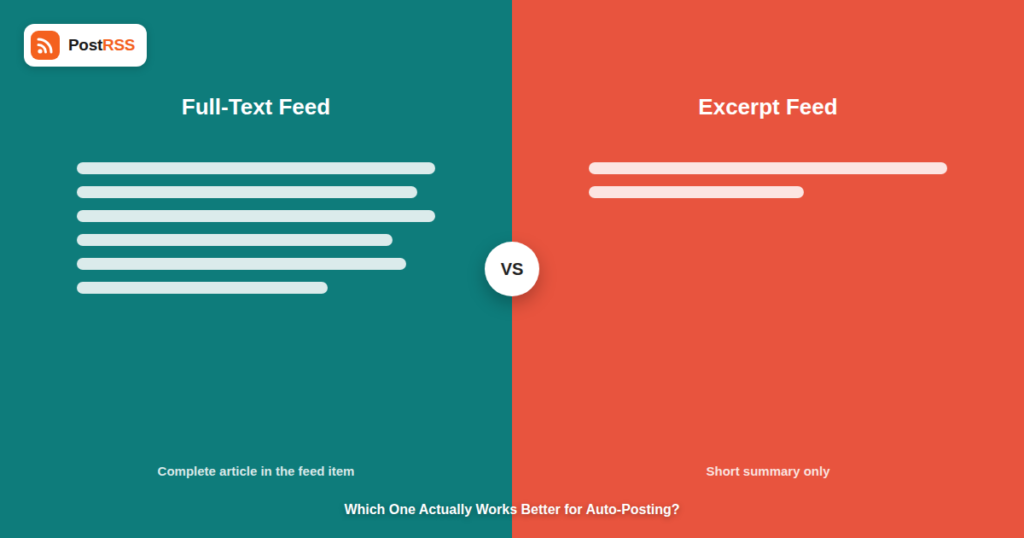
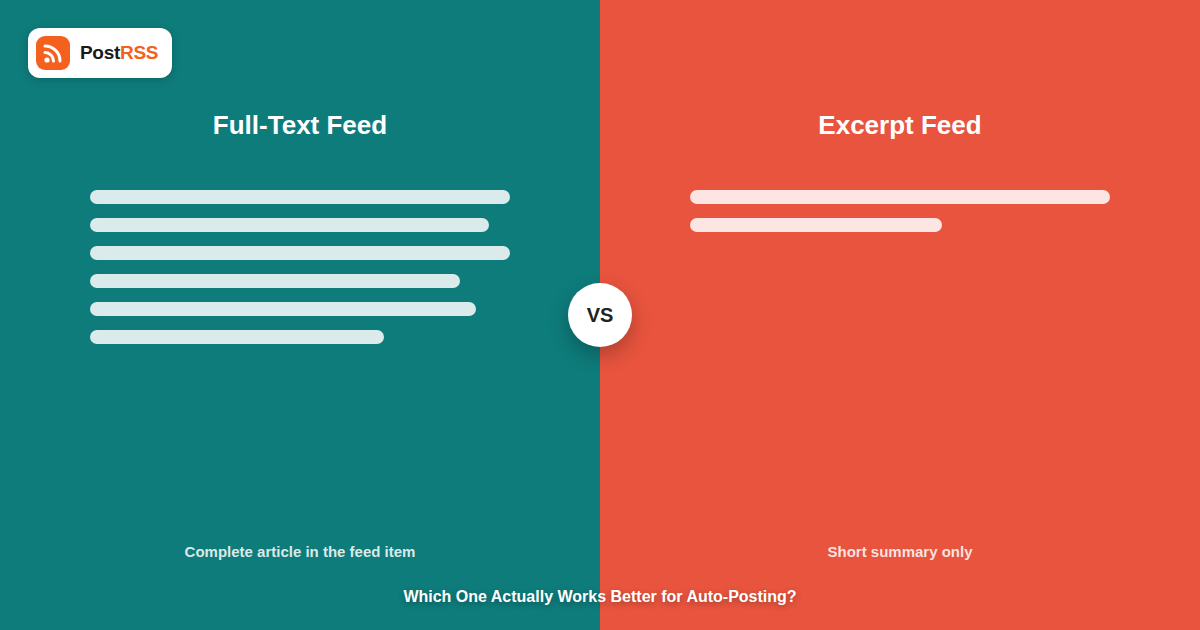
A full-text feed includes the complete content of each post inside the feed item itself — every paragraph, every image reference, the whole article as published on your site. An excerpt feed includes only a short summary, typically the first sentence or two, or a manually written teaser, with the rest of the content living only on the actual page. Both are valid RSS configurations; the difference is entirely about how much content the feed exposes without a reader (or an automation tool) needing to visit the site itself.
| Full-Text Feed | Excerpt Feed | |
|---|---|---|
| Content in the feed item | Complete article body | Short summary or teaser only |
| Typical use case | RSS readers, content syndication, some automation tools | Traffic-driving blogs, ad-supported sites |
| Feed file size | Larger, especially with many long posts | Smaller, faster to fetch and parse |
| What auto-posting tools typically pull from it | Title, image, and enough text to build a post | Title, image, and the same short summary |
Less than most site owners assume. RSS auto-posting tools generally build a social post from a feed item’s title, featured image, and a short piece of body text — they don’t typically dump an entire full-text article into a single social post, since no major network’s format supports (or would benefit from) a multi-thousand-word post. Whether your feed is full-text or excerpt-only, the practical output on Facebook, X, or LinkedIn tends to look similar: a title, an image, and a brief snippet linking back to the full piece. The real differences show up elsewhere.
Many CMSs auto-generate an excerpt by simply truncating the first N characters of a post, which can cut off mid-sentence in a way that reads awkwardly once it becomes the text of a social post. A full-text feed sidesteps this because there’s more content available to pull from, but it also means an auto-posting tool has more material to choose from when deciding what makes it into a social post’s preview text — not always to good effect, since some tools’ default excerpt logic still just grabs the first sentence regardless of whether it’s a good summary.
A full-text feed for a site with hundreds of long-form posts can become genuinely large, which matters for how quickly a feed can be fetched and parsed on every check cycle. This is rarely a practical bottleneck for the check intervals used by auto-posting tools — RSS automation tools typically check every 5 minutes, and even a large feed parses in a fraction of that window — but it’s worth being aware of if your feed has grown large enough to notice slower load times when checking it manually in a browser.
If your CMS lets you write a custom excerpt per post rather than relying on auto-truncation, that’s the version most likely to produce a genuinely good social post — a deliberately written one- or two-sentence hook reads better as a Facebook or X post than an auto-truncated fragment of a full article’s opening paragraph, regardless of whether the underlying feed is full-text or excerpt-based.
The one scenario where feed type genuinely matters for auto-posting is when a full-text feed’s first block of text isn’t representative of the piece — for example, a long preamble, a table of contents, or a quote before the actual summary. In that case, an excerpt feed with a deliberately written summary will produce a noticeably better social post than a full-text feed where the auto-posting tool grabbed whatever text happened to be first. If you’ve noticed your auto-posted content reading oddly, checking what your feed actually exposes as the “first” text for each item — and whether that’s genuinely representative — is worth doing before assuming the auto-posting tool itself is at fault. This kind of feed troubleshooting is usually a five-minute check, not a deep technical investigation.
WordPress ships with excerpt-based feeds by default, generating an auto-truncated summary unless you enable full-text feeds via a setting or switch to manually written excerpts per post. Many other platforms — Ghost, Substack, and most static site generators — default to full-text feeds instead, on the theory that RSS readers benefit from seeing the complete article without an extra click. Neither default is inherently better for auto-posting specifically; what matters, as covered above, is whether the text an auto-posting tool actually pulls from the feed reads well as a standalone social post, and that’s a function of excerpt quality, not the full-text-versus-excerpt choice itself. If you’re not sure what your platform defaults to, checking your feed URL directly — as described in the FAQ below — settles it in a few seconds.
Consider two versions of the same blog post: “5 Ways to Reduce Feed Fetch Errors.” On a site using WordPress’s default auto-truncated excerpt, the feed item’s summary might read “In this post we’re going to look at a number of different approaches that site owners can take when they encounter…” — grammatically complete but genuinely uninformative as a social post preview, since it says nothing about what the five ways actually are. On the same site with a manually written excerpt — “Five practical fixes for feeds that time out, return malformed XML, or get blocked by a firewall” — the auto-posted version immediately tells a scrolling reader what they’re getting. The underlying feed format (full-text or excerpt) didn’t change the outcome here; the deliberate editorial choice about what text represents the post did. This is the core reason feed-format troubleshooting often misses the actual fix: the format was never really the problem.
While feed format gets most of the attention in this discussion, the featured image setting is arguably more consequential for how an auto-posted item actually performs. A feed item with no image reference, or one pointing to a low-resolution thumbnail, produces a noticeably weaker social post than one with a properly sized featured image, regardless of whether the surrounding text is full-text or excerpt. If you’re auditing your feed for auto-posting quality, confirm every post consistently has a featured image attached before spending time on excerpt or full-text tuning — a strong image with a mediocre excerpt still outperforms a great excerpt with no image on most networks, since image-first layouts are how the majority of feeds are designed to display link previews.
No — auto-posting works with either full-text or excerpt feeds. What matters is that each feed item has a title, ideally a featured image, and enough text to build a reasonable social post preview, regardless of which format the rest of the item uses.
It can affect the preview text pulled into future posts if your current excerpt or full-text content differs meaningfully in quality or length, but it won’t change anything about posts that already went out before the switch, since each post is built at the moment it’s picked up from the feed.
No — feed checks happen on the same interval (every 5 minutes on standard plans) regardless of whether the feed is full-text or excerpt-based. Feed size affects parsing time by a negligible amount well within that window.
That’s a separate consideration from auto-posting specifically — some site owners worry full-text feeds make it easier for other sites to scrape and republish content. It’s a real concern worth weighing, but it’s independent of how auto-posting behaves, and shouldn’t be decided based on auto-posting quality alone.
Yes — many CMSs let you configure the RSS feed’s content setting independently from how excerpts display in your site’s own theme, so these don’t have to match.
Visit your feed URL directly in a browser (commonly yoursite.com/feed/) and look at an item’s content tag — if it contains the entire article, it’s full-text; if it’s just a sentence or two, it’s excerpt-based. This takes under a minute and settles the question definitively.
A well-written title and a deliberate, non-truncated excerpt or opening sentence matter far more than whether the underlying feed is full-text or excerpt-based — that’s the part actually worth spending editorial attention on. A consistently attached, properly sized featured image is a close second.
No — changing your feed’s content setting doesn’t affect target connections or authentication. The auto-posting tool simply reads whatever content is present in the feed on its next scheduled check.
To some extent — most auto-posting tools cap how much preview text actually appears on the destination network regardless of how much is available in the feed, since most networks have their own display limits for link previews. A longer excerpt gives the tool more to choose from, but doesn’t guarantee more text ends up visible on the post itself.
Full-text versus excerpt is a real technical distinction, but it has less impact on auto-posting quality than most site owners assume — auto-posting tools pull a title, image, and short preview regardless of which format your feed uses. What actually determines how good an auto-posted item looks is whether that preview text is deliberately written or awkwardly auto-truncated, backed by a properly attached featured image. If you’re troubleshooting odd-looking auto-posted content, check your excerpt generation and image settings before changing your feed’s fundamental format — that’s almost always where the real fix lives, and it’s usually a much smaller change than switching your entire feed’s content strategy.
What changed in the networks, what broke, and how to fix it before it costs you reach.
 English
 Lietuviškai
 Deutsch
 Français
 Русский
 Español
 Polski
 Italiano
 Українська
 Čeština
 Português
 日本語
日本語 Latviešu valoda
 Eesti
Eesti Magyar
 Bahasa Indonesia
 Türkçe
 हिन्दी
 Ελληνικά
 العربية
 ไทย
ไทย Tiếng Việt
 Română
 Bahasa Melayu
 বাংলা
বাংলা