RSS tới 66 mạng xã hội: Facebook, Instagram, X, LinkedIn, Telegram và nhiều mạng khác Blog Tiếp thị liên kết Liên hệ

Subscription box and meal kit companies run on a monthly rhythm that most e-commerce doesn't: a themed box reveal, a new recipe...
Xem thêm »
Axe throwing venues, trampoline parks, indoor golf simulators, and similar family entertainment centers all share the same mark...
Xem thêm »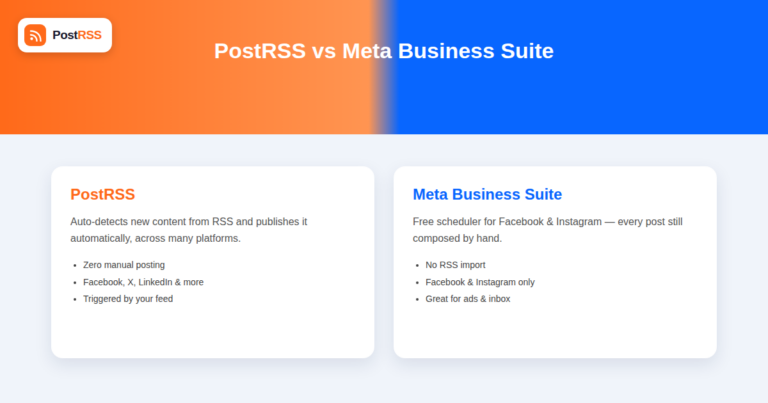
Updated: 2026-09-27 Short answer: choose Meta Business Suite if scheduling each post by hand inside Meta's own tools is...
Xem thêm »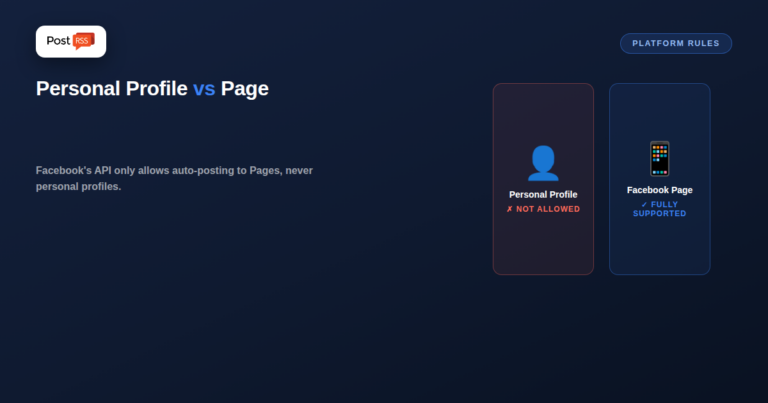
Updated: 2026-09-27 Short answer: you can automate a Facebook Page, not a personal profile — Facebook's API has n...
Xem thêm »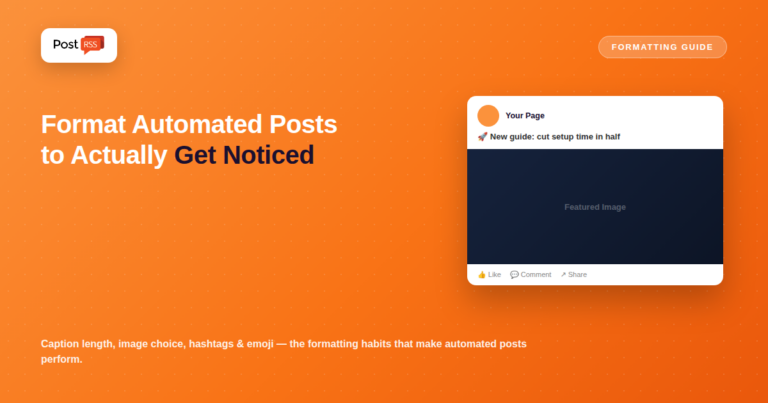
Updated: 2026-09-27 Short answer: keep captions short, let the link preview card carry the image, use hashtags sparingly, a...
Xem thêm »
Updated: August 24, 2026 An agency managing ten client Pages, a franchise with a Page per location, or a business runni...
Xem thêm »
Updated: 2026-09-27 Meta has tightened third-party access to its platform steadily since 2022, and that history has left a ...
Xem thêm »
Updated: August 24, 2026 For most independent musicians, the actual bottleneck isn't writing songs or booking shows — ...
Xem thêm »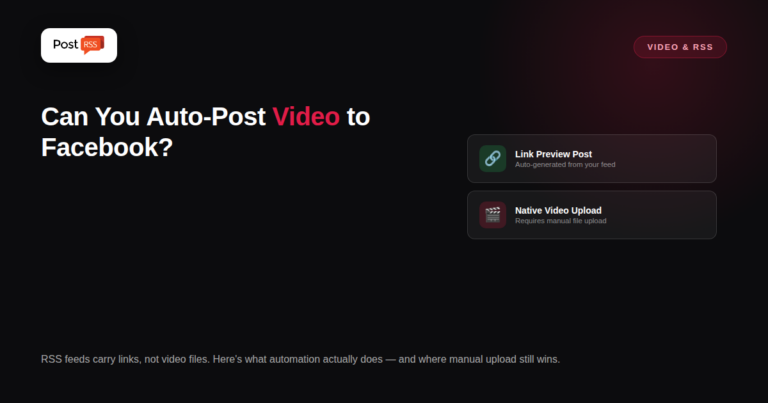
Updated: August 24, 2026 Facebook's 2026 algorithm continues rewarding native video and Reels more generously than ...
Xem thêm »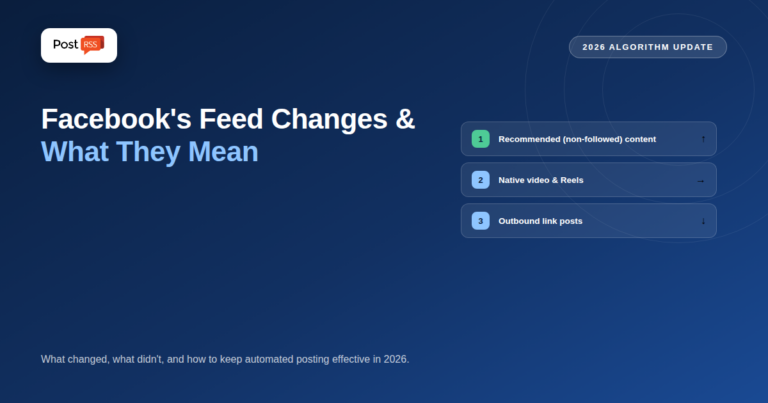
Updated: August 24, 2026 Facebook's feed ranking has shifted meaningfully through 2026, continuing a multi-year move toward ...
Xem thêm »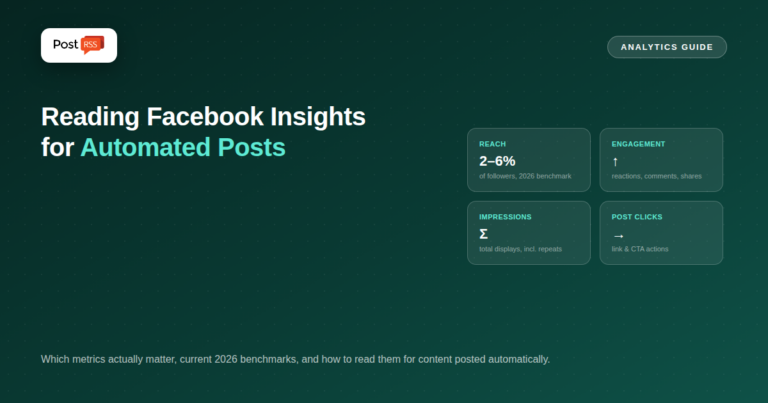
Updated: August 24, 2026 Once RSS automation is reliably posting to your Facebook Page, the natural next question is wh...
Xem thêm »
Updated: August 24, 2026 Most Facebook automation setup guides assume your Page is already properly configured inside M...
Xem thêm »Do Internet Solutions, đội ngũ đứng sau PostRSS, phát triển. Mỗi sản phẩm giúp bạn tiết kiệm thời gian theo một cách riêng.
 English
 Lietuviškai
 Deutsch
 Français
 Русский
 Español
 Polski
 Italiano
 Українська
 Čeština
 Português
 日本語
日本語 Latviešu valoda
 Eesti
Eesti Magyar
 Bahasa Indonesia
 Türkçe
 हिन्दी
 Ελληνικά
 العربية
 ไทย
ไทย Tiếng Việt
 Română
 Bahasa Melayu
 বাংলা
বাংলা