RSS tới 66 mạng xã hội: Facebook, Instagram, X, LinkedIn, Telegram và nhiều mạng khác Blog Tiếp thị liên kết Liên hệ
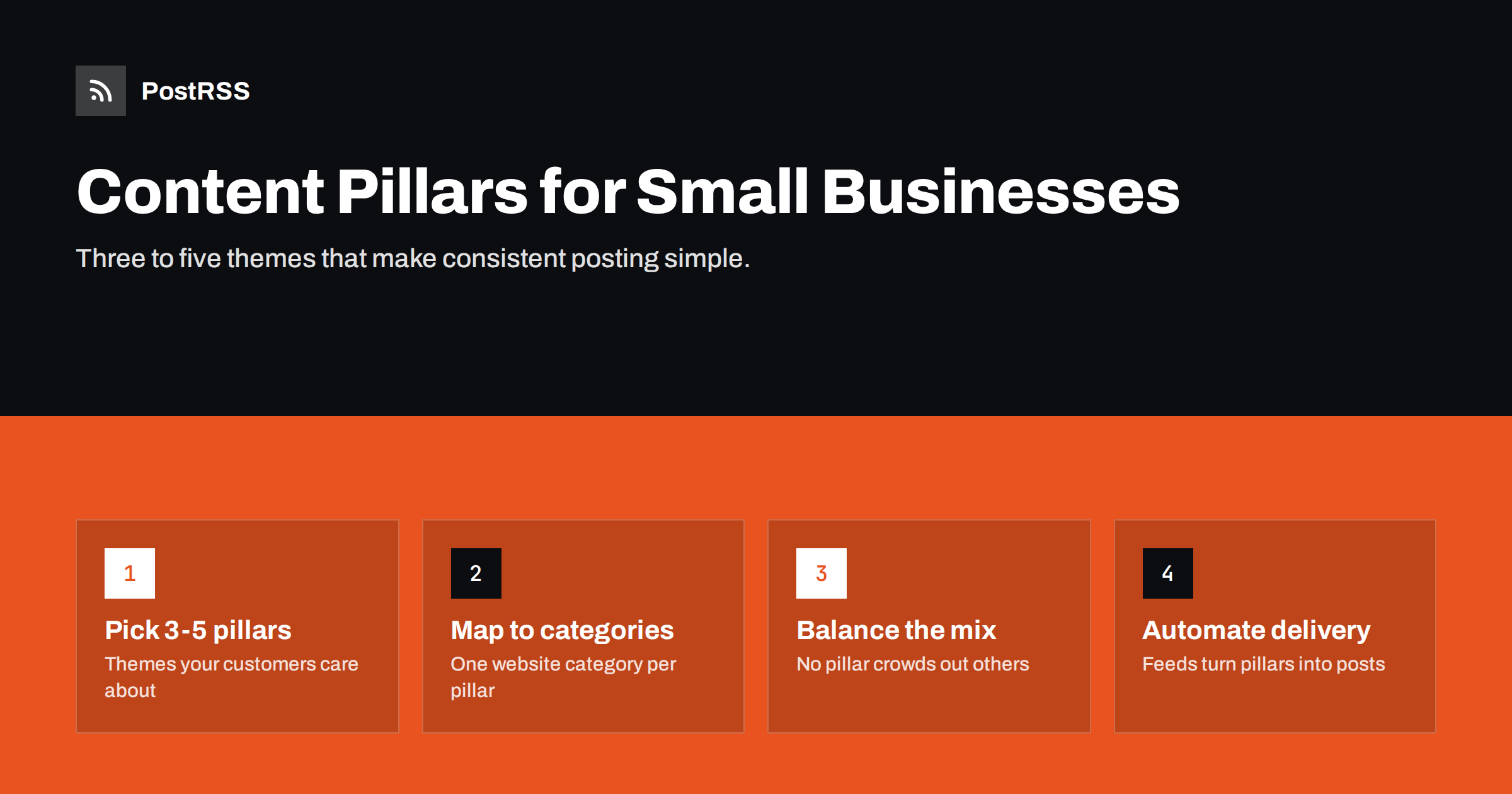
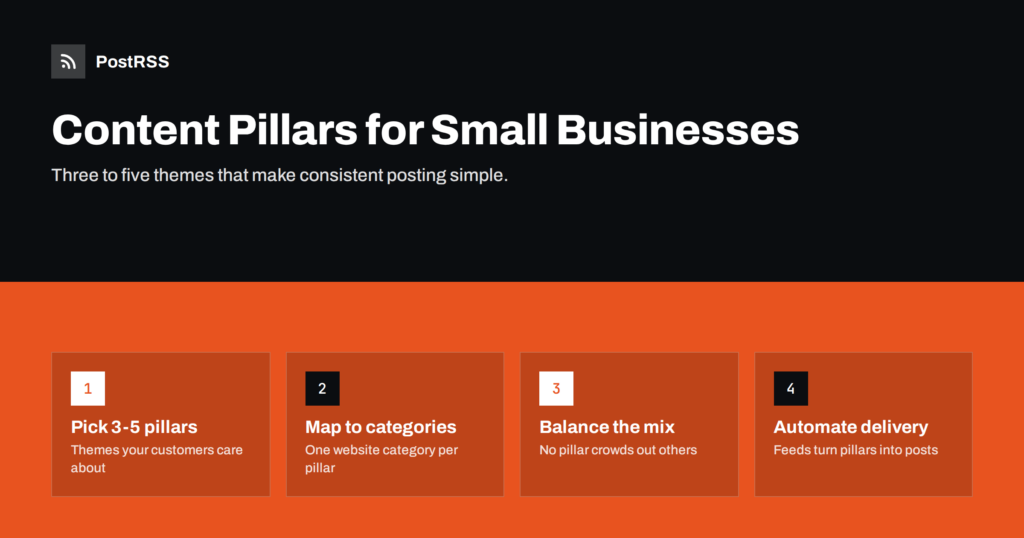
Short answer: Content pillars are three to five recurring themes that a business posts about, such as practical tips, products or services, behind the scenes, customer questions and local community. They turn “what should we post today?” into a simple choice between a few known categories, which makes consistency much easier. For small businesses, the most practical setup is to make each pillar a category on the website blog, publish there, and let RSS auto-posting share every new post to social media, so the pillars stay balanced without daily planning.
Most small businesses do not run out of things to say. They run out of time to decide what to say. Every day without a plan starts with a blank page, and a blank page is easy to postpone. Content pillars solve that by giving your social media a fixed set of themes that reflect what you know and what your customers care about.
A pillar is broad enough to produce many posts, but narrow enough to be recognisable. “Our products” is a pillar. “Our spring collection” is a single campaign within it. “Tips” is too vague; “tips for keeping indoor plants alive” is a clear pillar for a garden centre.
Pillars help in several ways:
Every business is different, but most successful pillar sets draw from a small group of themes. Pick the ones that fit your business and audience:
You do not need all of these. A one-person business might run well on three pillars: education, products and practical updates. A larger shop or studio with a team might add behind the scenes and community. The right number is the one you can actually keep supplied with posts.
You do not need a workshop or a consultant. A focused afternoon is enough to define pillars that will last for a year:
Seeing a few examples makes the idea concrete. These are illustrations, not templates to copy exactly:
| Business | Pillar 1 | Pillar 2 | Pillar 3 | Pillar 4 |
|---|---|---|---|---|
| Bakery | New bakes and seasonal specials | Baking tips for home cooks | Behind the ovens | Local events and suppliers |
| Accounting firm | Tax deadlines explained | Small business finance tips | Team and office news | Changes in regulations |
| Garden centre | Plant care advice | New arrivals | Seasonal garden jobs | Workshops and events |
| Web design studio | Website tips for owners | Recent projects | Process and tools | Industry changes |
| Fitness studio | Training and nutrition tips | Class schedule and news | Member stories | Community challenges |
Notice that each set mixes useful content, business content and human content. That mix is what keeps an account interesting over months rather than weeks.
A pillar plan only works if no single pillar takes over. The most frequent imbalance in small businesses is too much promotion: when sales are slow, every post becomes an offer, and followers stop paying attention. The opposite happens too: an account full of tips that never mentions what the business actually sells.
Simple ways to keep the balance:
It also helps to keep a simple “idea bank” for each pillar: a shared document or spreadsheet where anyone on the team can add topic ideas as they come up. When it is time to write, you pick the next idea from the pillar that is due. Over time, the idea bank becomes a record of what customers actually ask, which is valuable in itself.
Our guide to automating a year-round content calendar shows how to plan the rhythm across a whole year.
Here is the step that makes pillars practical for a busy small business: make each pillar a category on your website blog. Instead of writing posts directly in social media apps, you write short posts on your site and assign each one to its pillar category.
This has several advantages:
Posts do not need to be long. A tip post can be 150 words with a photo; a product post can be a paragraph and a link to the product page. What matters is that each one has a clear title, a useful first sentence and an image, because those become the social post. See category filtering for auto-posting for how to route categories to specific accounts.
Once pillars live as website categories, distribution can run without daily effort:
Scheduling posts in the CMS is the key habit. Many small business owners write several posts in one sitting, perhaps on a quiet Monday morning, and schedule them across the following two weeks with a pillar rotation. The feed releases each post on its date, and the auto-posting tool shares it immediately. Social media stays active every few days even in weeks when the owner has no time at all.
Automation does not replace the human side of social media. Someone still needs to reply to comments and messages, and some moments call for a spontaneous post, such as a photo of a delivery that just arrived or a quick thank-you after a local event. Pillars and automation handle the planned backbone; the spontaneous posts add personality on top.
Evergreen pillars, especially education, can also be reshared. A good care tip is still useful next year. Republishing or rotating older posts keeps the pillar present without writing new material every time.
After two or three months, you will have enough posts to compare pillars. Look at three kinds of signals:
Keep the measurement light. A short monthly note with three lines, such as which pillar performed best, which was weakest and what you will try next month, is more useful than a detailed report nobody reads. Over a year, those notes show clear patterns about what your audience values.
Do not drop a pillar just because it gets fewer likes. Practical updates rarely get many reactions, but customers rely on them. Instead, look for pillars that consistently underperform on every measure, and try a different angle within them before giving up.
PostRSS turns website categories into steady social posting. It checks your RSS feeds every 5 minutes and posts each new item, with its image and link, to the networks you connect. You can add separate category feeds for different pillars, send each to the right targets, filter items with include and exclude keywords, turn post tags into hashtags and add UTM parameters to measure results by pillar. On paid plans you can also set posting windows or exact posting times. The features page describes these options.
Content pillars give a small business a short list of themes to post about, which removes the daily guesswork and keeps social media balanced. Choose three to five pillars from customer questions, your offer and your community, make each one a category on your website, and let RSS auto-posting distribute every new post. Review the balance monthly, and your social channels stay consistent without taking over your week.
Three to five is a practical range. Fewer than three tends to feel repetitive, while more than five is hard for a small team to keep balanced. You can always adjust after a few months.
A pillar is a long-term theme, such as product news or practical tips. A campaign is a time-limited push within a pillar, such as a spring sale or an event. Campaigns come and go, pillars stay.
Not necessarily. Educational posts may suit all networks, while practical updates might go only to channels your regular customers follow. Category feeds make this routing easy to automate.
A simple rotation works well, for example cycling through the pillars in order. Review monthly to make sure no pillar is empty and promotions do not dominate.
Yes, you can plan pillars for posts written directly in social apps. Publishing them on your website first adds search visibility and makes automation possible through the site’s RSS feeds.
What changed in the networks, what broke, and how to fix it before it costs you reach.
 English
 Lietuviškai
 Deutsch
 Français
 Русский
 Español
 Polski
 Italiano
 Українська
 Čeština
 Português
 日本語
日本語 Latviešu valoda
 Eesti
Eesti Magyar
 Bahasa Indonesia
 Türkçe
 हिन्दी
 Ελληνικά
 العربية
 ไทย
ไทย Tiếng Việt
 Română
 Bahasa Melayu
 বাংলা
বাংলা