RSS tới 66 mạng xã hội: Facebook, Instagram, X, LinkedIn, Telegram và nhiều mạng khác Blog Tiếp thị liên kết Liên hệ
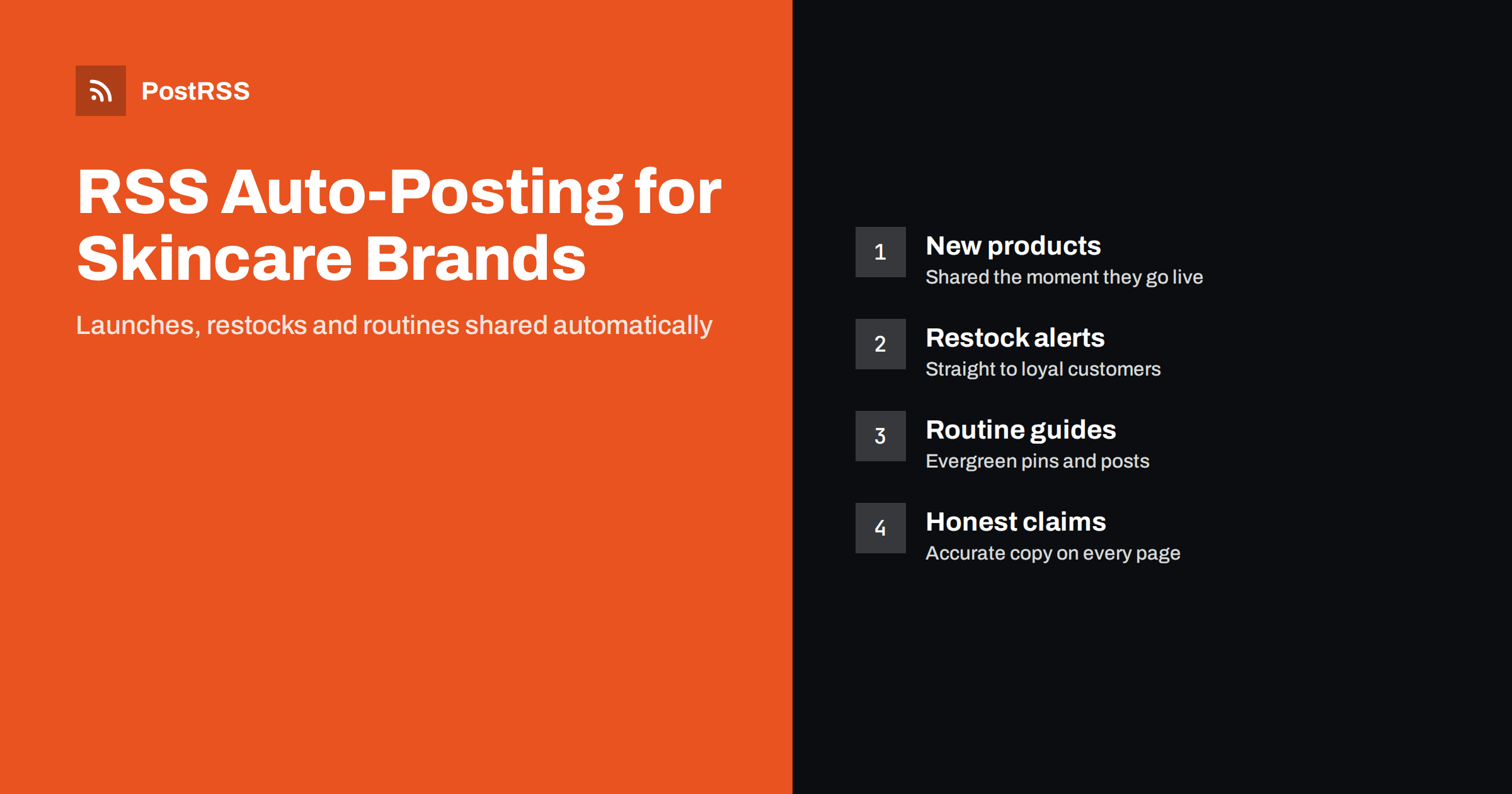
Short answer: RSS auto-posting lets a cosmetics or skincare brand share every new product, ingredient guide, routine article and restock on social media the moment it appears on the website. Your shop and blog already publish feeds; an auto-poster reads them and posts each item, with its product photo and link, to Facebook, Pinterest, Telegram and other channels you choose. Your team keeps creating the personal content, such as tutorials, live sessions and replies, while the routine product and blog updates go out automatically and consistently.
Beauty is one of the most visual and fast-moving categories online. Customers discover products through social feeds, compare ingredients on blogs and buy within minutes when something looks right. Independent cosmetics and skincare brands, whether they sell through Shopify, WooCommerce or their own site, face the same problem: there is always more to post than time to post it. Product launches, restocks, seasonal sets, routine guides and ingredient explainers all deserve a place on every channel. This guide explains how to automate the repetitive part, what to keep personal, and how to stay within advertising rules while you do it.
Most small cosmetics brands publish more than they realise:
Sharing each of these by hand on four or five networks takes time every day, and the posts that are skipped are often the ones with the best sales potential, such as a quiet restock on a Sunday evening. Automation makes sure every product and article reaches your channels with the same title, image and link, without anyone copying and pasting.
It also improves consistency. Beauty audiences expect an active brand. A page that posts regularly looks alive and trustworthy; one that has been silent for a month raises questions about whether the brand is still trading.
Before setting anything up, find your feeds. Most shop platforms create them automatically:
/feed/.Use separate feeds for separate purposes. A product feed for launches and restocks, a blog feed for routines and ingredient guides, and perhaps a category feed for events. That makes it easy to send each type of content to the right channel.
| Content | Automate? | Notes |
|---|---|---|
| New products and limited editions | Yes, from the product feed | Clear product photo, short benefit-led description |
| Restocks | Yes | Use a restock category or a filter on the word “restock” |
| Routine and ingredient articles | Yes, from the blog feed | Evergreen content that keeps working |
| Gift sets and seasonal bundles | Yes | Schedule posting windows around peak shopping times |
| Tutorials, try-ons, live sessions | By hand | Personal, conversational, often video-first |
| Customer photos and reviews | By hand, with permission | Always credit and ask first |
| Replies and community questions | By hand | The most valuable part of beauty social media |
The pattern is simple: automate anything that is already finished and polished on your website, and keep the human, in-the-moment content for your team.
Beauty audiences are spread across several networks. Choose the ones where your customers actually spend time:
Pinterest deserves special attention for skincare. Routine guides and “how to layer serums” articles are exactly the kind of content people save. Our guide on auto-posting an RSS feed to Pinterest covers board choice and image sizes.
In beauty, presentation is the product. An automated post is only as good as the page it comes from, so get these details right on the website:
og:image is often the cause; see why auto-posted links show the wrong image.Automation spreads whatever is on your website, so the claims on your product pages matter even more. Cosmetics are regulated in most markets, and the line between a cosmetic claim and a medicinal claim is important.
Practical rules for automated posts: keep product descriptions factual, avoid medical promises, use “may help” language only when you can support it, and review copy before it is published on the site. If a product page is edited after a compliance review, remember that the auto-poster will share the version that is live at the time. This article is not legal advice; when in doubt, ask a regulatory specialist.
Timing matters in beauty. A few techniques help you use automation for launches without losing control:
More planning ideas are in seasonal campaign planning with RSS automation.
If your blog is quiet, these topics work well for skincare and cosmetics brands and are easy to keep accurate:
One useful article a week, plus product updates, gives your channels a steady rhythm without daily manual work.
Automation is only worth it if it brings customers. Add UTM parameters to every automated link so your analytics shows which network sends visitors who buy, not just visitors who browse. Compare product posts with educational posts: many beauty brands find that guides bring fewer immediate clicks but more loyal customers over time. Our article on tracking RSS automation with UTM parameters explains the set-up.
After that, the daily work is what it should be for a beauty brand: making good products, writing helpful guides and talking to customers.
PostRSS has been automating RSS posting since 2014. It checks your product and blog feeds as often as every minute and publishes each new item, with its real image and link, to the channels you connect, from Facebook Pages and Pinterest boards to Telegram, Threads, Bluesky and many more among its 66 supported networks. You can choose the post format, filter by keywords, add UTM parameters, turn product categories into hashtags and post only within chosen hours or at exact times. If you sell on WordPress, PrestaShop or OpenCart, official plugins build the feed for you. See the PostRSS features page for the full list and the pricing page for which networks each plan includes. More e-commerce ideas are under the E-Commerce tag.
Cosmetics and skincare brands already publish everything social media needs: products, restocks, routines and ingredient guides. RSS auto-posting carries each of them to Pinterest, Facebook, messengers and other channels automatically, with the right image and link, while your team focuses on tutorials, community and customer conversations. Keep product claims accurate on the website, plan launches with posting windows, and measure what sells.
Yes. Shop platforms such as Shopify and WooCommerce publish feeds, and an RSS auto-poster can share each new product with its photo and link. Separate feeds or keyword filters let you send launches and restocks to different channels.
Pinterest is excellent for routines and product ideas that people save, Facebook suits announcements, and messengers such as Telegram are good for restock alerts. Instagram and TikTok are central for beauty, but work best with personal content that your team reviews.
Automation shares whatever is on your product page, so review claims there first. Keep descriptions factual and avoid medical promises, because cosmetics claims are regulated in most markets. Ask a regulatory specialist if you are unsure.
Mark restocked products with a category or a clear word in the title, such as back in stock. Then use a category feed or a keyword filter so those items go to the channels where loyal customers wait for them.
Not if the website content is polished. Networks show the product photo, title and description from your page, so invest in clean images and strong first sentences. Keep tutorials and personal stories as hand-made posts.
What changed in the networks, what broke, and how to fix it before it costs you reach.
Do Internet Solutions, đội ngũ đứng sau PostRSS, phát triển. Mỗi sản phẩm giúp bạn tiết kiệm thời gian theo một cách riêng.
 English
 Lietuviškai
 Deutsch
 Français
 Русский
 Español
 Polski
 Italiano
 Українська
 Čeština
 Português
 日本語
日本語 Latviešu valoda
 Eesti
Eesti Magyar
 Bahasa Indonesia
 Türkçe
 हिन्दी
 Ελληνικά
 العربية
 ไทย
ไทย Tiếng Việt
 Română
 Bahasa Melayu
 বাংলা
বাংলা