RSS tới 66 mạng xã hội: Facebook, Instagram, X, LinkedIn, Telegram và nhiều mạng khác Blog Tiếp thị liên kết Liên hệ
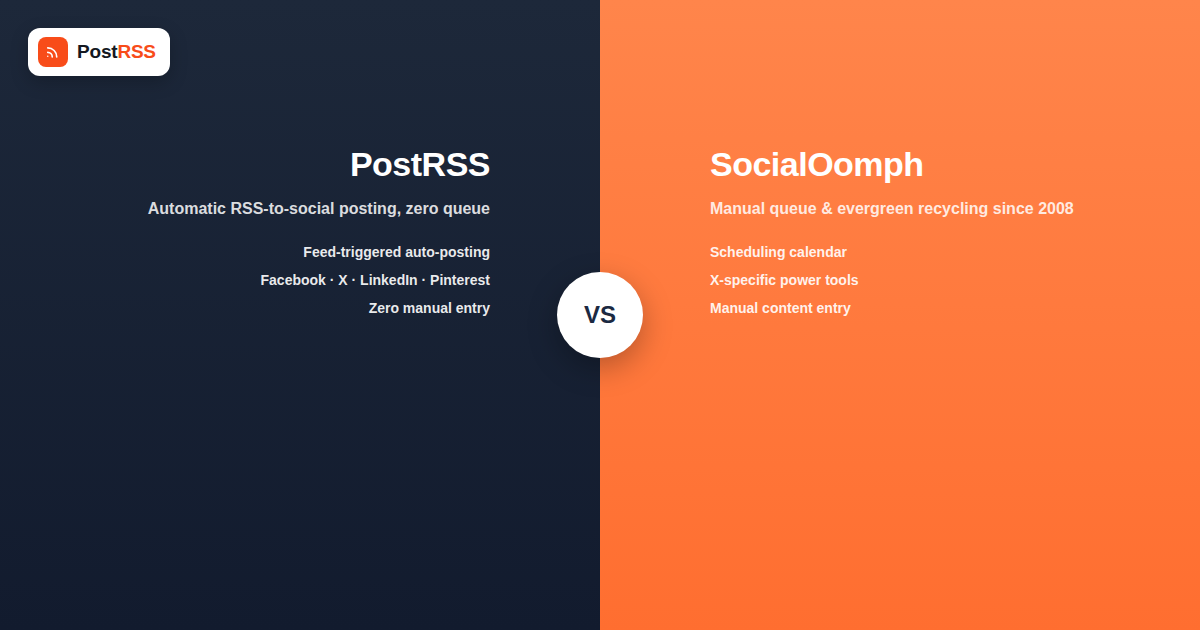
SocialOomph has been around since the early days of social media scheduling — it launched before “social media manager” was even a common job title, and it built a loyal following among X (Twitter) power users for its queue-based scheduling and automated follow-back tools, features that predate most of the modern social media landscape entirely. PostRSS takes a very different approach, built specifically around one job: turning your RSS feed into automatic, real-time posts across social platforms. Here’s how the two actually compare if you’re deciding between them, feature by feature and philosophy by philosophy.
SocialOomph’s feature set reflects its origins in an earlier social media landscape — a heavy emphasis on X-specific tools (auto-follow-back, keyword tracking, tweet recycling from an evergreen queue), StumbleUpon-era content discovery integrations, and a general-purpose scheduling calendar where you manually queue up posts across multiple networks. It’s built around the idea of a human curating and scheduling a content calendar in advance.
PostRSS is built around a different premise entirely: your content already exists — on your blog, in your product catalog, in your podcast feed — and the job of automation is to detect it the moment it’s published and get it onto your connected social accounts without anyone touching a scheduling calendar. There’s no queue to manage and no need to manually re-enter content that already lives on your site.
| Feature | PostRSS | SocialOomph |
|---|---|---|
| Core model | RSS feed triggers automatic posting | Manual queue-based scheduling, plus some automation add-ons |
| Primary use case | Auto-syndicate new content the moment it publishes | Plan and queue posts in advance across a content calendar |
| RSS-to-social automation | Native, core functionality | Available as one feature among many, less central to the product |
| Setup effort per new post | Zero — publishing to your site is the trigger | Manual entry unless a feed-import feature is configured and maintained |
| Platform focus | 66 networks and more incl. Fediverse, Asian and team-chat platforms | Historically strongest on X-specific tools |
| Best suited for | Publishers, e-commerce, blogs, multi-author sites wanting hands-off distribution | Users who want to manually curate and schedule a queue, especially on X |
To be fair to a tool that’s survived this long, SocialOomph’s queue-and-recycle model does solve a real problem for a certain kind of user: someone who wants to build a stockpile of evergreen tweets or posts and have them cycle through on a schedule indefinitely, without those posts being tied to any specific new content event. If your strategy genuinely revolves around a curated queue of timeless content recycling on a loop — rather than announcing new content as it happens — that’s a workflow SocialOomph was built around from day one.
It also has legacy X-specific tools, like automated follower management features, that some long-time users still value, even though platform policy changes over the years have limited what any third-party tool can do around automated following behavior.
If your actual goal is “never let a new blog post, product, or episode go unshared,” the queue-based model becomes a liability rather than a feature — it means someone on your team has to notice new content exists and manually add it to the queue, which is exactly the manual step that RSS automation is designed to eliminate. PostRSS watches your feed and reacts to it directly:
It’s worth being direct about a real tradeoff: SocialOomph’s evergreen queue model is genuinely good at what it does — keeping a steady stream of older, still-relevant content circulating over time, which some accounts use deliberately to maximize the lifetime value of cornerstone content. PostRSS is built around new-content distribution first, but it can recycle as well: set the source’s publishing order to random with repeats and choose posting windows or exact times, and older articles from your feed go out again on that schedule, next to new ones. That covers the hybrid approach many businesses want — automated new-content distribution as the backbone, plus a deliberate evergreen layer — in one tool (see PostRSS features).
SocialOomph’s interface reflects its long history — powerful once you learn it, but with a learning curve that newer users sometimes find dated compared to more modern scheduling tools. Its feature set has accumulated over more than a decade, which means a lot of capability, but also a lot of surface area to learn if you only need the RSS-to-social piece.
PostRSS, by design, has a much narrower job: connect a feed, connect your social accounts, and it runs. That focus means less to configure and fewer places to get lost, though it also means PostRSS isn’t trying to be a general-purpose scheduling and queue-management tool the way SocialOomph is.
Pricing structures and tiers change over time on both platforms, so specific numbers are worth checking directly on each provider’s current pricing page rather than relying on any comparison to stay accurate for long. What’s more durable is the underlying philosophy: SocialOomph’s pricing tends to reflect its broad feature set — scheduling, queueing, X-specific tools, and more, bundled together. PostRSS’s plans are built around feed and platform connection limits, reflecting its focused, automation-first product. Which is the better value depends entirely on which feature set you’ll actually use rather than which one has more line items on its pricing page.
If you’re currently on SocialOomph and considering a switch — or considering running both side by side — the transition is generally low-risk because the two tools don’t compete for the same accounts in a destructive way. A typical migration path looks like this:
Most businesses that make this switch find that the bulk of their previous manual SocialOomph workflow — adding new blog posts to the queue — simply disappears, because that job no longer needs a human in the loop at all, freeing up time that used to go into routine copy-pasting.
Both tools have had to adapt repeatedly to platform API changes over the years — Meta, X, and LinkedIn have each tightened, restructured, or deprecated parts of their developer APIs multiple times since SocialOomph launched. A tool’s track record of staying current with these changes matters more than its feature list on paper, since a scheduling or automation tool that hasn’t kept pace with a platform’s current API can quietly stop working for that network without obvious warning. Whichever tool you choose, it’s worth periodically confirming that each connected platform is actually still posting successfully, rather than assuming a working integration stays working indefinitely — a quick monthly spot-check across your connected accounts is a small habit that saves real headaches.
SocialOomph has historically included some feed-import functionality, but it sits alongside a much broader manual scheduling and queueing product, rather than being the tool’s central purpose the way it is for PostRSS. Confirm current feed-automation capabilities directly with SocialOomph, since features and plan tiers change over time.
Not really — PostRSS is built specifically around automatic, feed-triggered posting rather than manual queue curation. If manual scheduling and content curation is your primary workflow, a general-purpose scheduling tool (which may include SocialOomph) is likely a better fit than an RSS-automation-first tool.
Yes, SocialOomph supports multiple networks, though its tool set and reputation are most strongly associated with X-specific features built up over many years. Platform support and feature depth per network are worth verifying directly, since they can differ significantly by platform.
PostRSS’s narrower focus — connect a feed, connect accounts — generally means a shorter setup process for the specific job of RSS-to-social automation. SocialOomph’s broader feature set means more initial configuration if you want to take advantage of its full capability, though its core scheduling functions are also straightforward to start with.
Some businesses do run a layered approach — automated new-content distribution through an RSS-first tool as the reliable backbone, alongside a separate evergreen-recycling or manual-queue tool for older content. Whether that’s worth the added complexity depends on how much your strategy actually depends on content recycling versus real-time distribution.
PostRSS pulls featured images directly from your RSS feed automatically as part of its core posting flow. SocialOomph’s media handling depends on which specific feature you’re using — its manual composer supports media uploads, while feed-import functionality’s media handling is worth testing directly against your specific feed structure.
SocialOomph remains an active platform with a long operating history, but as with any tool comparison, it’s worth checking current release notes, support responsiveness, and feature documentation directly before committing, since a tool’s pace of development can shift over time.
Switching tools doesn’t retroactively delete anything on the social platforms themselves — your past posts remain exactly where they were published. What you’d lose access to is SocialOomph’s own internal dashboard and historical reporting for posts made through it, so it’s worth exporting or screenshotting any analytics you want to keep before fully discontinuing an account you’ve relied on for years, especially if you’ve built up meaningful reporting history over time.
SocialOomph and PostRSS solve genuinely different problems, even though both can technically get content onto your social accounts. SocialOomph is a manual-queue-and-recycle tool with deep X-specific roots, well suited to accounts that want to curate and recirculate an evergreen content library. PostRSS is built around one job — detecting new content the instant it publishes and distributing it automatically — which makes it the stronger fit for publishers, e-commerce stores, and multi-author sites that need reliable, zero-touch distribution rather than a queue to manage by hand. If your content calendar is really just “whatever we publish next,” automation built around that reality will save more time than any manual queue ever could.
What changed in the networks, what broke, and how to fix it before it costs you reach.
Do Internet Solutions, đội ngũ đứng sau PostRSS, phát triển. Mỗi sản phẩm giúp bạn tiết kiệm thời gian theo một cách riêng.
 English
 Lietuviškai
 Deutsch
 Français
 Русский
 Español
 Polski
 Italiano
 Українська
 Čeština
 Português
 日本語
日本語 Latviešu valoda
 Eesti
Eesti Magyar
 Bahasa Indonesia
 Türkçe
 हिन्दी
 Ελληνικά
 العربية
 ไทย
ไทย Tiếng Việt
 Română
 Bahasa Melayu
 বাংলা
বাংলা