RSS tới 66 mạng xã hội: Facebook, Instagram, X, LinkedIn, Telegram và nhiều mạng khác Blog Tiếp thị liên kết Liên hệ
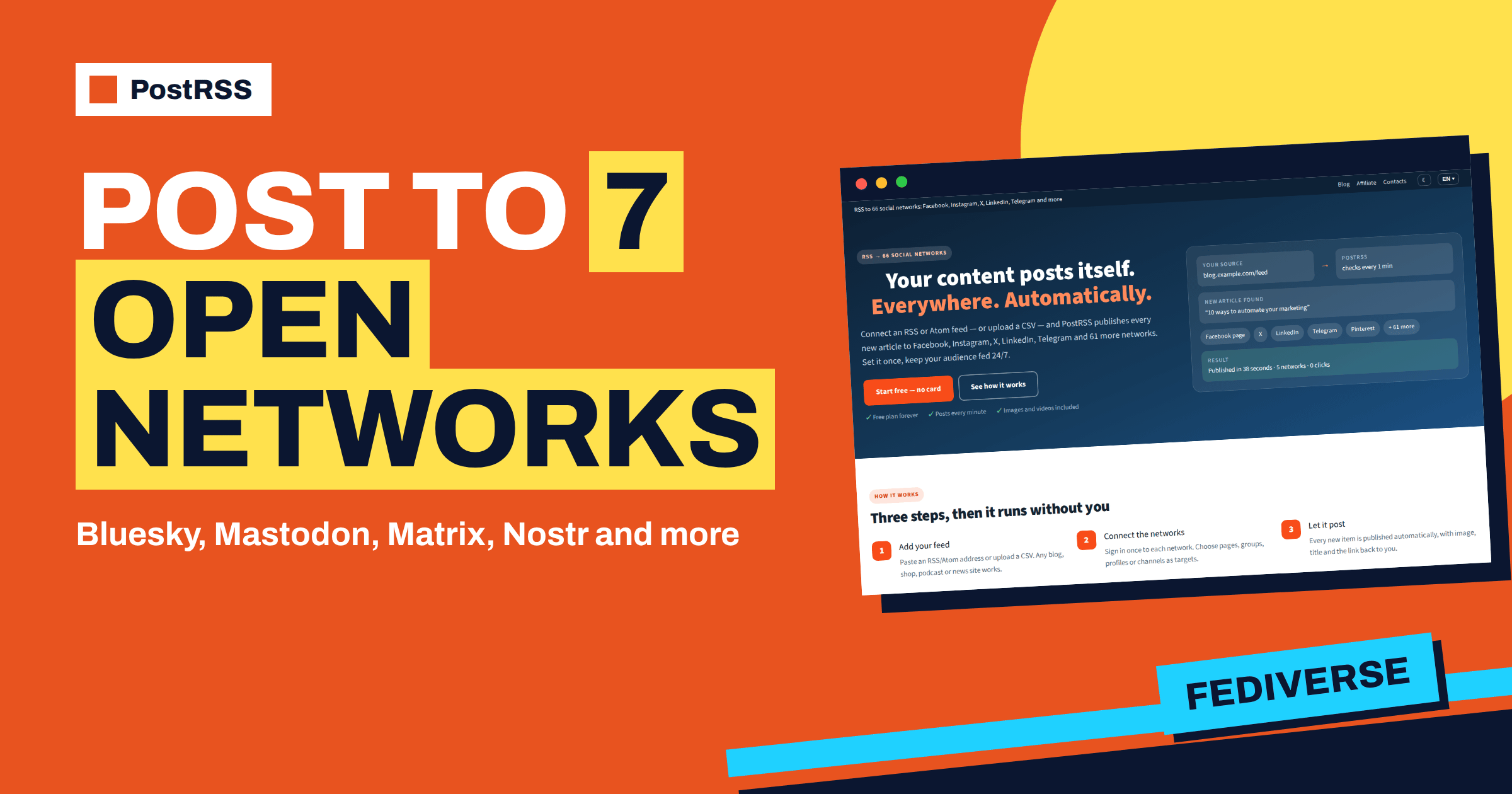
Short answer: PostRSS groups seven networks under Fediverse and decentralized: Bluesky, Mastodon, Matrix, Nostr, Misskey, Pixelfed and Lemmy or PieFed. Bluesky and Mastodon are available on the Free plan, and the other five start with the Start plan. Each one connects in its own way, with an app password, an access token, a private key or a sign-in on your own server, and each needs its own preparation. This guide explains what each network is for, how it connects, what it does with your images and links, and how to choose between them.
Decentralized networks have a reputation for being complicated, and for a person who has to set up accounts, servers and keys by hand, they can be. The good news is that for an RSS feed the work is small. A feed item is a title, a link and often an image, and every network in this family can carry them. The details differ: where the account lives, what credentials PostRSS needs, how long a post can be and what happens to the picture. The sections below are based on the public network pages of PostRSS and on the plan list, so you can follow the same facts on the site. Plans and labels can change, and the pricing page is always the final word.
The features page sorts the networks of PostRSS by type, and one of the groups is called Fediverse and decentralized. It contains seven names. Mastodon, Misskey, Pixelfed and Lemmy are part of the Fediverse, the set of independent servers that talk to each other, so a person on one server can follow a person on another. PieFed is a related project to Lemmy and appears in the same entry. Bluesky runs on its own open protocol, and PostRSS also works with accounts on other servers of that protocol. Matrix is a decentralized chat network, and Nostr is a protocol in which every note is signed with a key and sent to relays.
What these networks have in common is that no single company controls them, so you often connect to your own server, and PostRSS needs to know which one. They also tend to have communities that care about independent publishing, which makes them a natural fit for blogs and independent media.
| Network | How you connect | Plan | What to know |
|---|---|---|---|
| Bluesky | Handle and an app password you create | Miễn phí | Long titles are trimmed so the link survives; works with other servers of the protocol |
| Mastodon | Sign in on your instance | Miễn phí | Works on any instance; compatible servers also work |
| Misskey | Server address and access token | Khởi đầu | Image goes to your Drive; server note limit is respected |
| Matrix | Homeserver, room and access token | Khởi đầu | Bridges can extend the reach to other chat networks |
| Nostr | A private key used only for PostRSS | Khởi đầu | Sent to several relays; note or long-form article |
| Pixelfed | Sign in on your server or a token | Khởi đầu | Only items with an image are posted |
| Lemmy or PieFed | Log in once to your server | Khởi đầu | Link post in the community you choose |
Bluesky is available on the Free plan, and its connection takes about a minute. You generate an app password in your own account settings and give PostRSS your handle and that password. There is no business account requirement, no application review for you to wait for and no verification queue. PostRSS also works with Bluesky accounts that are hosted on other servers of the same protocol, such as independent hosts or your own personal data server.
Bluesky posts are short, with a limit of 300 characters. PostRSS trims long titles cleanly so that the link always survives, instead of cutting the post in the middle of an address. The link preview card is built by Bluesky from the Open Graph image and description of your page, so the quality of the card depends on your page tags. The password you use is an app password, which you can delete at any time to stop the connection.
Mastodon is also available on the Free plan. PostRSS posts to the instance where your account lives, whether it is a large general server, a niche community or one you run yourself, and servers that are compatible with Mastodon, such as GoToSocial, Friendica and Pleroma-style servers, also work. You register an application in your own account’s development preferences and receive an access token at once, so there is no gatekeeper and no waiting period. The preview card on Mastodon is built from the Open Graph tags of your page.
If you want to compare the three most discussed alternatives to the large networks, the article on Threads, Bluesky and Mastodon for RSS auto-posting looks at audiences and behaviour in more depth.
Misskey is popular in Japan and across the Fediverse. You enter the address of your server and an access token created in the settings for the interface. The article image is uploaded to your Misskey Drive and attached to the note, which means that the token needs permission to write to the Drive. PostRSS reads the note length limit of the server and waits when the server asks it to slow down. Forks of Misskey, such as Sharkey and Iceshrimp, work as well. Misskey is included from the Start plan.
Matrix is a decentralized chat network, and PostRSS posts to a room on any homeserver: the large public one, a community server or one that you host. Access is an access token issued by your homeserver, so there is no app review or business verification. Because Matrix can be bridged to other chat networks, a single automated room can reach people who read somewhere else entirely. It is a good destination for a project that wants a feed of releases or news inside the chat room where its community already talks. Matrix is included from the Start plan.
Nostr has no company account. You paste a private key, and PostRSS signs each note with it and sends it to relays. The page recommends a separate key that you use only for PostRSS, which is sensible advice: if the key is ever exposed, you replace it without touching your main identity. By default PostRSS sends every note to three public relays, and you can list your own relays instead. You can publish each item as a short note or as a long-form article. The image is attached so that clients can show it with your title and link. Nostr is included from the Start plan.
Pixelfed is built for photos, and so is the behaviour of PostRSS on it. Only feed items with an image are published, and items without one are skipped. You connect through sign-in on the server where your account lives, or, if your server allows it, with an access token. Because Pixelfed is federated, people can follow your posts from Mastodon and other servers as well. It suits photographers, shops and any site where every article has a strong image. Pixelfed is included from the Start plan. See also the guide to auto-posting images from your feed to Pixelfed.
Lemmy and PieFed are link aggregators in the Fediverse, similar in spirit to forums with voting. You log in once to the server that holds your account, choose the community, and each new feed item is posted as a link post. Your password is not stored. A link post is a title and a URL, which is exactly what an RSS item is, so the format needs no adaptation. Communities tend to dislike pure promotion, so combine this target with a keyword filter that sends only the items that fit the community. Lemmy and PieFed are included from the Start plan.
Start with the question of where your readers are. If you already have followers on Mastodon or Bluesky, begin there, since both are on the Free plan with one target. If your project has a chat community, Matrix gives you a room that people see every day. If every article carries a photograph, add Pixelfed. If you publish for developers or for communities that like discussion, a Lemmy community can bring thoughtful readers. Nostr is for audiences that already use it.
The Free plan and the Start plan have one target, so you must choose one destination there. The Professional plan has ten targets, and with it you can run several of these networks together, each with its own keyword filter and rhythm. Remember that every connected account counts as one target and that each item sent to a target uses a post, so seven targets at once means seven times the posts of a single one.
An independent blogger on the Free plan connects one target, usually Mastodon or Bluesky, depending on where the readers are. The blog feed posts each new article with its title and link, and the blogger reads the report once a week. The cost is nothing, and the audience grows slowly but with real readers.
A small open-source project on the Start plan chooses Matrix. Every release note on the project blog appears in the main room of the community within minutes of publication. Members discuss the release in the thread under the message, and the maintainers do not copy links by hand.
A photography studio on a plan with several targets runs Mastodon, Pixelfed and Bluesky at once. Each article carries a large photo, so all three networks look good, and a keyword filter keeps the studio announcements out of the Pixelfed target. The studio sets one post per update and exact times in the morning and in the evening, so that the three accounts do not receive everything in the same minute. The setup shows how the group can be mixed: one feed, three destinations and different rules for each.
Open the reports for every new target and compare the items posted with the items seen. If an item was skipped on Pixelfed, check whether it had an image. If a Bluesky post looks cut, compare its length with the limit and consider a shorter title format. If a Matrix post does not appear, confirm that the access token still belongs to a user who is in the room. Small checks like these make a decentralized setup as reliable as any other, and they take a few minutes.
The Fediverse and decentralized group of PostRSS has seven networks that all carry a feed item without trouble. Bluesky and Mastodon are free to try, the other five start with the Start plan, and each connects with the method that suits its design. Choose by audience, prepare your page tags and keys, use filters for communities and read the first report. The current plan details are on the pricing page, and the full list of networks is on the features page.
Bluesky and Mastodon are on the Free plan, with one target and a small number of posts. Matrix, Nostr, Misskey, Pixelfed and Lemmy or PieFed start with the Start plan.
No. You can use an account on a public server. PostRSS also works with servers that you host yourself, as long as they are reachable.
Your handle and an app password that you generate in your Bluesky settings. You can delete the app password at any time.
Pixelfed is a photo network, so PostRSS posts only feed items that have an image and skips the others.
Use a separate key that is only for PostRSS, as the network page recommends, so that your main identity stays untouched if you need to replace it.
What changed in the networks, what broke, and how to fix it before it costs you reach.
Do Internet Solutions, đội ngũ đứng sau PostRSS, phát triển. Mỗi sản phẩm giúp bạn tiết kiệm thời gian theo một cách riêng.
 English
 Lietuviškai
 Deutsch
 Français
 Русский
 Español
 Polski
 Italiano
 Українська
 Čeština
 Português
 日本語
 Latviešu valoda
 Eesti
 Magyar
 Bahasa Indonesia
 Türkçe
 हिन्दी
 Ελληνικά
 العربية
 ไทย
 Tiếng Việt
 Română
 Bahasa Melayu
 বাংলা