RSS tới 66 mạng xã hội: Facebook, Instagram, X, LinkedIn, Telegram và nhiều mạng khác Blog Tiếp thị liên kết Liên hệ
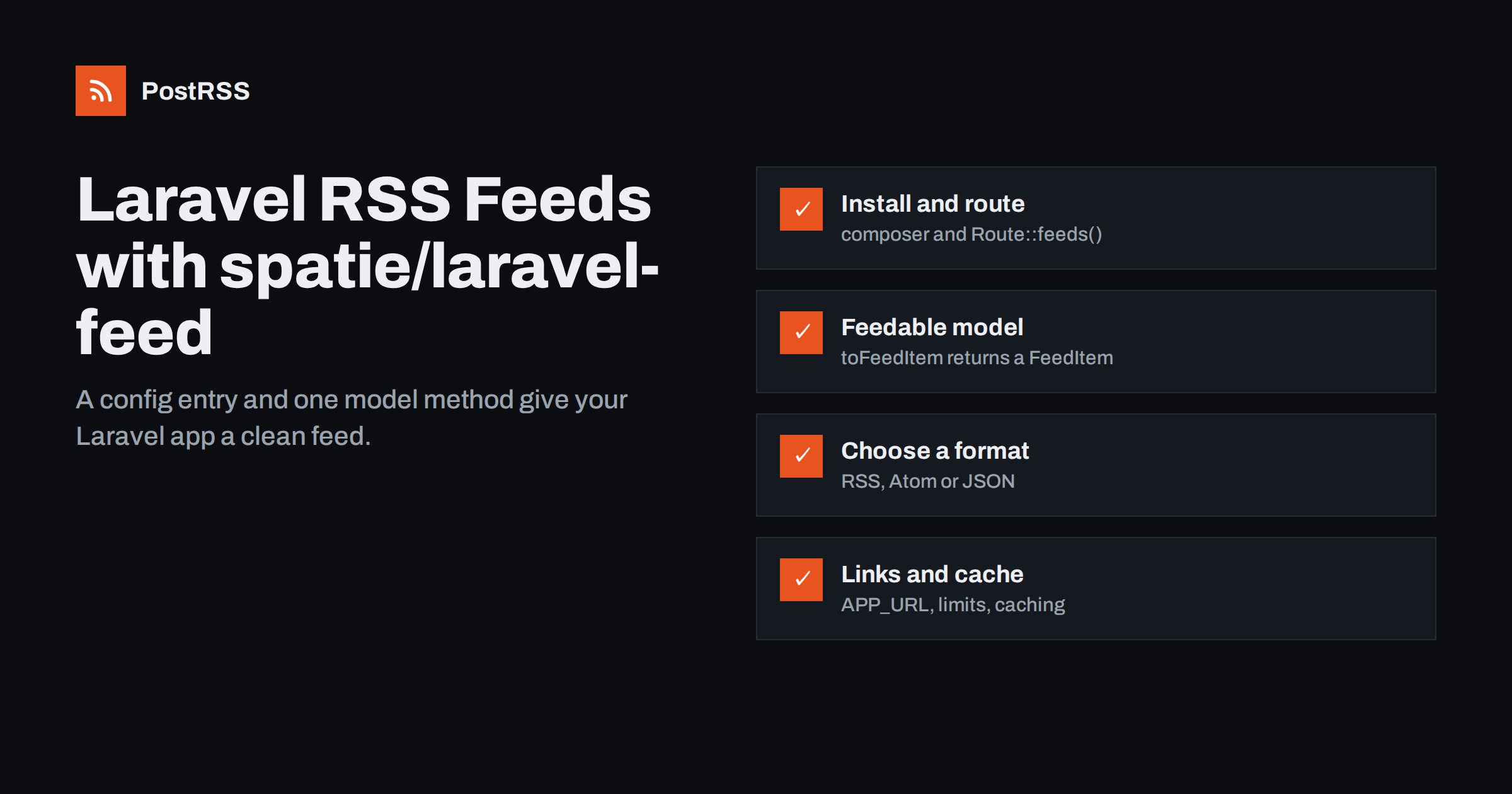
Short answer: The most common way to add a feed to a Laravel application is the open-source spatie/laravel-feed package. You install it with Composer, register the routes with Route::feeds(), publish the config file, and point a feed entry at a method that returns your latest published items. Each model implements Feedable and returns a FeedItem with an ID, title, summary, date, link and optional image, enclosure and categories. Choose RSS, Atom or JSON per feed, keep links absolute and the item list short, and the feed is ready for readers and auto-posting tools.
Laravel powers many custom content sites: company news sections, magazines, job boards, marketplaces, event listings, knowledge bases and SaaS changelogs. Unlike a blog platform, a custom Laravel application does not ship with a feed. Unless someone builds one, there is no standard way for readers, partner sites or automation tools to follow what the app publishes.
Feeds also age well. The RSS and Atom formats have been stable for many years, and almost every content tool understands them, so a feed you add today keeps working with tools that do not exist yet.
A feed is one of the cheapest integrations you can offer. Instead of writing a separate connector for every social network, messenger or chat tool, you expose one feed, and external tools consume it. An auto-posting service can then publish each new item to social media; a team can pipe it into Slack or Microsoft Teams; readers can follow it in their feed reader. For developers, that is far less code to maintain.
You could write a feed by hand in a Blade template, and for a single simple feed that is perfectly reasonable. The advantage of a maintained package is that it handles the details that are easy to get wrong: escaping, date formats for each feed type, content types, correct XML structure and autodiscovery links. It also makes it trivial to offer the same items as RSS, Atom and JSON if different consumers prefer different formats.
Install the package with Composer:
composer require spatie/laravel-feedRegister the feed routes in routes/web.php using the macro the package provides:
Route::feeds();You can pass a string to Route::feeds() to put all feeds under a common URL prefix. Then publish the config file:
php artisan feed:installThis creates config/feed.php, where each feed is one entry in the feeds array. Check the package’s README on GitHub for the exact commands in the version you install, since details can change between major versions.
A typical feed entry looks like this:
return [
    'feeds' => [
        'news' => [
            'items' => [AppModelsArticle::class, 'getFeedItems'],
            'url' => '/news/feed',
            'title' => 'Example Company News',
            'description' => 'New articles from Example Company.',
            'language' => 'en-US',
            'image' => '',
            'format' => 'rss',
            'view' => 'feed::rss',
            'type' => '',
            'contentType' => '',
        ],
    ],
];
The key settings are:
rss, atom hoặc json. The published config uses Atom by default, so set rss explicitly if a consumer requires RSS 2.0, and use the matching view.You can define several feeds side by side: a main news feed, a feed per category, a changelog feed. Each gets its own URL, title and format.
Each item in the feed comes from a model that implements the SpatieFeedFeedable interface. The interface expects one method, toFeedItem(), which returns a FeedItem:
use IlluminateDatabaseEloquentModel;
use SpatieFeedFeedable;
use SpatieFeedFeedItem;

class Article extends Model implements Feedable
{
    public function toFeedItem(): FeedItem
    {
        return FeedItem::create()
            ->id((string) $this->id)
            ->title($this->title)
            ->summary($this->summary)
            ->updated($this->published_at)
            ->link(route('articles.show', $this->slug))
            ->authorName($this->author_name)
            ->category($this->category_name);
    }

    public static function getFeedItems()
    {
        return static::query()
            ->where('is_published', true)
            ->where('published_at', '<=', now())
            ->latest('published_at')
            ->limit(20)
            ->get();
    }
}
Note the query. The package simply outputs whatever the method returns, so the method is where you exclude drafts and future-dated items, order by publication date and limit the number of items. Returning Article::all() works in a demo, but on a real site it produces a huge feed and may expose content that should not be public yet.
A FeedItem can also carry an image, an enclosure with its length and type, categories, and author email. Fill in what you have; the more complete the item, the better readers and auto-posting tools can use it.
Many applications publish different kinds of content that belong to different audiences: company news, product updates, job openings, events. Separate feeds let readers and automation tools choose what they want, and let you send each type of content to the channels where it fits.
With this package, the simplest approach is to add several entries to config/feed.php, each pointing to its own method or passing an argument to a shared one, for example a category slug. Give each feed a distinct URL such as /feeds/news, /feeds/jobs và /feeds/changelog, and a title that explains what it contains. A job feed can then go to LinkedIn and a recruitment channel, while the changelog goes to a developer community and a team chat.
Think about what goes into the summary. Many auto-posting tools build the social post from the title and the beginning of the summary, so a short, plain-language description works better than the full HTML of the article. If your model has an excerpt or meta description field, use it. If it only has body content, strip the HTML and cut it at a sentence boundary rather than mid-word. Keep the full article on the page, where readers who click through will find it.
For images, set the image field of each FeedItem to the article’s main image, or use an enclosure with the correct MIME type and file size. Also make sure the article page outputs an Open Graph image, because many tools look there first. Use images of a reasonable size: very large originals slow down every consumer, while tiny thumbnails look poor on social networks.
Feed consumers fetch your feed from elsewhere, so every link must be absolute. Laravel’s route() và url() helpers generate absolute URLs by default, using the incoming request or, outside a request, the APP_URL setting. Two situations cause trouble:
APP_URL. A leftover value such as http://localhost ends up in every item.http links or internal hostnames. Configure trusted proxies so the public scheme and host are used.Apply the same care to images. If summaries or the image field contain paths like /storage/cover.jpg, convert them to absolute URLs with asset() or your storage disk’s URL method.
Auto-posting tools and readers identify items by their ID or link. Keep both stable:
updated(). If you pass updated_at from the database, every small edit can move an old article to the top of the feed, and some consumers treat it as new.Be careful with bulk imports and data migrations too. If a migration sets every published_at to the current time, the feed suddenly shows many “new” items, and connected tools may try to share them all. Pause any automation during large imports.
If your application supports scheduled publishing, test it with the feed specifically. Schedule an article a few minutes into the future, request the feed, confirm it is absent, then request again after the scheduled time and confirm it appears. This catches the common bug where scheduled items appear in the feed early because the query checks only a published flag and not the date.
Add autodiscovery links to your layout’s <head> so browsers, readers and tools can find the feeds. The package provides a Blade component, <x-feed-links />, and a partial, @include('feed::links'), which output a link element for each configured feed.
Feeds are requested often, sometimes every few minutes by several services. The query behind a 20-item feed is cheap, but on busy sites it can be worth caching the result of your items method for a few minutes with Laravel’s cache. Keep the cache short, or new items will be delayed for every consumer.
Also consider what happens when an article is unpublished or deleted. Items disappear from the feed on the next request, but anything already shared on social networks stays there. If you need to withdraw content quickly, remove it from the feed and then check the networks where it was posted automatically.
Before connecting anything, test the output:
https.Once the feed is live, PostRSS can use it as a source like any other RSS or Atom feed. It checks the feed every 5 minutes (every minute on Enterprise plans) and posts each new item with its image and link to the networks you connect; the features page lists 66, including Facebook Pages, X, LinkedIn, Telegram, Discord, Mastodon, Bluesky and team chats. The image is taken from the feed item or the linked page’s Open Graph tags.
Developers can also use the PostRSS REST API v1 to create targets or read reports from their own code, and outgoing webhooks to send new items to Slack, Microsoft Teams, Zapier, Make or n8n. Keyword filters, hashtags from categories and UTM parameters are configured per source. See the PostRSS features page for details.
With spatie/laravel-feed, a Laravel app gets a proper feed from one config entry and one model method. Return only published items, newest first and limited in number; make every link and image absolute; keep IDs and dates stable; add autodiscovery links; and cache lightly. Test once with curl and a validator, and your application becomes a source that readers and automation tools can follow without any further integration work.
Laravel itself does not include a feed generator, but the widely used spatie/laravel-feed package adds RSS, Atom and JSON feeds with very little code. You can also write a Blade view that outputs RSS if you prefer full control.
All three are fine for modern readers. RSS 2.0 is the most widely supported by auto-posting tools, Atom is well specified and common, and JSON Feed is convenient for JavaScript consumers. The package lets you publish more than one.
The feed was generated where Laravel used APP_URL, such as a queued job or cached response, and APP_URL still has a development value. Set it to your production URL and regenerate the feed.
Around twenty recent items is a good default. It keeps the feed fast while leaving enough history for tools that check less often.
Set the image or enclosure on each FeedItem with an absolute URL, and make sure the article page has an Open Graph image. Many auto-posting tools read either one.
What changed in the networks, what broke, and how to fix it before it costs you reach.
 English
 Lietuviškai
 Deutsch
 Français
 Русский
 Español
 Polski
 Italiano
 Українська
 Čeština
 Português
 日本語
日本語 Latviešu valoda
 Eesti
Eesti Magyar
 Bahasa Indonesia
 Türkçe
 हिन्दी
 Ελληνικά
 العربية
 ไทย
ไทย Tiếng Việt
 Română
 Bahasa Melayu
 বাংলা
বাংলা