RSS tới 66 mạng xã hội: Facebook, Instagram, X, LinkedIn, Telegram và nhiều mạng khác Blog Tiếp thị liên kết Liên hệ
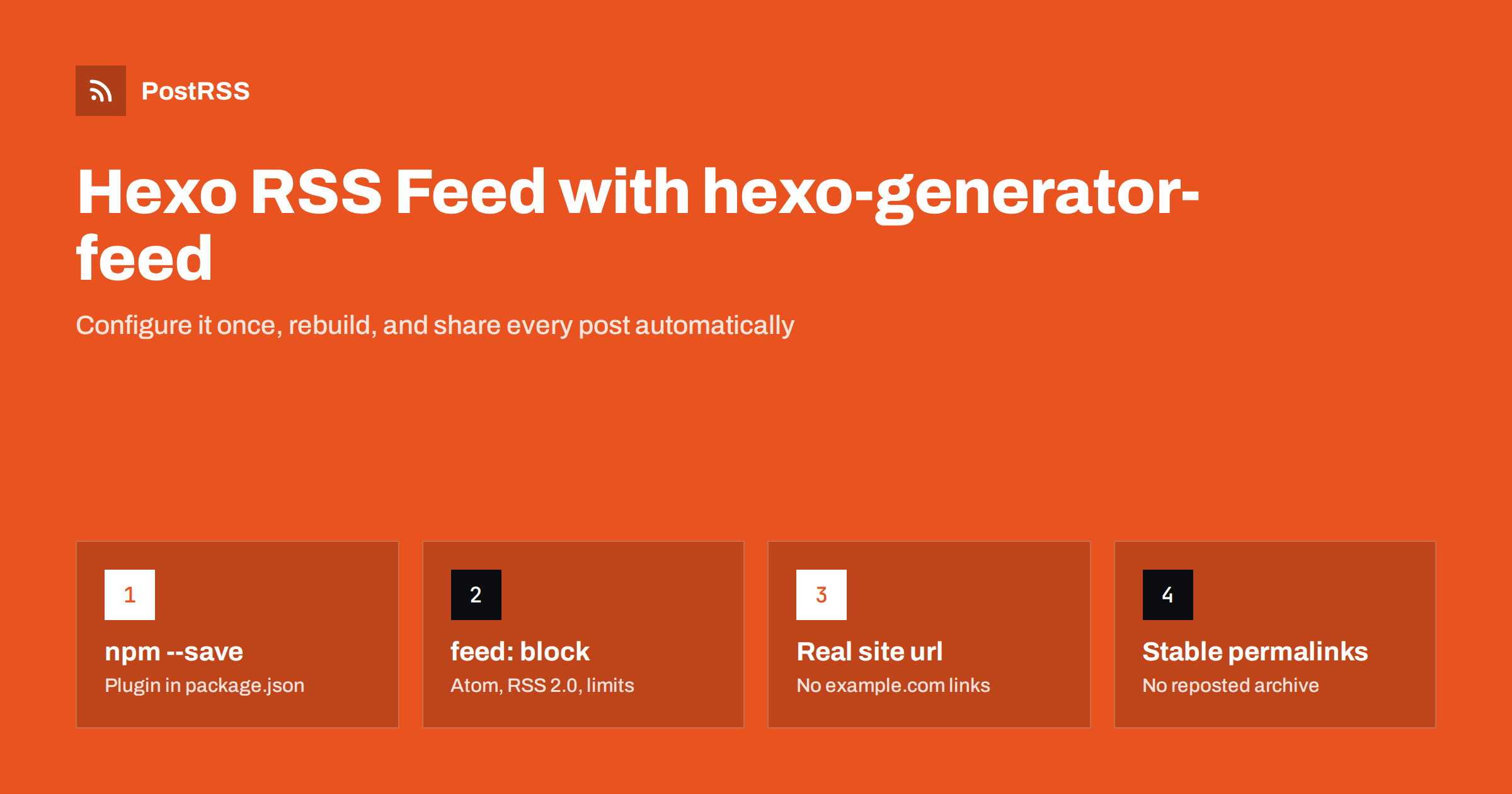
Short answer: Hexo does not create an RSS feed out of the box, but the official hexo-generator-feed plugin does. Install it with npm, add a feed: block to _config.yml to choose RSS 2.0, Atom or both, set the site url correctly so links are absolute, and rebuild. The feed is regenerated on every hexo generate, so once it is deployed, an RSS auto-poster can share each new post on social networks automatically.
Hexo is a fast Node.js static site generator that is popular for developer blogs, documentation sites and personal journals, especially those hosted on GitHub Pages, Netlify or Cloudflare Pages. Because everything is built into static files, a Hexo blog has no database and no server-side code at request time. That is great for speed and security, but it means the RSS feed must be produced during the build. This guide shows how to set it up properly, the settings that most often cause broken links or missing posts, and how to use the feed to automate social sharing.
No. A fresh Hexo site has no feed until you add a generator. Some themes show an RSS icon in the sidebar, but the icon only links to a file such as /atom.xml; if the plugin is not installed, that link returns 404. Check it now: open your live site, add /atom.xml hoặc /rss2.xml to the address, and see whether XML appears.
If you see your posts in XML, the plugin is already installed and the rest of this guide helps you tune it. If you see a 404 page, start with the next section.
From the root of your Hexo project, run:
npm install hexo-generator-feed --save
The --save flag adds the plugin to package.json, which matters if your site is built by a CI service such as GitHub Actions or Netlify: the build server installs what is listed there and nothing else. Forgetting it is a common reason why the feed exists on your laptop but not on the live site.
Run hexo clean và hexo generate, and look in the public folder: you should now see atom.xml.
The plugin works with defaults, but explicit settings make the result predictable. Add this block to the site’s _config.yml, not the theme’s:
feed:
  enable: true
  type:
    - atom
    - rss2
  path:
    - atom.xml
    - rss2.xml
  limit: 20
  content: false
  content_limit: 200
  content_limit_delim: ' '
  order_by: -date
  autodiscovery: true
What each setting does:
0 hoặc false includes every post, which makes the file large on an older blog.false, the feed carries a summary.Choosing between summaries and full text is a trade-off. Full content is convenient for feed readers; summaries keep social posts short and send visitors to your site. Our comparison of excerpt-only feeds and auto-posting explains the options.
This is the single most common Hexo feed bug. A new project’s _config.yml contains a placeholder:
url: http://example.com
root: /
The feed generator builds every item link from url. If it still says example.com, or uses http instead of https, every link in the feed points to the wrong place, and every auto-posted link is broken. Set it to the real address of your blog:
url: https://blog.example.com
root: /
permalink: :year/:month/:day/:title/
If the blog lives in a subfolder, for example a GitHub Pages project site at https://user.github.io/blog/, set url to the full address including the folder and root: /blog/. After rebuilding, open the feed and check that the first <link> opens the post in a browser. Broken or relative links are covered in more detail in relative URLs in RSS feeds.
Feed readers and auto-posters remember which items they have already seen by their ID, usually the post URL. In Hexo, that URL comes from the permalink pattern. If you change the pattern, for example from :year/:month/:day/:title/ to :title/, every post gets a new URL and a new ID, and tools may treat your entire archive as new.
Decide on a permalink pattern early and keep it. If you must change it, set up redirects for the old URLs and expect that tools may need their state reset. The same applies when moving the blog to a new domain; see why a feed auto-posts the same article twice.
Hexo reads each post’s date from its front matter. Three details affect what appears in the feed and when:
timezone in _config.yml (for example Europe/Berlin). Without it, dates follow the build machine’s zone, which on a CI server is usually UTC.source/_drafts are not published unless you build with --draft or set render_drafts: true. Keep that off for production builds.future setting decides whether posts dated in the future are included. If you want to prepare posts in advance, set future: false and rebuild regularly, for example with a scheduled CI job, so each post appears when its date arrives.Because Hexo is static, nothing changes on the live site until you build and deploy again. A post dated today does not appear in the feed until the next build runs. For a full explanation of date problems, see RSS date format errors.
Social networks show a picture with each link, and that picture decides whether people stop scrolling. With a static site there are two places the image can come from:
template option if you need a specific image element.open_graph helper in the page head. Make sure each post defines a cover image in its front matter that the theme passes to og:image.Use absolute image URLs and images at least 1200 pixels wide. If networks show the wrong picture, read why auto-posted links show the wrong image.
The plugin generates site-wide feeds: one Atom file, one RSS file, or both. Many blogs need more than that. A developer blog might want a separate feed for release notes, or a personal site might want to send only travel posts to one social account and only programming posts to another.
There are three practical ways to do it:
template option lets you supply your own Nunjucks template. You can add elements, change how summaries are built or include category information that downstream tools can filter on.Whatever you choose, make sure categories and tags are written consistently in front matter. A post tagged JavaScript and another tagged javascript end up in different groups, and filters or hashtags built from them become messy. For routing ideas, see RSS feed category filtering.
The usual build and deploy sequence is:
hexo clean
hexo generate
hexo deploy
On Netlify, Vercel or Cloudflare Pages, the build command is typically npx hexo generate with public as the output folder. After deploying:
https://your-site/atom.xml và https://your-site/rss2.xml;<link rel="alternate"> is present.The plugin’s options are documented in the hexo-generator-feed repository, which is worth checking when you upgrade Hexo.
| Symptom | Cause | Fix |
|---|---|---|
| atom.xml returns 404 on the live site | Plugin not in package.json or not built | npm install hexo-generator-feed --save, rebuild |
| Links point to example.com | Placeholder url in _config.yml | Set the real https address |
| Links miss the subfolder | Wrong root on a project site | Set url và root to include the folder |
| New post missing from the feed | Site not rebuilt, or post is a draft | Run the build; move the post out of _drafts |
| Whole archive reposted | Permalink pattern or domain changed | Keep permalinks stable; add redirects |
| Feed very large | limit set to 0 with full content | Limit to 20 items or use summaries |
Static sites have no “on publish” hook that could call social network APIs, and writing a CI step for every network means handling logins, tokens and rate limits yourself. The feed solves this neatly: it already announces every new post, so an auto-poster can watch it and publish each new item for you. Tips for Hexo:
description or excerpt for each post so the summary reads well;PostRSS has been publishing RSS and Atom feeds to social networks since 2014. Paste the address of your Hexo atom.xml hoặc rss2.xml, connect your accounts and choose the post format. PostRSS checks the feed as often as every minute and shares each new post, with its image and link, to the networks you pick from 66 supported networks, messengers, team chats and blogs, including Mastodon, Bluesky, Telegram, Discord, DEV and Tumblr. Keyword filters, UTM parameters, hashtags from categories and posting windows are available as well. See the PostRSS features page and the plan limits on the pricing page. More guides like this are under the Technical Guide tag.
A Hexo RSS feed takes one plugin and a few lines of configuration. Install hexo-generator-feed with --save, choose Atom, RSS 2.0 or both, set a sensible item limit, and above all set the real site url. Keep permalinks stable, rebuild whenever you publish, and validate the result. Then the feed can carry every new post to your social channels automatically.
With hexo-generator-feed installed, the feed is usually at /atom.xml, and at /rss2.xml if you enable RSS 2.0. The exact file names are set by the path option in the site’s _config.yml.
The url setting in _config.yml still contains the placeholder from a new project. Set it to your real https address, rebuild and deploy, and the feed links will be correct.
Either works with modern readers and auto-posters. Hexo’s plugin can generate both at once, which costs nothing and helps tools that prefer one format.
A static site changes only when it is rebuilt and deployed. Make sure the build ran after you added the post, and that the post is not still in the drafts folder or dated in the future.
Yes. Once the feed is live, an RSS auto-poster such as PostRSS can watch it and share every new post to the networks you connect, without any changes to your Hexo build.
What changed in the networks, what broke, and how to fix it before it costs you reach.
Do Internet Solutions, đội ngũ đứng sau PostRSS, phát triển. Mỗi sản phẩm giúp bạn tiết kiệm thời gian theo một cách riêng.
 English
 Lietuviškai
 Deutsch
 Français
 Русский
 Español
 Polski
 Italiano
 Українська
 Čeština
 Português
 日本語
日本語 Latviešu valoda
 Eesti
Eesti Magyar
 Bahasa Indonesia
 Türkçe
 हिन्दी
 Ελληνικά
 العربية
 ไทย
ไทย Tiếng Việt
 Română
 Bahasa Melayu
 বাংলা
বাংলা