RSS tới 66 mạng xã hội: Facebook, Instagram, X, LinkedIn, Telegram và nhiều mạng khác Blog Tiếp thị liên kết Liên hệ
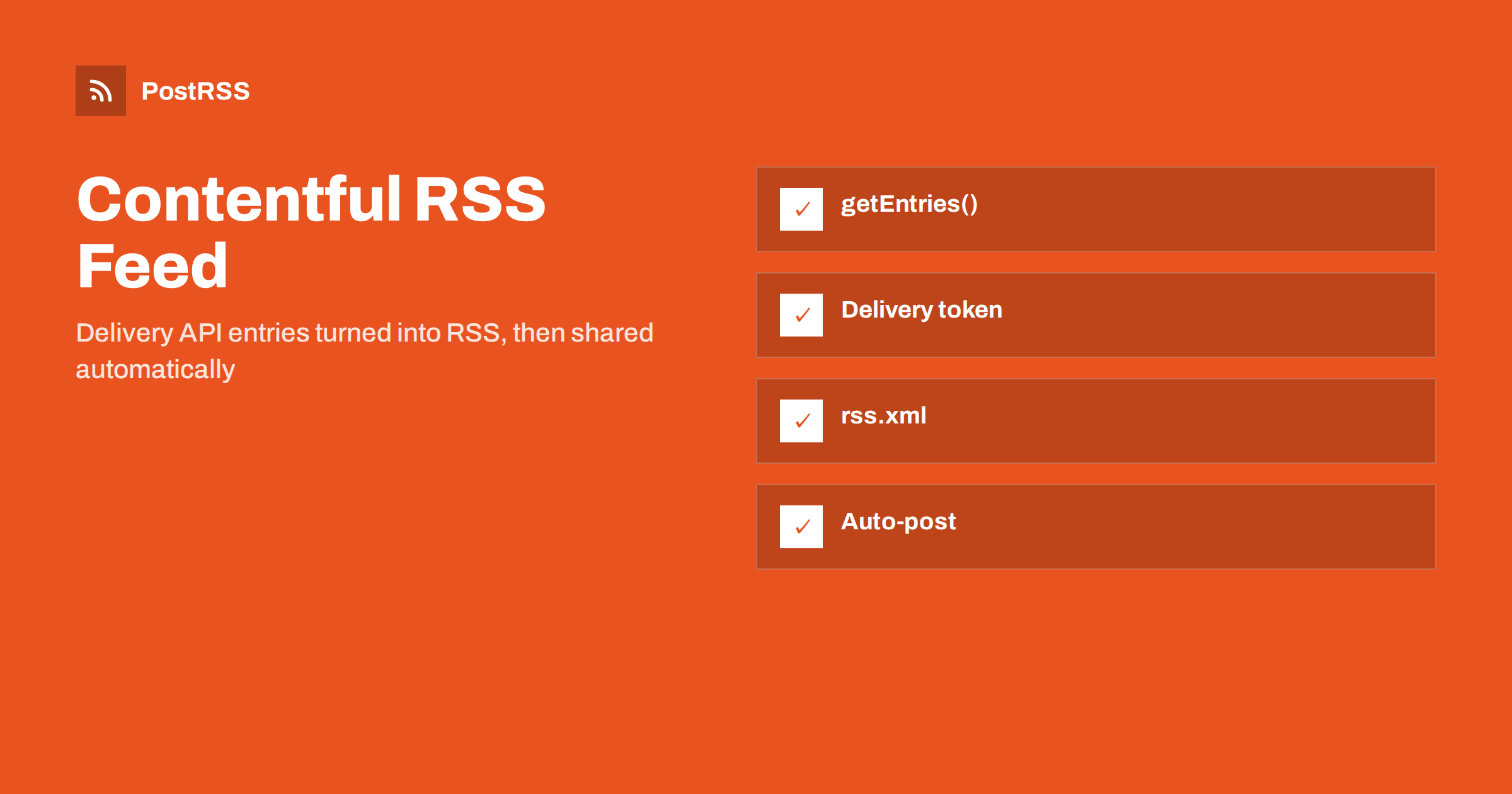
Short answer: Contentful has no built-in RSS feed, but the Content Delivery API makes one easy to build. Fetch the newest entries with client.getEntries() from the official JavaScript SDK, sort them by a publication date field, turn each entry into an RSS 2.0 item with an absolute link and an image address that starts with https, and write the XML at build time or serve it from a route. Use the delivery token, not the preview token, so drafts never appear. Then connect the feed to an auto-poster to share every new entry on social media.
Contentful is a hosted headless CMS: editors write structured content in a web app, and your website reads it through APIs. It is popular for company blogs, documentation and marketing sites built with Next.js, Gatsby, Astro, Nuxt and similar tools. Because Contentful stores data and not pages, it cannot know what your articles look like or where they live. A feed therefore has to be created in your own code. This guide shows a short build script, a route variant, the details of images and dates, and the mistakes that break feeds.
A feed needs very little content: the newest published entries, a public address for each, a date, a short text and an image. In Contentful this means a content type, for example blogPost, with these fields:
title, short text, becomes the item title.slug, short text with a unique validation, becomes the last part of the public address.publishDate, a date and time field, is the publication date shown in the feed. Do not rely on sys.updatedAt, which changes whenever an editor makes a correction.summary, long text without formatting, of one or two sentences, becomes the item description and the start of the social post.heroImage, a media reference, provides the preview picture.A plain summary field is better than a shortened rich text body. It gives editors control over what the feed says and keeps the XML small. See how to control the excerpt in your RSS feed for the reasoning.
Contentful has two read APIs, and choosing the right one is the most important decision for a feed:
Each API has its own access token. If you accidentally put the preview token into the feed code, unpublished articles can appear in the XML and be shared on social media within minutes. Keep the delivery token in the feed code and the preview token only in your preview environment, and test once with a draft entry.
For a statically generated site, the simplest approach is a script that runs before or after the build and writes rss.xml into the output folder. Install the SDK with npm install contentful and create scripts/build-feed.mjs:
import { createClient } from 'contentful';
import { writeFileSync } from 'node:fs';
const SITE = 'https://www.example.com';
const client = createClient({
space: process.env.CONTENTFUL_SPACE_ID,
accessToken: process.env.CONTENTFUL_DELIVERY_TOKEN,
});
const esc = (value = '') => String(value)
.replace(/&/g, '&')
.replace(/</g, '<')
.replace(/>/g, '>');
const { items } = await client.getEntries({
content_type: 'blogPost',
order: '-fields.publishDate',
limit: 20,
});
const entries = items.map((entry) => {
const f = entry.fields;
const file = f.heroImage?.fields?.file?.url;
const image = file ? 'https:' + file + '?w=1200&fm=jpg' : '';
return '<item>'
+ '<title>' + esc(f.title) + '</title>'
+ '<link>' + SITE + '/blog/' + f.slug + '</link>'
+ '<guid isPermaLink="false">' + entry.sys.id + '</guid>'
+ '<pubDate>' + new Date(f.publishDate).toUTCString() + '</pubDate>'
+ '<description>' + esc(f.summary) + '</description>'
+ (image ? '<enclosure url="' + image + '" type="image/jpeg" length="0"/>' : '')
+ '</item>';
});
const xml = '<?xml version="1.0" encoding="UTF-8"?>'
+ '<rss version="2.0"><channel>'
+ '<title>Example Blog</title>'
+ '<link>' + SITE + '/blog</link>'
+ '<description>News and articles from Example</description>'
+ entries.join('')
+ '</channel></rss>';
writeFileSync('public/rss.xml', xml);Add the script to your build command, for example node scripts/build-feed.mjs && next build, and trigger a rebuild from a Contentful webhook whenever an entry is published. The feed is then always as fresh as the site.
The image address. Contentful returns file addresses without a protocol, such as //images.ctfassets.net/.... A reader or social network cannot resolve that reliably, so the script adds https:. The query string asks the Images API for a resized JPEG about 1200 pixels wide; remember to escape the ampersand in XML.
The GUID. The entry ID in sys.id never changes, even when editors change the slug or title. If you used the slug, renaming an article would make it look new and could cause a repeat share; see why your RSS feed auto-posts the same article twice.
The date. toUTCString() produces the RFC 822 format RSS expects. If the date field is empty for some entries, the result is an invalid date; either make the field required or fall back to entry.sys.createdAt. More about date problems is in RSS date formats and pubDate errors.
Escaping. Titles with ampersands or angle brackets would invalidate the XML. The helper function escapes them. Text with HTML belongs in a CDATA section; see CDATA and HTML in RSS descriptions.
If the site renders on a server, create a route that runs the same query on request. In a Next.js App Router project, that is a file such as app/rss.xml/route.ts that exports an async GET function and returns new Response(xml, { headers }) with the content type application/rss+xml. Set a revalidation interval of a few minutes, so the route does not call Contentful for every request, and keep the token in an environment variable on the server. A similar route for another headless CMS is described in the Payload CMS feed guide.
Three Contentful features often cause surprises:
locale. Create one feed per language and pass the locale in the query, so titles and summaries match the page language.include parameter controls how many levels are resolved; the default is enough for one level. Use it to add the author name or the category to each item.Editors do not always fill every field. A feed that crashes or prints the word undefined because one entry has no summary is worse than no feed. Add small fallbacks to the script: use the summary if it exists, otherwise a shortened plain-text version of the first paragraph, and skip any entry that has no title or slug. If you use a rich text field for the body, convert the first paragraph to plain text with the helper packages Contentful publishes for rich text, and cut it at a sentence boundary. Never put the full article into the description: it makes the feed heavy, and many social networks will cut it anyway. Social posts built from the description work best when the first sentence already says why the article is worth opening.
A feed built at build time is only as fresh as the last build. Contentful webhooks solve this: create a webhook for the publish and unpublish events of the entry type, and point it at your hosting provider’s build hook. Builds often take a minute or two, so allow for that delay when you schedule announcements. If an editor unpublishes an article, the next build removes it from the feed, but an auto-poster may already have shared it. For urgent corrections, fix the page and remove the social post by hand.
If your site is rendered on the server instead, a short cache lifetime of about five minutes gives the same freshness without rebuilds. Either way, remember that auto-posters check feeds regularly, so a fast feed means faster sharing; see RSS polling frequency for how checks work.
Contentful spaces can have several environments, such as master and staging. Pass the environment name to createClient when you need a specific one, and make sure the production build reads the production environment; a feed that quietly reads a staging copy shares test articles with real addresses. If your site has more than one content type that deserves a feed, for example blog posts and release notes, create one feed for each and keep the item format identical. Separate feeds let you send posts to one set of channels and release notes to another, which keeps each audience happy.
application/rss+xml.The APIs, tokens and the SDK are documented in the Contentful developer documentation. For other checks, see RSS feed validation before auto-posting.
PostRSS has been publishing RSS and Atom feeds to social networks since 2014. Paste the address of your feed, connect your accounts and choose how each post is built from the title, the description or the page title. PostRSS checks the feed as often as every minute and shares each new article, with its image and link, to the channels you choose among 66 supported networks, messengers, team chats and blogs, including LinkedIn, X, Bluesky, Mastodon, Telegram and Discord. Keyword filters, UTM parameters, hashtags from categories and posting windows let you tune each channel, and the REST API and webhooks connect PostRSS to your own systems. See the PostRSS features page and the plan limits on the pricing page. More developer guides are under the Technical Guide tag.
A Contentful RSS feed is a short script or route that reads published entries from the Content Delivery API. Use the delivery token so drafts stay private, sort by your own publication date, use the entry ID as the GUID, add https to image addresses, escape the text and write RSS 2.0. Rebuild the feed when an entry is published, validate it once, and every article you publish in Contentful can be shared automatically on your social channels.
No. Contentful is a headless CMS that provides APIs, not pages. You create the feed in your own code by reading entries from the Content Delivery API and writing RSS XML.
Use the Content Delivery API token, which returns only published entries. The preview token also returns drafts and must never be used in a public feed.
Asset files are returned without a protocol and start with two slashes. Add https in front, and use the image parameters to request a suitable width.
Create a Contentful webhook for the publish event that triggers a new build of your site, or serve the feed from a route with a short revalidation time.
Yes. Paste the public feed address as a source in PostRSS, connect your social accounts and each new article is posted automatically. Check that the address opens without a login first.
What changed in the networks, what broke, and how to fix it before it costs you reach.
Do Internet Solutions, đội ngũ đứng sau PostRSS, phát triển. Mỗi sản phẩm giúp bạn tiết kiệm thời gian theo một cách riêng.
 English
 Lietuviškai
 Deutsch
 Français
 Русский
 Español
 Polski
 Italiano
 Українська
 Čeština
 Português
 日本語
日本語 Latviešu valoda
 Eesti
Eesti Magyar
 Bahasa Indonesia
 Türkçe
 हिन्दी
 Ελληνικά
 العربية
 ไทย
ไทย Tiếng Việt
 Română
 Bahasa Melayu
 বাংলা
বাংলা