RSS tới 66 mạng xã hội: Facebook, Instagram, X, LinkedIn, Telegram và nhiều mạng khác Blog Tiếp thị liên kết Liên hệ
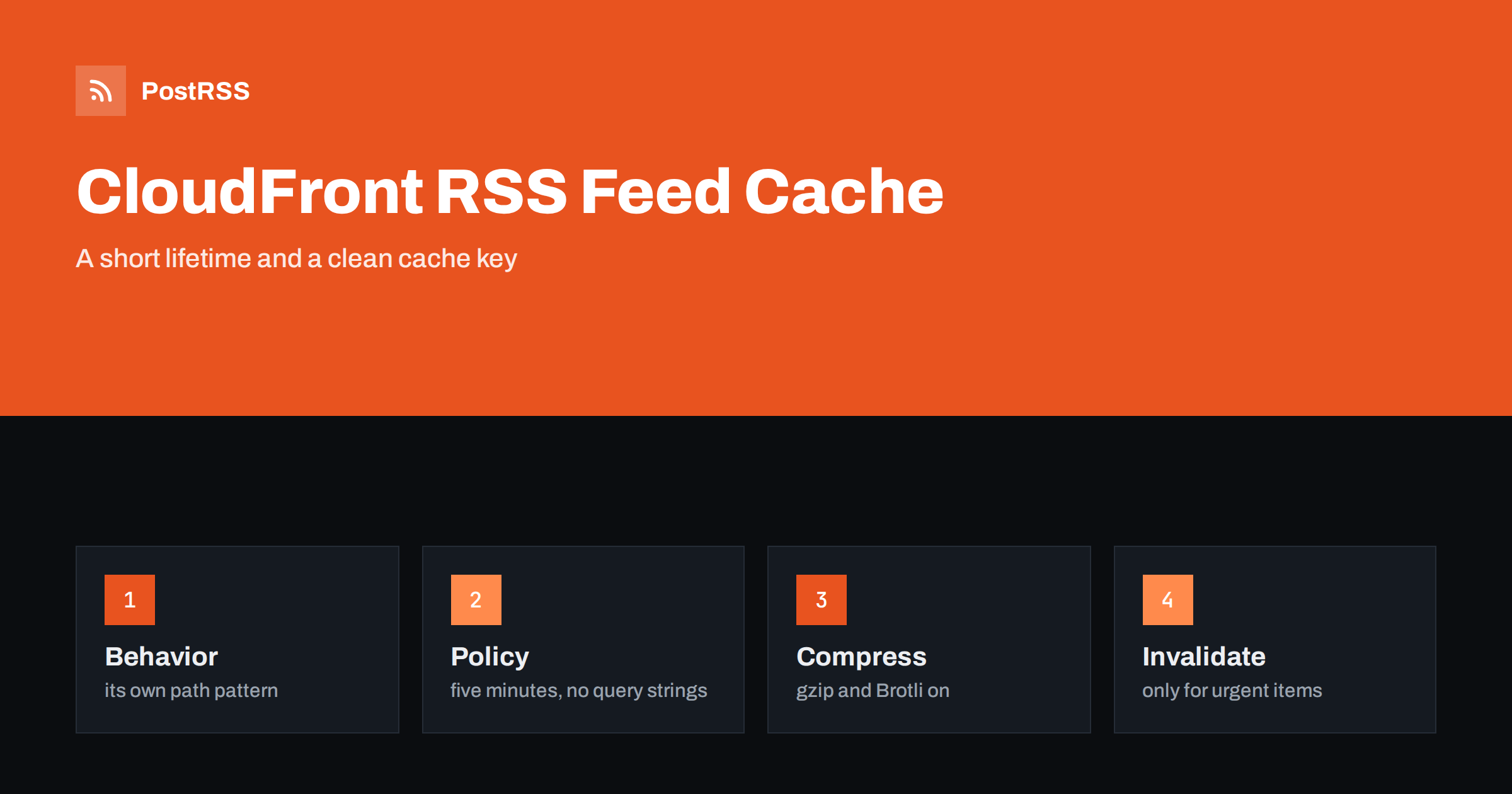
Short answer: To put an RSS feed behind Amazon CloudFront, create a separate cache behavior for the feed path, attach a cache policy with a short lifetime of a few minutes and no cookies or query strings in the cache key, turn on automatic compression, let the origin send the RSS content type and a validator, add a response headers policy only if the origin cannot, and invalidate the path when you need a new article to appear at once. Keep the feed outside bot rules that block polling tools, check the cache status header with curl and then connect the address to an auto-poster so that every new article reaches your social channels.
A content delivery network is the cheapest way to make a feed fast and stable. Instead of every reader and every auto-poster reaching your server, they reach a nearby edge location that keeps a copy for a few minutes. Your origin, whether it is a small virtual server, a storage bucket or an application, answers only a handful of requests per hour. CloudFront is a common choice when a site already lives on Amazon Web Services, but its defaults are written for websites and large files, not for a small XML document that must be fresh. A feed that is cached for a day, cached with query strings that make every request unique, or cached with the wrong type is worse than a feed that is not cached at all. This guide walks through the settings that matter, with plain explanations and examples you can adapt, and lists the traps that appear in practice.
A distribution has a default behavior that handles all paths, and you can add behaviors for specific path patterns. Create one for the feed address, for example /feed.xml, or one pattern that covers a folder of feeds. A separate behavior lets you choose a short lifetime for the feed without affecting images, scripts and pages, which can be cached for much longer. Behaviors are matched from the most specific pattern to the default, so check the order if the feed seems to follow the wrong rules.
| Setting | What it controls | Recommended for a feed |
|---|---|---|
| Path pattern | Which requests use this behavior | The exact feed path or a feeds folder |
| Cache policy | Lifetime and cache key | Short lifetime, no cookies, no query strings |
| Origin request policy | What is sent to the origin | Minimal, no cookies |
| Compression | Automatic gzip and Brotli | On |
| Viewer protocol | HTTP and HTTPS handling | Redirect HTTP to HTTPS |
| Allowed methods | GET, HEAD, and others | GET and HEAD only |
A cache policy has three lifetimes: a minimum, a default and a maximum. The default applies when the origin sends no cache instructions, and the origin header is honoured between the minimum and the maximum. For a feed, a default of five minutes and a maximum of ten minutes is a safe choice. It lets the origin ask for less, and it prevents a mistake at the origin, such as a header with a lifetime of a week, from keeping stale content in the network for days.
{
  "Comment": "RSS feed: short lifetime",
  "Name": "feed-short-ttl",
  "MinTTL": 0,
  "DefaultTTL": 300,
  "MaxTTL": 600,
  "ParametersInCacheKeyAndForwardedToOrigin": {
    "EnableAcceptEncodingGzip": true,
    "EnableAcceptEncodingBrotli": true,
    "HeadersConfig": { "HeaderBehavior": "none" },
    "CookiesConfig": { "CookieBehavior": "none" },
    "QueryStringsConfig": { "QueryStringBehavior": "none" }
  }
}
Save it as a file and create the policy with the command line tool, then select it in the behavior.
aws cloudfront create-cache-policy --cache-policy-config file://feed-policy.jsonThe settings for cookies and query strings matter more than the lifetime. If the query string is part of the cache key, every address with a different tracking parameter is cached separately, and the hit ratio falls to nearly zero. Auto-posters and readers sometimes add parameters, and a marketing link can add dozens of variants. With no query strings in the key, they all share one cached copy. The effect of caches on delays is explained in why auto-posted content sometimes lags.
The distribution caches what the origin sends, so the origin must send the right content type and a validator. The RSS type with a UTF-8 charset tells tools what they received, as explained in the guide to the content type header. If the origin is a storage bucket, set the type when you upload the file, because the bucket serves whatever type is stored with the object. If the origin is an application, set the header in the code. A cache header with a lifetime that matches your cache policy keeps every layer consistent. If you cannot change the origin, a response headers policy can add or override headers at the edge, but it is better to fix the source, because the origin is also reached directly during tests and from other tools.
An XML feed is repetitive text and shrinks to a fraction of its size when compressed. CloudFront can compress responses automatically when the setting is on and the client says it accepts compressed answers. The service compresses only certain content types, and the list, which at the time of writing includes common feed types, is in the AWS documentation, so check that your type is on it. It does not compress again if the origin already compressed the answer, and it has limits on the size of the object. After you enable it, request the feed with an accept encoding header and look for a content encoding line in the answer, as shown in the test section. Background on size and speed is covered in the feed compression guide.
Tools that follow a feed send the validator from their last visit. When a copy is in the cache, the edge can answer from it, and a matching validator produces a 304 answer with no body. The response headers tell you what happened. The cache status header shows a hit, a miss or a refresh, and the age header shows how long the copy has been stored. Use them to confirm that the distribution works. If every request shows a miss, something in the cache key, such as a cookie or a query string, is making each request unique. The mechanism of validators is described in the guide to ETags and conditional requests.
A lifetime of five minutes is enough for most sites, but sometimes you publish something urgent and want it in the feed immediately. An invalidation removes the copies of a path from the edge locations, and the next request goes to the origin.
aws cloudfront create-invalidation --distribution-id EXAMPLE123 --paths "/feed.xml"Invalidations are allowed in small numbers for free and charged beyond an allowance, so do not trigger one for every minor change. A better design is to call it from the publishing step of your site, only for the main feed and the feed of the category that changed. Alternatively, keep the lifetime short and let the cache expire by itself. If your origin supports it, the directives for serving a stale copy while a new one is fetched, or when the origin fails, keep the feed available during short outages. They are described in the CloudFront documentation, and they help during deployments of the origin.
Keep one address for the feed and use it everywhere: in the link tags of your pages, in your notes and in the auto-poster. If the distribution replaced an older setup, make sure old paths redirect directly to the canonical one, either at the origin or with an edge function, and that the redirect itself is cacheable for a short time. A chain of two or three redirects is a common reason for a feed that works in a browser and fails elsewhere. If the feed was once served under a different host name, keep that name alive and redirect it for as long as any tool uses it. The meaning of each status is explained in the guide to feed status codes.
Web application firewalls and bot controls are often attached to a distribution. They are useful against real abuse, but a rule that blocks empty or unknown user agents, challenges requests from data centres or limits the number of requests per address also blocks auto-posters and feed readers. These tools do not run scripts, so they cannot solve a challenge, and several of them may share one address. Give the feed path an exception in the firewall rules, and watch the blocked request logs for your feed address. When a tool reports that the feed is forbidden or unreachable, check these rules before you look anywhere else. A related case, with its own fixes, is described in the guide to blocked feeds.
When the origin fails, the distribution can cache the error for a short time, and the default lifetime for errors can be longer than you want. A feed that returned a 500 status for a minute during a deployment should not stay broken for five. Review the custom error response settings and set a short minimum lifetime for server errors, so that the edge asks the origin again quickly. Also make sure the origin timeout is long enough for a normal build of the feed but short enough that tools do not give up first. The effect of slow answers is described in the guide to feed timeouts.
curl -sI https://example.com/feed.xml
curl -sI -H 'Accept-Encoding: gzip' https://example.com/feed.xml
curl -sI -H 'If-None-Match: paste-the-etag-here' https://example.com/feed.xml
curl -sI 'https://example.com/feed.xml?utm_source=test'A longer routine is in the feed validation guide, and a shorter one in debugging a feed with curl.
PostRSS has been publishing RSS and Atom feeds to social networks since 2014. Paste the address of your feed, connect your accounts and choose how each post is built from the title, the description or the page title. PostRSS checks the feed as often as every minute and shares each new entry, with its image and link, to the channels you choose among 66 supported networks, messengers, team chats and blogs, including LinkedIn, X, Bluesky, Mastodon and Telegram. Keyword filters, UTM parameters and posting windows let you tune each channel. See the PostRSS features page and the plan limits on the pricing page. More developer guides are under the Technical Guide tag.
CloudFront can make a feed fast and calm, if it is configured for a feed and not for a website. Give the feed its own behavior, write a cache policy with a lifetime of a few minutes and no cookies or query strings in the key, let the origin send the RSS type and a validator, turn on compression, invalidate only when you must, keep the path outside every bot rule and keep error caching short. Check the cache status from outside, then connect the address to an auto-poster, so that every article you publish reaches your social channels without delay.
Between two and five minutes suits most sites. Set a default of five minutes and a maximum of ten in the cache policy, and invalidate the path when you need an item to appear at once.
Usually a cookie, a header or a query string is part of the cache key, so every request looks different. Remove them from the cache policy and test again with the cache status header.
It can, when automatic compression is on, the client accepts compressed answers and the content type is on the supported list. Check the answer headers for a content encoding line.
Not usually. A short lifetime is enough. Invalidate the feed path only for urgent items, because invalidations are limited and may be charged beyond an allowance.
Yes. PostRSS reads any valid RSS or Atom address that is reachable without a login. Paste the address, connect your channels and new articles are shared as soon as they appear.
What changed in the networks, what broke, and how to fix it before it costs you reach.
Do Internet Solutions, đội ngũ đứng sau PostRSS, phát triển. Mỗi sản phẩm giúp bạn tiết kiệm thời gian theo một cách riêng.
 English
 Lietuviškai
 Deutsch
 Français
 Русский
 Español
 Polski
 Italiano
 Українська
 Čeština
 Português
 日本語
 Latviešu valoda
 Eesti
 Magyar
 Bahasa Indonesia
 Türkçe
 हिन्दी
 Ελληνικά
 العربية
 ไทย
 Tiếng Việt
 Română
 Bahasa Melayu
 বাংলা