RSS'den 66 sosyal ağa: Facebook, Instagram, X, LinkedIn, Telegram ve daha fazlası Blog Satış Ortaklığı İletişim
Updated: September 23, 2026 If you've ever opened your RSS feed's raw XML and noticed tags like <ttl>, <skipHours>,...
Devamını oku »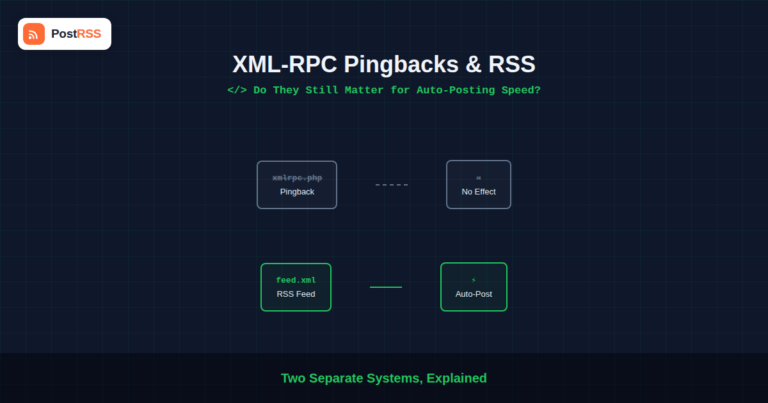
Updated: September 23, 2026 If you've spent any time digging through WordPress security recommendations, you've probably seen a...
Devamını oku »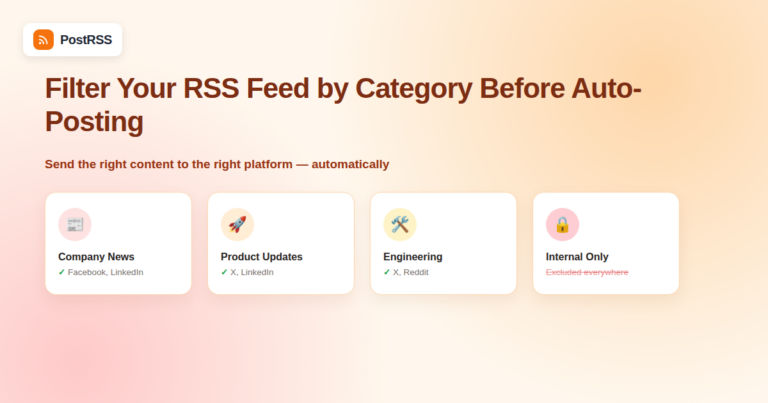
Not every item in your RSS feed belongs on every social channel. A company blog that covers product updates, press releases, an...
Devamını oku »
If your auto-posting tool has ever gone quiet for a day or two and then caught up with a burst of posts, the usual suspect peop...
Devamını oku »
An automated posting setup that ran flawlessly for months can suddenly go silent for reasons that have nothing to do with the R...
Devamını oku »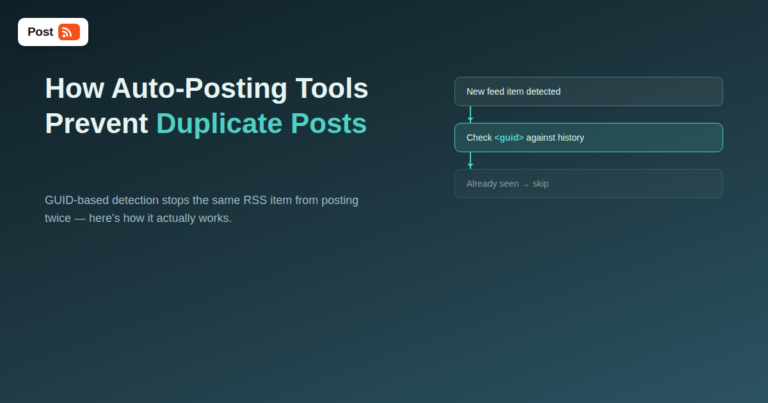
Nothing erodes trust in an automated social media setup faster than the same article showing up on a Facebook page three times ...
Devamını oku »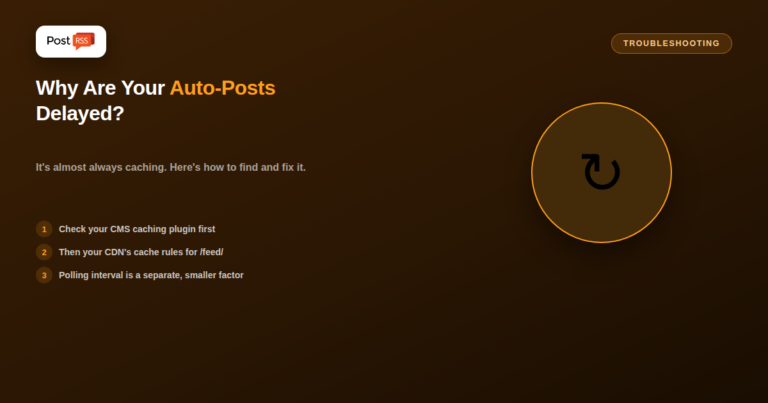
If your new post takes minutes (or longer) to show up in your RSS feed, or an auto-posting tool seems slow to pick up fresh con...
Devamını oku »
A domain migration or CMS switch is one of the most common ways an otherwise-working RSS auto-posting setup silently breaks — n...
Devamını oku »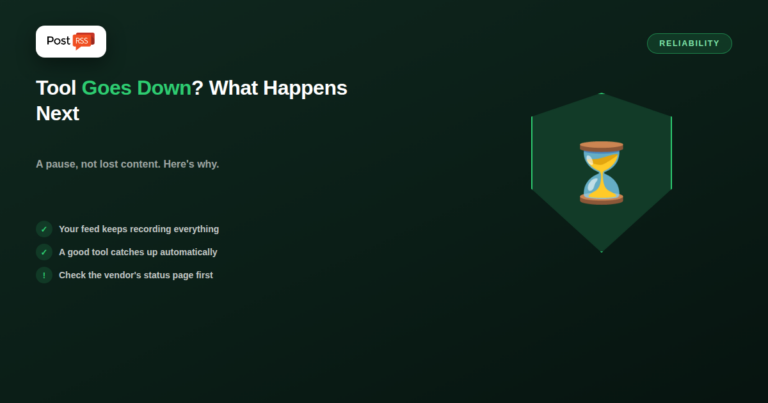
If an auto-posting tool goes down, the practical impact is almost always a pause, not lost content — your RSS feed keeps record...
Devamını oku »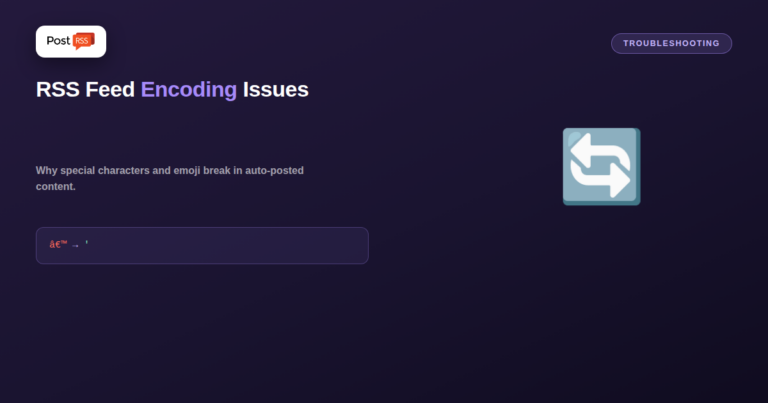
Garbled characters in auto-posted content — curly quotes turning into "’", emoji showing as boxes, accented letters replaced ...
Devamını oku »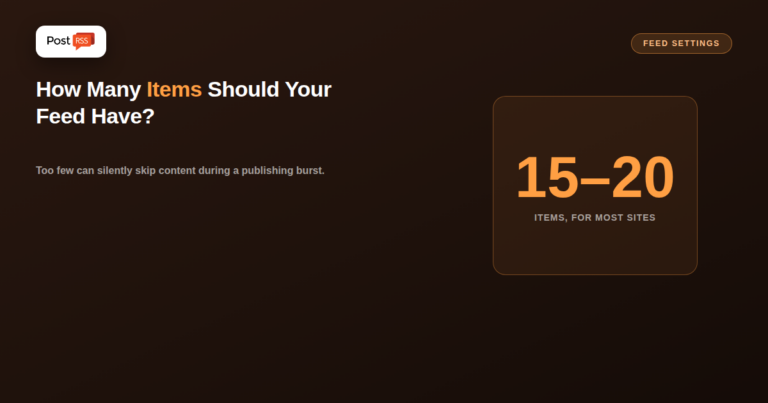
Updated: 2026-09-27 Short answer: 15–20 items suits most blogs and news sites, and the 10 or 15 most CMS platforms de...
Devamını oku »
Yes — by default, your RSS feed is just as public as your website itself. Anyone who knows or guesses the URL (typically /feed/...
Devamını oku »PostRSS'in arkasındaki ekip Internet Solutions tarafından geliştirildi. Her biri size farklı bir şekilde zaman kazandırır.
 English
 Lietuviškai
 Deutsch
 Français
 Русский
 Español
 Polski
 Italiano
 Українська
 Čeština
 Português
 日本語
日本語 Latviešu valoda
 Eesti
Eesti Magyar
 Bahasa Indonesia
 Türkçe
 हिन्दी
 Ελληνικά
 العربية
 ไทย
ไทย Tiếng Việt
 Română
 Bahasa Melayu
 বাংলা
বাংলা