RSS в 66 социальных сетей: Facebook, Instagram, X, LinkedIn, Telegram и другие Блог Партнерская программа Контакты
Short answer: To generate an RSS feed from SQLite, store each article with a stable identifier, a title, a full address, a publication date and a summary, query the newest rows in reverse date order, escape every value for XML, write the result as an RSS 2.0 file and serve it with the RSS content type. Run the generator when you publish or on a short schedule, write the file atomically so readers never see half a document, and point an auto-poster such as PostRSS at the address. A small database is enough to run a dependable feed for a blog, a changelog or a product list.
SQLite is a database in a single file. It needs no server, no password and no administration, which makes it popular for small sites, internal tools, desktop programs and static site workflows. Many publishers keep their articles, release notes or product records in a SQLite file because it is simple to back up and fast to read. When the same people want an RSS feed, they often reach for a framework plugin they do not need. A short script is easier to understand and gives you full control over what readers and tools see. This guide shows how to design the table, write the query, build valid XML, avoid the common traps such as unescaped characters and unstable identifiers, and publish the result so an auto-poster can share each new item on social networks.
A feed needs only a few fields, and getting them right at the start saves trouble later. Each item needs a title, a link, a unique identifier, a publication date and a short description. The identifier must never change once an item has been published, because readers and auto-posters use it to decide whether they have already seen the item. A slug, a primary key number or a permanent address all work. Do not use the title or the date as the identifier, because both can be edited.
CREATE TABLE posts (
  id INTEGER PRIMARY KEY,
  slug TEXT NOT NULL UNIQUE,
  title TEXT NOT NULL,
  summary TEXT NOT NULL,
  body_html TEXT,
  image_url TEXT,
  status TEXT NOT NULL DEFAULT 'draft',
  published_at TEXT
);

CREATE INDEX idx_posts_feed ON posts (status, published_at DESC);
Store the publication time in a single format. Using UTC and the ISO 8601 text format makes sorting correct and conversion simple. The index on status and date lets the query for the latest items stay fast even when the table grows to many thousands of rows.
The query is short. Filter by status so that drafts never leak into the feed, filter out items with a date in the future so that scheduled items stay hidden, order by the publication date in reverse and limit the result. Thirty items are plenty for most feeds, and some readers only look at the first ten.
SELECT slug, title, summary, image_url, published_at
FROM posts
WHERE status = 'published'
  AND published_at <= strftime('%Y-%m-%dT%H:%M:%SZ', 'now')
ORDER BY published_at DESC
LIMIT 30;
The comparison works because both values are text in the same sortable format. Test it with a draft and with an item dated tomorrow to be sure that neither appears.
The script below uses Python and only the standard library. It reads the rows, escapes every text value, formats dates as RSS expects and writes the document.
import sqlite3
from datetime import datetime, timezone
from email.utils import format_datetime
from xml.sax.saxutils import escape

SITE = "https://example.com"
DB = "/var/data/site.db"
OUT = "/var/www/feed/feed.xml"

con = sqlite3.connect(DB)
rows = con.execute(
    "SELECT slug, title, summary, image_url, published_at FROM posts "
    "WHERE status = 'published' AND published_at <= strftime('%Y-%m-%dT%H:%M:%SZ','now') "
    "ORDER BY published_at DESC LIMIT 30"
).fetchall()

def rfc822(iso):
    d = datetime.strptime(iso, "%Y-%m-%dT%H:%M:%SZ").replace(tzinfo=timezone.utc)
    return format_datetime(d)

items = []
for slug, title, summary, image, published in rows:
    link = SITE + "/" + slug + "/"
    parts = ["<item>", "<title>" + escape(title) + "</title>",
             "<link>" + escape(link) + "</link>",
             "<guid isPermaLink='true'>" + escape(link) + "</guid>",
             "<pubDate>" + rfc822(published) + "</pubDate>",
             "<description>" + escape(summary) + "</description>"]
    if image:
        parts.append("<enclosure url='" + escape(image) + "' type='image/jpeg' length='0'/>")
    parts.append("</item>")
    items.append("".join(parts))

now = format_datetime(datetime.now(timezone.utc))
xml = ("<?xml version='1.0' encoding='UTF-8'?><rss version='2.0'><channel>"
       "<title>Example blog</title><link>" + SITE + "</link>"
       "<description>News from Example</description>"
       "<lastBuildDate>" + now + "</lastBuildDate>" + "".join(items) +
       "</channel></rss>")

tmp = OUT + ".tmp"
with open(tmp, "w", encoding="utf-8") as f:
    f.write(xml)
import os
os.replace(tmp, OUT)
Several choices in the script are deliberate. The escape function turns ampersands and angle brackets into safe text. The identifier is the permanent address. The file is written to a temporary name and then renamed, which is an atomic operation on the same disk, so a reader never receives a half-written feed.
Auto-posters and readers look for a picture. You can provide it with an enclosure, a media element or by making sure the article page has Open Graph tags, which most tools read when the feed has no image. Keep image addresses complete and reachable without a login. For the description, a plain summary of one or two sentences is safer than the full HTML body, because it avoids markup problems and keeps the feed small. If you also want to offer the full text, add it in the content element and make sure it is wrapped correctly.
RSS dates follow a specific text format with a day name, a time zone and a four-digit year. The Python helper in the script produces it correctly, so there is no need to build the string by hand. Store UTC in the database and convert on output. Do not change the publication date of an item when you edit it, because tools may treat the item as new or place it in the wrong order. If you need to show an update, mention it in the text and keep the original date and identifier.
There are three common ways to refresh the file. The first is to run the script from the same code that publishes an article, so the feed is fresh the instant the database changes. The second is a scheduled job that runs every minute or every few minutes, which is simple and tolerates scheduled posts becoming visible at their time. The third is a request handler that builds the XML on demand and caches it for a short time. For most sites a scheduled job together with a call at publish time is the best balance. If the database is on a different machine from the web server, copy only the final file to the web server and keep the database private.
The web server should return the feed with the RSS content type and a UTF-8 charset, a status of 200 and a short cache lifetime. Configure the type for the file extension, and enable compression for XML. A few minutes of caching is enough for most sites; see the feed validation guide for the headers and checks that matter. Keep one canonical address and use it everywhere, including the link tag in the head of your pages, so tools can discover it. Never expose the database file itself: keep it outside the public directory and give the script the only account that can read it.
SQLite allows many readers and one writer at a time. A feed script only reads, so it will not block your application, but a long write can make the read wait for a moment. Use a short timeout for the connection and handle the error by keeping the previous file. Back up the database with the built-in backup command or by copying it while no write is in progress, and test a restore at least once. Keep the generator under version control so that a rebuilt server can produce the same feed from a restored database.
One feed for everything is the right start, but a site with several topics benefits from more than one. Add a category column or a link table to the database, run the same query with an extra condition and write a second file for each category, for example a feed for release notes and another for tutorials. Each file then has its own address, and an auto-poster can send tutorials to one account and announcements to another. Keep the identifiers and the dates identical across the feeds, so an item that appears in two files is recognized as the same item. Limit the number of feeds to the ones that people will really use, because every extra file is one more address to test, monitor and remember. If you later move the data to a larger database, the same structure and the same script logic carry over with very few changes.
PostRSS has been publishing RSS and Atom feeds to social networks since 2014. Paste the address of your generated feed, connect your accounts and choose how each post is built; PostRSS can check the feed as often as every minute and publishes each new item with its real image and link to the networks you select among its 66 supported networks. Because every item has a permanent identifier, a post is created once and not repeated. Add UTM parameters to the posted links to see which network brings readers. See the PostRSS features page for the options and the pricing page for plan limits.
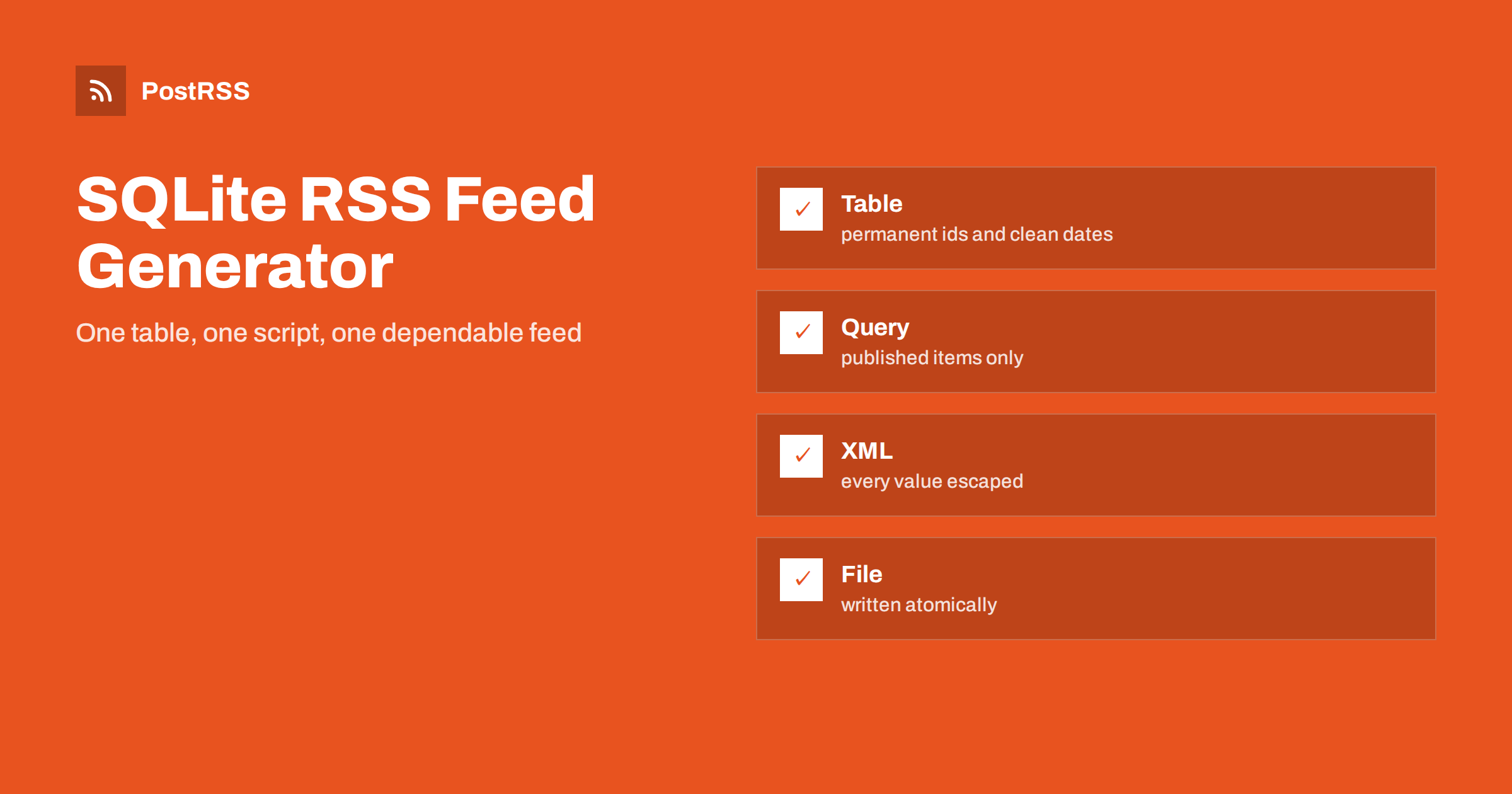
SQLite plus a short script is a complete RSS feed system for many small publishers. Store a permanent identifier and a clean date, query only published items, escape every value, write the file atomically, serve it with the right headers and test with drafts and special characters. Refresh the feed when you publish and on a short schedule, keep the database private and back it up. Then connect the address to an auto-poster, so each new article reaches your audience on social networks without further work.
Yes. Query the newest published rows, build RSS 2.0 XML with a short script, escape every value and write the result to a file that your web server delivers with the RSS content type.
Use something that never changes, such as the permanent address or a numeric key. Do not use the title or the date, because both can be edited.
Run the script when you publish and also on a short schedule, so scheduled items appear at their time. Every minute or every few minutes is common.
Filter the query by a published status and by a publication date that is not in the future, then test with a draft and a future-dated item.
Yes. PostRSS reads any valid RSS or Atom address that is reachable without a login, however the file was produced.
What changed in the networks, what broke, and how to fix it before it costs you reach.
Создано Internet Solutions — командой PostRSS. Каждый продукт экономит ваше время по-своему.
 English
 Lietuviškai
 Deutsch
 Français
 Русский
 Español
 Polski
 Italiano
 Українська
 Čeština
 Português
 日本語
 Latviešu valoda
 Eesti
 Magyar
 Bahasa Indonesia
 Türkçe
 हिन्दी
 Ελληνικά
 العربية
 ไทย
 Tiếng Việt
 Română
 Bahasa Melayu
 বাংলা