RSS в 66 социальных сетей: Facebook, Instagram, X, LinkedIn, Telegram и другие Блог Партнерская программа Контакты
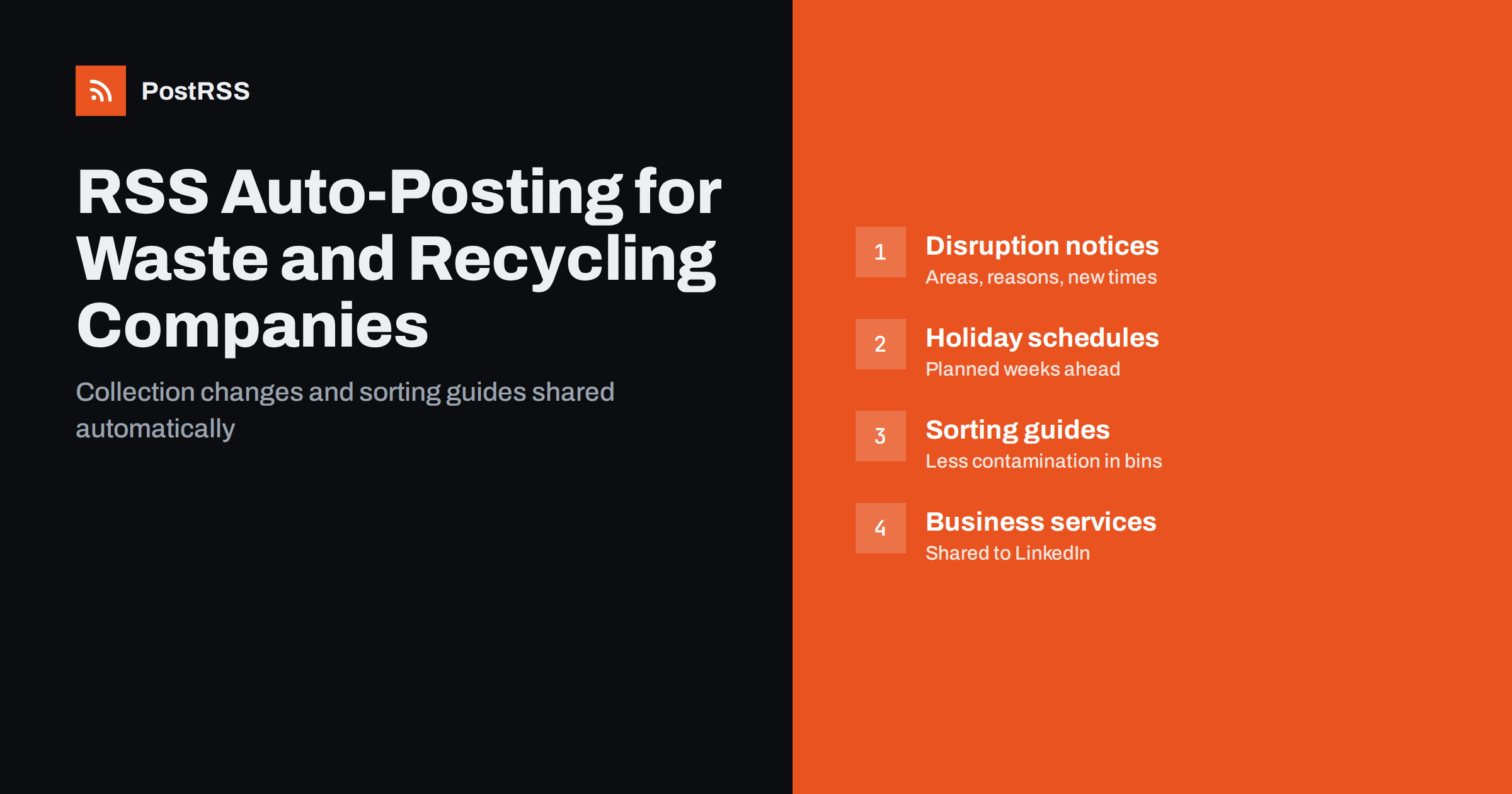
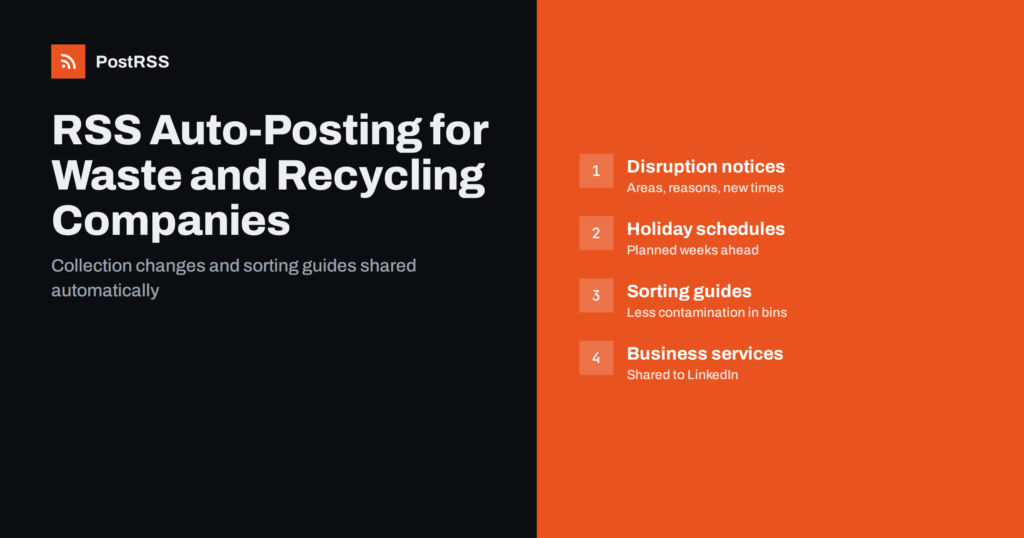
Short answer: RSS auto-posting lets waste collection and recycling companies share collection changes, holiday schedules, sorting guides, service news and sustainability updates on social media automatically. Publish each notice once on your website, connect its RSS feed to an auto-poster, and it appears on your Facebook Page, LinkedIn page, Telegram channel and other networks with its image and link. Residents and business customers get the right information on time, and the office spends less time answering the same calls.
Few services touch as many households as waste collection. When a bank holiday moves collection day, when snow delays the trucks or when the rules for plastic packaging change, thousands of people need to know quickly. If they do not, bins stay full, contamination rises and the phone lines fill with complaints. At the same time, recycling companies and private haulers compete for business contracts, where reliability and environmental credentials matter. Most of these companies have small communications teams, if any, and their updates are spread across a website, a printed calendar and occasional social posts. This guide explains how RSS automation can turn the website into a single source of truth that reaches every channel automatically.
Waste and recycling operators publish a lot of practical information, and much of it is urgent:
A disruption notice that reaches residents three hours late is almost as bad as no notice at all. When notices are published on the website first, automation shares them on every channel within minutes, even outside office hours, so the message is the same everywhere.
Most company websites can publish RSS feeds without extra development:
/feed/ and a separate feed for each category, such as /category/service-updates/feed/ или /category/recycling-tips/feed/.Organise content in categories: service updates, holiday schedules, sorting guides, recycling centres, business services and company news. Each category has its own feed and can go to the channels where it works best. See filtering your RSS feed by category before auto-posting for how to set this up.
| Content | Automate? | Notes |
|---|---|---|
| Service disruptions and delays | Yes, to all channels | Areas affected, what to do, when it will be fixed |
| Holiday collection schedules | Yes, scheduled ahead | Old day and new day, clearly stated |
| Sorting guides and rule changes | Yes | Simple images, one topic per page |
| Business service news | Yes, to LinkedIn | Contracts, certifications, new services |
| Missed collection complaints | By hand | Move to a private channel and log the case |
| Questions about a specific address | By hand | Never ask for addresses in public comments |
A simple rule: if it is a published notice or guide, automate it. If it concerns one customer or one address, handle it privately.
Disruption notices are the posts residents value most. A good notice is short and answers four questions: which areas are affected, what happened, what residents should do, and when collection will take place instead. For example: “Collections in the north district are delayed by snow. Please leave your bins out; we will collect them by Thursday.”
Publish each notice in a service updates category whose feed goes to every channel, including messengers such as Telegram or Viber where residents can subscribe. When the situation changes, publish a new update rather than editing the old one, so followers see the latest information in their feed. Because automation shares the page within minutes, the website, Facebook and messenger channel always say the same thing, which reduces confusion and repeat calls.
Public holidays shift collection days every year, and garden waste seasons start and stop. These changes are known weeks in advance, which makes them perfect for scheduling. Write a page for each holiday period with the normal day and the changed day for each area, schedule it on the website a week or two ahead and add a reminder page for the day before. Each one is shared automatically when it goes live.
Seasonal services work the same way: the start of garden waste collection in spring, leaf collection in autumn, Christmas tree collection in January and extra recycling capacity after the holidays. Planning them once per year keeps your channels useful without daily effort. More planning ideas are in seasonal campaign planning with RSS automation.
Contaminated recycling costs money and lowers the value of collected materials. Clear, repeated education is one of the most effective ways to improve it, and social media is where many residents will actually see it. Good topics include:
Use one topic per page with a simple, clear image as the featured image, because that is what networks show. Public resources such as the US Environmental Protection Agency recycling pages and its guidance on sustainable materials management can support your articles, but always explain your own local rules, because they differ between areas.
A good start is a Facebook Page, a messenger channel for alerts and a LinkedIn page for business customers.
Commercial waste, skip hire, construction and demolition waste, confidential document shredding and industrial recycling are sold to businesses, and their decision-makers look for different information: reliability, compliance documentation, certifications, reporting and the ability to handle their volumes. A separate business news category, shared to LinkedIn, keeps this content apart from household notices.
Useful B2B pages include new service areas, case notes about how a site reduced waste going to landfill, explanations of waste transfer documentation, new certifications, investments in recycling technology and fleet changes such as electric or low-emission vehicles. Publish only what you can back up with facts, and avoid vague environmental claims; regulators in many countries take misleading green claims seriously.
Recycling centres change opening hours for seasons and holidays, close for maintenance and introduce booking systems or new rules for vans and trailers. Each change deserves a short page in a recycling centres category: the site name, what changes, from when, and what visitors should bring or book. Posting windows can share these updates in the evening and early morning, when people plan weekend clear-outs. If you run several sites, use one category per site or keyword filters with the site name, so each update reaches the right local audience.
The same notices are useful inside the company. Call centre staff need to know about a delay before the first resident rings, and drivers and depot managers need to see schedule changes on the day they are published. Sending the service updates feed to an internal team chat, or through a webhook to the tools your staff already use, means everyone works from the same information. It also makes it easier to answer residents consistently, because the wording they read online is the wording staff see too.
PostRSS has been automating RSS posting since 2014. It checks your website feeds automatically, as often as every minute on Enterprise plans, and publishes each new notice, schedule or guide, with its image and link, to the channels you connect, from Facebook Pages, LinkedIn, Telegram and Viber to X, Threads, Bluesky, Mastodon, team chats and webhooks for Slack and Microsoft Teams, among its 66 supported networks. You can choose the post format, filter items by keywords, set the maximum number of posts per update, add UTM parameters and post only within chosen hours or at exact times in your time zone. A CSV file can be used as a source on Professional plans and above, and Enterprise plans can invite additional team members. See the PostRSS features page for everything it does and the pricing page for plan limits.
Waste collection and recycling companies already publish the information residents and businesses depend on: collection changes, disruption notices, sorting rules, recycling centre hours and business services. RSS auto-posting shares each page from your website on Facebook, messengers, LinkedIn and team chats automatically, so every channel carries the same accurate message within minutes. Publish once, schedule holidays ahead and keep complaints and address questions private.
Yes. Publish service updates, schedules and guides on your website, and connect the site’s RSS feed or category feeds to an auto-poster. Each new page is then shared on your chosen channels with its image and link.
Publish a short notice with the areas affected, the reason, what residents should do and when collection will happen. Put it in a service updates category whose feed goes to all channels, and publish a new update when the situation changes.
Yes. Write the holiday pages in advance and schedule them on the website, with a reminder page for the day before. Each page is shared automatically when it goes live.
A Facebook Page reaches local residents, a Telegram or Viber channel suits collection alerts, and LinkedIn is best for business services and sustainability news. Team chats can carry the same notices to internal staff.
Use separate website categories for household notices and business services, and connect each category feed to different channels. Residents then see collection news, while business customers see services and certifications.
What changed in the networks, what broke, and how to fix it before it costs you reach.
Создано Internet Solutions — командой PostRSS. Каждый продукт экономит ваше время по-своему.
 English
 Lietuviškai
 Deutsch
 Français
 Русский
 Español
 Polski
 Italiano
 Українська
 Čeština
 Português
 日本語
日本語 Latviešu valoda
 Eesti
Eesti Magyar
 Bahasa Indonesia
 Türkçe
 हिन्दी
 Ελληνικά
 العربية
 ไทย
ไทย Tiếng Việt
 Română
 Bahasa Melayu
 বাংলা
বাংলা