RSS в 66 социальных сетей: Facebook, Instagram, X, LinkedIn, Telegram и другие Блог Партнерская программа Контакты
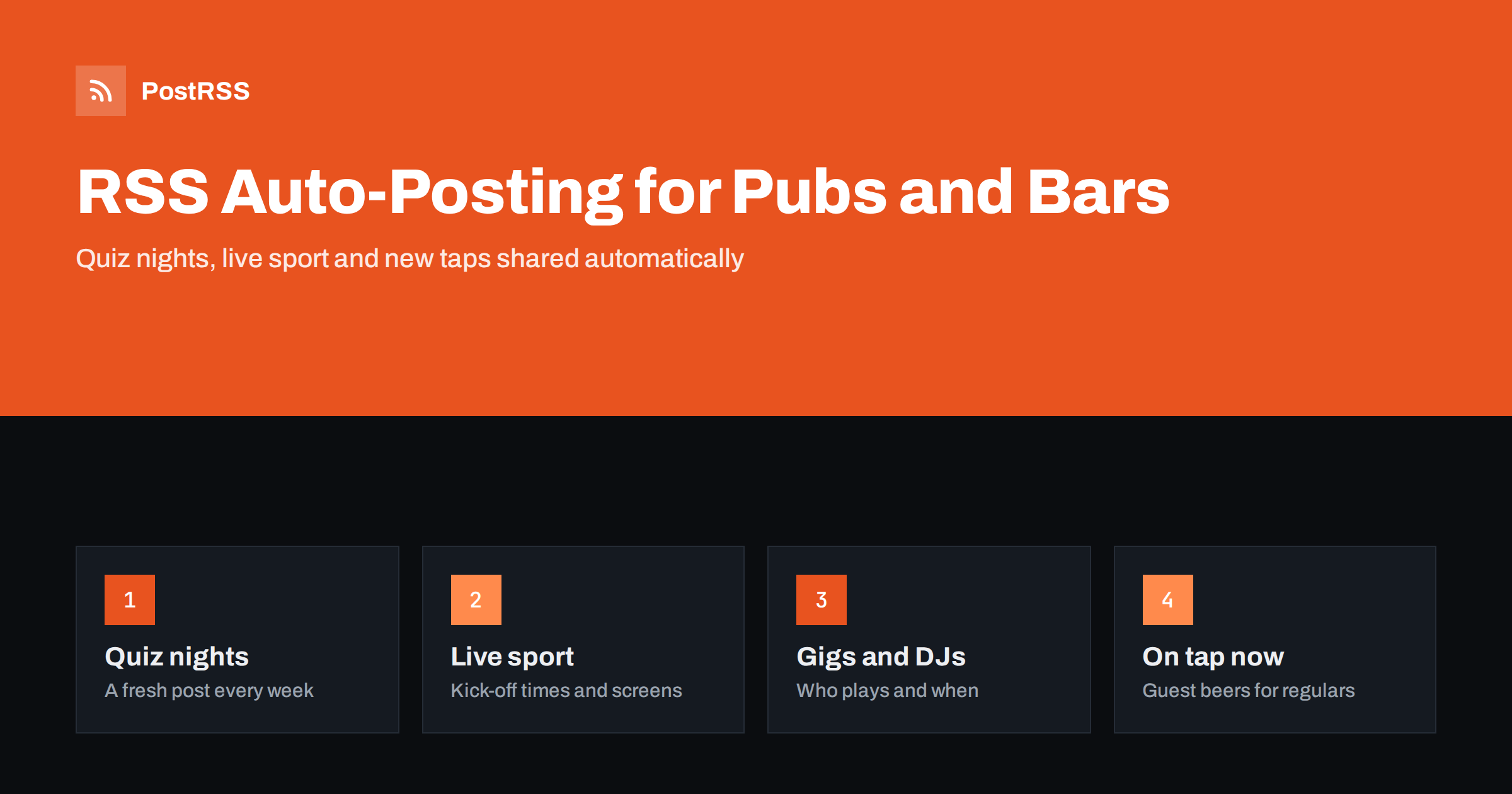
Short answer: RSS auto-posting lets pubs, bars and taverns share every quiz night, live match, gig, new tap, seasonal menu and private hire offer on social media automatically. You add the event or update to your website once, an auto-poster reads the site’s RSS feed, and it appears on your Facebook Page, Telegram channel, X and other networks with its photo and link. Staff keep serving, and regulars always know what is on tonight.
A good pub lives on its regulars and on the people who decide at five o’clock where to go tonight. Both groups check social media: Is there a quiz this week? Are they showing the match? Which guest beer is on? Who is playing on Saturday? A Facebook Page that was last updated a month ago tells them to go somewhere else. Most pubs and bars, though, are run by a small team that pulls pints, changes barrels, books bands and closes late. Social posting is what gets forgotten. This guide explains how to keep your channels active with RSS automation, which content suits it and where the personal touch still matters most.
A busy pub or bar has more to announce than almost any other local business:
Almost all of it is time-sensitive. An event posted the morning after is useless, and a fixture people forget about is an empty room. If every event and update lives on your website first, automation shares it everywhere within minutes, at the hours you choose.
Most pub and bar websites can publish RSS feeds without extra work:
/feed/ and a feed for each category, for example /category/whats-on/feed/ или /category/on-tap/feed/. Many event calendar plugins publish their own event feeds too.Organise updates in categories: what’s on, live sport, music, on tap, food and private hire. Each category then has its own feed for the channels where it works best. See filtering your RSS feed by category before auto-posting for the details.
| Content | Automate? | Notes |
|---|---|---|
| Weekly events and fixtures | Yes, from a what’s on category | Day, start time, entry and prizes up front |
| Live sport listings | Yes | Kick-off times in local time, booking details |
| Gigs, DJs and comedy | Yes | Artist name, time, ticket or free entry |
| New taps and menus | Yes, highlights only | Real photos of the pint or the plate |
| Atmosphere on the night | By hand | Ask before photographing guests |
| Replies, bookings and complaints | By hand | Answer quickly and move details to a call |
A simple rule: if it is a planned event or a finished page, automate it. If it is the buzz of the night or a conversation with a guest, post it yourself.
Each event should be its own page, because a page is what the feed shares and what people can find later. A good event page answers the questions people ask the bar staff:
Publish recurring events as new pages each week, rather than editing one page, so each week’s quiz or open mic gets its own post. Posting windows can then share them in the afternoon, when people make evening plans. If the wrong picture appears in posts, check the page’s Open Graph tags; see why auto-posted links show the wrong image and the Open Graph protocol.
For many pubs, live sport is the busiest trade of the week. Fans want to know exactly which matches you show and whether they can book. Publish a short page for each big fixture or a weekly sport listing with kick-off times in local time, which screens show which game, whether there is sound and whether tables can be reserved. The sport feed shares it to Facebook, X and a messenger channel for regulars.
Plan big tournaments ahead. A page for each match day, written in advance and scheduled on the website, is shared automatically when it goes live, so the bar team does not need to post during the busiest shifts. When fixtures change, publish a new update rather than editing the old page, so followers see the latest information in their feed.
Beer and cocktail fans follow what is new. A short page for each guest ale, new cask, seasonal cocktail list or wine of the month gives them a reason to visit. Use a real photo of the drink or the bottle, and include the brewery, style and strength where relevant. A Telegram or Viber channel is a good place for an “on tap now” feed that regulars subscribe to.
Not every barrel change deserves a social post. Send only a highlights category to social channels, or use keyword filters to include or exclude items by words in the title and description. Limit the number of posts per update so a new menu with twenty dishes does not appear as twenty posts at once.
Alcohol advertising is regulated in most countries, and social networks have their own rules. Keep your posts on the right side of both:
A good start is a Facebook Page and a Telegram channel for regulars. Add other channels if someone will answer messages there.
Functions, birthday parties, wakes, team nights and Christmas parties are valuable bookings. Give private hire its own page with capacity, rooms, menus and how to enquire, and publish seasonal pages early: Christmas party bookings in late summer, New Year’s Eve in the autumn, summer beer garden events in spring. Each page is shared automatically when it goes live, and reminders can follow as separate posts. More ideas are in seasonal campaign planning with RSS automation.
Community events deserve the same treatment. Charity quiz nights, local team fundraisers, darts and pool leagues, book clubs and walking groups that start and finish at the pub all bring people together and give the venue a reason to post something other than offers. Publish each one as a short page with the date, the cause or the organiser and how to join, and the feed shares it automatically. These are often the posts that neighbours share most, because they are about the community rather than about selling.
PostRSS has been automating RSS posting since 2014. It checks your website feeds automatically, as often as every minute on Enterprise plans, and publishes each new event, fixture or menu update, with its real image and link, to the channels you connect, from Facebook Pages, Telegram and Viber to X, Threads, Bluesky, Mastodon and many more among its 66 supported networks. You can choose the post format, filter items by keywords, set the maximum number of posts per update, add UTM parameters and post only within chosen hours or at exact times in your time zone. A CSV file can be used as a source on Professional plans and above. See the PostRSS features page for everything it does and the pricing page for plan limits.
Pubs, bars and taverns already plan what people want to know: quiz nights, live sport, gigs, new taps, menus and private hire. RSS auto-posting shares each page from your website on Facebook, Telegram, X and other channels automatically, on time and with real photos, while your team keeps the welcome, the banter and the replies personal. Plan the week once, promote responsibly and let the feed fill the room.
Yes. Publish events, sport listings and menu updates on your website, and connect its RSS feed or category feeds to an auto-poster. Each new page is then shared on your chosen channels with its photo and link.
Publish each week’s quiz as a new page in a what’s on category a few days ahead. The category feed shares it at the hours you set, so regulars see a fresh post every week.
A Facebook Page is usually the main channel for local events. A Telegram or Viber channel suits regulars who want reminders, and X or Threads work well for match-day updates.
Yes. Alcohol advertising is regulated in many countries, and social networks have their own policies. Focus on events, food and atmosphere, offer alcohol-free options and check local rules before promoting drinks offers.
You need a source, and a simple website with a news or events section is the easiest one. If you plan events in a spreadsheet, a CSV file can also be used as a source on higher plans.
What changed in the networks, what broke, and how to fix it before it costs you reach.
Создано Internet Solutions — командой PostRSS. Каждый продукт экономит ваше время по-своему.
 English
 Lietuviškai
 Deutsch
 Français
 Русский
 Español
 Polski
 Italiano
 Українська
 Čeština
 Português
 日本語
日本語 Latviešu valoda
 Eesti
Eesti Magyar
 Bahasa Indonesia
 Türkçe
 हिन्दी
 Ελληνικά
 العربية
 ไทย
ไทย Tiếng Việt
 Română
 Bahasa Melayu
 বাংলা
বাংলা