RSS в 66 социальных сетей: Facebook, Instagram, X, LinkedIn, Telegram и другие Блог Партнерская программа Контакты
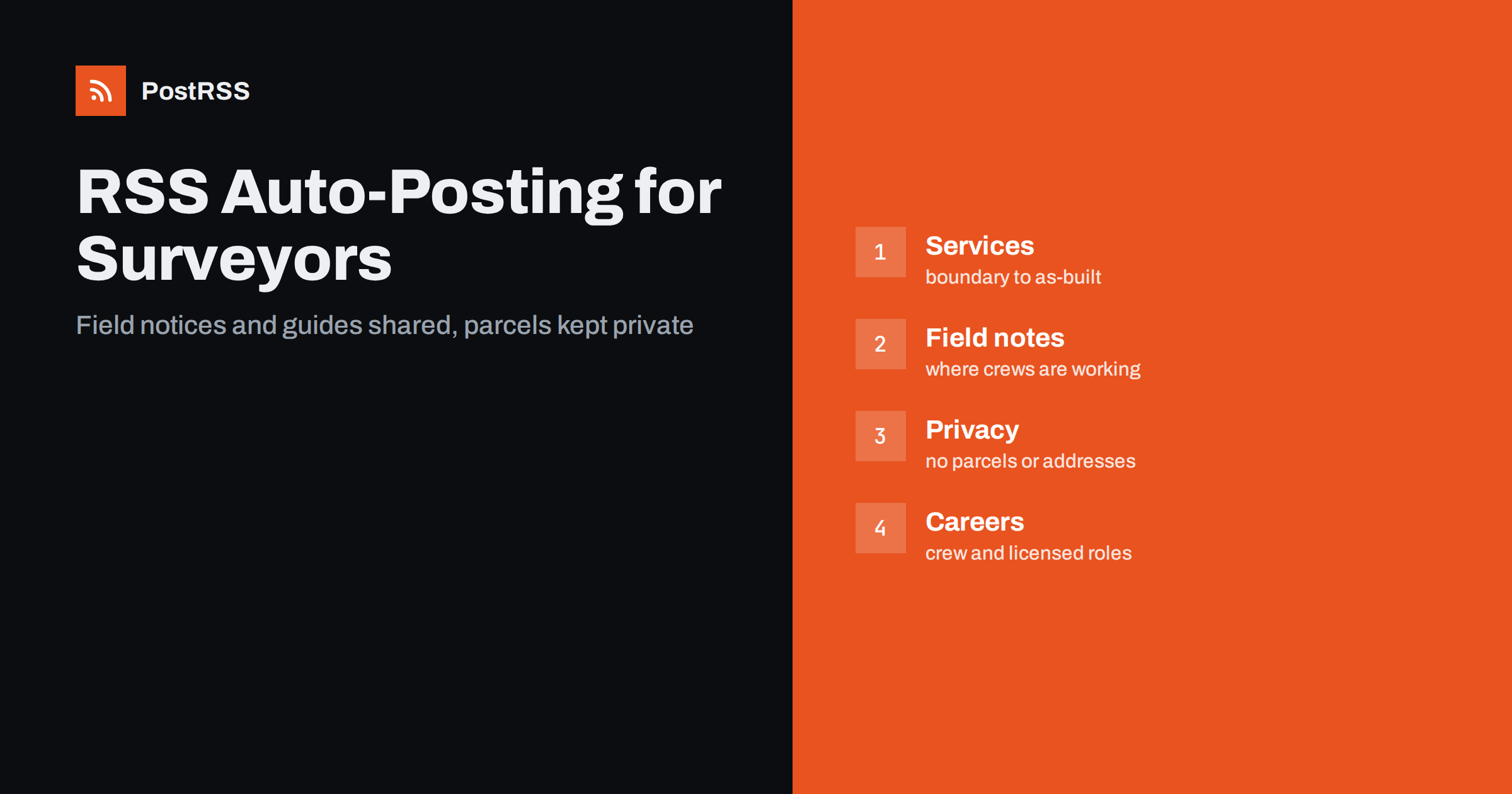
Short answer: RSS auto-posting lets land surveyors and mapping firms share service explanations, field season notices, project summaries, technology updates and hiring news on social media automatically. Publish each item as a page on your firm website, let an auto-poster read the feed, and every new page appears on your LinkedIn page, Facebook Page, Bluesky account and other networks with its link and image. Property owners, builders and engineers learn what a survey involves and when your crews are in their area, while client parcels, addresses and boundary disputes stay out of every automated post.
Most people meet a land surveyor once or twice in their lives, usually at a stressful moment: buying a plot, dividing land, building a fence or an extension, settling a boundary question or applying for a permit. They search for a firm, compare a few websites and call the one that explains things clearly. Builders, engineers and architects need surveyors all the time, but they also choose by reputation and by how easy a firm makes it to ask for work. A surveying firm has a lot to say: how a boundary survey differs from a topographic one, what the crew will do on site, why a stake is set in a certain place, which new instruments the team uses. Much of it can be written once as a page and shared for years. A feed turns each page into a post the moment it is published. This guide explains what to publish, how to connect it and where to be careful, because survey records are legal documents and property is personal.
The advice fits many kinds of firms that measure and map land:
Each has a list of services, a field schedule and a group of people who need to understand what it does. The firm website is the natural source for every other channel.
Most of the useful content can be turned into a short page:
Each page appears on your website, where a person who searches for a surveyor can find it. The feed then announces it automatically, and a short post about a new service reaches the people who follow your firm.
Most firms already use a system that creates feeds:
/feed/ and one for every category, such as /category/field-notes/feed/. If you are unsure of the address, see how to find your WordPress feed link.Use categories to separate audiences: services, field notes, technology, careers and news. Each category has its own feed, and each feed can go where it works best: technical pages and careers to LinkedIn, service guides to a local Facebook Page, short notices to a messaging channel. Routing by category is explained in category filtering for auto-posting.
| Content | Automate? | Notes |
|---|---|---|
| Service pages and guides | Yes | Plain words, clear next step |
| Field season and weather notices | Yes | General areas, not private addresses |
| Technology explainers | Yes | Show what the instrument does |
| Job openings | Yes | Requirements and how to apply |
| Client names and parcel details | No | Confidential and often sensitive |
| Boundary disputes and legal opinions | No | Discuss with the client in person |
A simple rule: if it helps many people understand surveying, automate it. If it concerns one owner, one parcel or one disagreement, it needs a person and a private channel.
A survey plan shows who owns what and where one person’s land ends and another’s begins. That information can be public in a record office, but publishing it in a social post with a name and an address can start a conflict between neighbours or reveal that a person is selling or building. Do not publish a plan, a parcel number, a street name or an aerial picture that makes a private property recognisable, unless the client has agreed in writing and understands where the post will appear. Show examples with blurred or sample data, or describe the work in general terms: a rural subdivision of six lots, a boundary survey on a sloping urban plot, an as-built survey of a warehouse extension. Treat photographs of crews at work in the same way, and avoid showing house numbers or vehicle plates. A firm that protects its clients earns referrals.
Surveying is a licensed profession in most places, and the rules about who may sign a plan, what a plan means and how a firm may advertise differ between countries and regions. Do not describe a service as a legal opinion on ownership unless it is one. Do not claim that a survey ends a dispute, because only the competent authority or a court can do that. Describe what the firm does: measures, marks and records land according to the standards in force, and prepares plans for the client. Link to the professional body and to the official land registry for the legal framework instead of summarising it, and put the licence details of the responsible surveyor on the website. A modest and accurate page protects both the firm and the client.
Visitors often do not know what to ask for. A page that explains the difference between a boundary survey, a topographic survey and a construction layout, with a short example of each, saves them from ordering the wrong one. Add a simple timeline: request, research of records, field work, drafting, review and delivery. List what the client can do to speed up the process, such as sending earlier plans, marking known corners and arranging access. These pages stay useful for years, so share them again from time to time with a fresh introduction instead of writing new content every week. If the website lets you update a page, keep the original address and change the text, and the feed will announce the change only if the item date changes, so decide on a rule and follow it.
Survey crews work along roads, in fields and on building sites, and neighbours sometimes worry when strangers walk the boundary with tripods and stakes. A short public notice helps: a page that says in which area the firm is working this week, why, and who to call with questions. Describe the area in general terms, such as a district or a road name, not a private address. If the work affects traffic, say so and give the dates. Safety messages are good content as well: a reminder not to remove survey stakes, which cost time and money to replace, and an explanation of what the coloured ribbons and markers mean. People appreciate being informed, and a calm post on the first day of work prevents a number of phone calls.
Many firms struggle to find crew members, technicians and young surveyors, and a feed is a good way to keep job pages visible. Publish each opening as a page with the duties, the licence or training required, the working pattern and how to apply, and mark it closed when it is filled. Add pages about training paths and about life in the field, with permission from the people shown, and share them on professional networks. Candidates search for these pages when they compare employers, and a steady stream of honest posts is more convincing than a single advertisement.
Most firms do best with LinkedIn and a Facebook Page, plus the website and a phone number that is answered. Two active channels beat five forgotten ones.
/feed/, and check that it lists recent pages.PostRSS has been automating RSS posting since 2014. It checks your website feeds as often as every minute and publishes each new page, with its real image and link, to the channels you connect, from LinkedIn pages and Facebook Pages to Bluesky, Mastodon, Telegram and many more among its 66 supported networks. You can choose how each post is built, filter items by keywords, add UTM parameters and post only within chosen hours or at exact times in your time zone. See the PostRSS features page for everything it does and the pricing page for plan limits. More ideas for service businesses are under the Local Business tag.
A surveying firm sells accuracy and trust. RSS auto-posting shares every service explanation, field notice, technology page and job opening automatically, as soon as it is published on the firm website. Write each page for an owner who has never ordered a survey, keep parcels, addresses and disputes out of public posts, link to the professional body and the land registry for legal questions, avoid promises about outcomes, close old notices and let the crews spend their time in the field and not at the keyboard.
Yes. If your firm has a website with a news or guides section, its RSS feed can be connected to an auto-poster that shares each new page on LinkedIn, Facebook and other channels. Client details must stay out of automated posts.
Service explanations, guides to survey day, field season notices, technology explainers, careers and general project descriptions. Keep names, parcels and addresses private.
Only when the client agrees in writing and the property cannot cause problems for neighbours. Otherwise use sample data, blurred images or general descriptions.
It is safer to link to the professional body and the land registry, because rules differ and change. Describe what your firm measures and delivers.
Yes. PostRSS reads any valid RSS or Atom address that is reachable without a login. Paste the address, connect your channels and new pages are shared as soon as they appear.
What changed in the networks, what broke, and how to fix it before it costs you reach.
Создано Internet Solutions — командой PostRSS. Каждый продукт экономит ваше время по-своему.
 English
 Lietuviškai
 Deutsch
 Français
 Русский
 Español
 Polski
 Italiano
 Українська
 Čeština
 Português
 日本語
 Latviešu valoda
 Eesti
 Magyar
 Bahasa Indonesia
 Türkçe
 हिन्दी
 Ελληνικά
 العربية
 ไทย
 Tiếng Việt
 Română
 Bahasa Melayu
 বাংলা