RSS в 66 социальных сетей: Facebook, Instagram, X, LinkedIn, Telegram и другие Блог Партнерская программа Контакты
Short answer: when PostRSS tells you that your subscription is insufficient, it means that something you tried is not allowed on your current plan. The API documents this as an error with the code insufficient subscription, and the website applies the same checks for four things: the minimum interval between feed checks, the number of targets, support for the network you chose and features that belong to paid plans, such as CSV upload and exact times. Fixing it means choosing a setting that your plan allows, or moving to a plan that does. This guide explains each case, how to recognise it and how to decide between adjusting and upgrading.
Nobody likes to be told that something is not allowed, but a clear limit is better than a silent failure. PostRSS shows its plan limits openly, and it checks every change you make against them at the moment you make it, so you learn about the problem when you save a source or a target and not three weeks later. The message can still surprise a person who is in the middle of a setup. The good news is that the causes are few, and each has a simple remedy. The facts in this guide come from the API documentation, the live pricing page and the plan list, and they can change, so check the pricing page before you act.
The API documentation says that errors use a short text with an HTTP status of 400, and that a plan restriction returns an error with the code insufficient subscription. It also says that updating a target applies the same validation as the website: the minimum frequency of your plan, the limits on targets and the support for networks. In other words, the check is not special to the API or to the app. Whatever you use to edit a target, the same rules apply.
The message does not mean that your account has a problem, that a payment failed or that something is broken. It is a statement about what the plan allows. That makes it easy to handle: compare what you tried with what your plan includes.
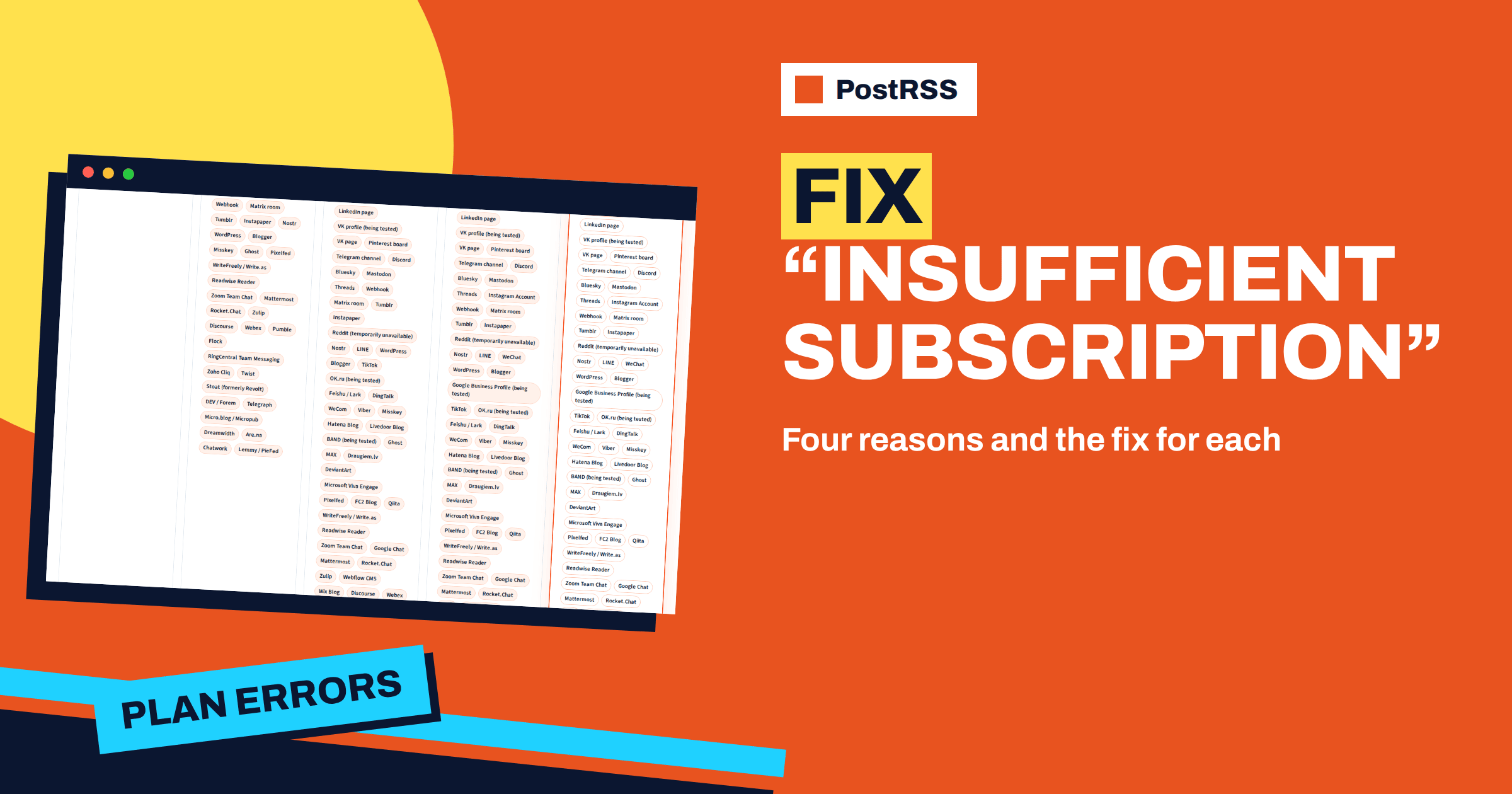
The most common cause is a network that your plan does not include. The Free plan includes four networks: a Facebook Page, a Telegram channel, Bluesky and Mastodon. The Start plan adds a long list of publishing platforms, chat tools and webhooks, such as Discord, WordPress, Ghost, Discourse, Matrix, Nostr and team chats. The Professional plan adds, among others, LinkedIn, Pinterest, VK, Threads, TikTok, Viber and several Asian networks. The Professional Plus plan adds X, Instagram, WeChat and Google Business Profile, and from that plan all sixty-six networks are available.
If you try to create a target for a network that is not in your plan, the error appears. The remedy is to choose a network that your plan includes, or to upgrade to the plan that includes it. Before you upgrade, check whether the network carries the label being tested: a network that is waiting for approval is not worth an upgrade on its own. The features page explains the label: such a network is built and waiting for the approval of the platform.
Every connected destination counts as one target, and every plan has a limit: one on Free and Start, ten on Professional, twenty on Professional Plus, fifty on Ultimate and a hundred on the first Enterprise plan. If you try to add one target more than the plan allows, you will see the error. The same happens when you try to switch on a paused target while you are at the limit.
The remedy is to free a slot or to upgrade. Look at your targets and ask whether each one is still useful. A test target that you forgot, a network that brings no visits or a second account that you no longer use can be disconnected. If every target earns its place, the plan is too small, and the next step is the right answer.
Every plan has a minimum interval between feed checks. The Enterprise plans list a check every minute, while the other plans list a longer minimum. If you set an interval shorter than your plan allows, the save is refused with the plan error. The guide to exact times, windows and intervals explains how the interval and the exact times work.
Before you upgrade only for speed, think about whether you need it. A blog that publishes a few times a day gains nothing from a check every minute, and a longer interval gives the same result. A news site where minutes matter is a different case, and for it the Enterprise plans are the choice.
A few features are not part of the Free plan. CSV upload, which lets you use a spreadsheet as a source, starts with the Professional plan. Exact times on chosen days and posting windows are available on paid plans. Additional users who work in the same account are a feature of the Enterprise plans. If you try to use one of these on a plan that does not include it, the plan error tells you that the plan is not enough.
Ask whether you can reach the same result without the feature. A posting window can often be approximated with a longer interval and a low limit per update, and a CSV file can be replaced by a feed if your site can produce one. If not, the upgrade is justified.
| What you tried | Why it was refused | What to do |
|---|---|---|
| Connect LinkedIn on the Free plan | LinkedIn is not in the plan | Choose an included network or upgrade to Professional |
| Connect X on the Professional plan | X belongs to Professional Plus | Upgrade or use another network |
| Add a second target on Start | Start has one target | Disconnect one or upgrade to Professional |
| Set a very short interval | Below the plan minimum | Choose a longer interval or an Enterprise plan |
| Upload a CSV file on Start | CSV upload starts at Professional | Use a feed or upgrade |
| Use exact times on Free | Paid-plan feature | Use an interval or upgrade |
The error is one signal, but there are others, and it is better to notice them early.
If none of these applies, you probably do not need to upgrade, and a filter, a lower limit per update or a cleanup of targets will do.
Use a short test. First, write down what you want to achieve in one sentence. Second, check whether a setting that your plan allows can achieve it. Third, if not, find the cheapest plan that includes what you need, and look at its numbers on the pricing page. Fourth, check whether the benefit is worth the monthly price, using your own numbers: visits, enquiries or time saved. If the answer is yes, upgrade without regret. If the answer is no, keep the plan and adjust.
An annual subscription is cheaper per month, as the pricing page notes, so if you are sure that you will stay, it can be a better way to pay. If you are not sure, start monthly.
The same rules apply wherever you make the change. The website, the mobile app and the API validate against the plan in the same way, so an operation that is refused in one place will be refused in the others. If you manage targets through the API, handle the plan error in your code: read the error code, show a clear message to the user and do not retry the same request. The guide to the PostRSS REST API explains how to create targets and read reports.
A blogger on the Free plan wants to add LinkedIn because her readers are professionals. She connects the account and tries to create the target, and the plan error appears. She reads the pricing page, sees that LinkedIn starts with the Professional plan, and decides to test the plan for a month. At the end of the month she checks the reports and her analytics, sees steady visits from LinkedIn and keeps the plan. The error cost her a minute and gave her a clear decision.
A small agency on the Start plan manages two clients and wants a target for each. The second target is refused. The agency could upgrade, but it first asks whether both clients need to be served from one account. It decides that each client should have its own account on its own plan, which makes billing clearer. The error pushed the agency to a better structure and not only to a bigger plan.
A developer who uses the API to create targets for his customers sees the plan error in his logs when a customer asks for a network that the customer’s plan does not include. He changes the code to read the error code, show the customer a clear message with a link to the pricing page and stop retrying. His support requests fall, because customers now know what to do.
If you manage PostRSS for other people, prepare a short explanation that you can reuse. The message does not mean that anything is broken. It means that the plan does not include what was requested. List the four causes and the usual remedies, and add a link to the pricing page, so that the person can see the figures. Agree in advance who decides on an upgrade and who pays, because the delay between the error and the decision is what usually causes frustration. A one-paragraph policy, such as asking for approval before any upgrade above a certain amount, avoids arguments later.
The insufficient subscription error is a precise message: what you tried is not part of your plan. The cause is almost always one of four things, a network, the number of targets, the interval or a paid feature, and each has a clear remedy. Check the pricing page, adjust if you can and upgrade if the numbers say so. Plan details are on the pricing page, and the options are described on the features page.
It means that something you tried, such as a network, a number of targets, an interval or a feature, is not allowed on your current plan.
No. The message is about plan limits, not about payments. Check the pricing page to see what your plan includes.
Yes. The documentation says that the validation is the same as on the website, including the minimum interval, the target limits and network support.
Disconnect or delete a target that you no longer need, then add the new one. Only the owner of the account can disconnect accounts.
The pricing page says that an annual subscription saves 20 percent. If you are sure you will stay, it lowers the monthly cost.
What changed in the networks, what broke, and how to fix it before it costs you reach.
Создано Internet Solutions — командой PostRSS. Каждый продукт экономит ваше время по-своему.
 English
 Lietuviškai
 Deutsch
 Français
 Русский
 Español
 Polski
 Italiano
 Українська
 Čeština
 Português
 日本語
 Latviešu valoda
 Eesti
 Magyar
 Bahasa Indonesia
 Türkçe
 हिन्दी
 Ελληνικά
 العربية
 ไทย
 Tiếng Việt
 Română
 Bahasa Melayu
 বাংলা