RSS to Facebook, Instagram, X, LinkedIn, Telegram and 11 more networks Блог Партнерская программа Контакты
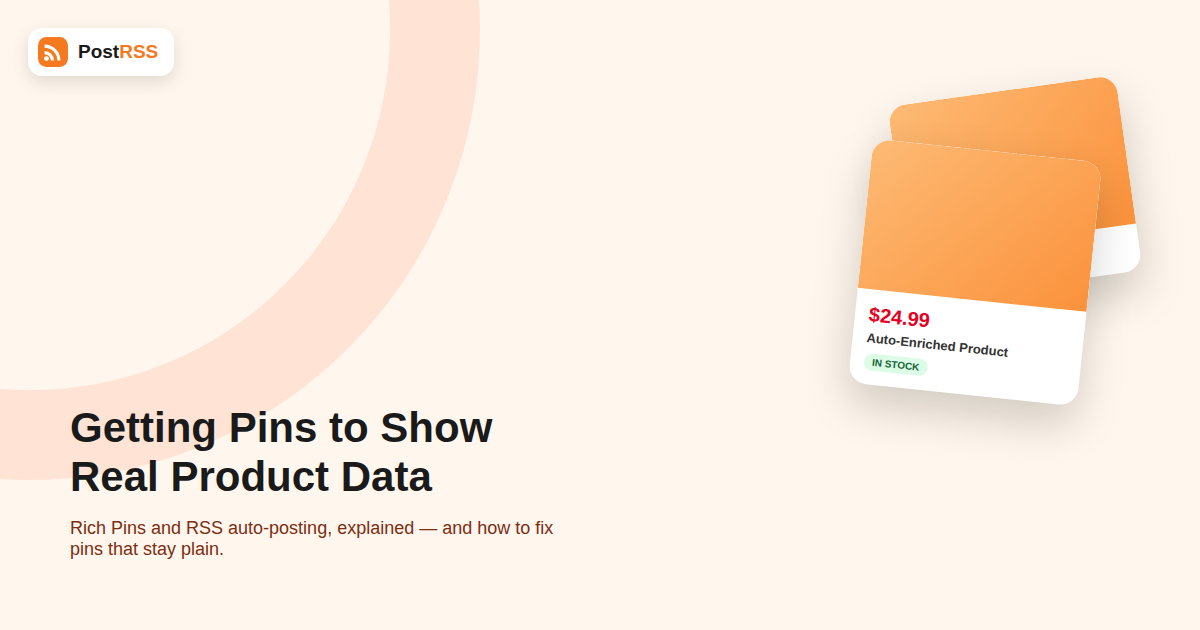
If you run a product, recipe, or content-heavy blog and post to Pinterest at any real volume, this distinction is worth understanding once rather than re-discovering every time a client or teammate asks “why doesn’t this pin show the price.” Two sites can post visually identical pins — same image, same title — and one shows a live price and “in stock” badge directly on the pin while the other looks like a plain photo with a caption underneath. The difference almost never comes down to the auto-posting tool. It comes down to whether Pinterest can find the right metadata on the page being pinned, a feature Pinterest calls Rich Pins.
A standard pin is just an image, a title, and a description, all of which are set once at the moment the pin is created. A Rich Pin is different: Pinterest re-crawls the destination URL periodically and pulls specific structured data directly from the page, then displays it as part of the pin — meaning it can update even after the pin has already been saved thousands of times.
Pinterest currently supports three main Rich Pin types relevant to most publishers:
When a Pinterest automation tool creates a pin from your RSS feed, it’s typically using the feed’s title, description, and featured image to build the initial pin. That part works regardless of Rich Pins. But whether Pinterest then enriches that pin with live price or article data depends entirely on structured metadata living on your actual webpage — something the auto-posting tool has no control over and isn’t responsible for supplying.
In other words: auto-posting gets the pin created and published quickly. Rich Pins is a separate, site-side layer that determines how much extra information Pinterest attaches to it afterward.
Pinterest looks for structured markup in your page’s <head>, most commonly one of these formats:
| Format | Used For | Example Tag |
|---|---|---|
| Open Graph (og:) | Article and general metadata | <meta property="og:type" content="article"> |
| Schema.org (JSON-LD or microdata) | Product and recipe details | <script type="application/ld+json">{"@type":"Product",...}</script> |
| oEmbed | Some article/media enrichment | Auto-discovered via a linked oEmbed endpoint |
Most modern WordPress SEO plugins (Yoast, All in One SEO, Rank Math) already output Open Graph tags by default, which is why many sites get Article Rich Pins working with almost no extra setup. Product and recipe data, however, usually needs a dedicated e-commerce or recipe plugin (WooCommerce with proper product schema, or a recipe card plugin) to output the correct schema.org markup.
og:type, product:price:amount, or a Product/Article JSON-LD block.| Symptom | Likely Cause |
|---|---|
| New pins never enrich, old ones still do | A recent theme or plugin change removed the schema markup |
| Product pins show no price | Price markup missing or using an unsupported currency format |
| Article pins show wrong author | Open Graph author tag not set, or set at the site level instead of per-post |
| Enrichment works on desktop preview but not live pins | Pinterest hasn’t yet re-crawled the specific URL; can take time after a fix |
| Nothing enriches on any page | Domain was never formally approved for Rich Pins after initial validation |
Because Rich Pins depends on Pinterest periodically re-crawling your page rather than reading a live snapshot at pin-creation time, there can be a delay between publishing a post and seeing full enrichment on the pin — separate and distinct from your auto-posting tool’s own feed-polling schedule. If your product price changes shortly after a pin goes out, don’t expect the pin to reflect the new price instantly; Pinterest’s own re-crawl cadence, not your automation setup, controls that update.
| Plain Pin | Rich Pin | |
|---|---|---|
| Data source | Set once when the pin is created | Re-crawled from the live page periodically |
| Price/availability shown | No, unless typed into the caption | Yes, updates automatically |
| Setup required | None | One-time site markup + validation |
| Works with RSS auto-posting | Yes | Yes, once the domain is approved |
| Typical engagement | Baseline | Generally higher for product and recipe content |
A lot of troubleshooting time gets wasted on two mistaken assumptions:
Recipe and product publishers benefit the most from getting this right, since Rich Pins on these categories consistently outperform plain pins in click-through rate — largely because a viewer can see the price or cook time before ever clicking through. If your RSS auto-posting pipeline is already pushing new products or recipes to Pinterest automatically, it’s worth treating Rich Pin validation as a one-time setup cost that multiplies the value of every pin that pipeline creates afterward, rather than a nice-to-have.
You don’t need special tools to get a first read on whether your site outputs the right markup. Right-click any product, article, or recipe page and choose “View Page Source,” then search (Ctrl/Cmd+F) for a few key strings:
og:type — should say article, product, or similar, not just websiteproduct:price:amount — should show a real, current numeric price for product pagesapplication/ld+json — search for this and check whether the JSON block includes a recognizable "@type": "Product", "Article", or "Recipe" entryIf none of these appear anywhere in the source, no Rich Pin validator submission is going to succeed until the underlying markup exists. This quick manual check saves a round trip to Pinterest’s validator for pages that clearly aren’t ready yet.
Publishers running product feeds in multiple languages or currencies should double check that price and currency metadata is correctly localized per page, not just copied from a single template. A common failure mode is a site that correctly shows a localized price to human visitors (via JavaScript or server-side detection) but still serves a single hardcoded currency in the underlying meta tags that Pinterest’s crawler actually reads, since crawlers typically don’t execute the same client-side logic a browser does.
To be fair to the metadata explanation, there are a handful of cases where the auto-posting tool itself is the actual culprit rather than Rich Pins: if the pin’s destination link is wrong (pointing to a category page instead of the specific product), if the pin was created before the URL existed and never re-checked, or if the tool is pinning a redirect URL rather than the final canonical page, Pinterest may struggle to read metadata correctly regardless of how well-formed it is. Confirming the destination link on a problem pin is a quick way to rule this out before assuming the metadata itself is broken.
No. Rich Pins is entirely about metadata on your website, not about how the pin gets created. Any auto-posting tool, including one pulling from an RSS feed, benefits automatically once your domain is validated.
Theme and plugin changes frequently remove or alter the Open Graph and schema.org tags Pinterest depends on. Re-run the Rich Pin Validator on a few affected URLs after any major site change to confirm the markup is still present.
Yes — Article Rich Pins apply to ordinary blog content and typically just require standard Open Graph tags, which most SEO plugins already generate by default.
Pinterest has indicated that enriched pins tend to perform better in engagement, which can indirectly help visibility in Pinterest’s own search and recommendation surfaces. It’s worth treating this the same way you would any other technical SEO improvement: not a guaranteed ranking factor, but a change that removes friction between your content and the reader.
It varies. Some pages enrich within minutes of a successful validation; others take longer depending on Pinterest’s crawl queue for that domain. Persistent failures after 24-48 hours usually indicate a markup problem rather than a timing issue.
Most platforms read some form of Open Graph metadata for link previews, but Pinterest’s Rich Pins are unusually deep — live price, availability, and recipe details go well beyond a typical title/description/image preview card.
Only if the destination URL (the page the pin actually links to) has the correct schema markup itself. If you’re pinning a third-party retailer’s page rather than your own, you have no control over whether that page qualifies.
A rejection almost always means Pinterest’s validator couldn’t find complete or correctly formatted markup on the submitted URL. Fix the specific fields it flags, wait for your site to be re-crawled or re-cache if you use a CDN, and resubmit the same URL through the validator.
Validation is typically done per-URL the first time to confirm the markup works, but once your domain is approved for a Rich Pin type, new pages that follow the same template and output the same structured markup are picked up automatically without a manual resubmission for each one.
Rich Pins and RSS auto-posting solve two completely different problems: automation gets your content onto Pinterest quickly and consistently, while Rich Pins determines how much extra, self-updating detail Pinterest attaches to it once it’s there. Neither one substitutes for the other, and treating a missing price badge as an “auto-posting problem” usually sends people troubleshooting the wrong system entirely. Fix the metadata once at the site level, validate it, and every pin your automation creates afterward — today’s and next year’s — inherits the enrichment for free, without needing to touch your posting workflow again.
What changed in the networks, what broke, and how to fix it before it costs you reach.
 English
 Lietuviškai
 Deutsch
 Français
 Русский
 Español
 Polski
 Italiano
 Українська
 Čeština
 Português
 日本語
日本語 Latviešu valoda
 Eesti
Eesti Magyar
 Bahasa Indonesia
 Türkçe
 हिन्दी
 Ελληνικά
 العربية
 ไทย
ไทย Tiếng Việt
 Română
 Bahasa Melayu
 বাংলা
বাংলা