RSS в 66 социальных сетей: Facebook, Instagram, X, LinkedIn, Telegram и другие Блог Партнерская программа Контакты
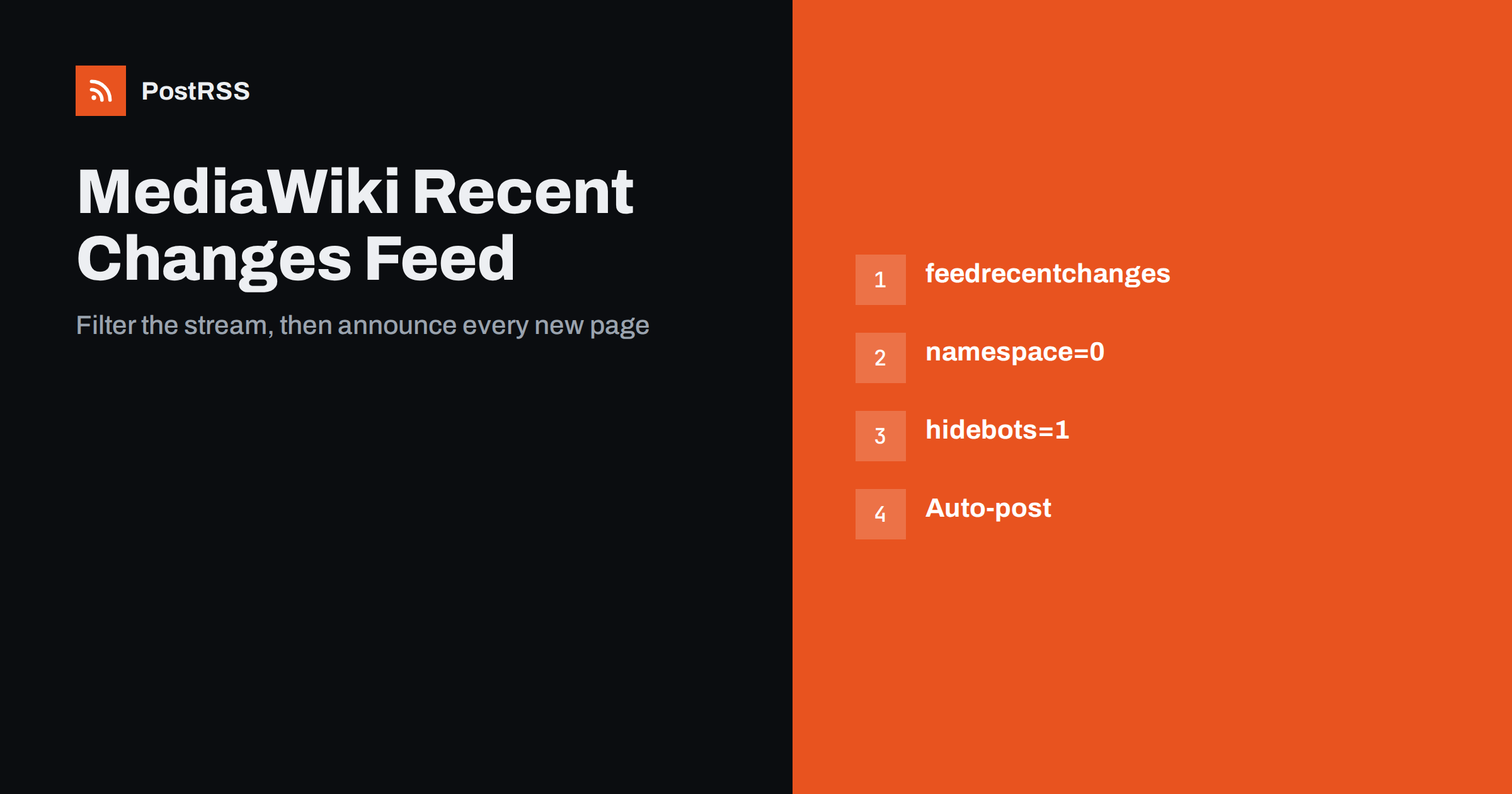
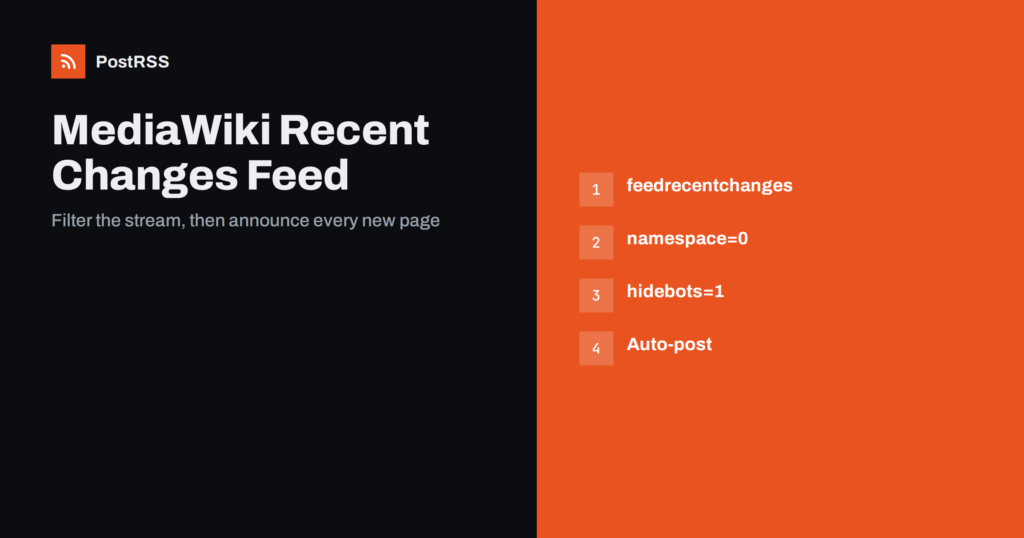
Short answer: MediaWiki, the software behind Wikipedia and thousands of company and community wikis, publishes Atom and RSS feeds of recent changes. Use the feedrecentchanges action of api.php, add filters so that only new pages in the main namespace appear, check the result in a browser and paste the address into an auto-poster. Each new article is then announced on your social channels automatically, without bots, minor edits and vandalism filling the stream.
A wiki is a living publication. Teams use it as a knowledge base, game communities build encyclopaedias of their favourite worlds, clubs keep their history in it and schools collect lessons. New pages appear all day, but members only notice them if they open the recent changes page. A feed brings those pages to people where they already spend time: a Discord server, a Telegram channel, a Mastodon account or a team chat. This guide explains how the feed works, how to filter it, which settings control it and how to share new pages automatically without publishing noise.
The value of a wiki depends on active contributors and active readers. A feed helps both groups. Readers learn about new articles and can jump straight to them, and contributors see that their work is noticed, which encourages them to write more. For a company wiki, a feed in a team chat keeps staff informed about new procedures and policies. For a public wiki, a social account shows search visitors and newcomers that the project is alive. It also gives you a simple way to welcome new authors and to point out pages that need help.
MediaWiki generates feeds through its API. The basic address has this form:
https://wiki.example.com/api.php?action=feedrecentchanges&feedformat=atomReplace atom with rss if you prefer RSS. Depending on how the wiki is installed, the script may live at /w/api.php или /api.php. The easiest way to find the correct path is to open the Recent changes page, look for the feed link in the page tools and copy its address. The Atom and RSS formats are equivalent for auto-posting; the choice is covered in Atom or RSS for auto-posting. Each item in the feed describes one change: the page title, the editor, the time, the edit summary and a link to the page or to the difference between versions.
Other feeds are available too. A history feed for a single page is useful when you want to follow one important article, and a contributions feed follows one editor. For announcements, the recent changes feed with filters is almost always the best choice.
An unfiltered recent changes feed contains every edit, including typo fixes, bot activity and administrative log entries. It is noisy and not suitable for public posts. The feed action accepts parameters that narrow the list. The most useful are:
namespace=0 limits the feed to the main namespace, which holds the real articles. Talk pages, user pages and templates are skipped.hidebots=1 hides edits made by bot accounts.hideminor=1 hides edits marked as minor.hidepatrolled=1 hides changes that a reviewer has already checked; the opposite is useful if you want to post only checked changes, so test how your wiki behaves.hidepageedits=1 together with hidelog=1 leaves new pages only, which is the cleanest announcement feed.days и limit control how far back the feed goes and how many items it contains.A practical address for announcing new articles therefore looks like this:
https://wiki.example.com/api.php?action=feedrecentchanges&feedformat=atom&namespace=0&hidebots=1&hidepageedits=1&hidelog=1&days=7&limit=30The supported parameters can differ between versions and extensions, so open the API help page of your own wiki, api.php?action=help&modules=feedrecentchanges, to see the exact list. After changing a parameter, reload the feed and check that the items match what you expect.
The feed lists changes, not pages. If a page is edited five times in an hour, it appears five times, each with its own identifier. An auto-poster would treat each one as a new item and share the same article repeatedly. That is why a new-pages feed is better than an everything feed for public announcements. A new page appears once, when it is created. If you want to announce major updates to an existing article, handle that manually or follow a specific page history feed. The problem of repeated items is explained in why your RSS feed auto-posts the same article twice.
An open wiki accepts edits from anyone, and that is its strength and its weakness. If a new page contains spam or abuse, a feed will faithfully pass the title and a snippet to your social accounts within minutes. There are several ways to protect your channels:
For a private wiki, such as a company knowledge base, these risks are smaller, but remember that a feed address that requires a login cannot be read by an external service. Never put credentials into a feed address.
The items in a recent changes feed are designed for readers who follow the change, not for social media. The title is the page name, and the description often contains the edit summary and a rendered difference between versions. For a new page, the description may contain the first lines of the article or an automatic summary such as “New page”. A good post needs a title and a link, and a short line of text. If the description looks strange, configure the auto-poster to build the post from the title only, or from the title plus a fixed phrase such as “New article on the wiki”. Encourage editors to write a short, informative first sentence on every page, because it improves search results as well. You can find more about controlling the text in custom RSS feed excerpts.
Wiki pages do not always carry a featured image. When a link is shared, the network builds a preview from the Open Graph tags of the page. Standard MediaWiki installations produce basic tags, and extensions can add a page image. If your previews look empty, install an extension that sets a preview image, or add a default image for the whole wiki. Posts with an image get more attention on most networks, as explained in how to control which image gets auto-posted.
Several configuration settings change what the feed does. Wiki administrators can control the maximum number of items, the cache time of generated feeds and the formats that are advertised. By default feeds are cached for a short time, so a new page may take a minute or two to appear. That is fine for announcements. If the wiki sits behind a content delivery network, check that the feed is not cached for hours; see RSS feed caching explained. If the server blocks unknown visitors, the poster may receive an error page instead of XML; see Cloudflare blocking your RSS feed.
Not every wiki is public. Many organisations run a MediaWiki installation for procedures, product documentation, onboarding guides and meeting notes. For these wikis the audience is the team, and the best channel is the team chat. A feed that announces new pages in a dedicated channel helps staff discover documents that would otherwise stay hidden, and it encourages authors to write the page properly the first time. If the wiki is available only inside your network, an external service cannot read the feed, so consider publishing a small public news page or a filtered public feed that contains only pages meant for outsiders. Keep sensitive titles out of any feed that leaves your network, because titles are copied word for word into every post.
The quality of automatic posts depends on the pages themselves. Ask editors to follow a simple rule: the first sentence of every article must say what the page is about in plain words, as in a short dictionary entry. A page titled “Winter schedule” with an empty first line makes a poor announcement, while “Winter schedule: opening hours, class times and holiday closures for the club” makes a good one. This habit costs nothing, helps search engines and improves every post that the feed generates. A short style guide on the wiki itself keeps the rule visible to newcomers.
PostRSS has been publishing RSS and Atom feeds to social networks since 2014. Paste the address of your filtered feed, connect your accounts and choose how each post is built from the title, the description or the page title. PostRSS checks the feed as often as every minute and shares each new page, with its link, to the channels you choose among 66 supported networks, messengers, team chats and blogs, including Discord, Telegram, Mastodon, Bluesky and LinkedIn. Keyword filters, UTM parameters, hashtags from categories and posting windows let you tune each channel. See the PostRSS features page and the plan limits on the pricing page. More developer guides are under the Technical Guide tag.
A MediaWiki site already has the feed you need. Use the feedrecentchanges action, limit it to the main namespace, hide bots and edits so that only new pages remain, and check the result before you connect it. Protect your channels with review, a short delay or a keyword filter, give every page a clear first sentence and an image, and send the posts to the place where your community lives. After that, every new article announces itself.
Yes. MediaWiki generates Atom and RSS feeds for recent changes, page histories, contributions and watchlists through its API. Open the Recent changes page and use the feed link, or build the address yourself.
Use the recent changes feed with filters for the main namespace, bots, page edits and log entries, so that only newly created pages remain. Test the address in a browser before you connect it.
You can read the feeds of public wikis, but treat their content with care. Share links to pages, respect the licence of the content and do not present other people’s work as your own.
The recent changes feed lists every edit as a separate item. Use a new-pages feed, or follow a single page history feed, instead of an everything feed.
Yes. Paste the public feed address as a source in PostRSS, connect your social accounts and each new item is posted automatically. Make sure the address opens without a login first.
{“@context”: “https://schema.org”, “@type”: “FAQPage”, “mainEntity”: [{“@type”: “Question”, “name”: “Does MediaWiki have an RSS feed?”, “acceptedAnswer”: {“@type”: “Answer”, “text”: “Yes. MediaWiki generates Atom and RSS feeds for recent changes, page histories, contributions and watchlists through its API. Open the Recent changes page and use the feed link, or build the address yourself.”}}, {“@type”: “Question”, “name”: “How do I announce only new pages?”, “acceptedAnswer”: {“@type”: “Answer”, “text”: “Use the recent changes feed with filters for the main namespace, bots, page edits and log entries, so that only newly created pages remain. Test the address in a browser before you connect it.”}}, {“@type”: “Question”, “name”: “Can I use the feed of a large public wiki?”, “acceptedAnswer”: {“@type”: “Answer”, “text”: “You can read the feeds of public wikis, but treat their content with care. Share links to pages, respect the licence of the content and do not present other people’s work as your own.”}}, {“@type”: “Question”, “name”: “Why does the same article appear many times?”, “acceptedAnswer”: {“@type”: “Answer”, “text”: “The recent changes feed lists every edit as a separate item. Use a new-pages feed, or follow a single page history feed, instead of an everything feed.”}}, {“@type”: “Question”, “name”: “Can I use the feed with PostRSS?”, “acceptedAnswer”: {“@type”: “Answer”, “text”: “Yes. Paste the public feed address as a source in PostRSS, connect your social accounts and each new item is posted automatically. Make sure the address opens without a login first.”}}]}
What changed in the networks, what broke, and how to fix it before it costs you reach.
Создано Internet Solutions — командой PostRSS. Каждый продукт экономит ваше время по-своему.
 English
 Lietuviškai
 Deutsch
 Français
 Русский
 Español
 Polski
 Italiano
 Українська
 Čeština
 Português
 日本語
日本語 Latviešu valoda
 Eesti
Eesti Magyar
 Bahasa Indonesia
 Türkçe
 हिन्दी
 Ελληνικά
 العربية
 ไทย
ไทย Tiếng Việt
 Română
 Bahasa Melayu
 বাংলা
বাংলা