RSS to 66 social networks: Facebook, Instagram, X, LinkedIn, Telegram and more Блог Партнерская программа Контакты
Updated: 2026-09-28
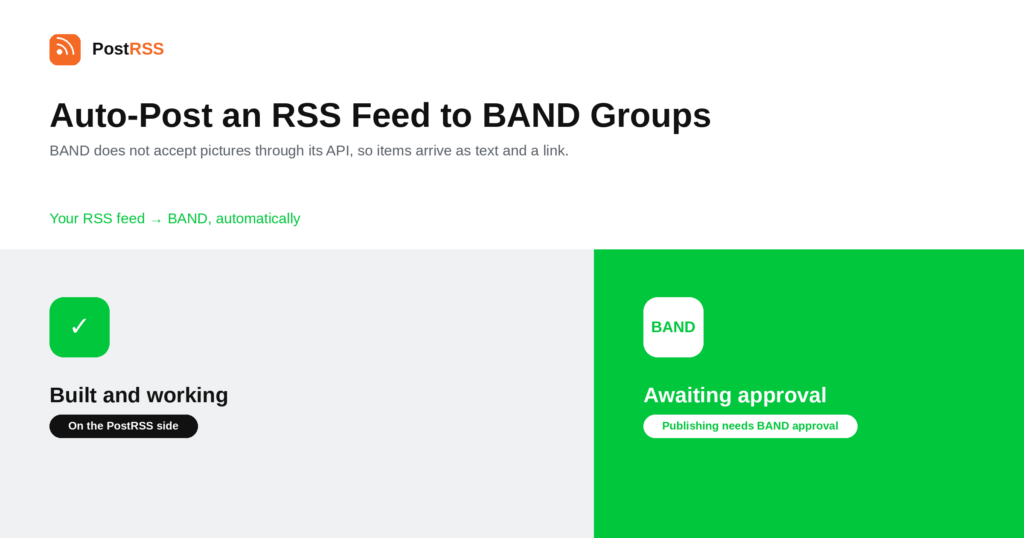
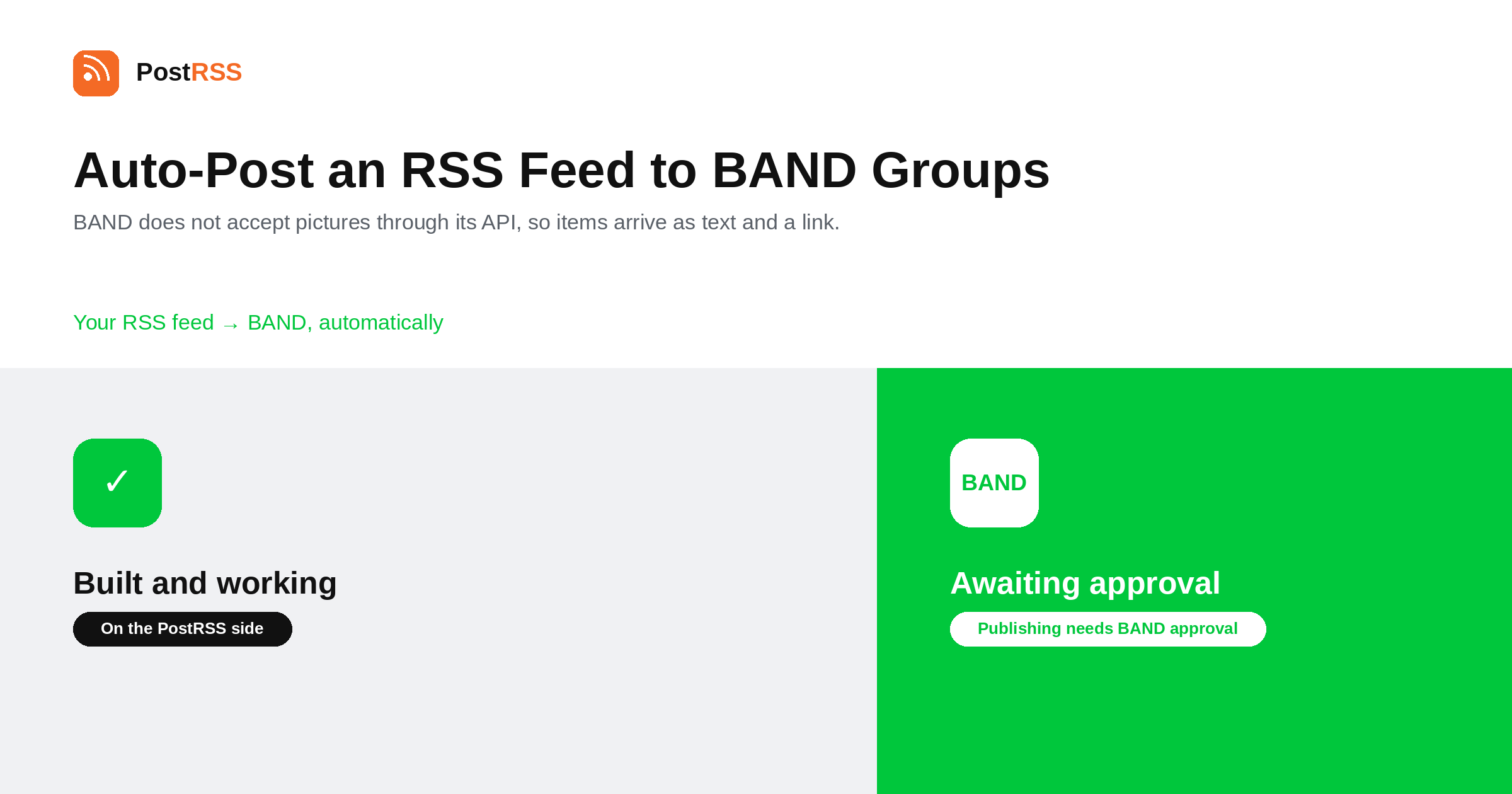
Short answer: BAND is currently being tested. Everything is built and working on the PostRSS side; publishing is awaiting approval of the app by BAND, so you can see exactly how it will work but cannot publish through it yet. When it goes live, you will sign in through the official BAND login under Accounts → Add new BAND account — PostRSS never sees your password — choose the bands you are allowed to post in, then open Цели → Add feed, choose BAND in Target settings and add your feed under Add source. Each item will be posted with its title, text and a link. BAND does not accept pictures through its API. BAND is assigned to the Professional plan.
BAND is a group-communication app built for communities rather than companies: clubs, school classes, sports teams, church groups, hobby societies. It is widely used in Korea, and has a real presence in Taiwan, Japan and the United States, where it tends to be the tool a group adopts when a chat thread stops being enough. This guide is the long version; the auto-post RSS to BAND page has the short one.
Being straight about this matters more than the rest of the article. The integration is built and working on our side, and it is waiting on approval of the app by BAND. Until that approval arrives, publishing does not happen.
The practical advice that follows is simple: do not choose a plan today because BAND is on its list. Everything described here is how it will work, not how it works right now. If BAND is the only destination you need, wait for the approval rather than subscribing in advance.
The network page for BAND carries the same status, and it will change there first when the situation changes.
Connecting goes through BAND's own OAuth login. You sign in on BAND, approve the connection there, and PostRSS receives a token — it never sees your password, and access can be revoked from your BAND account at any time.
After signing in you choose which bands new items should go to. That list is limited to the bands where you are allowed to post, which is the right constraint: a group-communication app is full of spaces that belong to other people, and the permission model rather than the tool is what decides where you can publish.
Each item will be posted with its title, text and a link to the article. Pictures are not included, and that is a BAND limitation rather than a choice: BAND does not accept images through its API.
It is worth knowing in advance because it changes what suits the destination. A feed whose value is visual will arrive as text; a feed of announcements, schedules, newsletters and articles will arrive intact. If images matter to your audience, the honest answer is that BAND is not where that content should go.
The common thread is that the group already exists and already reads BAND. This is not a channel for reaching strangers; it is a way of keeping people who already joined something informed without a volunteer having to copy links every week.
BAND groups are small, personal and often moderated by one volunteer. Two things matter more here than on a public network.
First, ask before automating a band you do not run. The permission model will stop you posting where you are not allowed, but being technically permitted and being welcome are different things.
Second, send less than you could. A group that joined for match schedules does not want your whole blog. Point the Target at the narrow category feed that matches why the group exists, and the posts will be read instead of muted.
PostRSS publishes items that appear in the feed after the Target starts running. It does not import the back catalogue — the alternative would be a destination flooded with years of archive on its first day.
Because BAND carries text rather than images, the feed matters in a specific way.
BAND is included from the Professional plan. Each destination you connect counts as one Target, and your plan decides how many Targets and how many posts a month you get. An annual subscription is cheaper than paying monthly. Current limits per tier are on the pricing page, and the full lineup of 66 networks is on the supported networks page. The BAND page has the short version of the setup. It is assigned to that tier and will publish from it once BAND approves the app.
Not yet. The integration is built and working on our side, but publishing is awaiting approval of the app by BAND. Do not choose a plan today because BAND appears on its list.
No. BAND does not accept images through its API, so each item is posted with its title, text and a link. That is a platform limitation rather than a choice.
No. Connecting goes through BAND's own login, where you sign in and approve it. PostRSS receives a token and never the password.
Only the ones where you are already allowed to post. BAND's own permission model decides the list, and being permitted is not the same as being welcome — ask the moderator of a band you do not run.
The Professional plan. It is assigned to that tier and will publish from it once the app is approved.
The BAND network page carries the current status and will change there first.
The narrow feed that matches why the group exists — schedules, announcements, the newsletter — rather than your whole site. Community groups mute high-volume sources quickly.
BAND is built, tested on our side and waiting on approval from BAND itself, so treat everything here as a description of how it will work rather than how it works today. When it goes live it will be a sign-in, a choice of bands, and text-and-link posts into groups that already exist. It is assigned to the Professional plan.
What changed in the networks, what broke, and how to fix it before it costs you reach.
 English
 Lietuviškai
 Deutsch
 Français
 Русский
 Español
 Polski
 Italiano
 Українська
 Čeština
 Português
 日本語
日本語 Latviešu valoda
 Eesti
Eesti Magyar
 Bahasa Indonesia
 Türkçe
 हिन्दी
 Ελληνικά
 العربية
 ไทย
ไทย Tiếng Việt
 Română
 Bahasa Melayu
 বাংলা
বাংলা