RSS в 66 социальных сетей: Facebook, Instagram, X, LinkedIn, Telegram и другие Блог Партнерская программа Контакты
Updated: 2026-09-27
Short answer: LINE Notify shut down on 31 March 2025, so any guide still recommending it is out of date. PostRSS publishes to a LINE Official Account through the Messaging API instead, broadcasting each new feed item to all of your followers. Connect the account under Accounts with your channel access token, then add the feed under Цели → Add feed. LINE is included from the Professional plan ($10/month). Note that LINE counts a broadcast as one message per recipient, and the free LINE plan caps how many you can send.
LINE dominates messaging in Japan, Thailand, Taiwan, and a growing list of Southeast Asian markets the way WhatsApp does elsewhere, and businesses there rely on it as heavily as Western brands rely on email or Facebook. If your audience lives on LINE, it’s natural to ask whether your RSS automation setup can push new content there the same way it does to Telegram or Discord. The honest answer is more nuanced than a flat yes or no, and a recent platform change makes it worth understanding clearly before you build anything around it.
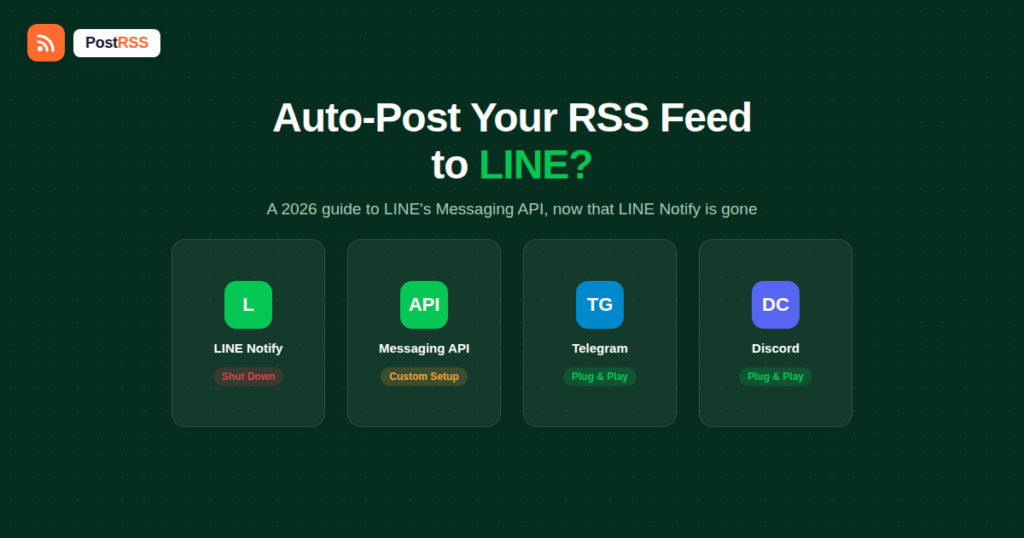
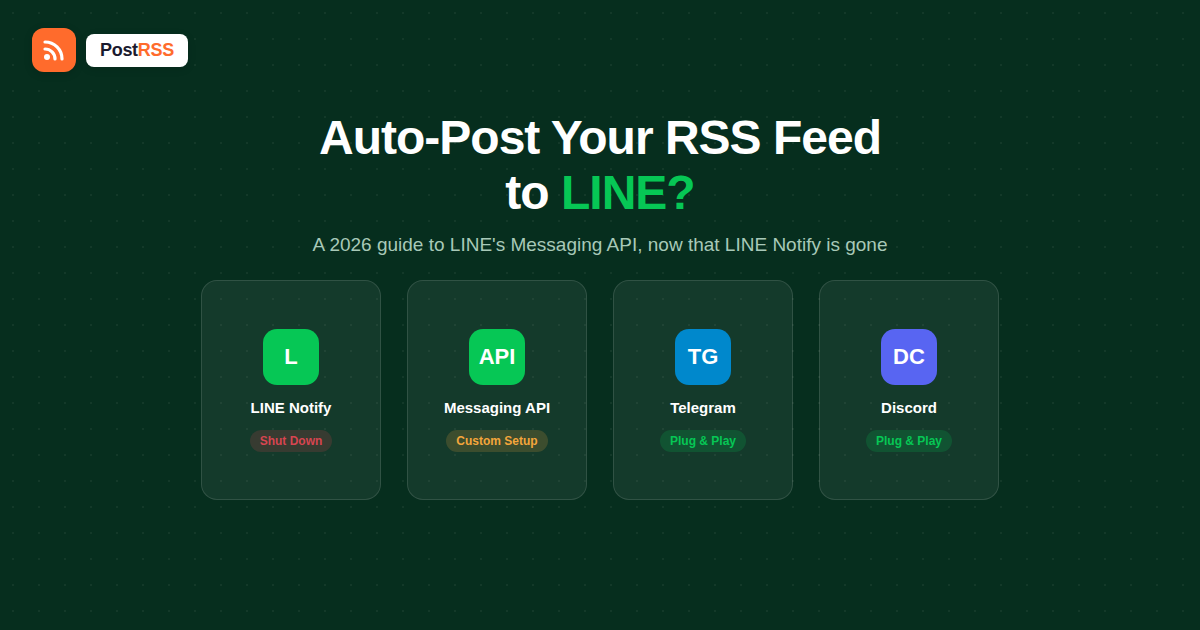
Until recently, the simplest way to push automated notifications into LINE was LINE Notify: a lightweight, webhook-style service that let any tool send a message to a LINE account or group with a single API call and a personal access token, no official business account required. LINE Notify was officially discontinued on March 31, 2025, with API access, token issuance, and documentation fully removed shortly after. If you find an old tutorial describing LINE Notify as an easy RSS-to-LINE bridge, it’s now describing a dead service.
LINE’s own recommended replacement is the Messaging API, built for LINE Official Accounts — a considerably more capable but also more involved system than the one-token simplicity LINE Notify offered.
The Messaging API supports several distinct ways to send a message to your audience: push messages to a single user, multicast to a specific list of users, narrowcast to a segment based on demographics or attributes, and broadcast to every friend of your LINE Official Account at once. Broadcast is the one that maps conceptually onto “post my new content to everyone following me” — the same job an RSS auto-poster does on Facebook or X.
Two structural differences separate this from a typical social auto-posting connection, though:
Telegram and Discord both became easy auto-posting destinations because each offers a dead-simple integration point — a bot token you paste in, or a webhook URL you generate and hand to any tool. LINE’s Messaging API is a full, authenticated REST API requiring a signed request with a channel access token on every call, which is a meaningfully higher integration bar. That’s the practical reason LINE doesn’t show up as a one-click destination in social media automation tools the way Telegram or Discord do — it’s not that LINE lacks a broadcast capability, it’s that connecting to it requires custom server-side code rather than a copy-pasted webhook URL.
For a technical team that wants this badly enough to build it, the path is well-documented, just not zero-code:
A workflow tool like Make or Zapier can substitute for the custom server in steps 3–5 for teams that would rather configure this than write it from scratch, using an RSS trigger connected to an HTTP/webhook action that calls LINE’s API directly — but this still requires manually building that connection rather than picking LINE from a list of ready-made destinations.
A plain text broadcast works, but it wastes what the Messaging API can actually do with a feed item. LINE supports several message types beyond plain text, and a custom bridge can map RSS fields onto them directly:
Mapping your feed’s <title>, a trimmed excerpt of the description, and the enclosure or featured image into a Flex Message gives LINE subscribers something closer to what your Facebook or X followers already see, rather than a bare wall of text.
Teams building a custom LINE bridge run into a fairly consistent set of early problems:
| Platform | Setup requirement | Out-of-the-box RSS tool support | Broadcast mechanism |
|---|---|---|---|
| Telegram | Create a bot via BotFather, get a token | Common — widely supported as a direct destination | Bot sends messages to a channel/group it’s added to |
| Discord | Generate a channel webhook URL | Common — widely supported as a direct destination | Webhook URL accepts POST requests directly |
| LINE | Register an Official Account, create a Messaging API channel, generate an access token | Rare — requires custom integration or a workflow tool | Authenticated Broadcast Message API call, not a simple webhook |
Broadcast and push messages count against a monthly message quota tied to your LINE Official Account’s plan, while reply messages sent in response to something a user sent first don’t count against that quota at all. LY Corporation, which operates LINE, announced a move to a simplified two-tier rate structure for messaging effective October 1, 2026 — worth checking against LINE’s current official pricing page before budgeting for regular broadcast volume, since exact quota numbers and tiers are the kind of detail that shifts over time.
If a full custom integration is more engineering effort than your team wants to take on right now, a reasonable middle ground is keeping LINE broadcasts manual — sent directly from the LINE Official Account manager a few times a week — while automating everything else (66 networks, including Facebook, X, LinkedIn, Pinterest, Threads, Bluesky, Mastodon, Telegram, Discord, Tumblr, VKontakte, Matrix, Webhook and Instapaper) through your RSS feed. LINE audiences in markets where it dominates tend to respond well to a smaller number of more deliberate broadcasts anyway, rather than a high-frequency feed of every single new article, so the lack of full automation here is a smaller loss than it would be on a platform built around real-time posting.
This also sidesteps a real quota-management problem that a fully automated setup would need to solve anyway: broadcasting every single feed item, several times a day on a busy publishing schedule, can burn through a monthly message quota fast, especially on lower Official Account tiers. A team sending five or six manually-curated broadcasts a week, covering only its most important updates, both stays comfortably inside quota limits and avoids training its LINE audience to tune out a channel that posts too often to feel worth opening.
Since PostRSS added LINE on the Professional plan ($10/month), the engineering effort described above is no longer the only route — but it is still not worth chasing LINE at all for a site whose audience is mostly in the US, Western Europe, or other markets where LINE has little traction — in those cases, the platforms PostRSS already automates directly cover essentially all of the realistic distribution. The calculation flips for e-commerce brands, tourism businesses, or media outlets specifically targeting Japan, Thailand, or Taiwan, where a LINE Official Account is often a bigger channel than Facebook or X combined, and the integration effort described above becomes a reasonable one-time investment rather than a nice-to-have.
No, LINE Notify was fully discontinued on March 31, 2025, and its API, tokens, and documentation have since been removed — any setup that depended on it needs to migrate to the Messaging API.
Yes, broadcast, push, multicast, and narrowcast messages are all features of LINE Official Accounts through the Messaging API, not something available to a personal LINE profile.
Not directly — Telegram accepts a simple bot token and chat ID, while LINE requires authenticated API calls to a specific endpoint, so most no-code RSS tools don’t offer LINE as a plug-and-play destination.
It can, depending on your plan and monthly message volume — broadcast and push messages count against a quota, while messages sent in reply to a user don’t, and LINE’s pricing structure is scheduled to simplify to two tiers starting October 1, 2026.
Yes, both support building a workflow that triggers on a new RSS item and then calls LINE’s Messaging API through a webhook or HTTP action, though you’ll still need to configure the LINE API call yourself rather than picking LINE from a pre-built list of destinations.
Nothing has been announced publicly as of this writing; LINE’s platform direction has moved toward the fuller Messaging API rather than reintroducing a LINE Notify–style simple webhook option.
They fail outright — the service and its API endpoints were fully shut down, so any integration still pointed at LINE Notify needs to be rebuilt against the Messaging API from scratch.
Not as a widely adopted standard the way Zapier’s Telegram or Discord actions are — most no-code LINE integrations still require manually supplying your channel access token and constructing the message payload yourself inside the workflow tool, rather than a pre-built “connect your feed” step.
Yes — LINE’s Flex Message format supports image, headline, excerpt, and button layouts, which is worth building into a custom bridge rather than sending bare text-only broadcasts.
Check for an expired or rotated channel access token first, followed by an unreachable or non-HTTPS image URL — both are common, mostly silent failure points in a custom LINE integration.
You can auto-post to LINE, but not through a simple webhook the way Telegram or Discord work — LINE’s Messaging API requires an Official Account, an access token, and either custom server code or a workflow tool configured to call its Broadcast endpoint directly, especially now that the simpler LINE Notify option is gone for good. In PostRSS, LINE is included from Professional at $10/month, which removes the custom-code step for teams that would otherwise have built it. For teams using other tools, the practical approach is automating the platforms that support a direct, no-code connection through PostRSS — all 66 networks — while treating LINE broadcasts as a deliberate, manual step for the audience segment that specifically lives there.
What changed in the networks, what broke, and how to fix it before it costs you reach.
Создано Internet Solutions — командой PostRSS. Каждый продукт экономит ваше время по-своему.
 English
 Lietuviškai
 Deutsch
 Français
 Русский
 Español
 Polski
 Italiano
 Українська
 Čeština
 Português
 日本語
日本語 Latviešu valoda
 Eesti
Eesti Magyar
 Bahasa Indonesia
 Türkçe
 हिन्दी
 Ελληνικά
 العربية
 ไทย
ไทย Tiếng Việt
 Română
 Bahasa Melayu
 বাংলা
বাংলা