WordPress Auto Social Poster

This tag covers configuring automated social posting for a WordPress site's new content through PostRSS, from initial feed connection through to ongoing monitoring. PostRSS can be pointed at a category-specific or tag-specific WordPress feed URL rather than the site-wide feed, which allows automating posting for only certain types of content. As with any connected feed, PostRSS checks a WordPress site's RSS output every 5 minutes on standard plans, and every 1 minute on Enterprise tiers, so new posts reach social media promptly. WordPress generates a default RSS feed automatically at /feed/ for every site, and PostRSS connects to that native feed directly, so no additional on-server plugin is needed and the site's own performance is unaffected. Articles here cover the full lifecycle: connecting the feed, choosing Targets, and troubleshooting if posts stop appearing as expected. This tag largely overlaps with wordpress-autoposter, covering the same core workflow.
Post Automatically RSS Feeds to Social Networks with the PostRSS Tool
Actualizat: 20.08.2026

Updated: 2026-08-20 Manually sharing every new website update across multiple social profiles is an ineffective use of ...

Citește mai mult »
Auto Post WordPress and Blog RSS Feed to Facebook, X, LinkedIn, and VKontakte
Actualizat: 2026-08-30

Updated: 2026-08-20 If you run a WordPress website or a professional blog, consistently promoting your new content on s...

Citește mai mult »
Post Your RSS Feeds Easier and Faster Than Ever
Actualizat: 2026-08-30

Updated: 2026-08-20 Managing multiple social media accounts while regularly publishing fresh content on your website ca...

Citește mai mult »
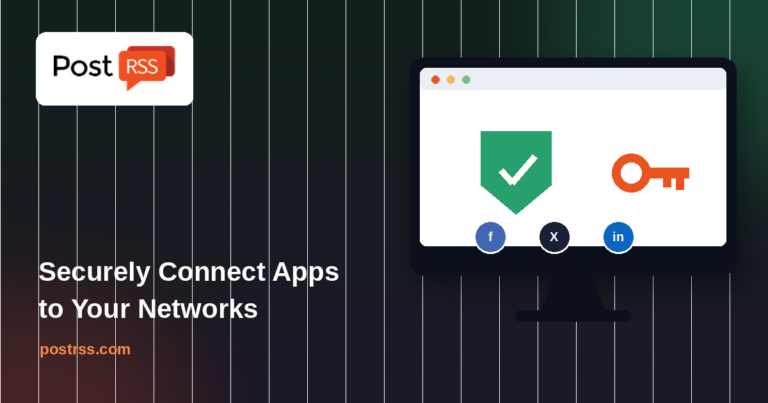
How to Connect Official PostRSS Apps to Securely Auto-Post to Major Social Networks
Actualizat: 2026-08-30

In the world of social media automation, security and ease of use are paramount. To broadcast your website’s RSS or Atom ...

Citește mai mult »
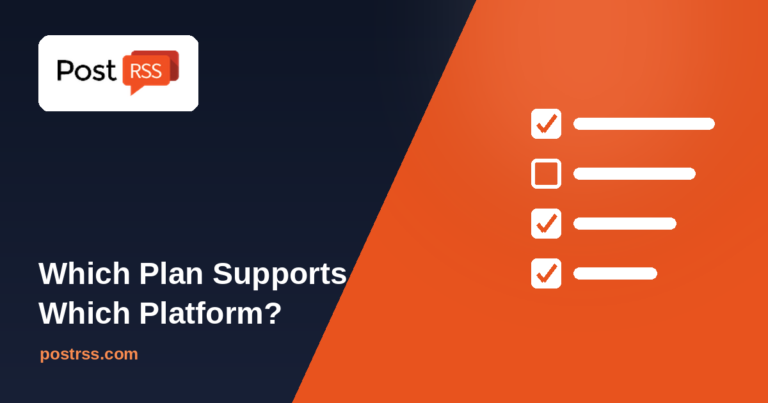
Which PostRSS Plan Supports Which Platform? A Clear 2026 Breakdown
Actualizat: 2026-08-30

Updated: 2026-08-20 This post originally announced, back in December 2016, that PostRSS's Start and Professional pl...

Citește mai mult »
Plan Your Free Time: Social Media Automation for Owners
Actualizat: 2026-08-30

Updated: 2026-08-20 As an entrepreneur, blogger, or digital marketer, your most valuable asset isn't capital — it's time. Be...

Citește mai mult »
Why SSL & HTTPS Matter for Secure Social Automation
Actualizat: 2026-08-30

Updated: 2026-08-20 In the modern digital landscape, web security is no longer an optional luxury — it is an absolute necess...

Citește mai mult »
How to Increase Your Sales Automatically Using E-Commerce RSS Syndication
Actualizat: 2026-08-30

Updated: 2026-08-20 For e-commerce store owners, digital marketers, and product creators, driving consistent revenue is...

Citește mai mult »
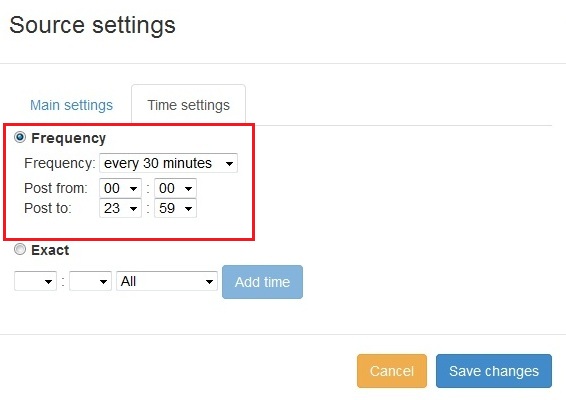
Funcție nouă adăugată în PostRSS: Selecția avansată a orei de postare
Actualizat: 11.11.2015

  New feature added to PostRSS Advanced posting time selection. No source from Advanced time settings Possible to add i...

Citește mai mult »

Cum să vă sincronizați contul de social media cu aplicațiile PostRSS?
Actualizat: 03.11.2015

We receiving many questions: How to synchronize social my accounts? I am don't see my Facebook page in listings? How po...

Citește mai mult »
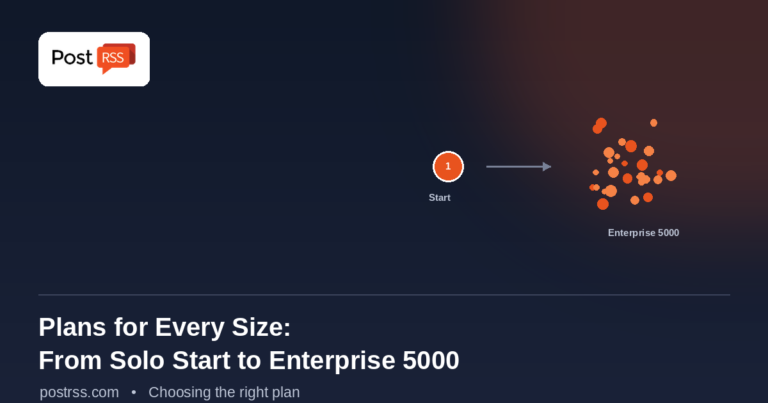
PostRSS Plans for Every Size: From Solo Start to Enterprise 5000
Actualizat: 2026-08-30

Updated: 2026-08-20 This post originally announced two additions to PostRSS's pricing lineup back in June 2015: a S...

Citește mai mult »
Automate Your Pinterest Marketing: How to Turn Visual Content into Continuous Web Traffic
Actualizat: 2026-08-30

Updated: 2026-08-20 Pinterest is not just another social network; it is a powerful visual search engine. For e-commerce...

Citește mai mult »
Meniu
x
PostRSS - Platformă de automatizare a fluxurilor RSS și instrument de auto-postare
Prezentare Confidențialitate

Acest site utilizează cookie-uri pentru a vă putea oferi cea mai bună experiență de utilizare posibilă. Informațiile despre cookie-uri sunt stocate în browserul dumneavoastră și îndeplinesc funcții precum recunoașterea dumneavoastră atunci când reveniți pe site-ul nostru și ajutorarea echipei noastre de a înțelege care secțiuni ale site-ului sunt cele mai interesante și utile pentru dumneavoastră.