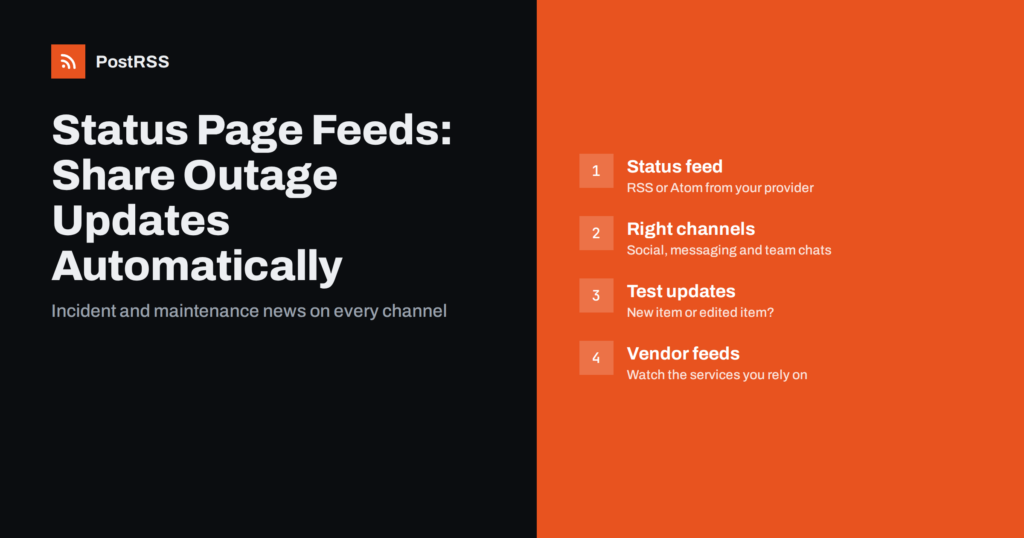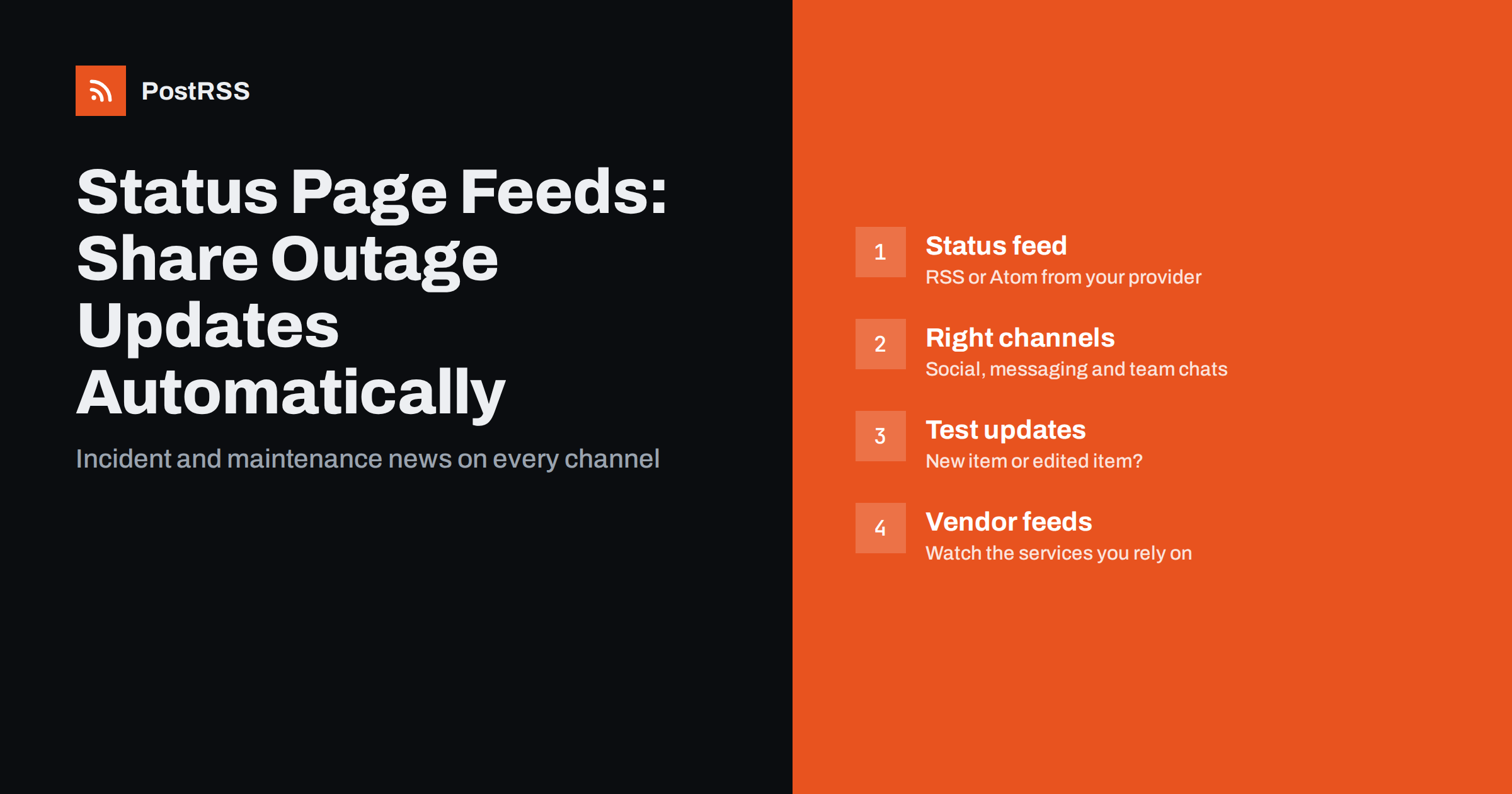
Short answer: Most hosted status pages publish incidents and maintenance notices as an RSS or Atom feed. Connecting that feed to an auto-posting tool lets you share new incidents on X, Mastodon, Bluesky, Telegram, Discord and internal team chats without typing the same update into every app during an outage. Test first how your provider represents incident updates, because some add a new feed item per update while others edit one item, and keep urgent customer communication on your status page and e-mail as the primary channels.
When a service goes down, the people who know most about the problem are busy fixing it. Communication is usually handled by whoever is on call or on the support team, and they face the same demand from every direction: customers asking on social media, colleagues asking in team chat, partners asking by e-mail. Under pressure, updates get posted in one place and forgotten in another. The status page says “investigating”, X still shows yesterday’s maintenance notice, and the support team learns about the fix from a customer.
A status page solves half of this by giving everyone one authoritative place to look. The other half is getting people to that place, and getting the same information into the channels they already watch. That is where the status page’s feed comes in. If every incident update you publish on the status page is automatically distributed, the person handling communication only has to write the update once.
Hosted status page services commonly offer subscription options such as e-mail, SMS, webhooks and RSS or Atom feeds. Atlassian Statuspage, for example, lists RSS and Atom links among its subscribe options, and many other providers do the same. Self-hosted status page software often includes a feed as well. Check your provider’s documentation or the “Subscribe” menu on your public status page.
A typical status feed contains:
The important detail is how updates are represented, and it differs between providers.
This is the single most important thing to test before you automate anything. There are two common patterns:
Auto-posting tools detect new content by looking for items they have not seen before, usually by GUID or link. With the first pattern, the initial incident is posted, but later updates, including “Resolved”, may never be posted, because the item is not new. With the second pattern, every update becomes a post, which is ideal for real-time communication but can be noisy on public networks during a long incident.
To test, subscribe a feed reader to your status feed, create a test incident on the status page (many providers let you do this privately or with a component nobody uses), post two or three updates and resolve it. Then look at the raw feed and at what the reader shows. Our explainer on how feed update detection works describes the underlying behaviour.
Not every channel suits outage communication, and not every audience needs every update. A practical split:
Keep e-mail and in-app notifications, usually offered directly by the status page provider, as the primary channels for customers who have subscribed. Social posts are an additional route to the same information, not a replacement.
Because the same text will appear on the status page and on several networks, write it for both:
Also check the title length. On networks with short character limits, a long title plus a link may be cut. See our overview of platform character limits for guidance.
Auto-posting tools check feeds on a schedule rather than instantly, and status page providers may cache their feeds for a short time. In practice, an update typically reaches social channels a few minutes after it appears on the status page. For status communication that is usually acceptable, because the status page itself is the real-time source and social posts point people to it.
If you need faster delivery to internal systems, many status page providers also offer webhooks that push each update immediately. A sensible combination is webhooks or e-mail for the on-call team, and the RSS feed for public social channels and wider internal awareness. Our article on RSS vs webhooks vs API polling explains the trade-offs.
Disable posting windows for status feeds. A maintenance notice held until “business hours” defeats the purpose.
Status feeds are not only for publishing. The same mechanism works in reverse: most businesses rely on external services such as payment providers, hosting platforms, e-mail delivery services, CDNs and software tools, and many of them publish status feeds too. Connecting those feeds to an internal team chat channel means your team hears about a vendor’s incident as soon as it is announced, often before customers start asking why checkout is slow.
A few practical tips for vendor feeds:
#vendor-status, so these notices do not drown out other conversation.If you are setting this up for the first time, work through it in a calm week rather than in the middle of an incident:
This order keeps early mistakes private. By the time your status updates appear on public networks, the team has already seen how they look and trusts the setup.
PostRSS can use any RSS 2.0 or Atom feed as a source, including a status page feed. It checks each feed every 5 minutes on all plans, or every minute on Enterprise plans, and posts new items to the channels you connect: X, Mastodon, Bluesky, Threads, Telegram, Discord, Facebook Pages and team chats such as Google Chat, Mattermost, Zulip, Webex and Zoho Cliq, 66 networks in total, plus webhooks for Slack, Microsoft Teams, Zapier and n8n. Keyword filters let you include or exclude items by words in the title and description, and the log shows every post, error and retry. See the features page for the full list and the pricing page for which networks each plan includes.
A status page feed turns every incident and maintenance update into something you write once and distribute everywhere. Test how your provider represents updates, choose channels deliberately, write titles that explain impact, and keep the status page and direct notifications as the primary sources. Used this way, a status feed lowers support load and keeps customers and colleagues informed when it matters most.
Many hosted status page services offer RSS or Atom feeds among their subscription options, alongside e-mail and webhooks. Check the Subscribe menu on your public status page or your provider’s documentation for the exact address.
Your provider probably updates one feed item per incident instead of adding a new item for each update. Auto-posting tools only post items they have not seen before, so the edited item is not posted again. Post the resolution manually or use a feed that lists updates separately.
Usually not. Public networks such as X, Mastodon and Bluesky suit new incidents and resolutions, community channels suit detailed updates, and internal team chats should receive everything so staff know what customers see.
For public communication it typically is, because updates arrive within minutes and point to the status page. For the on-call team, use direct alerting, webhooks or monitoring tools instead of feed-based posts.
Yes. Connecting your vendors’ status feeds to an internal chat channel is a simple way to learn about external incidents quickly. Filter by keywords if a vendor’s feed covers products or regions you do not use.
What changed in the networks, what broke, and how to fix it before it costs you reach.
Create de Internet Solutions, echipa din spatele PostRSS. Fiecare produs vă economisește timp în felul său.
 English
 Lietuviškai
 Deutsch
 Français
 Русский
 Español
 Polski
 Italiano
 Українська
 Čeština
 Português
 日本語
日本語 Latviešu valoda
 Eesti
Eesti Magyar
 Bahasa Indonesia
 Türkçe
 हिन्दी
 Ελληνικά
 العربية
 ไทย
ไทย Tiếng Việt
 Română
 Bahasa Melayu
 বাংলা
বাংলা