Updated: 2026-09-28
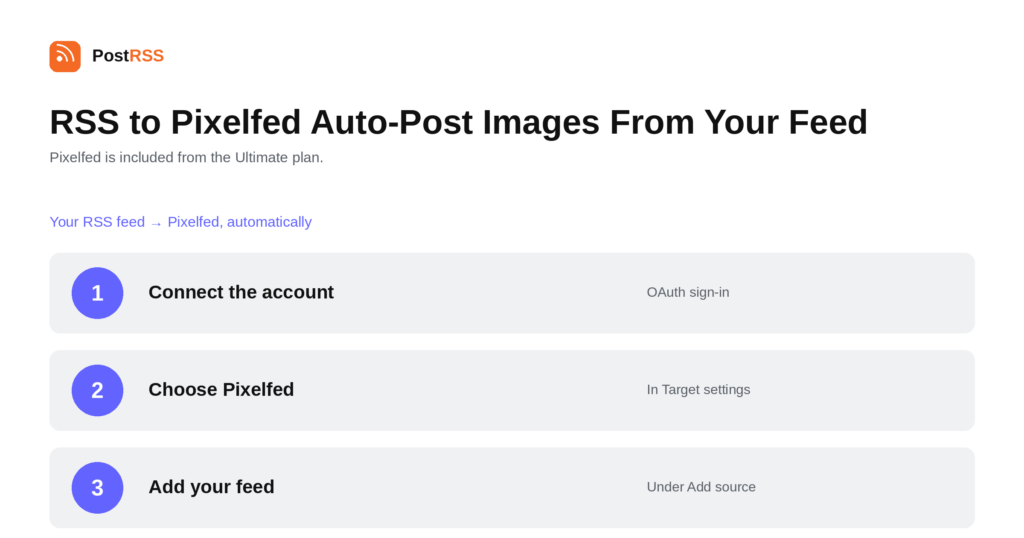
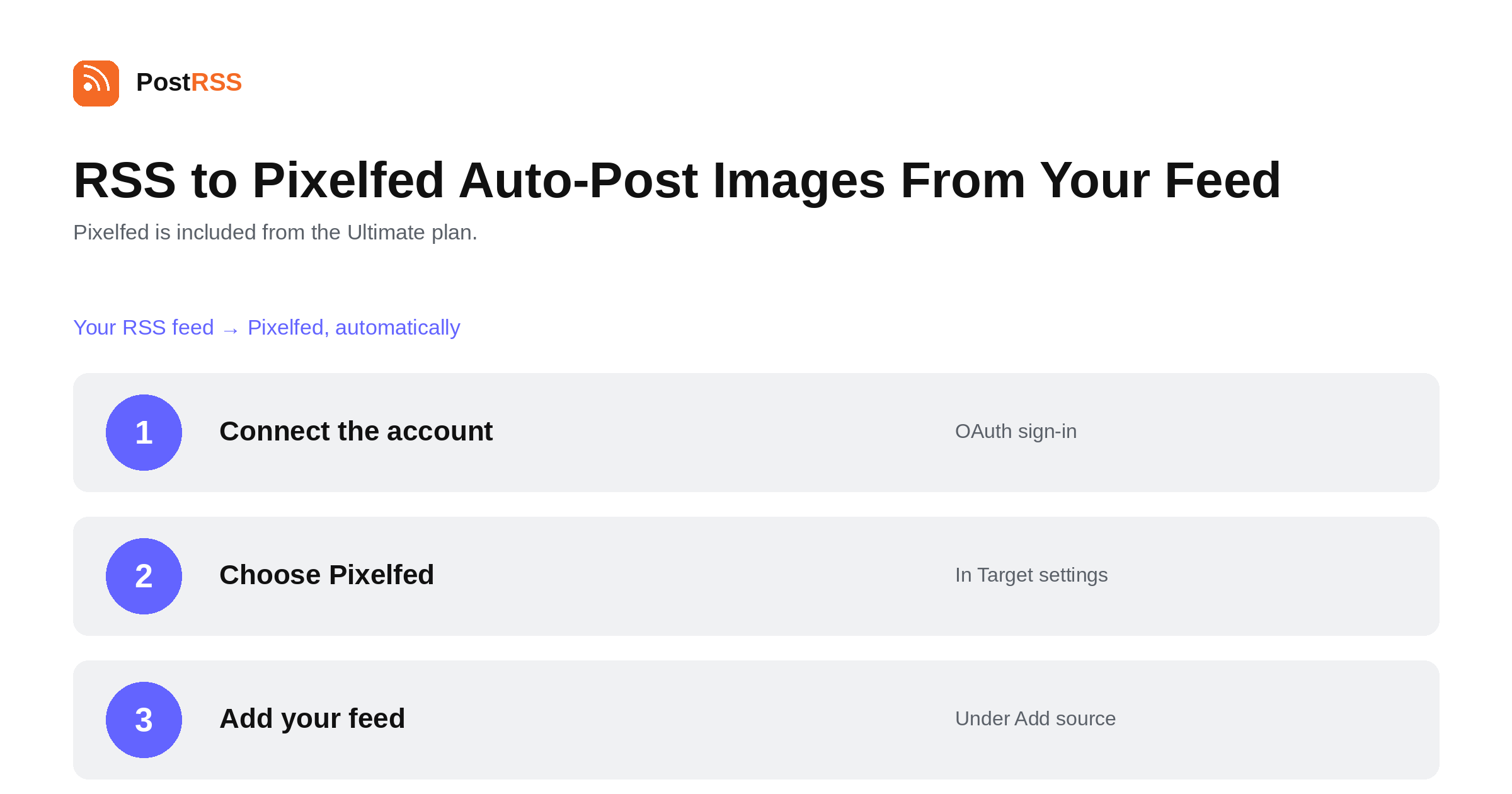
Short answer: connect your Pixelfed account through OAuth on the server it lives on — pixelfed.social or any other instance — under Accounts → Add new Pixelfed account. Then open Ținte → Add feed, choose Pixelfed in Target settings and add your feed under Add source (Type = RSS feed, Link = your feed address). Every new feed item that has an image is posted to your profile; items without one are skipped, because Pixelfed is a photo network. Pixelfed is included from the Ultimate plan.
Pixelfed is the Fediverse's answer to a photo-sharing network: same ActivityPub plumbing as Mastodon, different shape. Posts are images with captions, profiles are grids, and people on Mastodon and other Fediverse servers can follow you without creating a Pixelfed account at all. For anyone publishing visual work, that last part is the interesting bit — one account reaches readers across a much wider network than its own user count suggests.
Pixelfed publishes photos. A post without an image is not a Pixelfed post, so PostRSS skips any feed item that does not carry one. This is not a limitation to work around; it is the network working as designed, and it has a practical consequence worth planning for.
If your feed is a mix — some articles with featured images, some without — the Pixelfed target will publish the visual ones and quietly pass over the rest. That is usually the behaviour you want. If your feed rarely carries images at all, Pixelfed is simply not the right destination for it, and no configuration will change that.
The fix, where there is one, is at the source: make sure your CMS puts the featured image in the feed. Many themes show an image on the page but omit it from the feed entirely, which produces a Pixelfed target that never publishes anything and looks broken when it is not.
Because Pixelfed speaks ActivityPub, your posts are visible to people following you from Mastodon, Misskey, Friendica and anything else on the Fediverse. They do not need a Pixelfed account, and they do not need to know that is where the post came from. A single connected account therefore covers a broader audience than the instance's own numbers imply.
It also means normal Fediverse etiquette applies. Automated accounts are accepted when they are useful and clearly what they are; an account that floods a timeline with twenty items an hour gets muted quickly, whichever server it lives on.
PostRSS publishes items that appear in the feed after the Target starts running. Connecting an established feed does not import its back catalogue, which is deliberate — the alternative is a destination flooded with years of archive on day one.
It also does not crop or edit your pictures, build carousels, or add alt text automatically. The image comes from the feed as-is, which is another reason to get the source right.
Pixelfed is included from the Ultimate plan. Each destination you connect counts as one Target, and your plan sets how many Targets and how many posts a month you get. An annual subscription is cheaper than paying monthly. The current limits for every tier are on the pricing page, and the full list of 66 networks is on the supported networks page. The Pixelfed auto-posting page has the short version.
The comparison people reach for is Instagram, and on the surface it is fair: a photo grid, captions, follows. The operational difference is enormous. Instagram gates automated publishing behind a professional account type and an app review, which is why so few tools offer it and why PostRSS lists Instagram as in testing rather than live. Pixelfed gates nothing. You connect an account on its own server with OAuth and start posting, in the time it takes to log in.
The honest counterweight is audience size. Pixelfed is a fraction of Instagram, and pretending otherwise helps nobody. What it offers instead is reach into the Fediverse, an audience that is unusually receptive to independent publishers, and no risk of an algorithm change wiping out your distribution overnight.
Next to Mastodon, the distinction is format rather than reach. Mastodon takes any post, with or without a picture; Pixelfed takes photos. Running both from the same feed is a common setup: Mastodon carries every article, Pixelfed carries the visual ones, and followers on either side see them in the same timeline if they want to.
Since images decide whether anything publishes at all, it is worth checking the feed rather than assuming. Open your feed URL in a browser and look at a single item. You want to see the image either inside the item content or as an <enclosure> or media tag — not merely on the web page the item links to.
Because they have no image. Pixelfed is built for photos, so PostRSS publishes only the feed items that carry one and skips the rest. If nothing at all is posting, the likely cause is a feed that omits featured images entirely.
Yes. Pixelfed is federated, and you connect your account on whichever server it lives on. If that server permits it, you can paste an access token instead of going through OAuth.
Yes. Pixelfed speaks ActivityPub, so anyone on Mastodon or another Fediverse server can follow your account and see the posts in their own timeline without signing up for Pixelfed.
No. The image is published as it comes from the feed. If accessibility matters for your audience — and on the Fediverse it is taken seriously — that is a reason to consider posting manually or to make sure your source content is doing the work.
Pixelfed is on the Ultimate plan, alongside Mastodon, Bluesky, Lemmy / PieFed and the other Fediverse destinations.
No. Only items that appear in the feed after the Target starts running are published, so connecting an old feed does not flood your profile with the archive.
Pixelfed is a good destination for a visual feed and a poor one for a text feed, and the difference is entirely down to whether your items carry images. Connect the account on its own server, point a Target at your feed, and every image-bearing item posts itself to a profile that readers across the whole Fediverse can follow. It is included from the Ultimate plan.
What changed in the networks, what broke, and how to fix it before it costs you reach.
 English
 Lietuviškai
 Deutsch
 Français
 Русский
 Español
 Polski
 Italiano
 Українська
 Čeština
 Português
 日本語
日本語 Latviešu valoda
 Eesti
Eesti Magyar
 Bahasa Indonesia
 Türkçe
 हिन्दी
 Ελληνικά
 العربية
 ไทย
ไทย Tiếng Việt
 Română
 Bahasa Melayu
 বাংলা
বাংলা