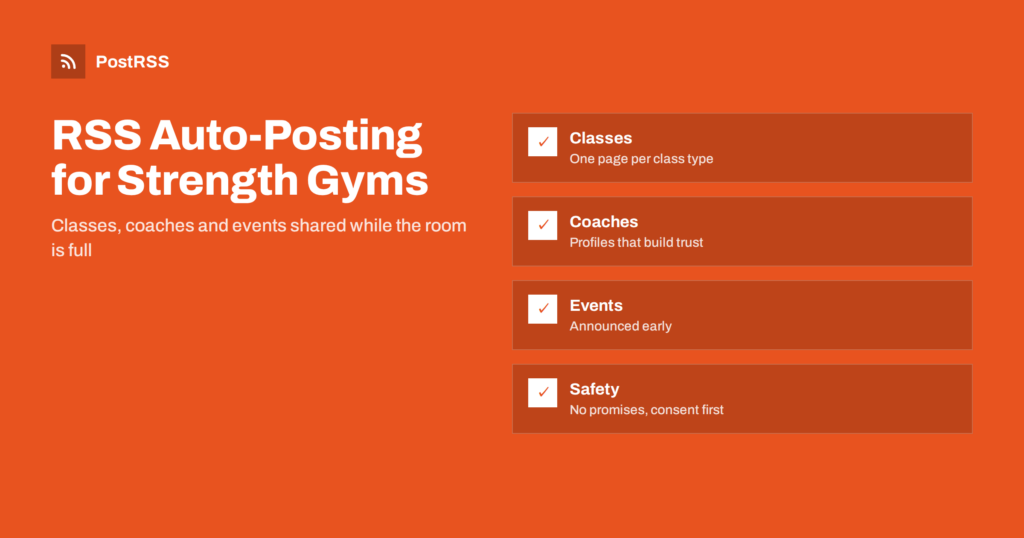
Short answer: RSS auto-posting lets functional fitness and strength gyms share class schedules, coach profiles, beginner guides, programming notes, event announcements and member stories on social media automatically. Publish each item as a page on your website, let an auto-poster read the RSS feed, and it appears on your Facebook Page, Pinterest boards, Telegram channel and other channels with its link and image. Members and newcomers see what is on this week, while the coaches are on the floor instead of at a keyboard.
A strength and conditioning gym lives on its community. People join because they want to get stronger, because a friend invited them or because they saw a place that looks welcoming and serious at the same time. They stay because the coaching is good, the classes fit their week and the room feels like a team. A lot of that impression is formed before anyone walks in, by the website and the social pages. Yet the people who know the most about training are on the floor during the busiest hours, running classes one after another. A website can hold a short page for every class type, every coach, every beginner guide and every event, and automation can carry those pages to the networks where members and neighbours look. This guide explains how to set it up and where safety, health claims and privacy must stay in human hands.
A functional fitness or strength gym has a steady stream of things people want to know:
Each of these can be a short page on your own website. When the page is published, the feed announces it. You write it once, in a place that you own, and the automation spreads it to the networks where members and newcomers spend time. Pages on your site also appear in search results when someone looks for a gym nearby, which social posts alone do not achieve.
Most gym websites run on platforms that publish feeds without extra work:
/feed/ and a feed for every category, such as /category/coaching-notes/feed/. If you are unsure of the address, see how to find your WordPress feed link.Use categories to separate the audiences: classes and schedule, coaching notes, events, member stories and news. Each category has its own feed, and each feed can go to the channel where it works best; schedule changes to the members’ channel, beginner guides to the Facebook Page, events to every channel. Routing by category is explained in category filtering for auto-posting.
| Content | Automate? | Notes |
|---|---|---|
| Class descriptions and timetable pages | Yes | One page per class type; update the schedule page when it changes |
| Coach profiles and coaching notes | Yes | Evergreen pages that build trust over time |
| Beginner guides and event announcements | Yes | Publish early so people can plan |
| Member stories | Yes, with consent | Written permission, and no health claims |
| Cancelled classes and last-minute changes | By hand | Post at once on the channel members check, and message those booked |
| Injuries, medical questions and complaints | By hand | A coach answers privately, kindly and quickly |
A simple rule: if it is general information on a finished page of your website, automate it. If it concerns today’s class, one member or one health question, handle it personally.
A good class page answers the questions that a nervous newcomer asks. What happens in a session and how long does it last? Do I need experience or equipment? What if I cannot do a movement? How many people are in the room, and will the coach watch my technique? Give each class type its own page with the answers, a photograph that shows real members of different ages and abilities, and a clear link to the trial or booking form. Say plainly that every movement can be scaled and that the coach adjusts the load to the person. Publish the timetable as a separate page and update it when it changes; the feed announces the change, and members learn about the new schedule without anyone writing a post.
Evergreen content is where a small gym can outperform bigger names. A page on how to scale a heavy session, a guide to the first month of strength training, a short explanation of why mobility work matters and an article about sleep and recovery all answer questions that people type into search engines. Coach profiles work in a different way: a short page with a qualification, a speciality and a personal detail makes the person behind the whiteboard real. Both kinds of pages are easy to publish and easy to share again as part of a content calendar. Have a qualified coach review every technical guide, and avoid advice that depends on a person’s health, such as a plan for someone with a particular condition.
Rules on advertising, health claims and the use of images differ by country, so follow the rules that apply to your business and keep consents on file. Automation only shares what you publish, so these decisions happen at the page, not in the auto-poster.
Keep file sizes reasonable so pages load quickly on a phone; see image optimization for RSS auto-posting. If a network shows the wrong picture, check the Open Graph tags of the page as described in why auto-posted links show the wrong image.
Most gyms do best with a Facebook Page and a messaging channel for members. Add others only if you can keep them active.
/feed/, and check that it lists recent items.PostRSS has been automating RSS posting since 2014. It checks your website feeds as often as every minute and publishes each class page, coaching note and event announcement, with its real image and link, to the channels you connect, from Facebook Pages and Pinterest boards to Telegram, Bluesky, Mastodon and many more among its 66 supported networks. You can choose how each post is built, filter items by keywords, add UTM parameters and post only within chosen hours or at exact times in your time zone. See the PostRSS features page for everything it does and the pricing page for plan limits. More ideas for local venues are under the Local Business tag.
A functional fitness or strength gym runs on coaching, community and a timetable that members can trust, and the coaches are on the floor when the posts should go out. RSS auto-posting shares each class page, coach profile, beginner guide and event announcement automatically on Facebook, Telegram, Pinterest and your other channels, on time and with the right image. Give every class and guide its own page, keep the timetable current, avoid promises and medical advice, protect members’ privacy, keep fees on the page, route content by category and handle cancellations, injuries and complaints personally.
Yes. If your website has a news or coaching section, its RSS feed can be connected to an auto-poster that shares each new page on your Facebook Page, Telegram channel and other networks. Last-minute changes and anything about a particular member should still be handled personally.
Class and timetable pages, coach profiles, beginner guides, coaching notes, events and member stories told with permission. Each item should have its own page on your website so the feed can share it.
Post it by hand on the channel your members check and message those who booked. The feed is for planned information, such as guides and event announcements, where a short delay does not matter.
Only with their written agreement, and photographs of children only with the consent of a parent or guardian. Never share personal records or body measurements unless the member asks you to.
A Facebook Page reaches neighbours and members’ families, and a Telegram channel keeps members informed about the schedule. Pinterest suits guides and routines that people save for later.
What changed in the networks, what broke, and how to fix it before it costs you reach.
Create de Internet Solutions, echipa din spatele PostRSS. Fiecare produs vă economisește timp în felul său.
 English
 Lietuviškai
 Deutsch
 Français
 Русский
 Español
 Polski
 Italiano
 Українська
 Čeština
 Português
 日本語
日本語 Latviešu valoda
 Eesti
Eesti Magyar
 Bahasa Indonesia
 Türkçe
 हिन्दी
 Ελληνικά
 العربية
 ไทย
ไทย Tiếng Việt
 Română
 Bahasa Melayu
 বাংলা
বাংলা