Staffing and temp agencies live and die by how fast a new job order reaches candidates. A client calls in a warehouse shift starting Monday, or a last-minute admin placement that needs filling by Friday, and the agency’s ability to fill it often comes down to how quickly that listing reaches people already following the agency on social media. RSS auto-posting turns every new listing published on the agency’s job board into an automatic social post, the moment it goes live, without a recruiter stopping mid-shift to log into four different apps.
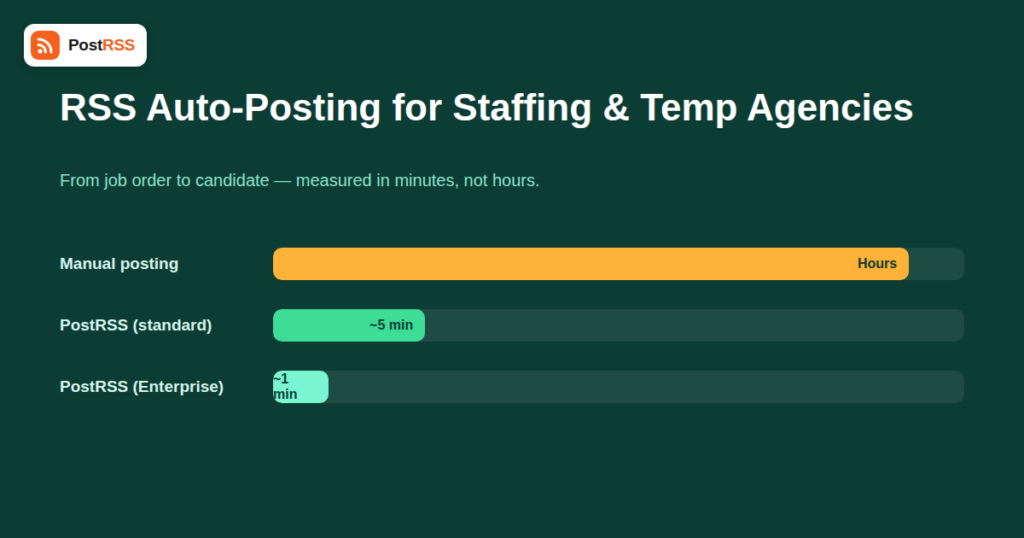
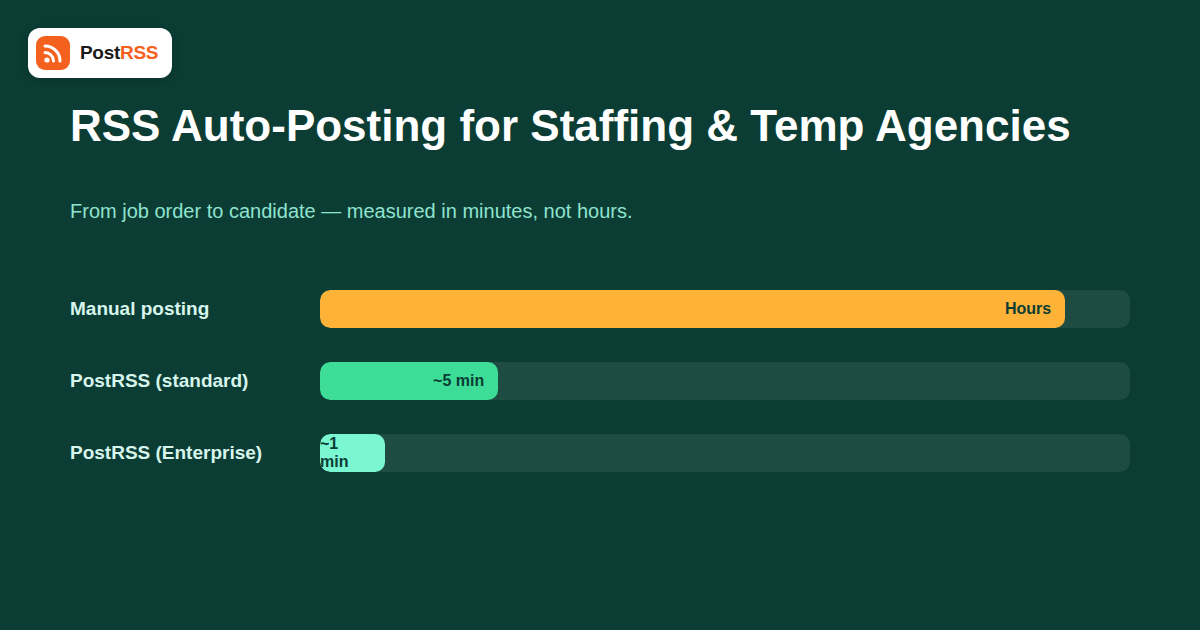
Unlike a lot of the industries that benefit from RSS auto-posting, staffing agencies aren’t optimizing for engagement or brand storytelling — they’re optimizing for fill rate on a clock. A job order posted at 9 AM that isn’t visible to candidates until an afternoon social media check has already lost hours of its most productive window. Every PostRSS plan except Enterprise checks a connected feed every 5 minutes, which for the overwhelming majority of staffing use cases means a new listing is live on social within minutes of being posted to the job board — fast enough that “did it go out yet” stops being a question anyone on the team has to ask.
This is also a case where the mechanics of feed checking directly translate into a business outcome, not just a technical detail. A recruiter who used to batch social posts once or twice a day was effectively adding hours of avoidable delay on top of however long it took to notice a new order in the first place — delay that has nothing to do with candidate supply and everything to do with an unnecessary manual step in the middle.
| Content Type | Automate? | Notes |
|---|---|---|
| New job listings | Yes | The core use case — every new posting flows out automatically |
| Urgent same-day openings | Yes | Speed matters most here; consider a separate feed for faster visibility |
| Candidate success stories / placements | Yes | Good evergreen content, lower urgency |
| Direct candidate outreach and screening | No | Still requires a recruiter’s judgment and relationship |
| Client-specific or confidential roles | Case by case | Route through a separate, unlisted feed if a role shouldn’t be public |
Facebook remains the highest-traffic option for most local and regional staffing agencies, since it’s where hourly and shift-based candidates are most likely to already be checking regularly. Agencies also benefit from adding RSS to LinkedIn for professional and skilled-trade placements, where the audience is more likely to be actively job-searching in a professional context rather than scrolling casually. A Discord server has become a genuinely useful third option for agencies serving younger or tech-adjacent candidate pools who coordinate in community servers rather than checking a Facebook feed.
Many staffing agencies run their job board on a dedicated ATS (applicant tracking system) or job-board plugin rather than a standard blog, and not all of these expose a clean RSS feed by default. Check whether new listings appear in a feed automatically, and whether closed or filled positions get removed from it — a feed that keeps posting already-filled roles will actively work against your fill rate by wasting candidate attention.
If your job board supports categories or tags — “urgent,” “same-day,” “standard” — route the urgent category to a faster-response network like Discord or a Facebook group your most engaged candidates already check daily, while standard listings flow through your main Facebook Page and LinkedIn.
A job board title like “Req #4471 — 2nd Shift” tells candidates nothing when it shows up as a social post. Auto-posting pulls your listing title directly, so titles need to carry the actual information a candidate scans for — role, shift, location, and pay range where you disclose it — since that’s what determines whether someone stops scrolling.
Once a role is filled, remove or unpublish it on your job board rather than trying to delete the social post after the fact. PostRSS mirrors what your feed exposes; keeping the source clean is the only reliable way to keep your social presence accurate.
Agencies with several branch offices — each serving a different city or region — usually want listings filtered so a branch’s candidates only see locally relevant openings, rather than every branch’s roles flooding one shared feed. If your job board supports per-branch categories or separate feeds, connect each branch’s feed to that branch’s own social presence. This keeps a candidate in one city from seeing three pages of listings in a market they’d never relocate for, which otherwise trains people to stop paying attention to your posts altogether.
Picture a mid-sized staffing agency with three branches, filling roughly 40 open orders a week across warehouse, administrative, and light industrial roles. Before automation, a coordinator manually copied each new listing to the agency’s main Facebook Page once or twice a day in a batch — meaning a role posted to the job board at 8 AM might not reach candidates until the afternoon batch, if it wasn’t forgotten entirely during a busy week. After connecting the job board’s feed to Facebook, LinkedIn, and a branch-specific Discord server, that same listing reaches all three channels within minutes of going live, with zero manual steps. The measurable difference isn’t more listings — it’s the same volume of listings reaching candidates hours earlier, which for time-sensitive staffing work often translates directly into faster fills and fewer no-show gaps caused by candidates seeing an opening too late.
A busy staffing agency might publish a dozen or more listings a day during peak hiring season, and blasting all of them to the same audience at the same cadence risks feeling like spam rather than a useful resource. A few practical adjustments help: group similar roles into a single digest-style post where your job board supports it, prioritize genuinely urgent same-day openings for immediate individual posts, and consider whether standard, lower-urgency listings belong on a slightly less frequently checked channel. This is less a technical setting than an editorial decision made at the job-board level — how your feed is structured upstream determines how the automated posting behaves downstream, so most of the tuning happens before the listing ever reaches PostRSS.
Staffing agencies operate under more scrutiny around job posting language than most other industries using auto-posting, since fair-hiring and equal-opportunity rules apply to how a role is advertised regardless of the channel. Because auto-posting simply mirrors whatever your job board already publishes, the compliance work happens at the source — make sure listing templates already meet your locality’s requirements around pay transparency, non-discriminatory language, and required disclosures before a listing goes live, since automation will faithfully distribute a compliant listing just as quickly as it would distribute a non-compliant one. This is a case where the speed automation provides cuts both ways: a mistake in a listing template reaches every connected network within minutes, the same as a correct one does.
Most businesses using RSS auto-posting are optimizing for reach or consistency. Staffing agencies are optimizing for something narrower and more measurable: time-to-fill. A role that sits unfilled costs the agency money and damages the client relationship with every day it stays open, and candidate attention on social media is genuinely time-sensitive — a listing posted hours late competes with a dozen newer ones by the time anyone sees it. That’s the specific reason staffing is one of the clearer return-on-investment cases for this kind of automation: the value isn’t abstract brand consistency, it’s measurably faster fills on roles that were always going to be posted anyway.
Within minutes on most plans, since PostRSS checks a connected feed every 5 minutes by default. Enterprise checks every 1 minute for agencies where same-day fill speed is critical enough to need it.
Remove or unpublish the listing on your job board itself — PostRSS reflects what’s currently in your feed, so there’s no separate step needed to pull the social post once the source listing is gone, though the already-published post itself will need manual deletion on each network if you want it removed retroactively.
Yes, as long as your job board can separate listings by branch or region into distinct feeds or feed categories. Each branch’s feed connects to its own set of targets independently.
If Facebook is your only channel, Free or Start covers low-to-moderate posting volume. Adding LinkedIn for professional placements requires Professional Plus; Discord for community-based outreach is available starting at Professional.
Only if they’re included in the feed PostRSS is connected to. Keep confidential listings in a separate, unconnected feed or unpublished status on your job board so they never enter the automated pipeline.
It works with any platform that produces a standard RSS or Atom feed. Most job-board plugins and ATS platforms support this, though it’s worth confirming your specific platform exposes a feed before setting up automation around it.
Whatever information appears in your listing’s title or excerpt carries through to the auto-posted version, so including pay range directly in your job board’s listing content — rather than only in the full posting page — ensures it shows up on social automatically.
That depends on whether your job board can generate a feed item that groups several listings together — PostRSS posts whatever an individual feed item contains. If your platform doesn’t support digest-style items natively, each listing will post as its own separate item.
Yes, if every listing posts individually and your board publishes a dozen roles a day. Consider structuring urgent, high-priority openings as individual posts while batching lower-urgency standard listings less frequently at the job-board level, since that’s where the actual posting cadence is determined.
For staffing and temp agencies, RSS auto-posting isn’t about content strategy — it’s about closing the gap between a job order coming in and candidates seeing it. Keep your job board clean (remove filled roles promptly), write titles that work as standalone posts, separate urgent listings from standard ones, and route each branch’s openings to the right local audience. Get those basics right and the fill-rate improvement comes from something as simple as candidates seeing the listing sooner, not from any change in recruiting strategy itself. The recruiters who used to spend part of every shift manually cross-posting get that time back for the part of the job automation can’t do: actually talking to candidates.
What changed in the networks, what broke, and how to fix it before it costs you reach.
 English
 Lietuviškai
 Deutsch
 Français
 Русский
 Español
 Polski
 Italiano
 Українська
 Čeština
 Português
 日本語
日本語 Latviešu valoda
 Eesti
Eesti Magyar
 Bahasa Indonesia
 Türkçe
 हिन्दी
 Ελληνικά
 العربية
 ไทย
ไทย Tiếng Việt
 Română
 Bahasa Melayu
 বাংলা
বাংলা