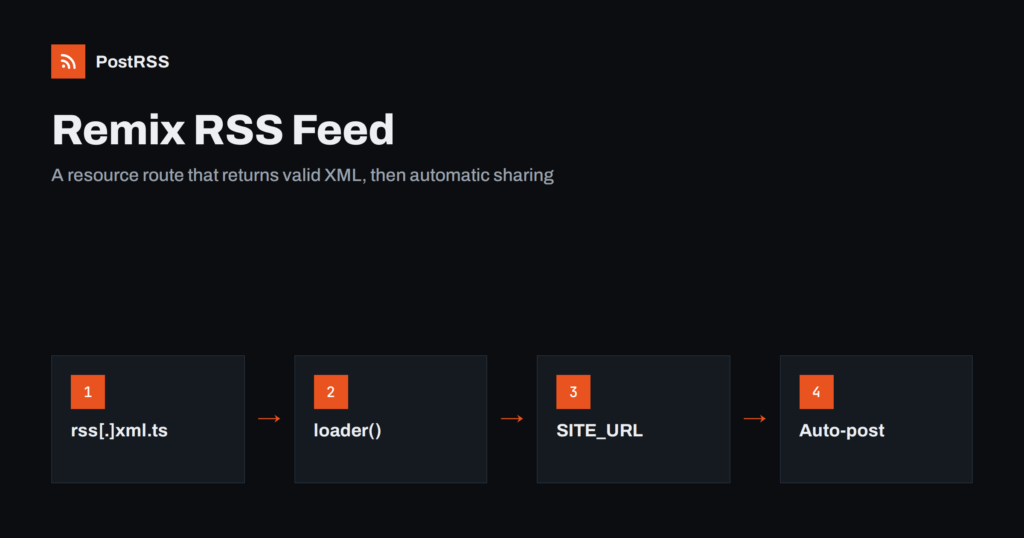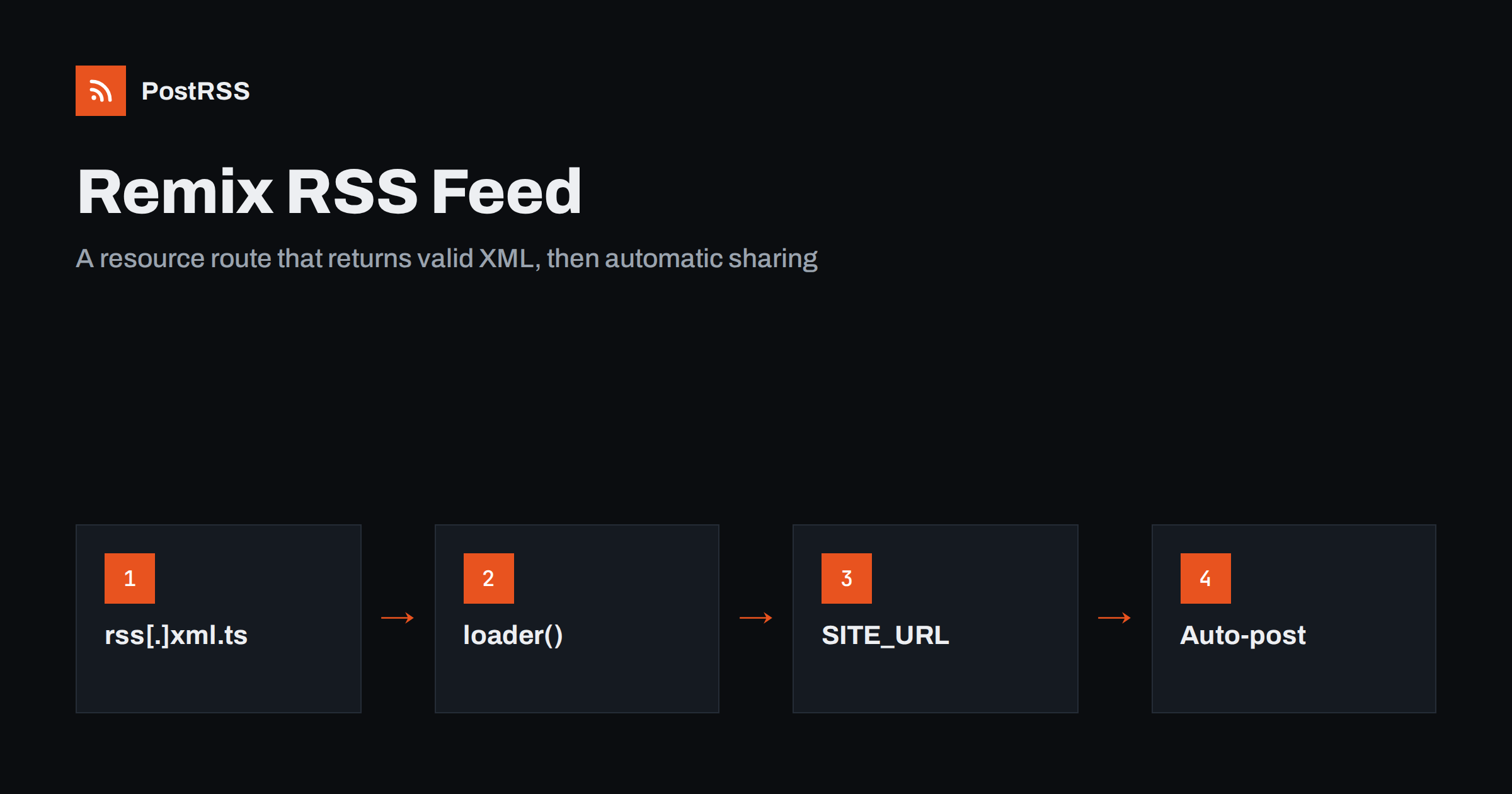
Short answer: A Remix RSS feed is a resource route: a route module that exports a loader and no component, and returns XML in a Response with the application/rss+xml content type. Name the file app/routes/rss[.]xml.ts in Remix 2, or register rss.xml in app/routes.ts in React Router 7, load your latest posts, escape the text, use absolute URLs and dates in RFC 822 format, and set a short cache time. Then connect the feed to an auto-poster so every new post is shared on social media automatically.
Remix popularised a simple idea: every route can load data on the server and return either a page or a raw response. Since the Remix team merged the framework into React Router, the same model lives on as React Router 7 in framework mode, and most Remix 2 apps can move to it with small changes. Neither version generates a feed for you, but the resource route pattern makes it a short, readable file. This guide shows the route for both versions, where the post data can come from, how to build valid XML without a library, how to cache and pre-render the feed, and what to check before an automation tool reads it.
In Remix and React Router, a route module normally exports a default React component that renders a page. If a module exports only a loader, the framework treats it as a resource route: whatever the loader returns goes straight to the client, with no HTML document, no layout and no JavaScript bundle. That is exactly what a feed, a sitemap or a JSON endpoint needs. The loader runs on the server, receives the request and returns a standard Web Response, so you control the body and every header.
With the default flat routes convention, dots in file names become slashes in URLs. To get a literal dot, as in rss.xml, escape it with square brackets:
app/routes/rss[.]xml.ts    ->  /rss.xml
app/routes/blog.rss[.]xml.ts  ->  /blog/rss.xml
A minimal loader:
import type { LoaderFunctionArgs } from '@remix-run/node';
import { getLatestPosts } from '~/models/post.server';
import { renderRss } from '~/lib/rss.server';

export async function loader({ request }: LoaderFunctionArgs) {
  const posts = await getLatestPosts(20);
  const xml = renderRss(posts);
  return new Response(xml, {
    headers: {
      'Content-Type': 'application/rss+xml; charset=utf-8',
      'Cache-Control': 'public, max-age=600',
    },
  });
}
There is no default export, so this module is a resource route. The .server suffix on the helper modules keeps them out of the browser bundle, which matters when they import a database client or read files.
React Router 7 in framework mode uses an explicit route configuration by default. Add one line to app/routes.ts:
import { type RouteConfig, index, route } from '@react-router/dev/routes';

export default [
  index('routes/home.tsx'),
  route('rss.xml', 'routes/rss.ts'),
] satisfies RouteConfig;
And the module, with the generated route types:
import type { Route } from './+types/rss';
import { getLatestPosts } from '~/models/post.server';
import { renderRss } from '~/lib/rss.server';

export async function loader({ request }: Route.LoaderArgs) {
  const posts = await getLatestPosts(20);
  return new Response(renderRss(posts), {
    headers: {
      'Content-Type': 'application/rss+xml; charset=utf-8',
      'Cache-Control': 'public, max-age=600',
    },
  });
}
If you prefer file-based routing in React Router 7, the @react-router/fs-routes package supports the same flat routes naming, including rss[.]xml.ts. The loader code itself does not change between the two versions, apart from the type import.
getLatestPosts depends on how your site stores content. Common setups:
import.meta.glob can collect the modules.Whatever the source, the function should return plain objects with the same fields: title, slug, summary, publication date and an optional image URL. Keep drafts out at this stage. Anything that appears in the feed can be shared by automation within minutes. If your content lives in a headless CMS, see the Strapi RSS feed guide for the CMS side.
RSS 2.0 is small enough to write as a template string, as long as you escape text. Here is a complete helper:
const SITE = process.env.SITE_URL ?? 'https://example.com';
const esc = (s: string) => s
.replaceAll('&', '&')
.replaceAll('<', '<')
.replaceAll('>', '>')
.replaceAll('"', '"')
.replaceAll("'", ''');
export function renderRss(posts: Post[]) {
const items = posts.map((p) => {
const url = SITE + '/blog/' + p.slug;
const img = p.image
? `<enclosure url="${esc(p.image)}" type="image/jpeg" length="0"/>`
: '';
return `<item>
<title>${esc(p.title)}</title>
<link>${url}</link>
<guid isPermaLink="true">${url}</guid>
<pubDate>${new Date(p.date).toUTCString()}</pubDate>
<description>${esc(p.summary)}</description>
${img}
</item>`;
}).join('');
return `<?xml version="1.0" encoding="UTF-8"?>
<rss version="2.0" xmlns:atom="http://www.w3.org/2005/Atom">
<channel>
<title>Example Blog</title>
<link>${SITE}/blog</link>
<description>News and articles from Example</description>
<atom:link href="${SITE}/rss.xml" rel="self" type="application/rss+xml"/>
${items}
</channel>
</rss>`;
}Three details matter here. The XML declaration must be the very first characters of the response, with no blank line before it, or parsers reject the document; see the XML declaration error. toUTCString() produces the RFC 822 style date RSS expects, such as Fri, 09 Oct 2026 06:35:00 GMT; ISO dates are a common cause of rejected items, as explained in RSS date format and RFC 822 errors. And the atom:link self reference removes a frequent validator warning.
If you prefer a library, the feed package from npm builds RSS 2.0, Atom and JSON Feed from the same item objects and handles escaping for you. Either approach is fine; the loader stays the same.
It is tempting to build links from new URL(request.url).origin. That works locally, but behind a load balancer, a container platform or a CDN, the request the server sees may have an internal host name or plain http. A feed with links to http://10.0.0.5:3000/blog/post is useless outside your network.
Use a configured base URL instead, such as a SITE_URL environment variable, for links, the GUID, the self link and images. Image URLs from a CMS or an asset pipeline may also be relative and need the same prefix. The symptoms of relative links in feeds are described in relative URLs in RSS feeds.
The Cache-Control header in the loader decides how long browsers and CDNs keep the feed. Ten minutes is a sensible default for most blogs. Hosting platforms with an edge cache often honour s-maxage, which lets you cache at the edge without affecting browsers:
'Cache-Control': 'public, max-age=300, s-maxage=600'Avoid long cache times. A feed cached for a day delays every social post by up to a day, and automation tools cannot tell the difference between a quiet blog and a stale cache.
If your content only changes when you deploy, for example MDX files in the repository, React Router 7 can pre-render the feed at build time with the prerender option in react-router.config.ts, listing /rss.xml among the paths. The output is a static file served by your host, which is as fast and reliable as a feed can be. Remember that it then only changes when the site is rebuilt.
| Setup | Feed generation | Freshness |
|---|---|---|
| Database or CMS, server runtime | Loader on each request | Immediate, minus cache time |
| Database or CMS, edge cache | Loader plus s-maxage | Within the edge cache time |
| MDX files in the repository | Loader or pre-render | On each deployment |
| Single-page app without server | Not possible at runtime | Generate at build instead |
Browsers, feed readers and many tools find a feed through an autodiscovery link in the page head. In Remix and React Router, add it to the root route with the links export, so it appears on every page:
export const links = () => [
  {
    rel: 'alternate',
    type: 'application/rss+xml',
    title: 'Example Blog',
    href: '/rss.xml',
  },
];
A visible RSS link in the footer helps human readers too. More on why this matters is in Descoperire automată a feed-ului RSS.
The enclosure in the helper above gives automation tools a picture for each item. Use an absolute URL to a JPEG or PNG of reasonable size, ideally the same image you use as the post’s cover. Many networks also build their link preview from the page itself, so each post route should export meta with og:title, og:description și og:image tags. When the feed image and the Open Graph image match, previews look the same everywhere. Image selection is covered in how to control which image gets auto-posted.
Before connecting automation, check the feed from the outside:
application/rss+xml content type and your cache header.The problems that show up most often in Remix and React Router feeds are easy to recognise:
application/rss+xml and not an error; check the response with curl instead.Resource routes, route configuration and pre-rendering are documented on the React Router website, which also hosts the upgrade guide for Remix 2 apps.
PostRSS has been publishing RSS and Atom feeds to social networks since 2014. Paste the address of your rss.xml route, connect your accounts and choose how each post is built from the item title, the description or the page title. PostRSS checks the feed as often as every minute and shares each new post, with its image and link, to the channels you choose among 66 supported networks, messengers, team chats and blogs, including X, LinkedIn, Bluesky, Mastodon, Discord and DEV. Keyword filters, UTM parameters, hashtags from categories and posting windows let you adjust every channel, and developers can use the REST API and webhooks as well. See the PostRSS features page and the plan limits on the pricing page. More developer guides are under the Technical Guide tag.
In Remix and React Router 7, an RSS feed is a resource route whose loader returns XML. Name or register the route as rss.xml, load published posts, escape every text value, use a configured base URL for absolute links, format dates for RSS and send the right content type with a short cache time. Add the autodiscovery link in the root route, validate once, and every new post on your site can be shared on social media automatically.
Create app/routes/rss[.]xml.ts with a loader and no default export. The square brackets escape the dot, so the route answers at /rss.xml instead of a nested path.
Yes. Register the route in app/routes.ts or use the file routes package, and keep the same loader. Only the type import changes to the generated route types.
The loader built them from the request URL, which behind a proxy can show an internal address or plain http. Use a configured site URL from an environment variable instead.
With React Router 7 you can pre-render the feed route at build time, which writes a static file. It then only changes when the site is rebuilt, so it suits content stored in the repository.
Return application/rss+xml with charset utf-8 for RSS 2.0, or application/atom+xml for Atom. Set it in the Response headers together with a short Cache-Control value.
What changed in the networks, what broke, and how to fix it before it costs you reach.
Create de Internet Solutions, echipa din spatele PostRSS. Fiecare produs vă economisește timp în felul său.
 English
 Lietuviškai
 Deutsch
 Français
 Русский
 Español
 Polski
 Italiano
 Українська
 Čeština
 Português
 日本語
日本語 Latviešu valoda
 Eesti
Eesti Magyar
 Bahasa Indonesia
 Türkçe
 हिन्दी
 Ελληνικά
 العربية
 ไทย
ไทย Tiếng Việt
 Română
 Bahasa Melayu
 বাংলা
বাংলা