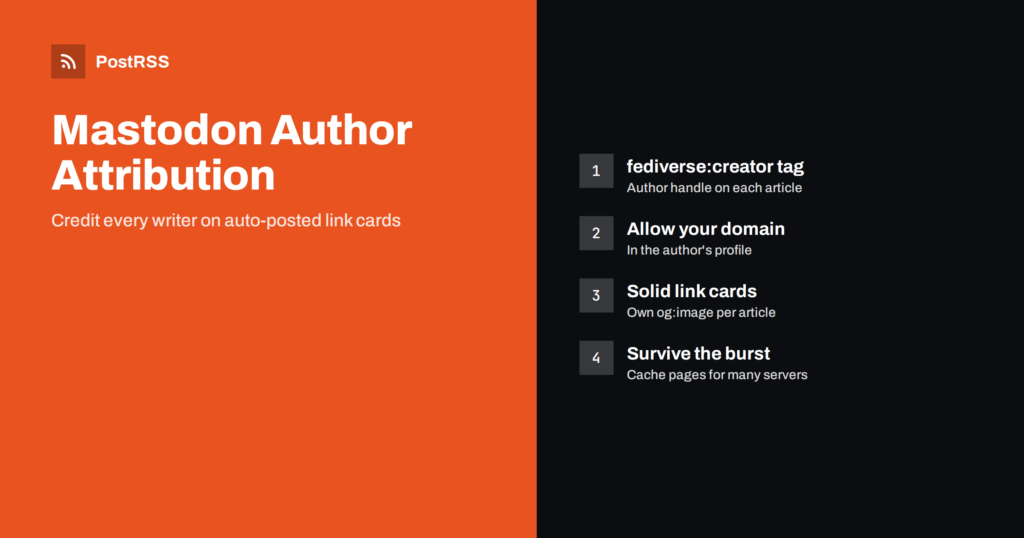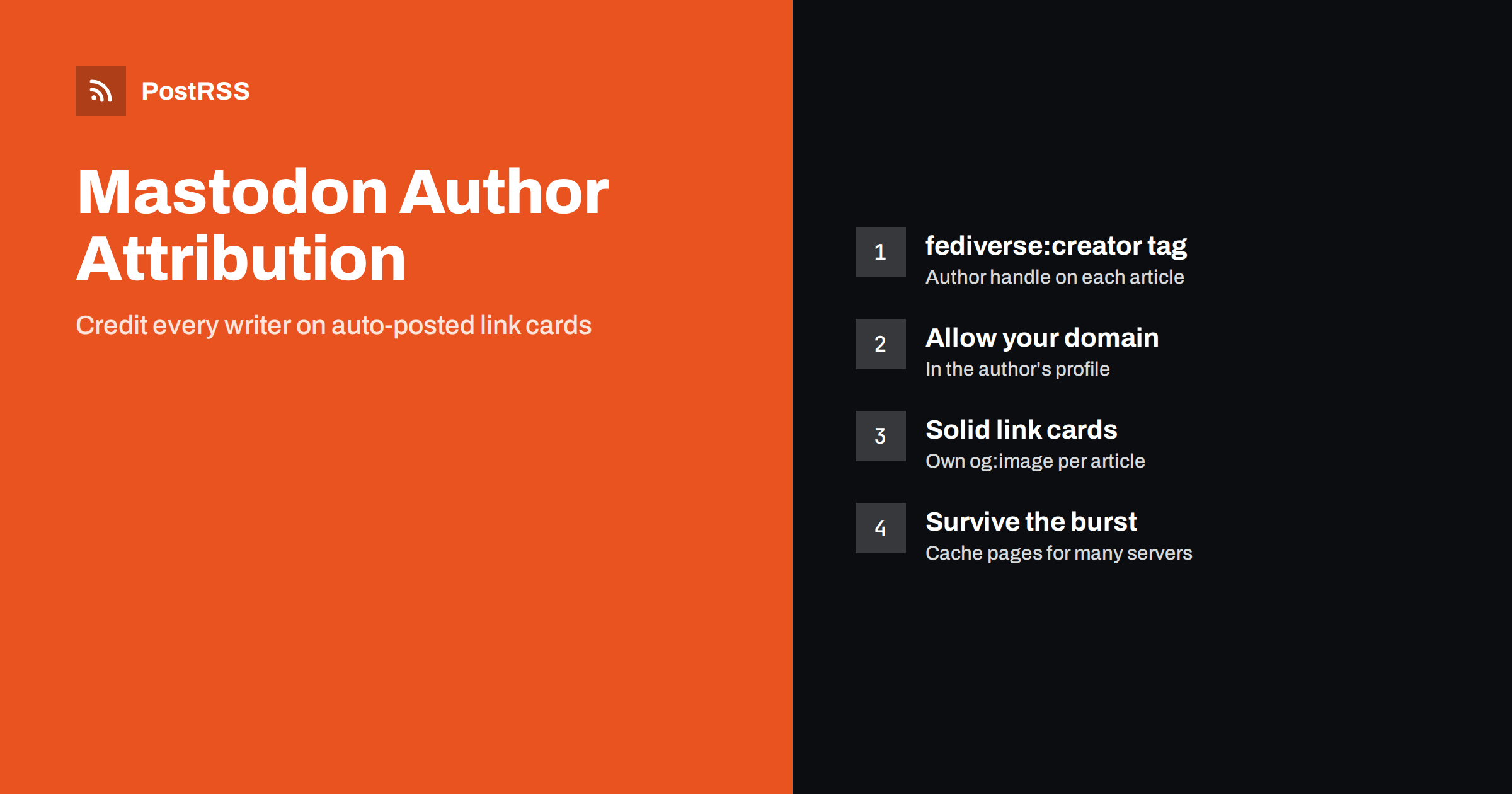
Short answer: Mastodon author attribution adds a “More from” byline to the link card of your article, pointing to the writer’s fediverse profile. It needs two things: a fediverse:creator meta tag on the article page with the author’s handle, and permission on the author’s Mastodon profile for your website’s domain. Combined with clean Open Graph tags and a page that can handle many preview requests at once, it turns every auto-posted RSS item into a properly credited, good-looking card.
Mastodon handles links differently from centralised networks. There is no single company server that fetches your page once and shows the same card everywhere. Each Mastodon server that receives a post builds its own preview card, and since version 4.3, released in October 2024, those cards can also credit the author of the article. This guide explains how author attribution works, how to set it up for a blog or newsroom, what Mastodon needs from your pages to build reliable cards, and how it fits with automatic posting from an RSS feed.
When a post contains a link to an article with attribution set up, the preview card shows the usual title, description and image, plus a line such as “More from” followed by the author’s name and avatar. Tapping it opens the author’s fediverse profile, where readers can follow them directly.
The feature was designed for journalists and writers. On centralised platforms, a link shared by a news account credits the outlet but not the person who wrote the piece. On Mastodon, the card can credit the writer even when the link is shared by someone else entirely, for example a reader boosting the article from their own account. For a publication that posts its feed automatically, this means every auto-posted item can point readers to the people behind the work.
Attribution starts on your website. Add a meta tag to the head of each article page with the author’s fediverse handle:
<meta name="fediverse:creator" content="@[email protected]">A few practical points:
@user@server.On WordPress, the tag can be added with a small snippet in the theme that prints a custom author field, and some fediverse-related plugins offer it as a setting. Static site generators can add it in the article layout from front matter or an authors data file.
The meta tag alone is not enough. To prevent anyone from claiming a writer’s name, Mastodon only shows the byline when the author has confirmed that your site may credit them. In the author’s profile settings there is an author attribution section where they list the websites allowed to attribute content to them. The exact menu wording can differ between versions and apps, but it sits with the profile and verification settings.
Each author adds your domain once, for example example.com. From then on, every article on that domain that carries their handle can show the byline. If the domain is not on their list, the card is shown without the attribution.
For a team, this makes a simple onboarding checklist: create or confirm each writer’s fediverse account, add their handle to their author profile on the site, and ask them to allow the site domain in their Mastodon settings. A related step is website verification: link your site in the profile metadata and add a rel="me" link back to the profile on the site, and Mastodon shows the website link as verified.
Author attribution sits on top of the normal link card, so the card itself must work first. When a server receives a post with a link, it fetches the page and reads standard metadata from the Open Graph protocol: og:title, og:description și og:image, with fallbacks to other tags when these are missing.
The important difference from other networks is the number of fetches. Your post is delivered to every server where someone follows the account, and each of those servers may request your page to build its own card. A popular account can trigger hundreds of requests within a short time after posting. This is sometimes called the fediverse preview stampede, and it has real consequences:
Mastodon and the name of each server.The fix is ordinary web hygiene: serve article pages from a page cache or CDN, keep the HTML lightweight, and let fediverse user agents through without challenges. If you already had to deal with feed blocking, the same principles apply as in Cloudflare blocking your RSS feed.
Mastodon shows wide images as a large card and smaller ones in a more compact layout. A few rules make the result predictable:
og:image with an absolute https URL. A site logo as a fallback produces identical cards that readers skip.og:description of one or two sentences. It is often the only summary a reader sees before deciding to tap.og:title close to the article headline. Clickbait titles stand out badly on a network that values plain, honest posts.Because cards are built by each server, you cannot refresh them centrally after a mistake. Test with a private or unlisted post from a personal account before you connect the feed, and check the page source of each article template you use. More general advice on choosing the right image is in how to control which image gets auto-posted.
| What you want | Where it is set | Who sets it |
|---|---|---|
| Card title, text and image | Open Graph tags on the article page | Site owner or developer |
| “More from” author byline | fediverse:creator tag on the page | Site owner, per author |
| Permission for the byline | Author’s Mastodon profile settings | Each author |
| Verified website on a profile | Profile link plus rel=”me” on the site | Account owner and site owner |
| Bot label on the posting account | Profile settings of that account | Account owner |
| Cards under heavy load | Page cache, CDN, firewall rules | Site owner or host |
Most publications use one of two models, and attribution works with both.
One publication account. The site’s feed is auto-posted to a single Mastodon account for the outlet. The post credits the outlet, and the card credits the individual writer through the creator tag. Readers can follow the outlet for everything or the writer for their work. This is the simplest model and the one most newsrooms use.
Author accounts plus a main account. Each writer has an author feed, for example /author/jane/feed/ on WordPress, and that feed is posted to the writer’s own account, while the main feed goes to the outlet. It takes more setup, but it lets writers build their own following without posting manually. Make sure each author account is marked as automated if it posts only feed items, and keep the filters tight so authors are not surprised by posts they did not expect.
In both models, mark accounts that post only automated content as bots in the profile settings. Many servers expect it in their rules, and readers appreciate knowing what they follow. The broader etiquette of automated accounts on the network is covered in our guide to auto-posting to Mastodon.
The card carries the headline and the byline, so the post text can be short. Many publications use just the title, or a short static prefix such as the section name followed by the title. Mastodon servers set their own character limits, often 500, and every link counts as a fixed 23 characters regardless of its real length, so even long URLs with tracking parameters fit easily.
Hashtags matter on Mastodon because there is no recommendation algorithm: people follow hashtags and search by them. Two or three relevant hashtags, written in CamelCase such as #OpenSource so screen readers can read them, usually work better than a long list. Avoid mentioning the author’s handle in every automated post as well as in the card; the byline already credits them, and repeated mentions send them a notification each time.
After the feed has posted a few items, check them from more than one server if you can, for example from your own account and from a friend’s account elsewhere:
If the byline is missing, check three things in order: the tag in the page source, the exact handle format, and the domain in the author’s attribution settings. The official Mastodon documentation describes the current profile and server options.
PostRSS has been posting RSS and Atom feeds to social networks since 2014, and Mastodon is one of its 66 supported networks, on any server. You connect the account, add the site feed or several author feeds, choose a message format and decide when posting is allowed. PostRSS reads the character limit from your server, keeps the link intact, and Mastodon builds the card, including the author byline, from your page. Keyword filters, UTM parameters, hashtags from each item’s categories and posting windows let you shape each account. The setup is on the auto-post RSS to Mastodon page, the full list is on the features page and plan limits are on the pricing page.
Mastodon author attribution is a small change with a clear benefit: every auto-posted article credits the person who wrote it and helps readers follow them. Add a fediverse:creator tag with each author’s full handle, have authors allow your domain in their profile settings, give every article its own Open Graph image, and make sure your pages can handle the burst of preview requests that follows each post. Then let the feed do the posting.
It is a meta tag on an article page that names the author’s fediverse handle, such as @[email protected]. Mastodon reads it when building the link card and can show a More from byline that links to the author’s profile.
Usually the author has not allowed your website’s domain in the author attribution settings of their profile, or the handle in the tag is incomplete. Also check that the tag is in the HTML source and not added by JavaScript.
Yes. The byline is part of the link card, which Mastodon builds from the page itself. It does not matter whether the post was written by hand or published automatically from an RSS feed.
Each Mastodon server that receives the post fetches the page to build its own preview card. Serving article pages from a cache and allowing fediverse user agents keeps the cards working during that burst.
Support depends on the software and version a server runs. Mastodon added the feature in version 4.3, and servers running older or different software may show a normal card without the author line.
What changed in the networks, what broke, and how to fix it before it costs you reach.
Create de Internet Solutions, echipa din spatele PostRSS. Fiecare produs vă economisește timp în felul său.
 English
 Lietuviškai
 Deutsch
 Français
 Русский
 Español
 Polski
 Italiano
 Українська
 Čeština
 Português
 日本語
日本語 Latviešu valoda
 Eesti
Eesti Magyar
 Bahasa Indonesia
 Türkçe
 हिन्दी
 Ελληνικά
 العربية
 ไทย
ไทย Tiếng Việt
 Română
 Bahasa Melayu
 বাংলা
বাংলা